Versions Compared

Key

  • This line was added.
  • This line was removed.
  • Formatting was changed.

The Grid.

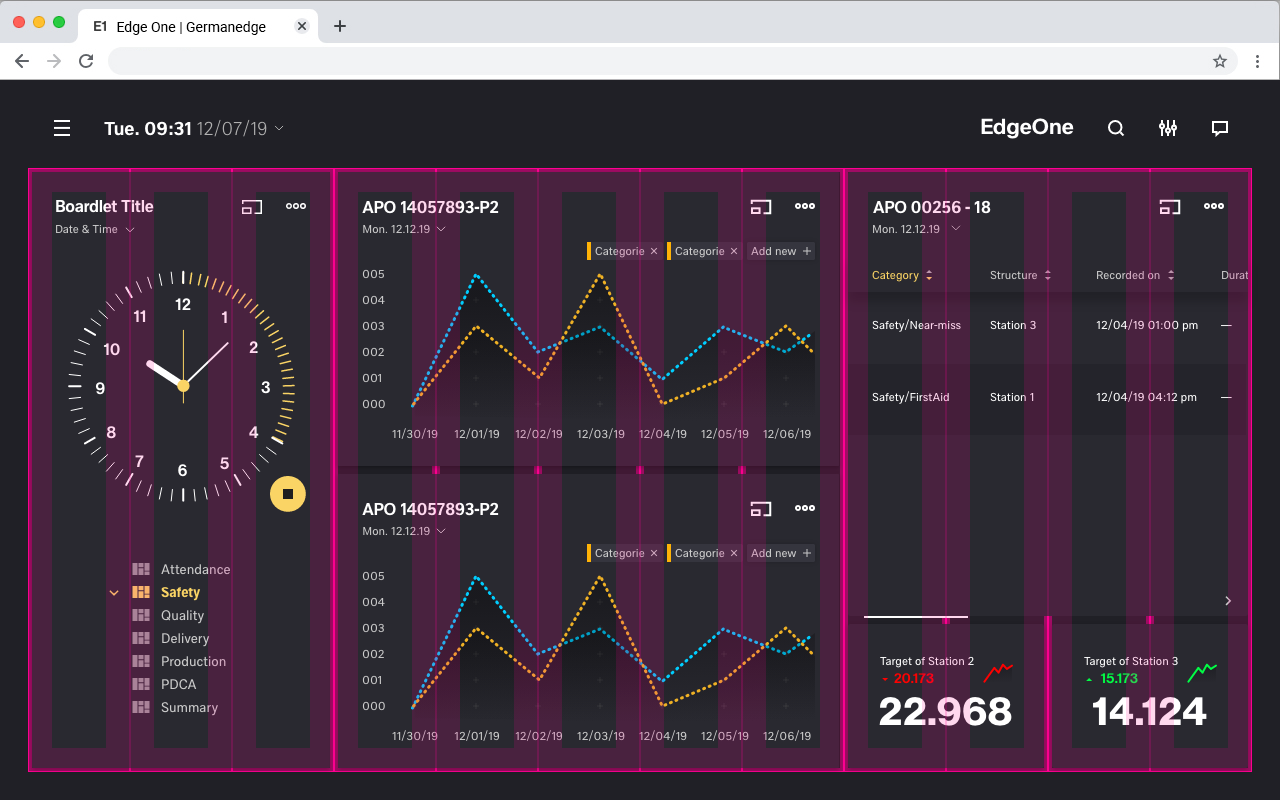
The basis for all designs within the Design System is the grid. This grid ensures that the ratios of the elements within the different devices are always the same. For this reason our DS is designed in the unit "rem". The UI designer and programmer should always make sure that no half or quarter pixels are created despite the unit "rem". This can lead to display problems, such as blurred edges.


The Breakpoints.

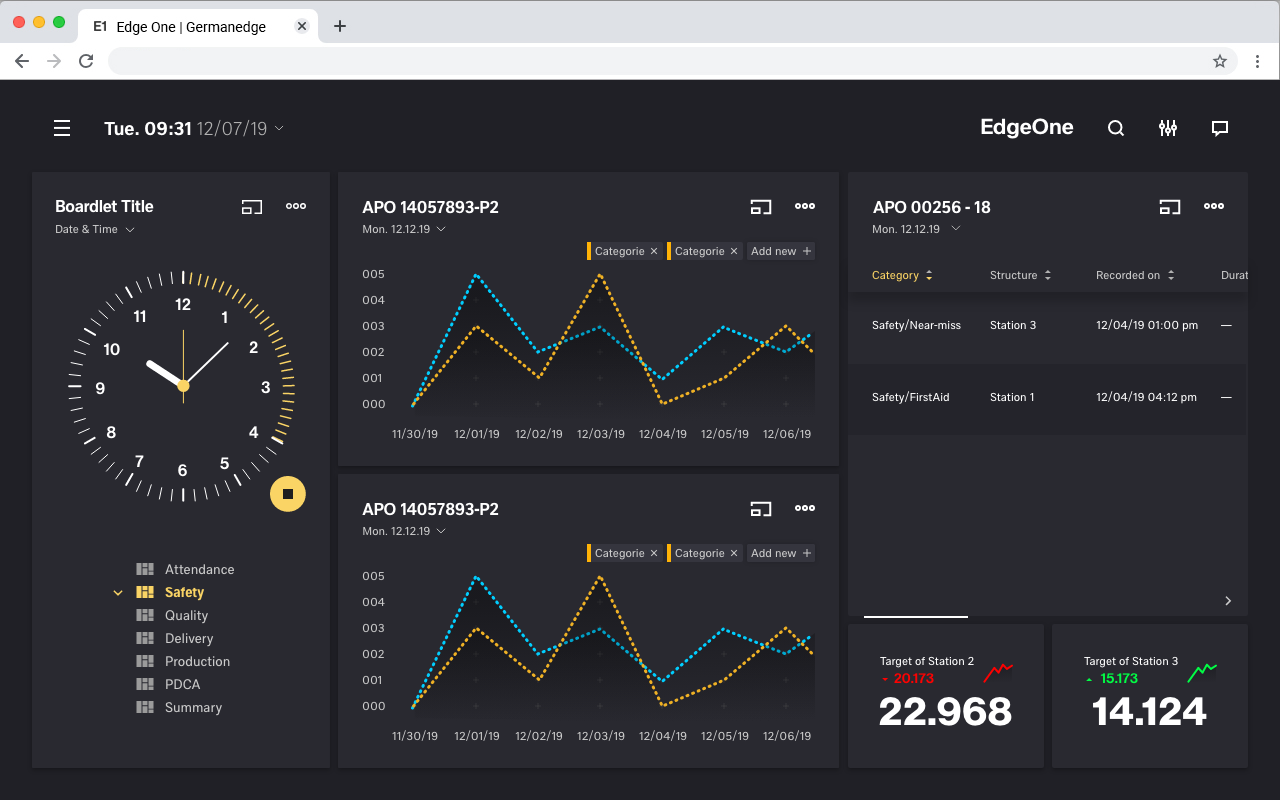
The grid has 5 basic breakpoints. These breakpoints determine not only the columns, header, margin, gutter and icon size. They also determine the contents of the respective device and how they are displayed. This is necessary because the display of boardlets in high resolutions allows a generous handling of headlines, sublines, content and icons. Within small representations these contents have to be compressed or even displayed in multiple levels. Otherwise the user loses the overview in the fill or content is displayed so small that it is no longer readable. Please take a look at the breakpoint animation.

This list of breakpoints will grow steadily, as the need arises.
Currently, the following breakpoints are necessary from the point of view of the UI/UX Guild.

  • Web max(1920x1080)
  • Web min(1280x800)
  • Tablet landscape (1024x768)
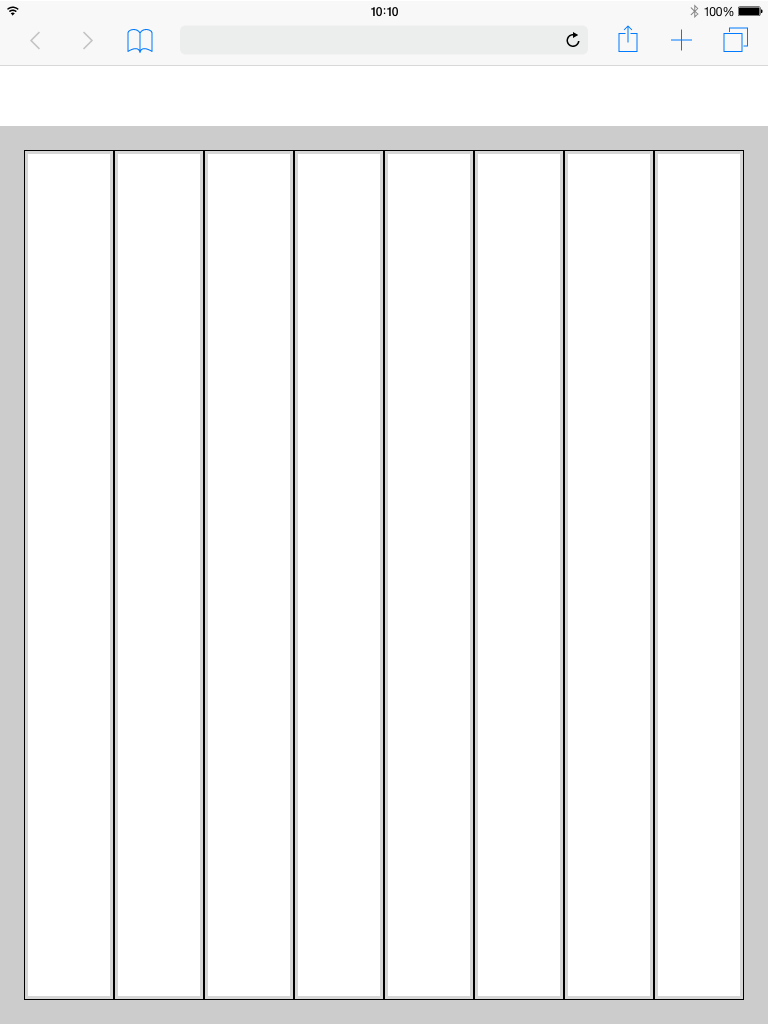
  • Tablet Portrait (768x1024)
  • Smartphone Portrait (375x667)

Details and the grid for these breakpoints can be found on this page.


The Breakpoint animation.
in this animation we show, using the dsfm interface, how the different contents behave within the breakpionts.

Multimedia
nameGrid_System.mp4
width100%
height100%

The web max
1920x1080.

Image Removed

Spacing of the 
web max.
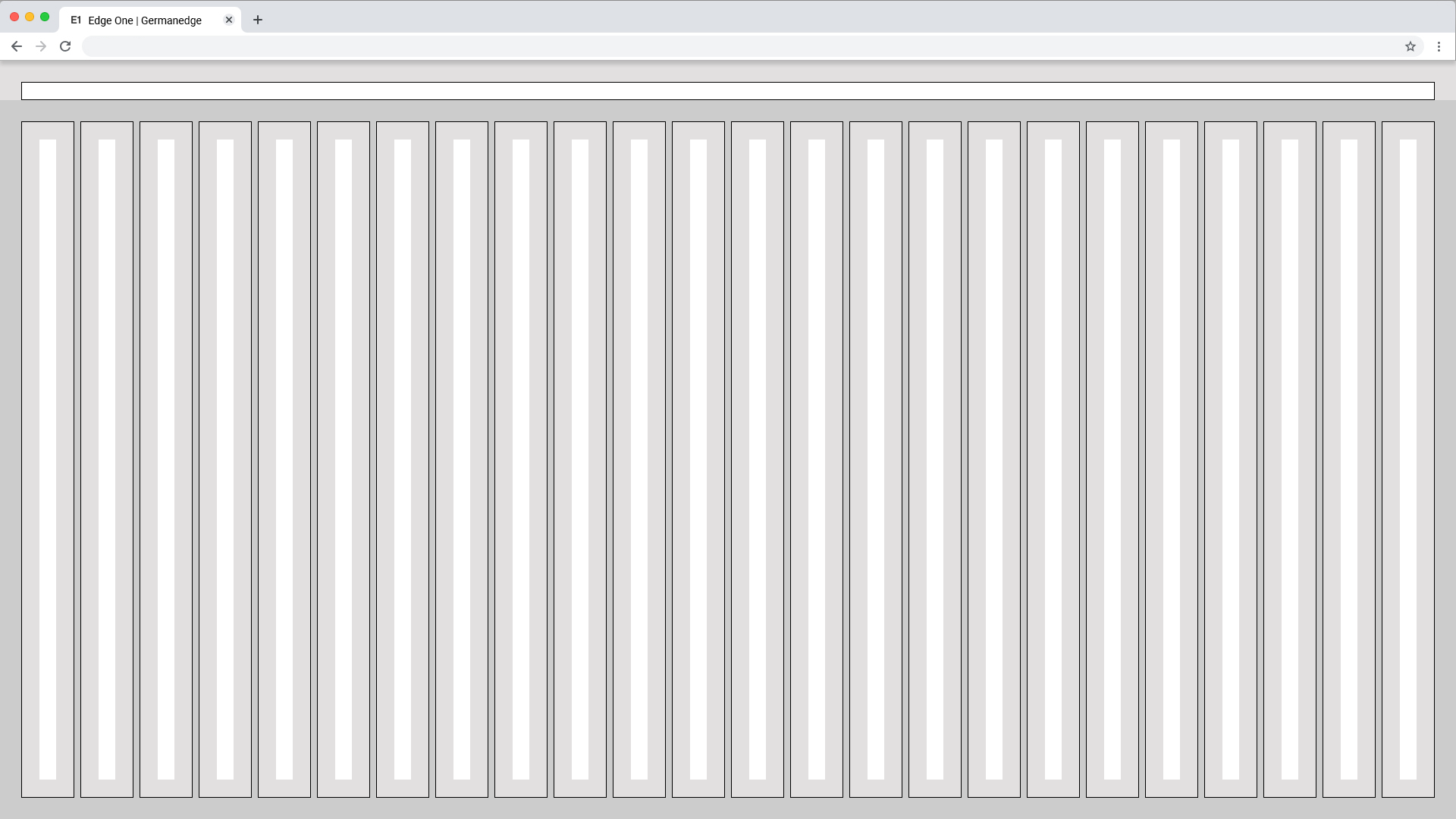
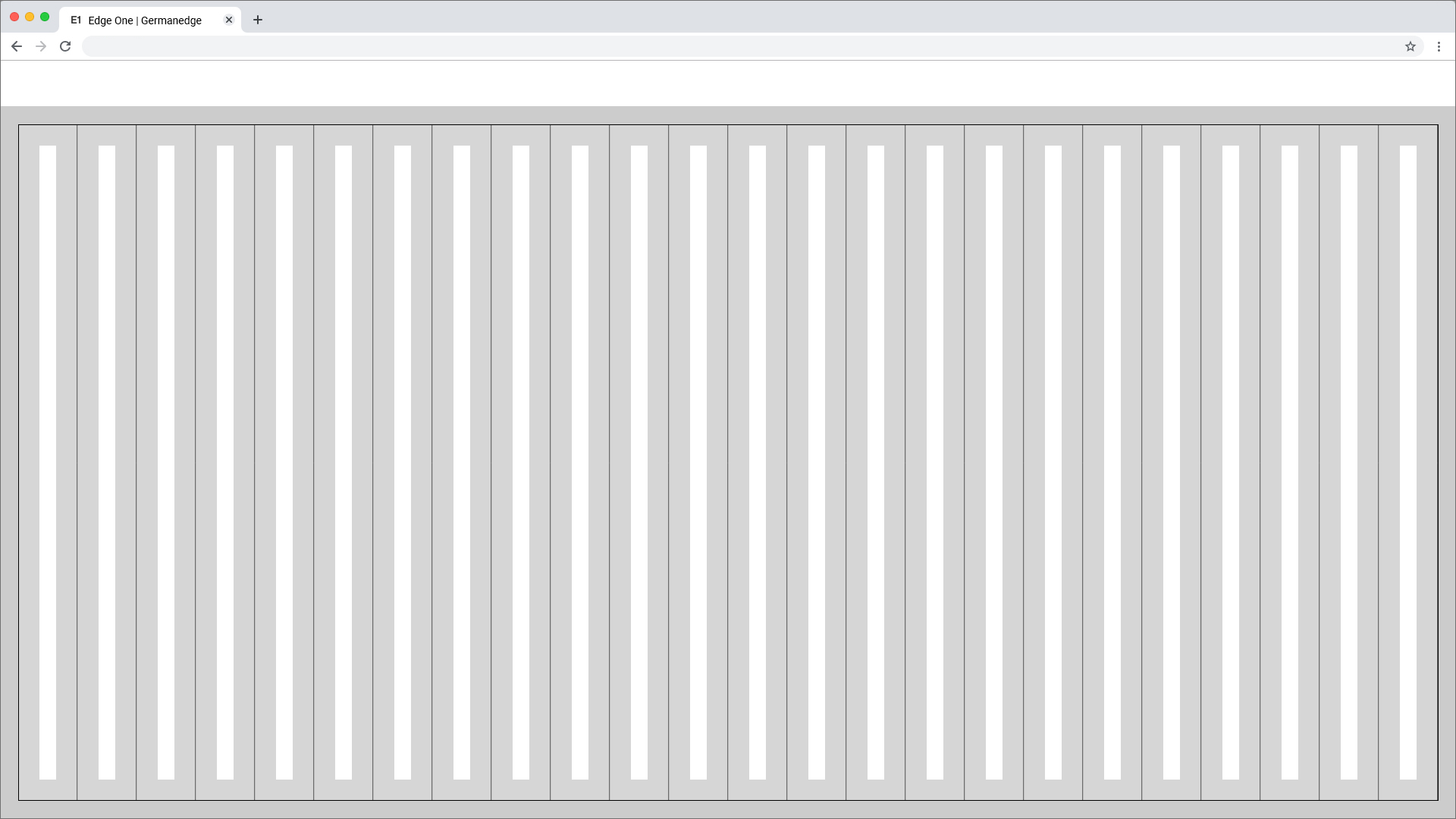
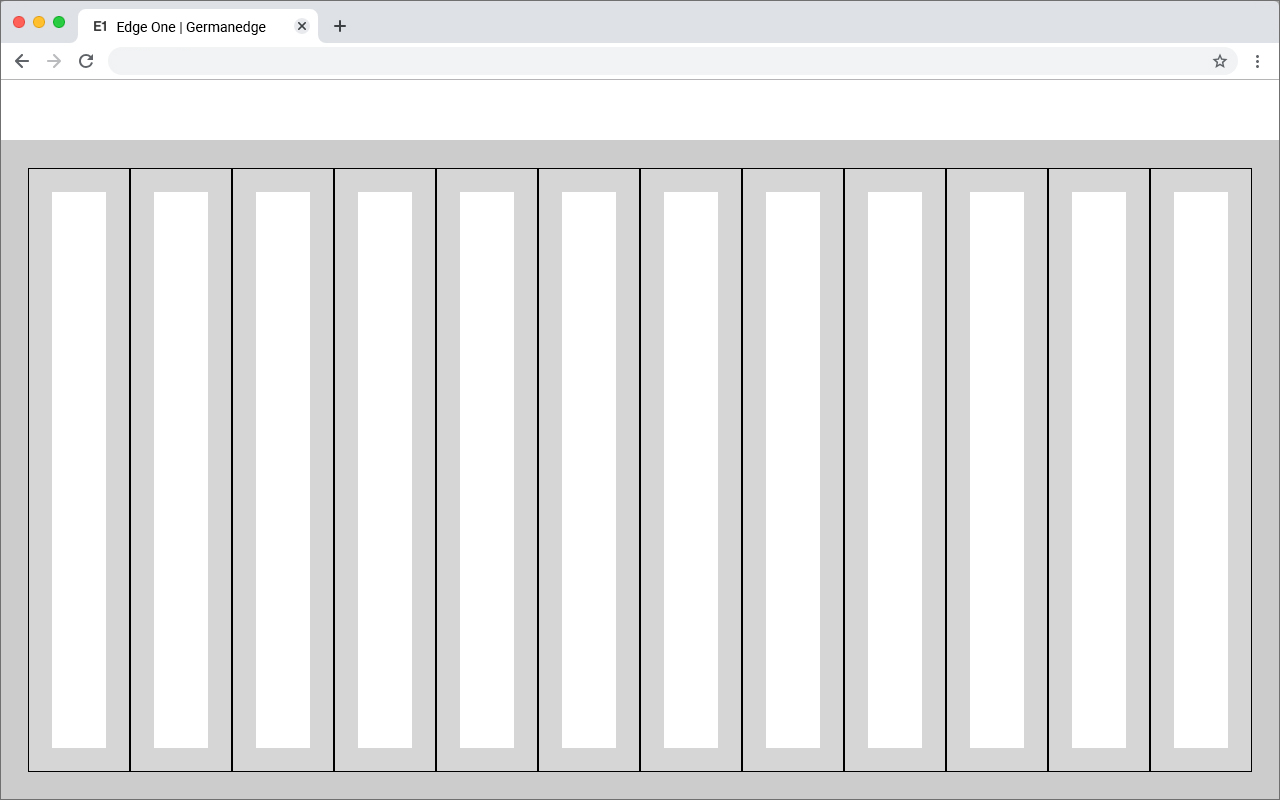
Here you can find all important values for building the web max grid. the grid is divided into two main containers. the header area and the content area.

pxremWidth1920120Height108067.5Margin281.75Columns24-Column Width704,375Column Space80,500Gutter241,500Header241,500Icon max241,500Icon min161

 
Web 1920
Columns Patting 

 
Web 1920
Gutter Patting 
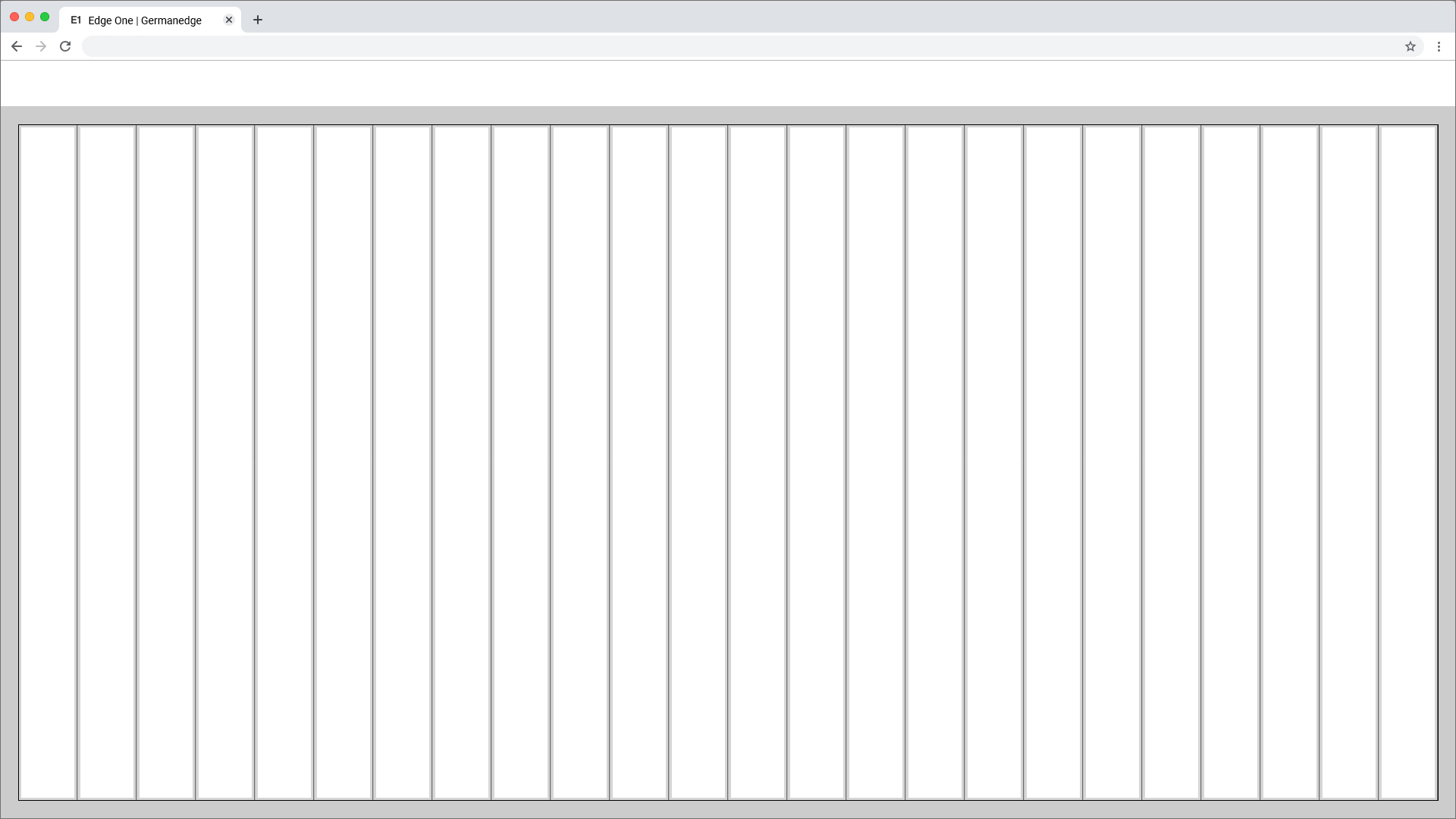
Image Removed

Image Removed

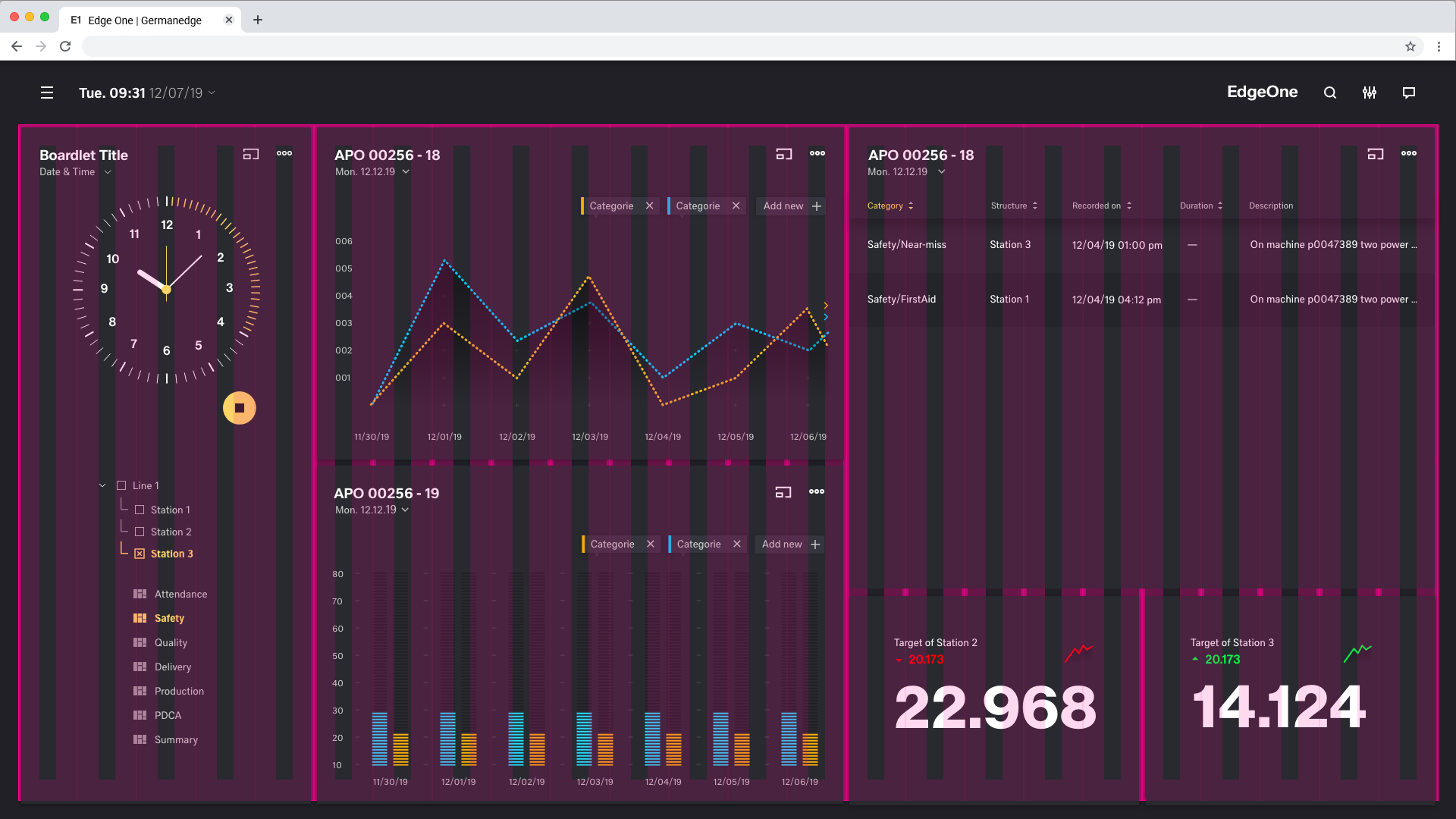
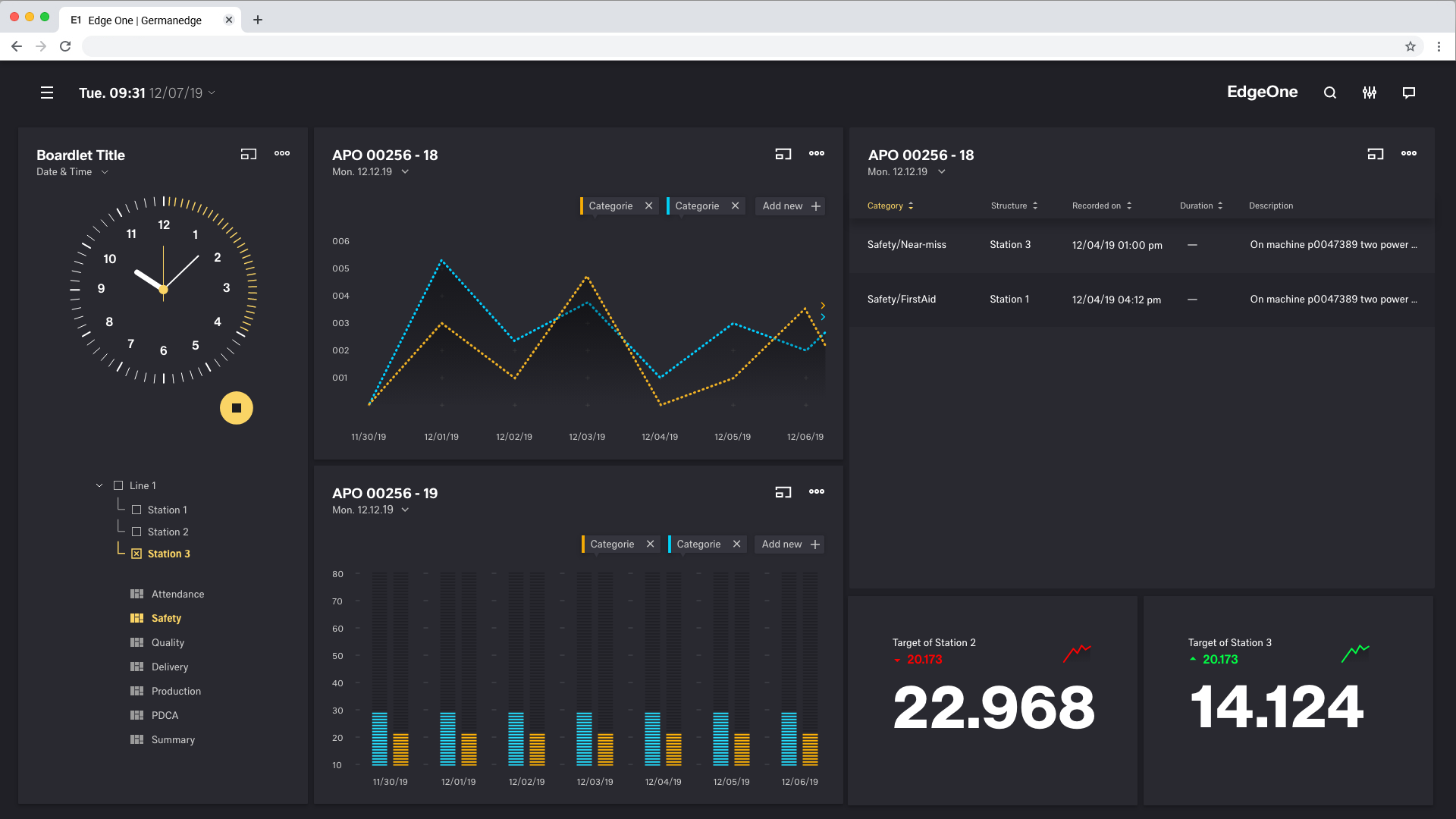
Best Practice
Dark Theme

Image Removed

Image Removed

Breakpoints

Use this set of standard breakpoints to maintain layout integrity across screen sizes. For best results, test designs and code at each of these standard breakpoints.

Breakpointssize (px)columns size (%)padding (rem)margin (unit)gutter (unit)Small328425%0,25 rem1,5 rem1,5 remTablet upright720812.5%0,25 rem1,5 rem1,5 remTablet landscape984128.33%0,25 rem1,25 rem1,5 remWeb 12801224128.33%0,25 rem1,75 rem1,5 remWeb 19201873244,16%0,25 rem1,5 rem1,5 rem

 
Web 1280
Columns Patting 

 
Web 1280
Gutter Patting 
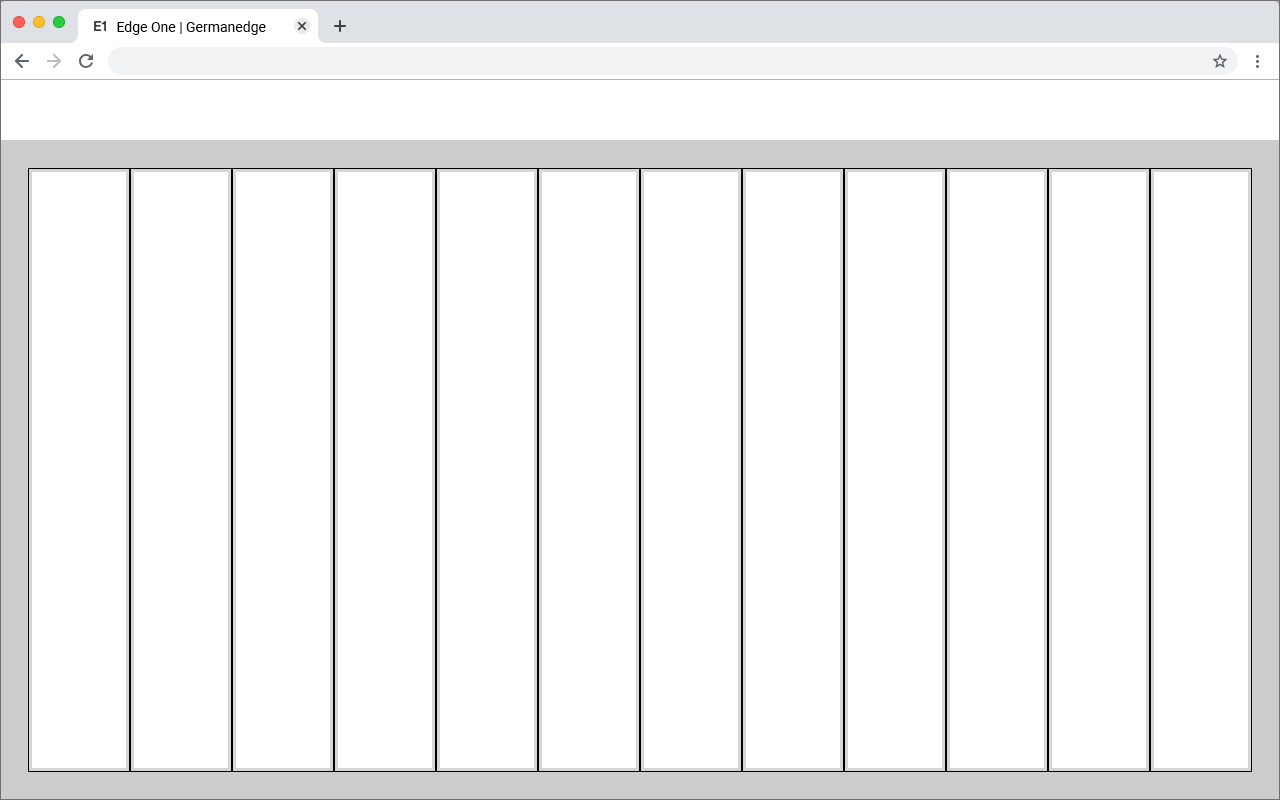
Image Removed

Image Removed

Best Practice
Dark Theme

Image Removed

Image Removed

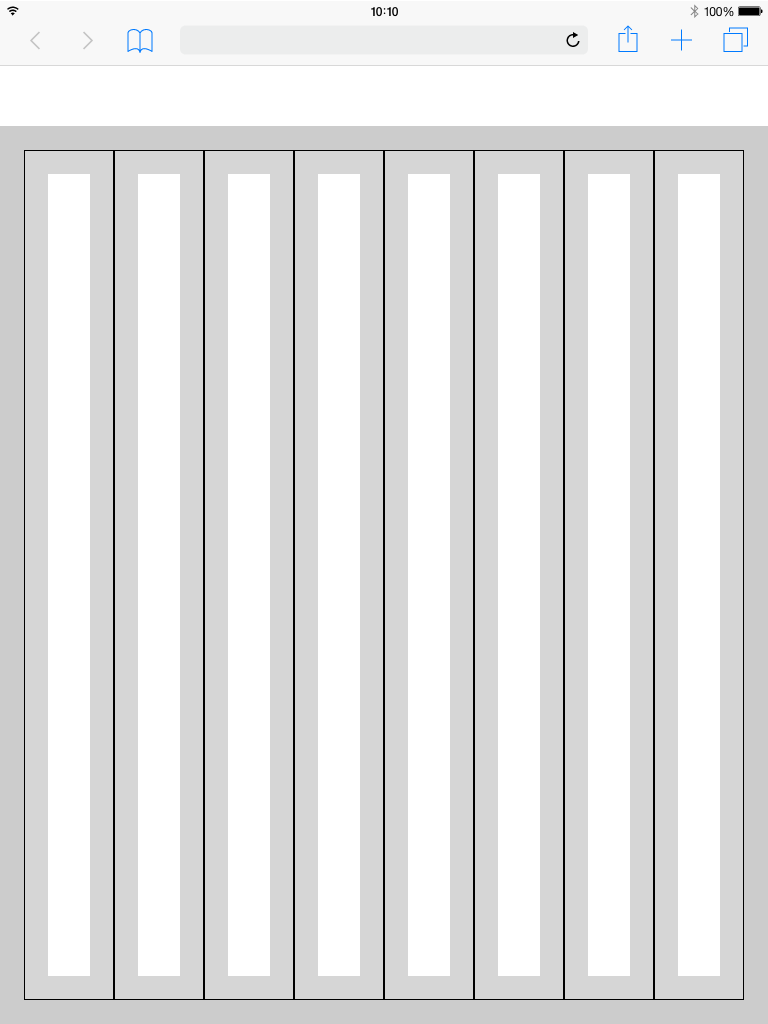
Grid examples
Tablet_Landscape

Image Removed

Image Removed

Grid examples
Tablet_Upright

Image Removed

Image Removed

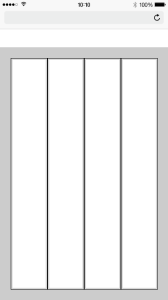
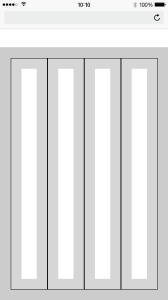
Grid examples
Mobile

Image Removed

Image Removed

Header

The header is the heart of the software. All buttons with global functions can be found here.
The appearance and the contents vary within the different devices. This is necessary because for example
mobile less details are necessary or the details have to be displayed in multiple levels. This also applies to the header.

More Details about the Header you will find here

Header

Image Removed