
Page History
Within the boardlets a decision is necessary. Currently there is no uniform decision how the tabs inside the boardlets should look and work. On this page you can see different suggestions of tabs with advantages and disadvantages.
Layout 1 (UI/UX 1.Favorit)
Tabs at the bottom of the boardlet.
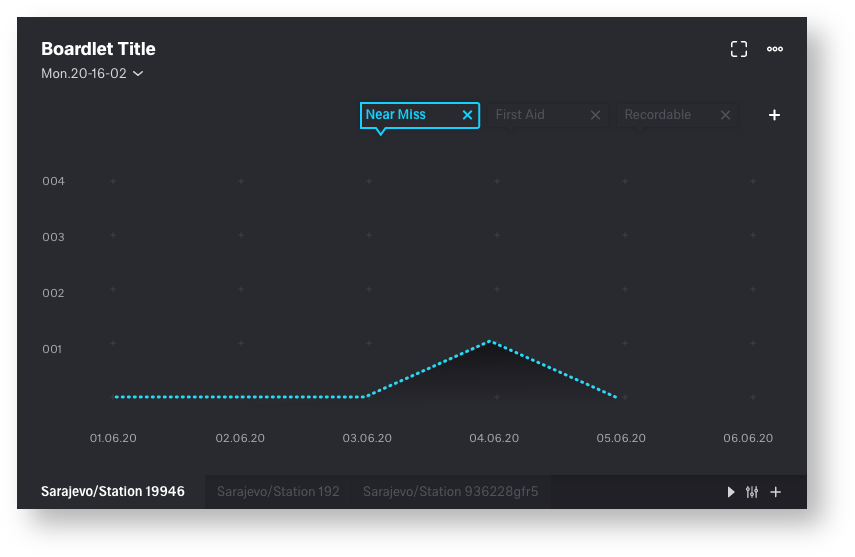
| advantages | disadvantages |
|---|---|
• generally good overview and clarity | • Tabs can be overlooked. user may need to get used to them |
| • clean bordlet title, all components are easily recognizable. no confusion | • tabs could slip out of the visible area |
| • function icons placed on the respective components (toolbar, tab function icons) | |
| • time setting always in the same place |
Layout 2
Tabs at the top of the boardlet.
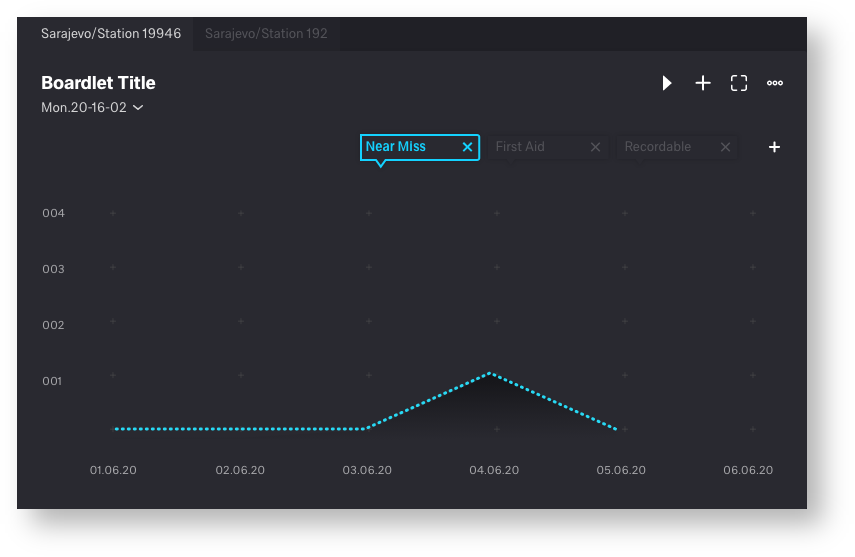
| advantages | disadvantages |
|---|---|
• look and function learned from the web | • tab icons and toolbaricons (content function) mix together |
| • time setting always in the same place | • not the best visual solution, title could be confusing |
| • tabs always in the visible area | • strong misalignment of the title and therefore a dirty looking title (picture 1) |
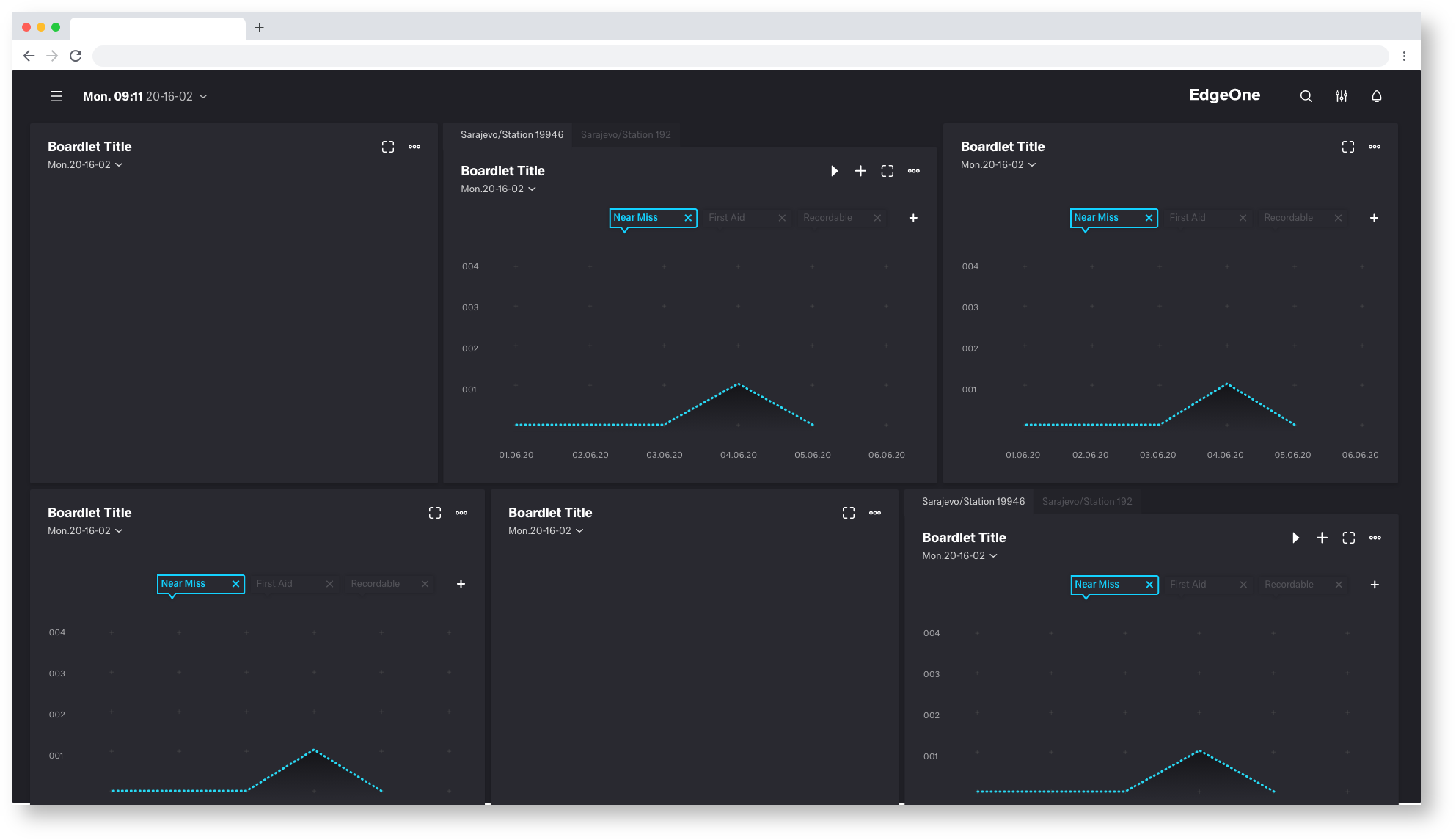
Picture 1
Layout 3 (UI/UX 2.Favorit)
Tabs placed under a drop down
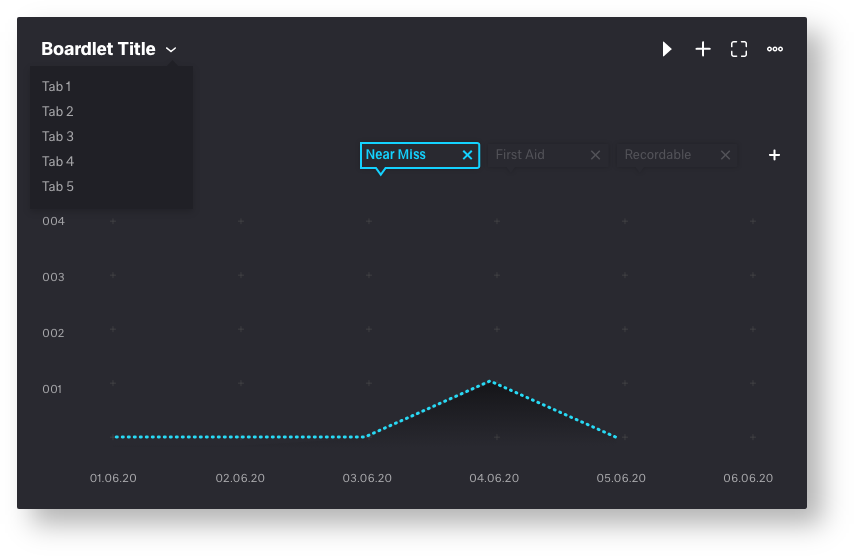
| advantages | disadvantages |
|---|---|
• generally good overview and clarity | • tab icons and toolbaricons (content function) mix together |
| • time setting always in the same place | • Tabs only become visible when you click on the drop-down |
| • clean bordlet title, all components are easily recognizable. no confusion | • strong misalignment of the title and therefore a dirty looking title (picture 1) |
Layout 4
Bordlet title with timesetting as tabulator
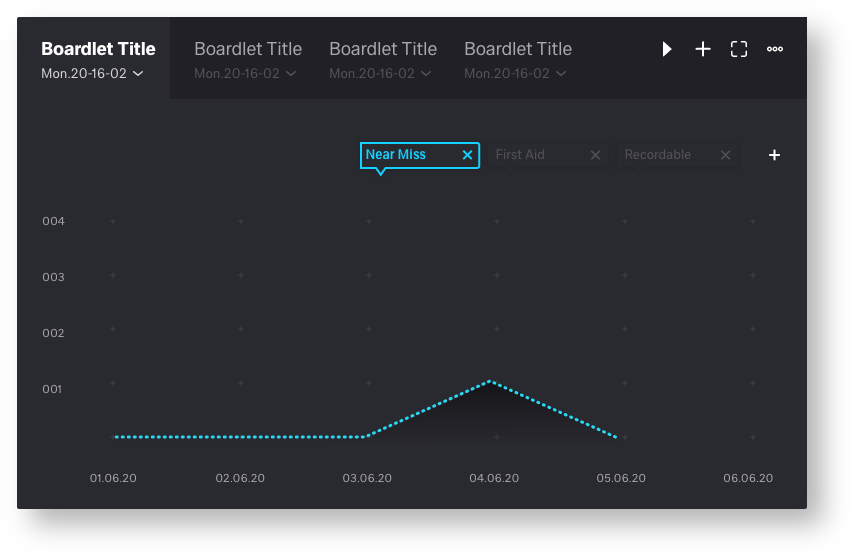
| advantages | disadvantages |
|---|---|
• look and function learned from the web | • tab icons and toolbaricons (content function) mix together |
| • clean bordlet title | • each tab needs its own time setting dropdown |
| • Title requires too much space | |
| • Number of tabs is very limited |
Layout 5
Timesetting as icon in the toolbar
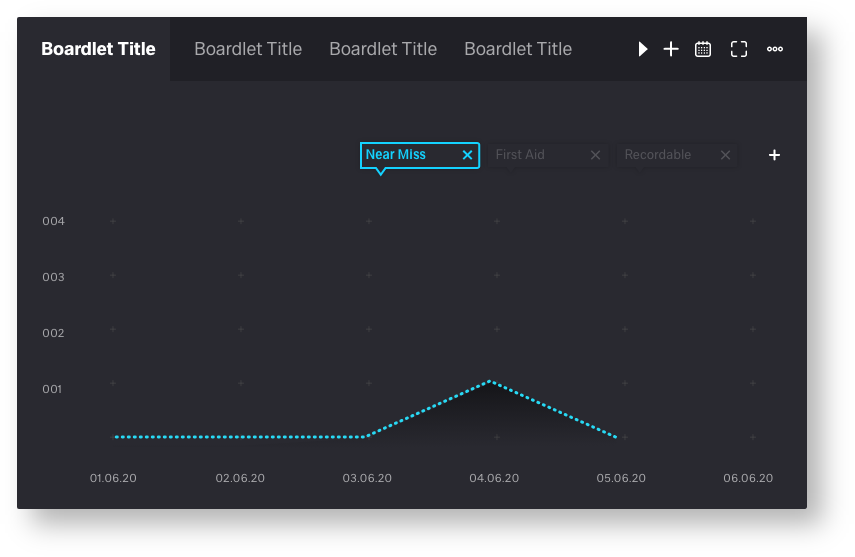
| advantages | disadvantages |
|---|---|
• clean bordlet title | • tab icons and toolbar icons (content function) mix together |
| • look and function learned from the web | • To mutch Toolbar icons |
| • not each tab needs its own time setting dropdown | • number of tabs is very limited |
