
Page History
see also wireframe: https://xd.adobe.com/view/9b83760c-b333-4621-561a-4662259def1a-edb2/
or video:
| View file | ||||
|---|---|---|---|---|
|
step1:
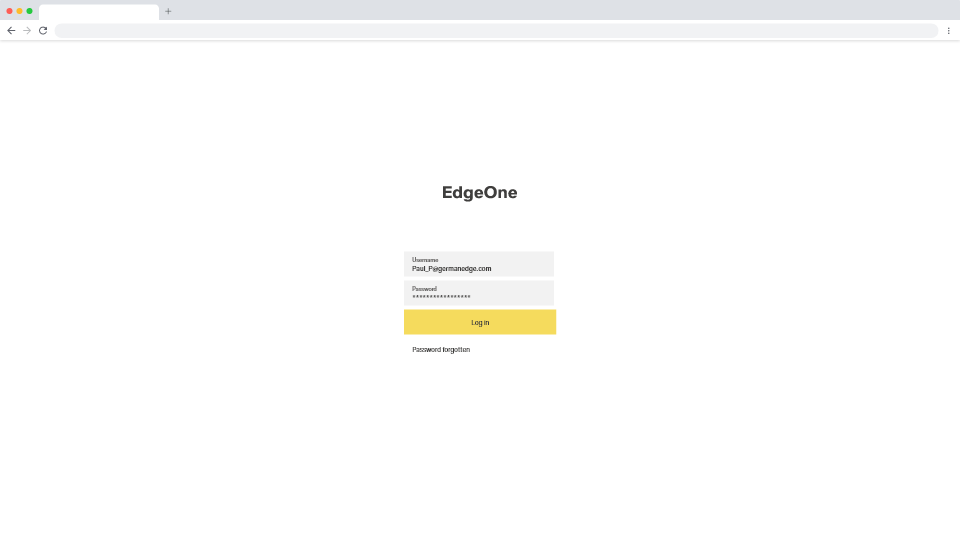
- add username and password + login
step2:
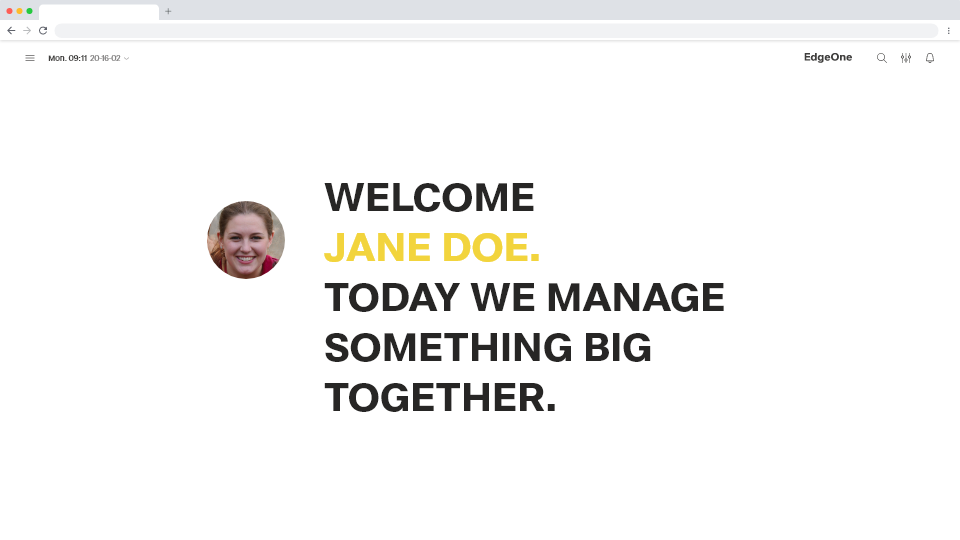
- user gets a welcome message
- it says "Welcome x. ..."
- will appear only the first time
- fading out in x seconds towards next screen
step3:
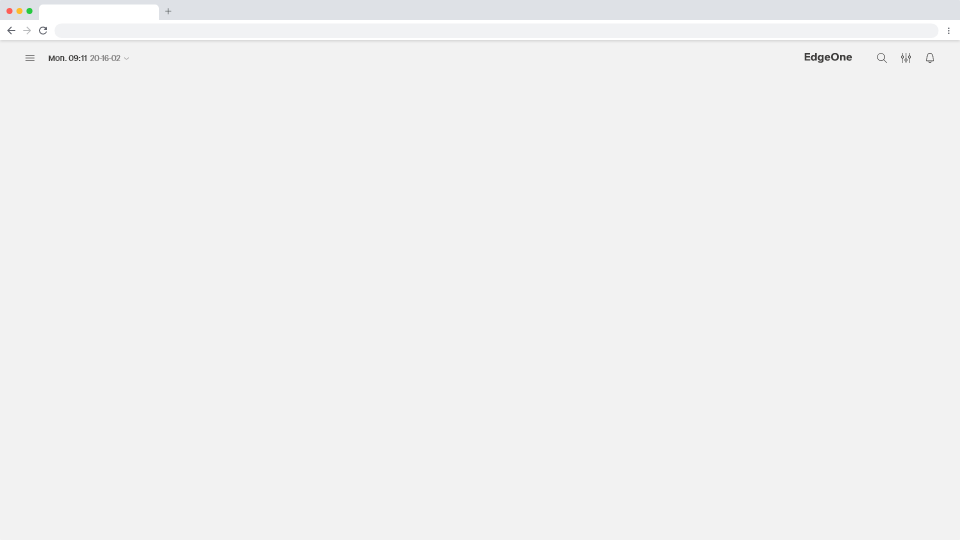
- in the future we could show here:
- last used page/application?
- links to favorites?
- open tasks?
- a board which shows all kinds of things I as a user should do, should pay attention to
- ...
→ to be defined later
step4:
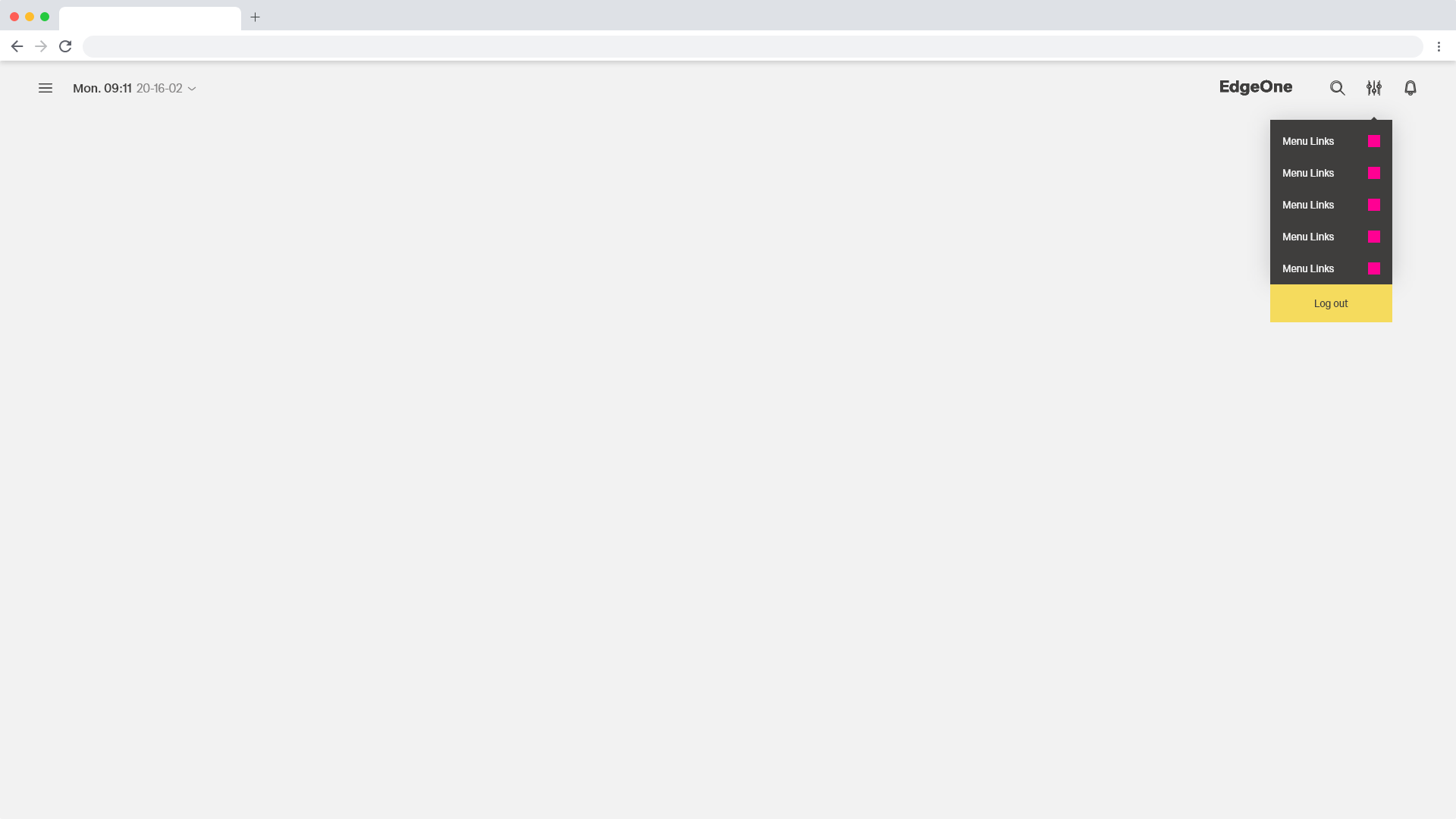
- log out
(rest of menu is not completed yet, is a dummy with space for icons)
step5:
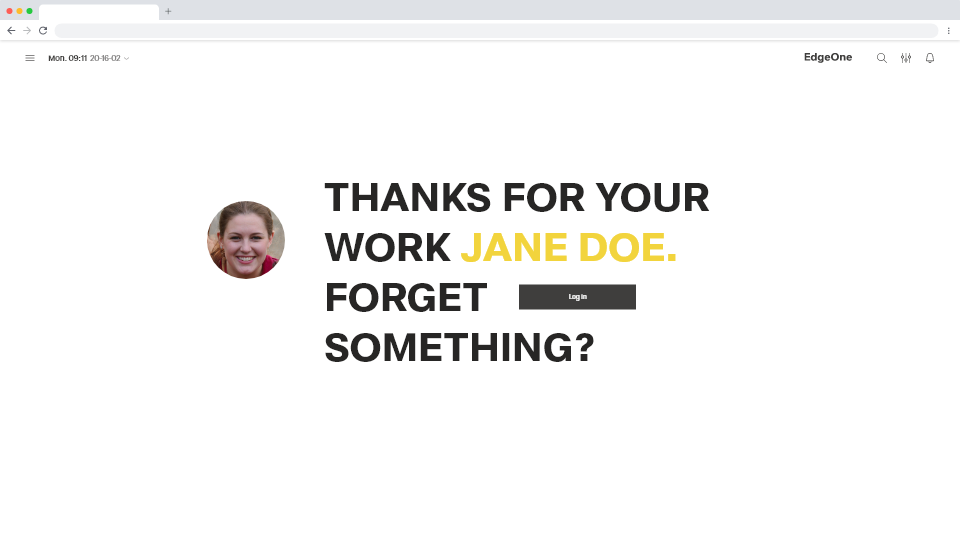
- user gets a goodbye message
- will appear every time, not fading out
- the user can login again if he want to, via the "log in" button
step6:
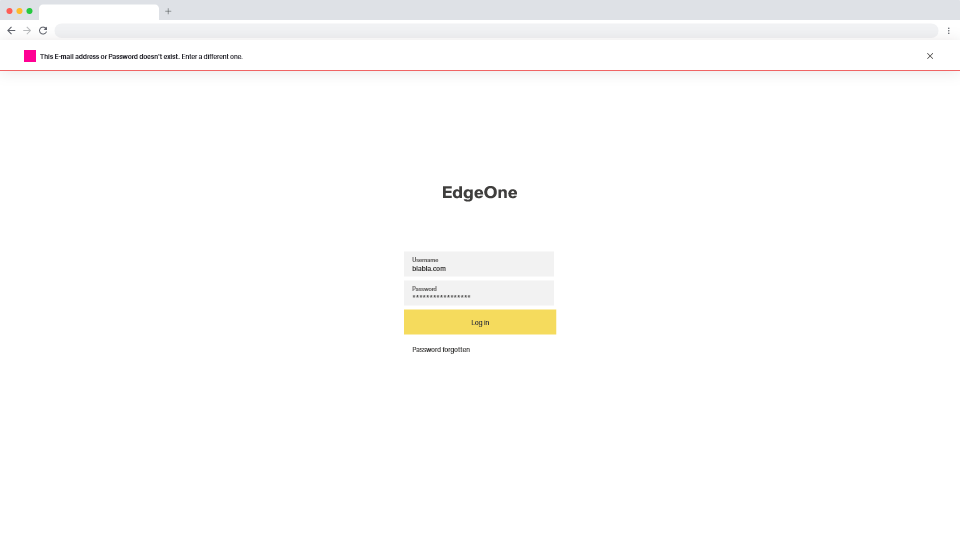
- log in error
- if the user logs in with wrong credentials he wil get a notification on top: "This E-mail address or Password doesn't exist. Enter a different one".
- There will be no notification about the E-mail address or Password alone due to security reasons. (CTO's decisions)
- so there will be no notifications at username or password input as was initially meant:
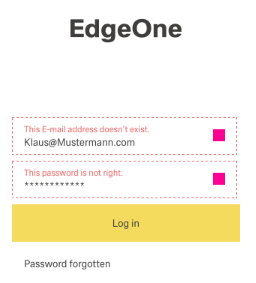
- the icon at the notification: no final version designed yet
step7:
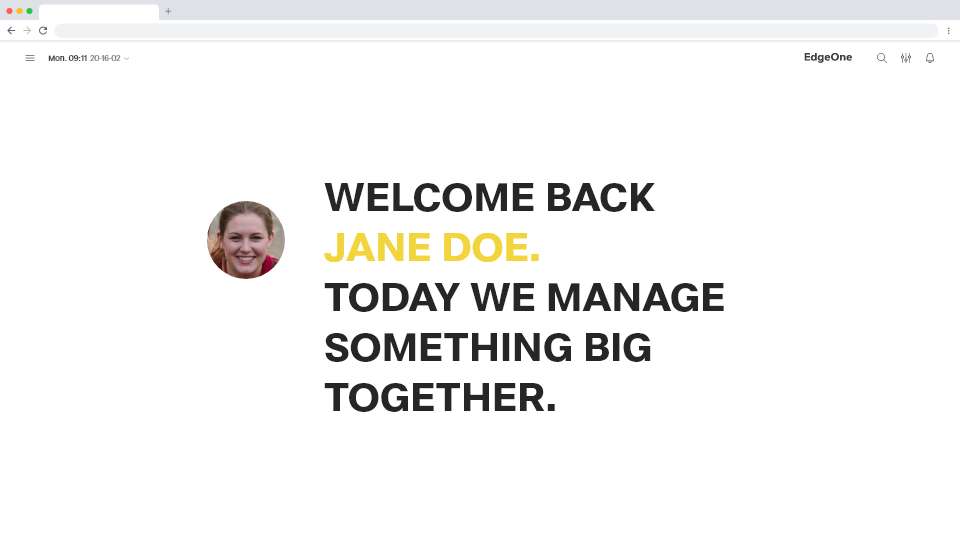
- every next time a user logs in he/she gets a welcome message
- it says "Welcome Back x. ..."
- fading out in x seconds towards next screen, could be used to cover a loading time
- for now it is not possible yet to skip this message, but in the future we could add this to the preferences of the user.
This is a page where we describe how we will make this part of the software.
...
