
Page History
...
- X: Clicking the close c icon in the upper right will close the modal without submitting any data and return the user to their previous context.
- Click Elsewhere: Clicking outside the passive modal will Automatically close the modal.
- Esc: Pressing ESC on the keyboard will close the modal and send user to the previous context.
Active
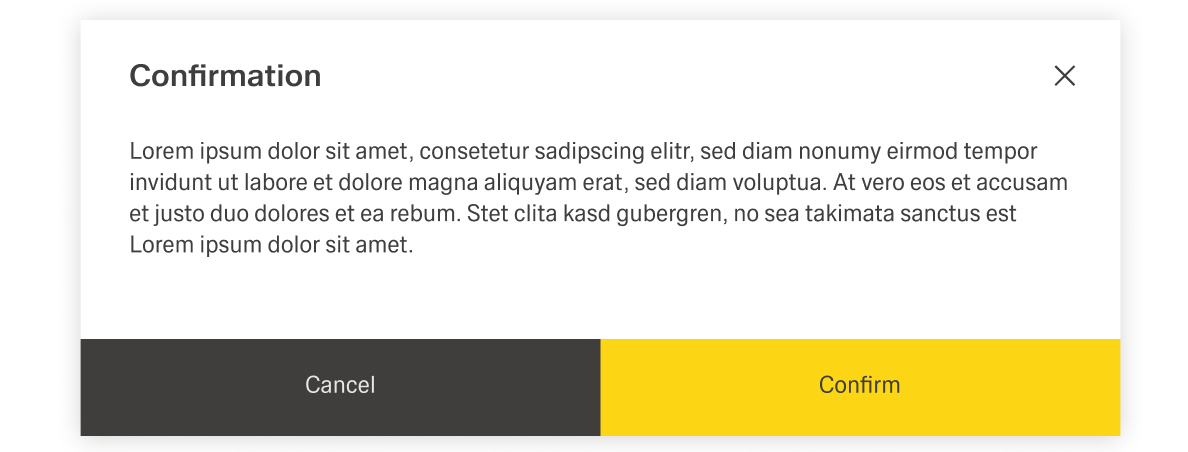

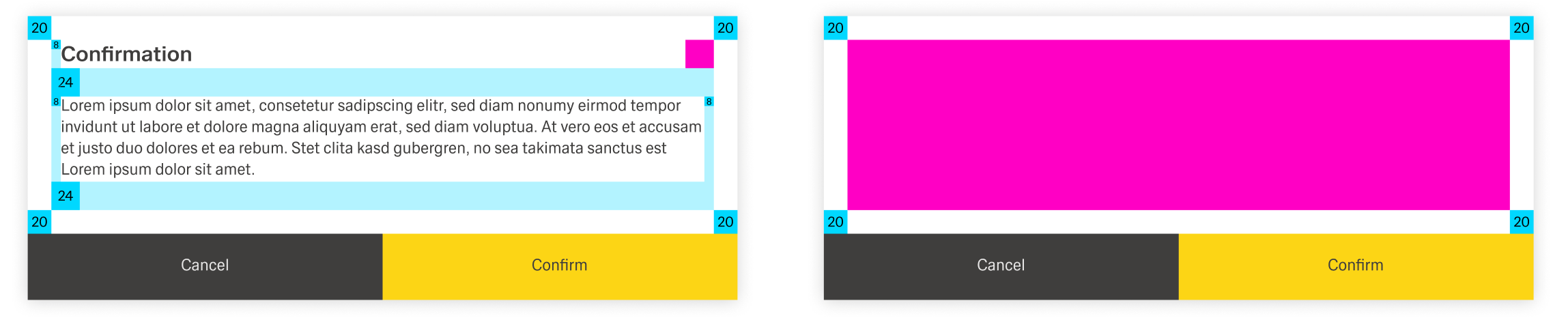
Active modals are used to validate user decisions it to gain secondary conformation from the user. Active modals require an action to be taken in order for the modal to be completed and closed. It contains a cancel and primary action button.

Dismissing an Active Modal
...
