
Page History
...
Notifications appear as Local, Global, and Toast Notifications. Together with the Notification Icon in the header and the Notification Panel on the right side of the dashboard, they form a connected notification experience across the application.
| Notification type | What it’s for | When to use |
|---|---|---|
| Global Notification | Feedback on major user actions with system impact (e.g., data changes). | At the end of a process after a user action (or when a user can’t perform an action). |
| Inline Notification | Immediate feedback on small, in-process actions (e.g., input valid/invalid). | During sub-steps in a larger flow where the single action has low impact. |
| Toast Notification | Updates about system/background processes (e.g., download progress + completion). | When informing about system status not primarily tied to a user action’s feedback. |
| Modal Notification | Highly disruptive message for critical information triggered by a user action. | Only when information is critical and blocking interaction is justified. |
Anatomy
Notifications within Inspire Design have five major elements:
...
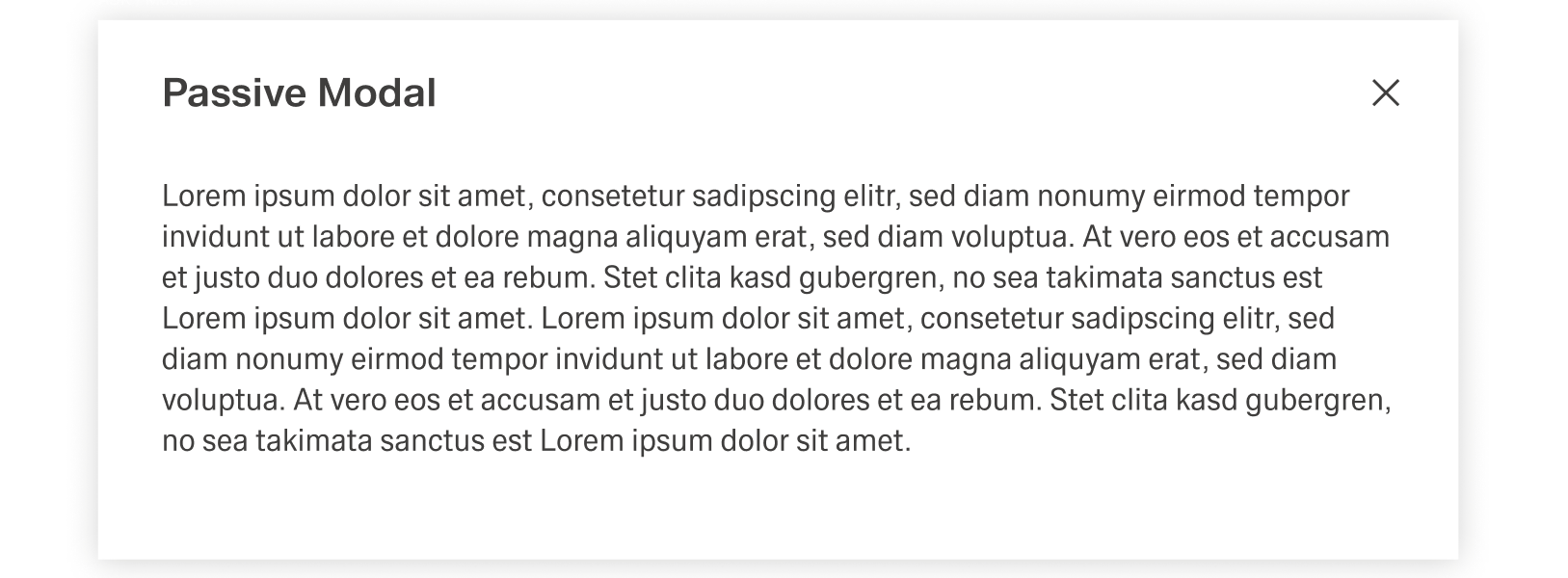
The Modal Notification is a varriation of the Dialog and appears as a centered passive modal above a dimmed background. It contains a critical message and can only be closed with the close action in the header toolba. It blocks interaction with the dashboard until it is closed.
Best Practices
Usage
...
...
Global Notification
...
Global
...
Global Notifications give feedback on major user actions, for example saving a change inside a table. They appear at the end of a process and usually have an impact on the system, like changing data. They are always tied to user interaction or the inability for a user to perform an action.
...
Descriptions add context and next steps.
Keep them short enough that users can skim them. Include only what users need: reason + next step (and consequence only if it changes what they should do). Prefer one sentence for toast notifications. Use plain language and focus on what users can observe or do.
Actions
Actions should help users resolve the situation immediately.
If there’s no meaningful follow-up, don’t add an action. Use imperative verbs and avoid vague labels like “OK”. Keep action labels short with 1–2 words. Action text should be a direct response to the title:
...
Notification Type Messages
...
