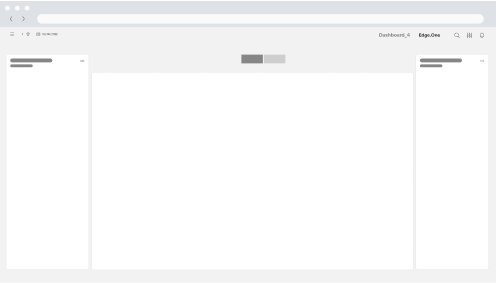
Page History
...
These patterns collectively form a harmonious ecosystem, ensuring consistency, accessibility, and flexibility throughout the design system.
Home Dashboard
It acts as the epicenter of your application development experience, providing an instant snapshot of essential metrics and insights. Users gain immediate visibility into the performance and status of existing applications, streamlining decision-making and project management.
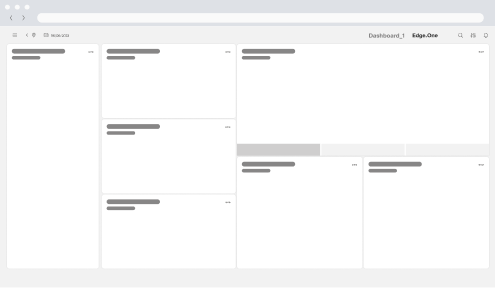
Application Library
The library rovides a clear overview of all active items in the application. A table lists each item, and a left-hand panel surfaces key metrics. Users can monitor status, edit items, or open a detailed view.
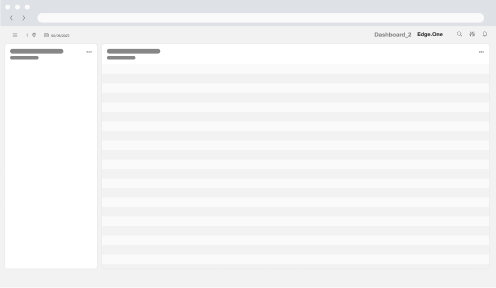
Application Overview
It opens from the Library to focus on a single item. A right-hand details panel shows detailed information on the item. Users can review changes, adjust settings, or navigate to deeper views.
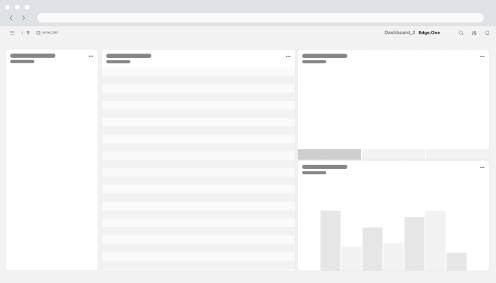
Task Management Dashboard - Kanban View
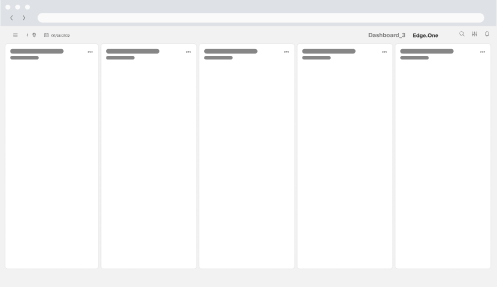
This dashboard functions as an overview of tasks with key metrics within the application. Tasks are grouped by application relevant attributed for clarity. The progress of each task is clearly displayed. Users gain an insight on the status of tasks, potential problems and the overall status of the process.
Content Editor
Two toolbars frame the content preview and provide editing controls. Users can edit the content here, then use the top toggle to switch between editing and previewing the result.