Page History
...
Secondary actions should be used in moderation as to not overload the user with choices. Limit the amount of secondary action to a maximum of three per dashboard if possible.
Ghost Action
Layout
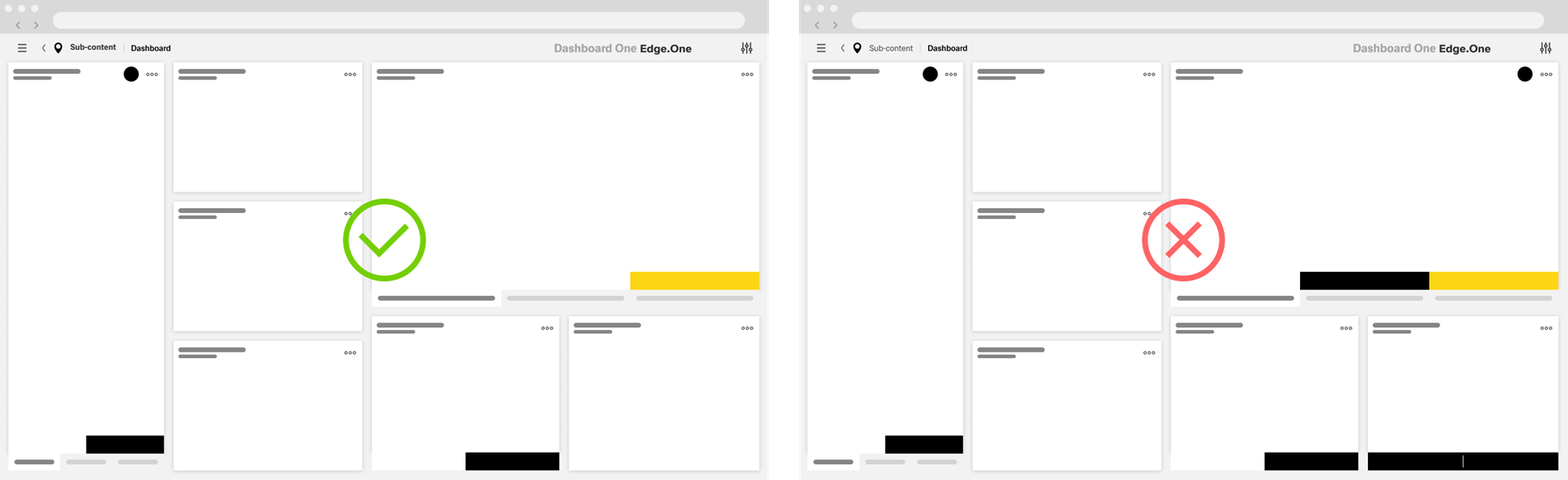
The total number of ghost actions on a dashboard is not limited. There are limits to the total of ghost actions in certain action groups:
- The number of default - ghost - custom toolbar actions should never exceed three.
- There should never be more than three footerbar actions inside a dashboard, including ghost actions.
- Table row actions should be limited to a total of three, including the "More" action.
- Some component-specific toolbars have their own limit to the total number of actions.
I a dashboard has a great number of ghost actions, especially in toolbars, consider placing the less important ones inside the "More" action to reduce visual complexity.
Button group
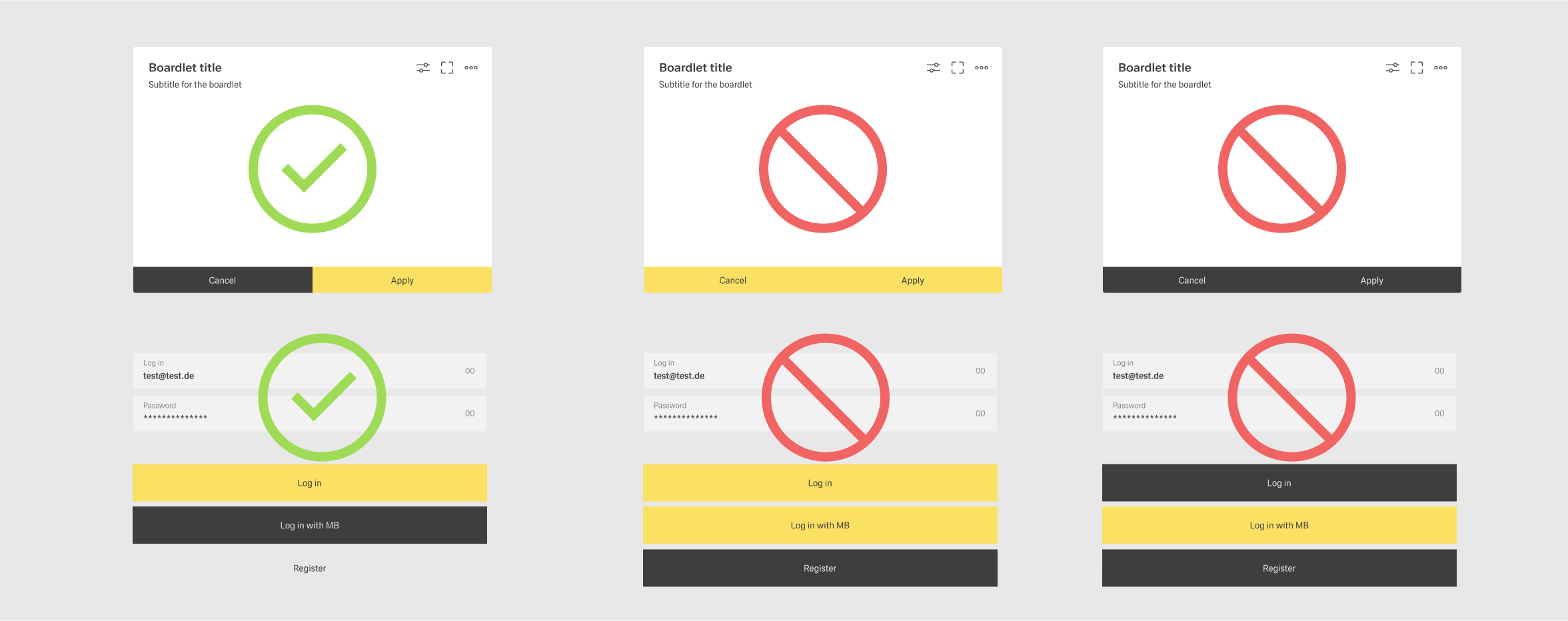
Buttons are considered in a group if they are placed next to one another within a boardlet. These buttons don't have spacing between them. One prominent example for this occurs with footerbar actions. Avoid placing more than three buttons in a button group for visual clarity.
A Depending on the context, a group of buttons can have two layouts: horizontal and vertical. Avoid conbining the two within one mixing layouts within a dashboard. The order for buttons is as follows:
- Horizontal - From left to right, place ghost buttons first, than then secondary buttons and last if existing there exists a primary button.
- Verical Vertical - From top to bottom, place the primary button first, than then secondary buttons and ghost buttons at the bottom.
...
- .