
Page History
...
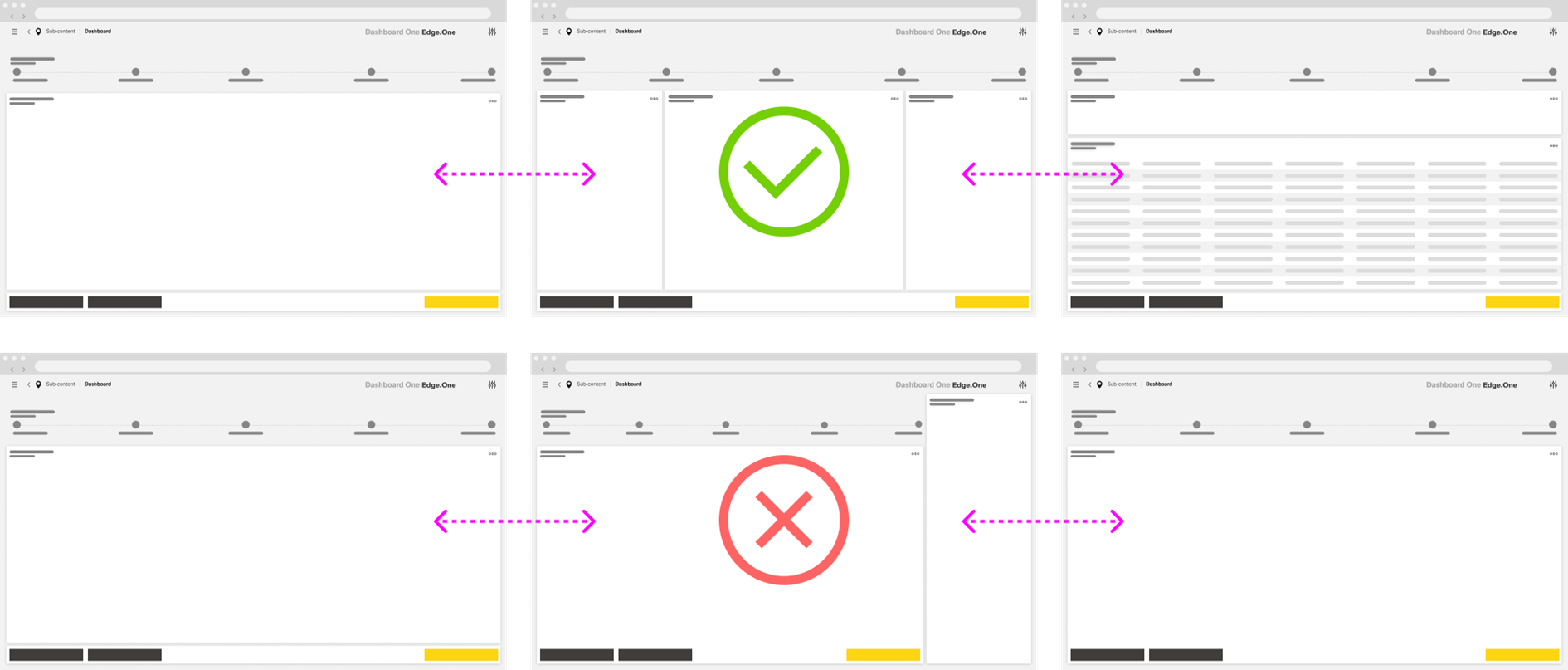
Its core structure consists of a Progress Indicator and a Main Content area. Depending on the needs of the workflow, the layout may also include a separate [Button Boardlet]( ), an optional Sidebar, split main content, or nested progress bars within a stepother elements. These elements should stay aligned with the dashboard grid and support the primary flow without changing the overall structure of the Wizard.
...
Maintain a predictable layout across steps. Keep the Progress Indicator at the top and preserve a comparable Main Content footprint throughout the process. Avoid major layout shifts that force users to reorient on every step.
Steps
Keep each step focused on one clear objective. A step should support a single decision, input task, or confirmation task. Break up dense or unrelated content rather than combining too much into one screen.
...
