Page History
...
| Step | Description | Screen | |
|---|---|---|---|
| 1 | Open figma App |
| |
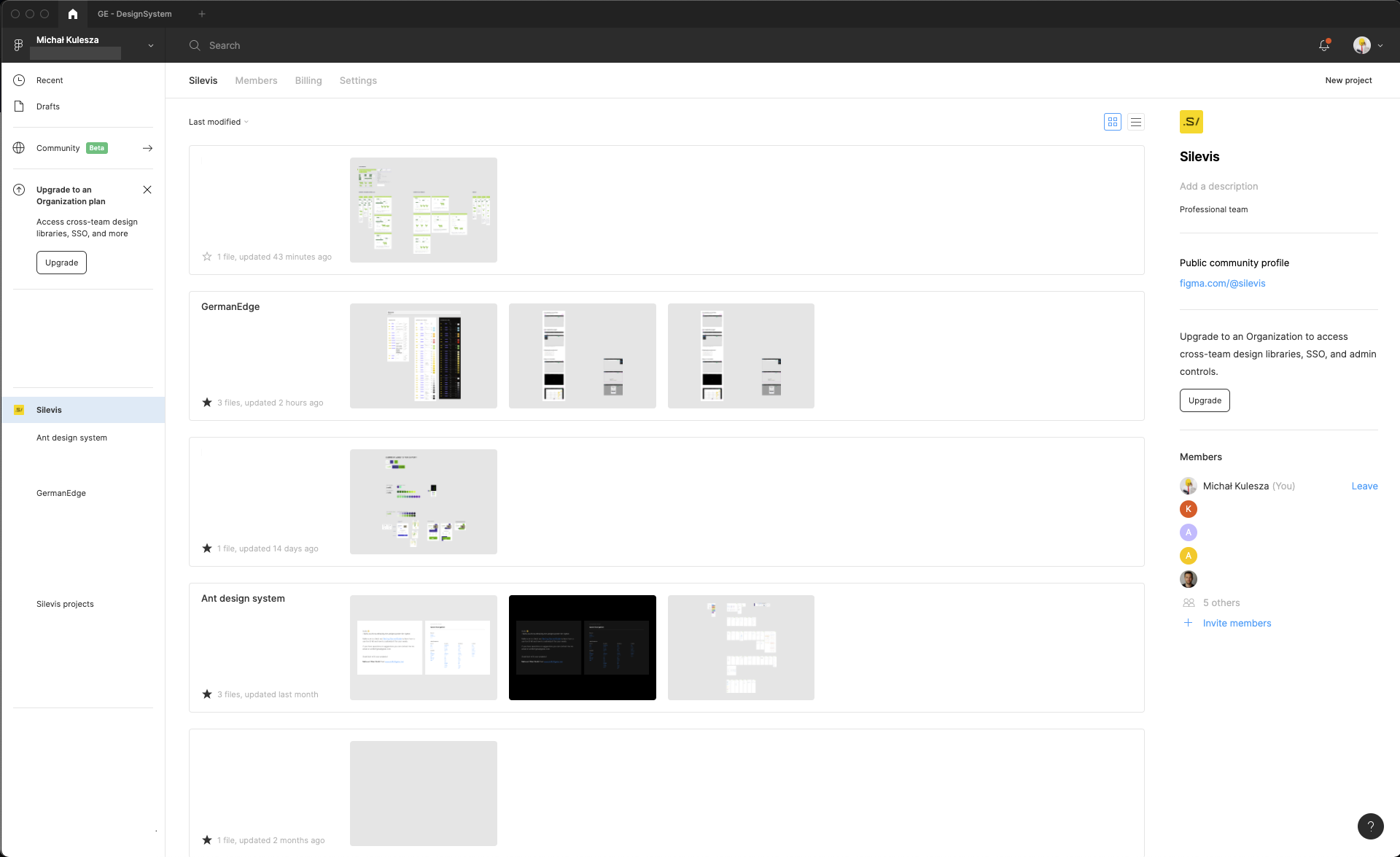
| 2 | Create new project | First screen:
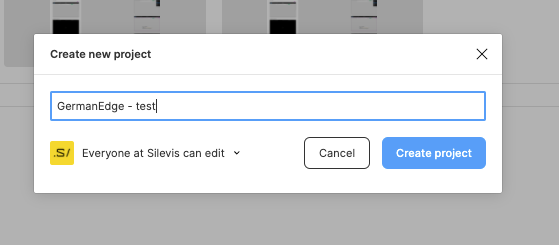
Creating new project:
| |
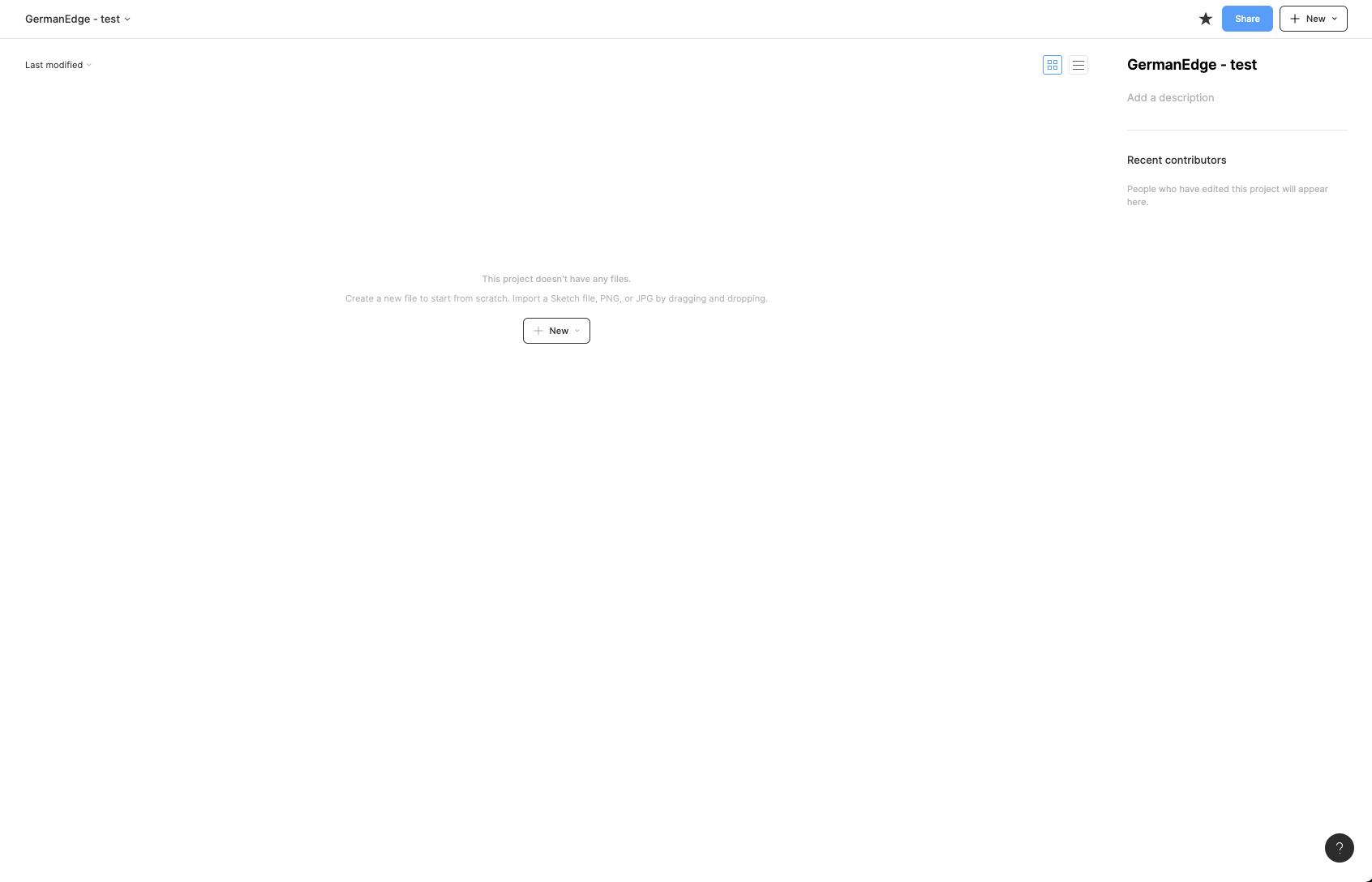
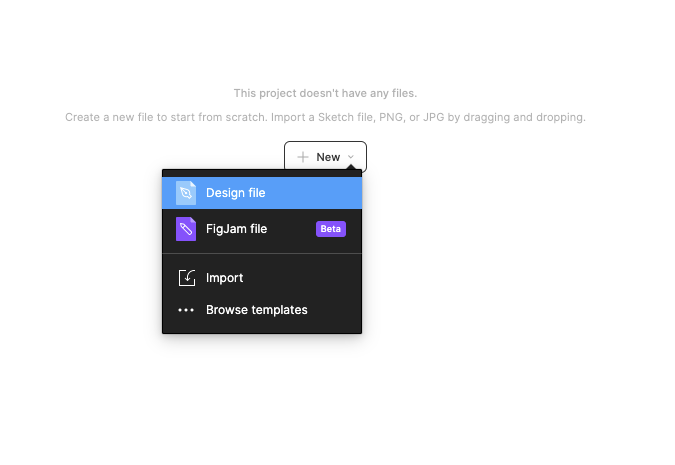
3 | Create a new file inside the project |
| |
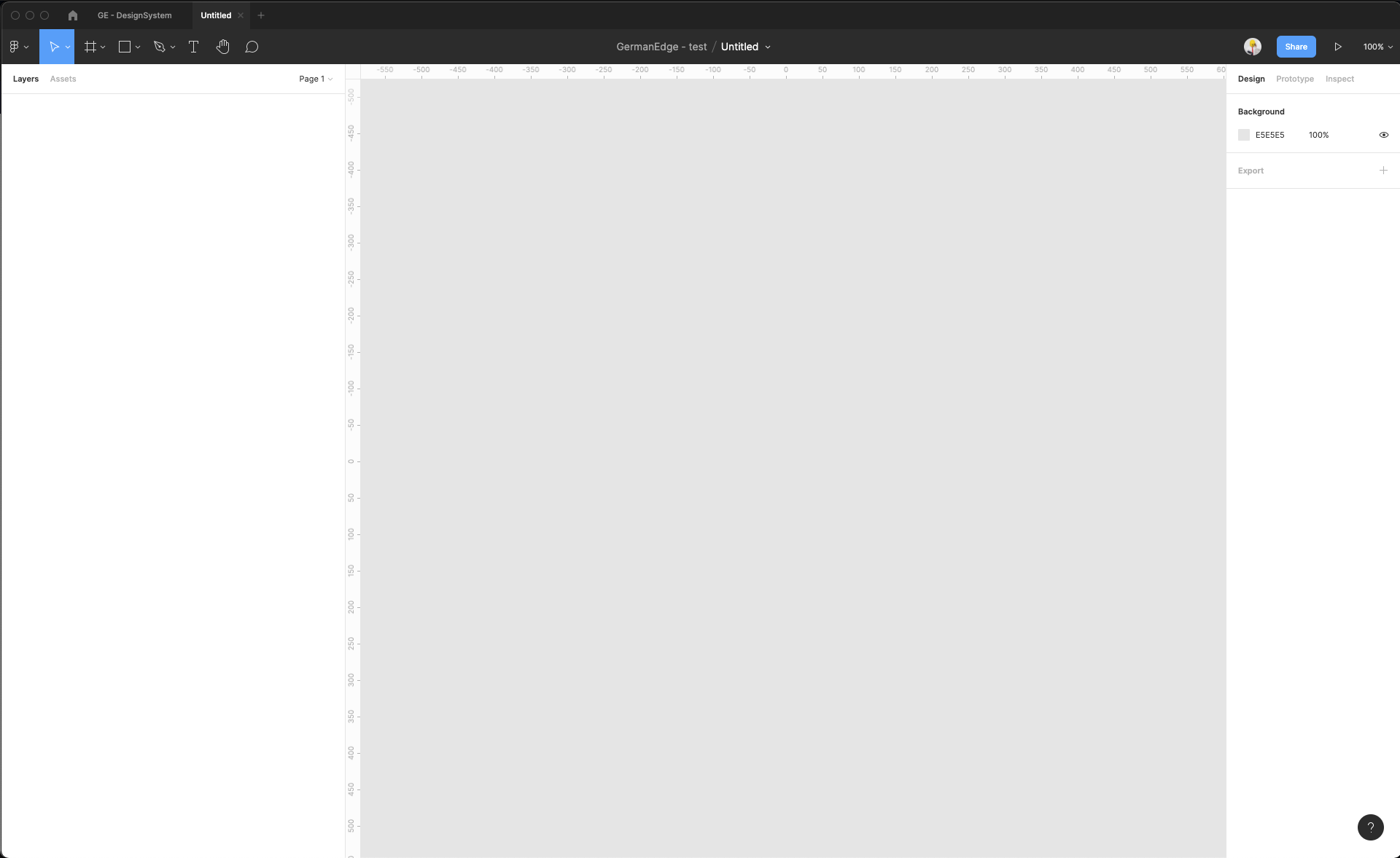
| 4 | Rename the filename (to keep order in files) | Initial workspace in Figma
Changed filename: 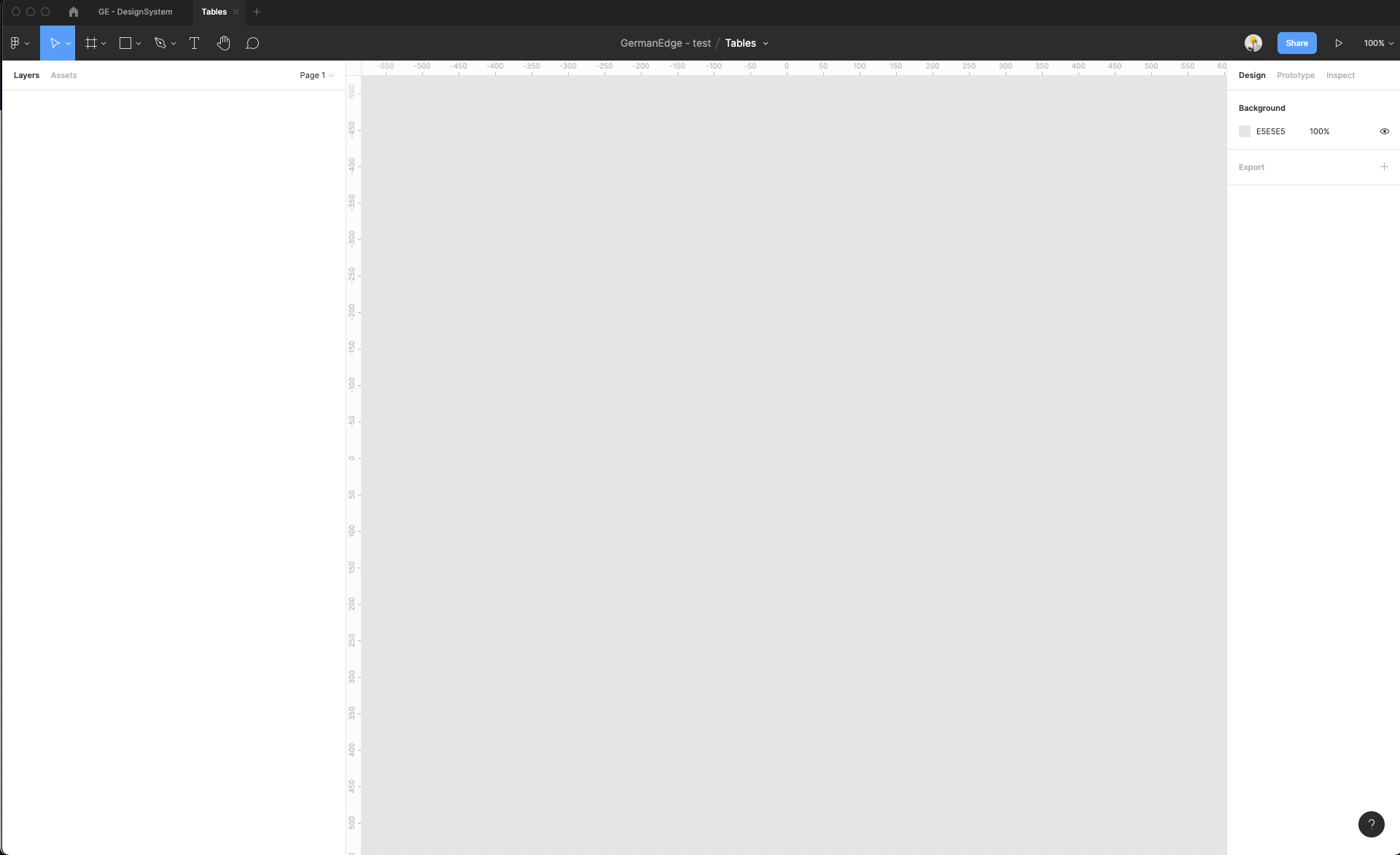 | |
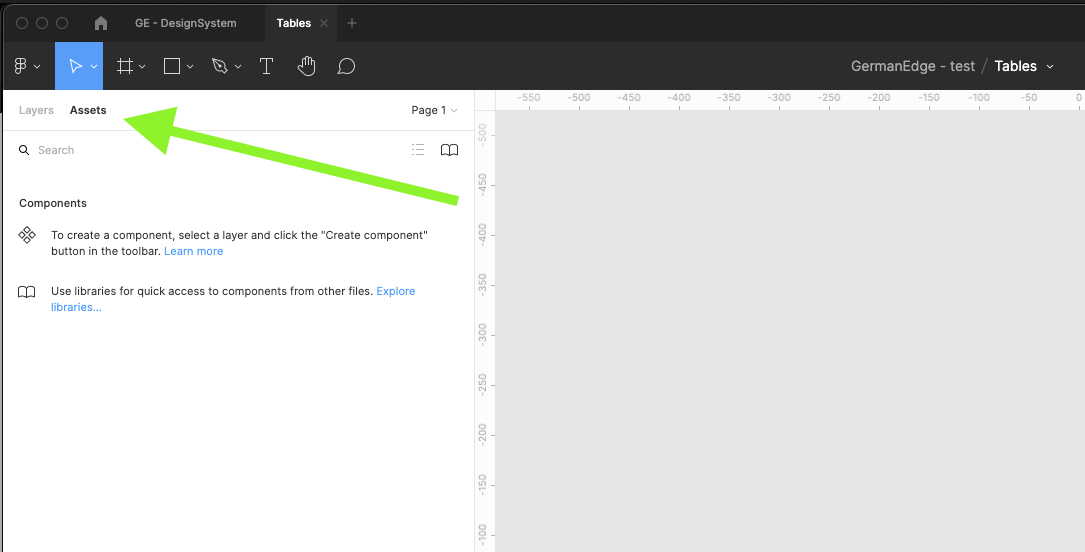
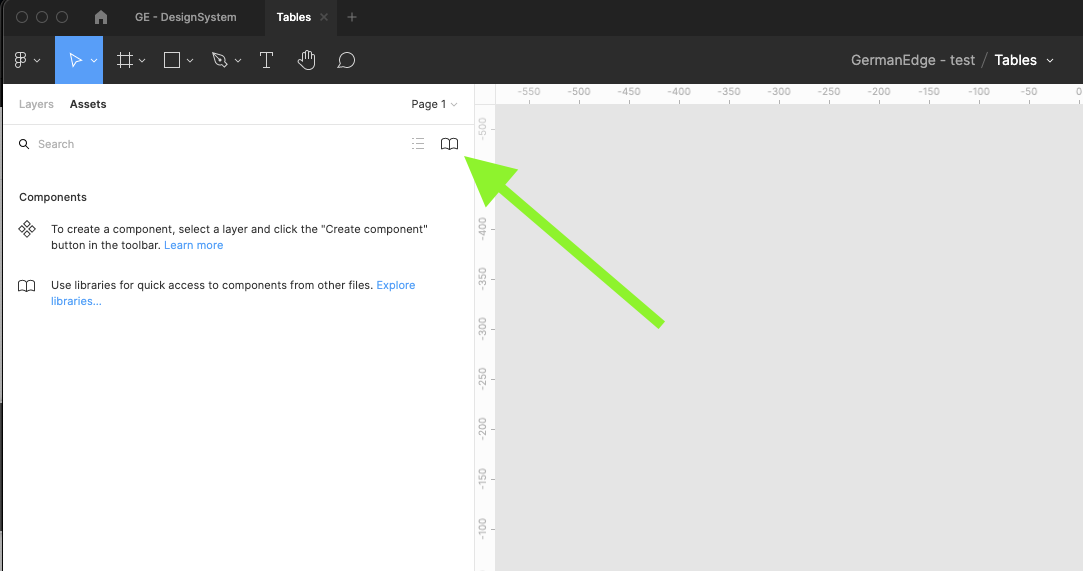
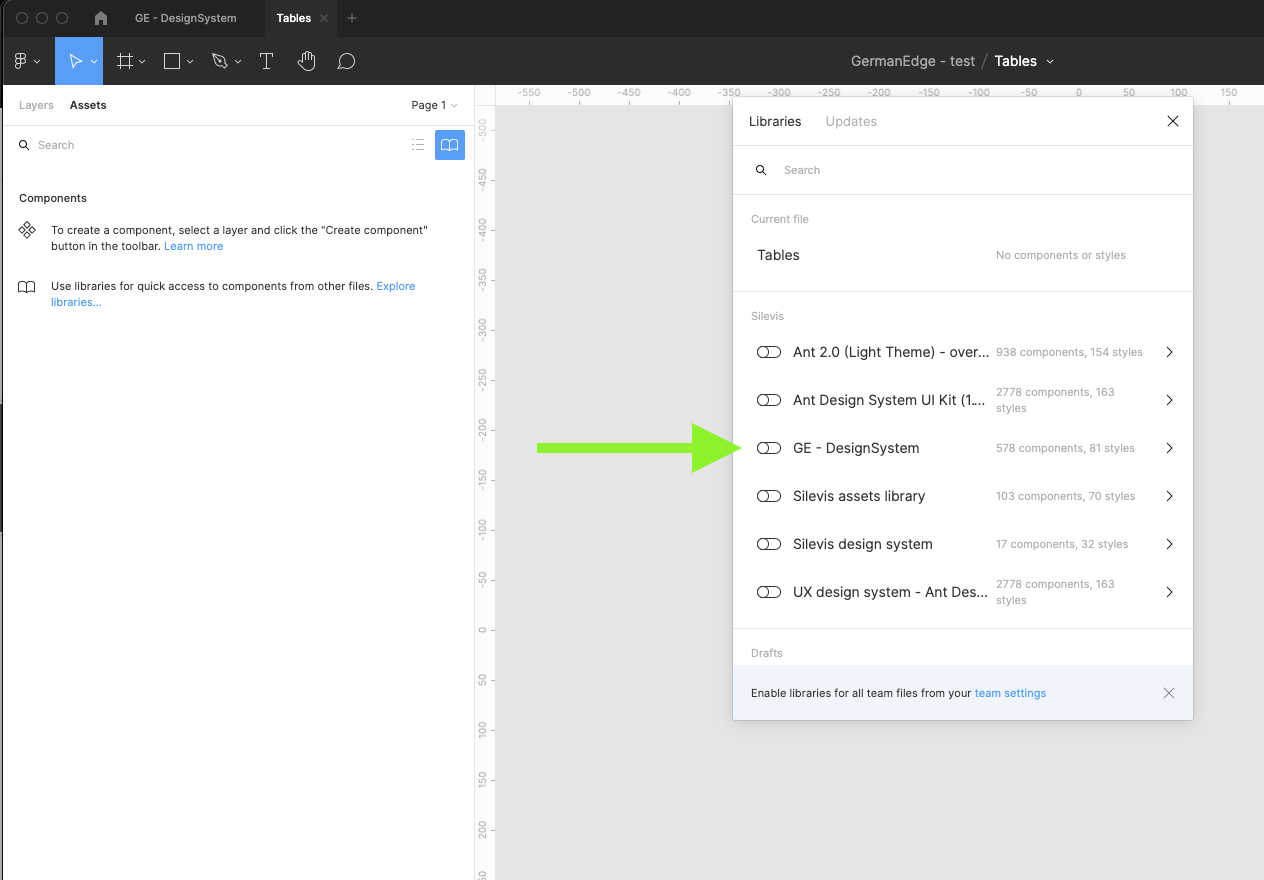
| 5 | On the left sidebar, switch to the Assets tab, and then click the Team Library icon |
| |
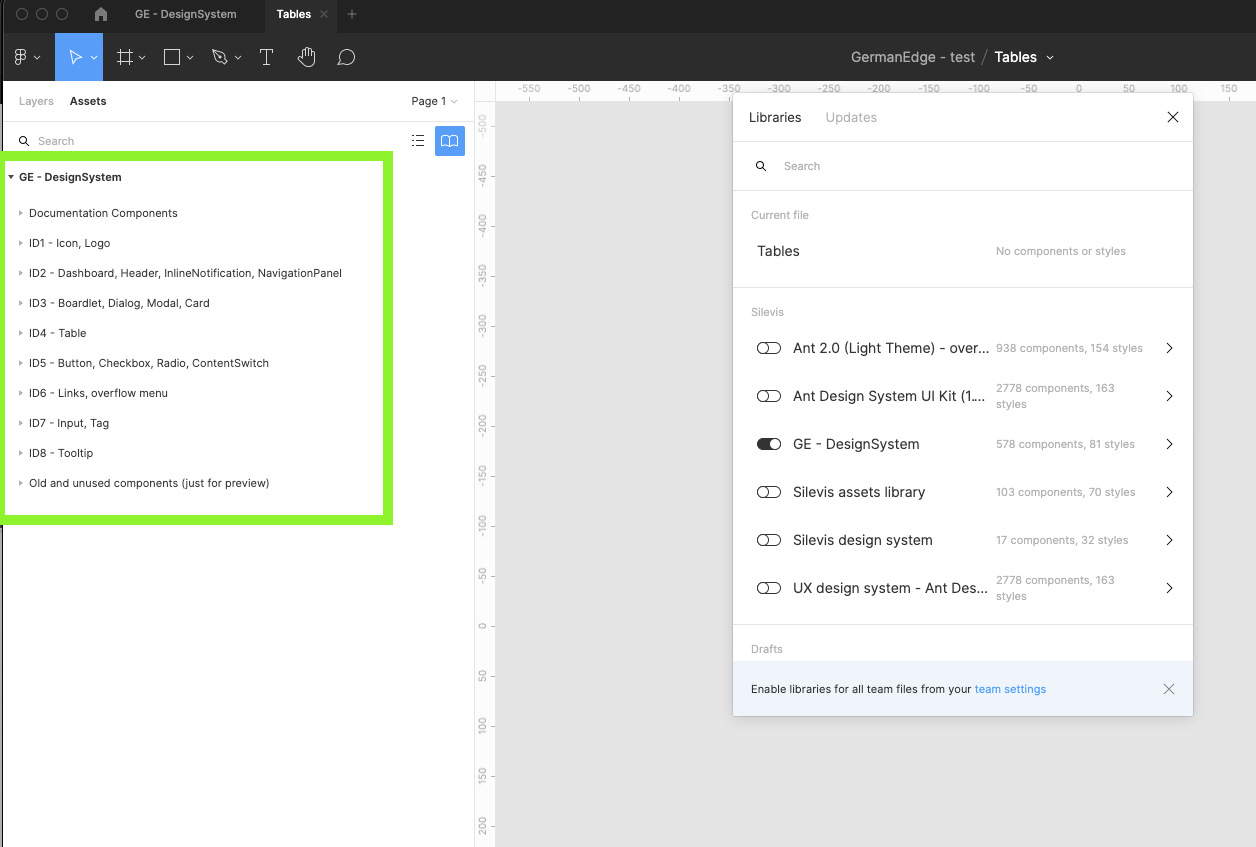
| 6 | Find the GE - Design system library and turn it on. Wait till figma loads all components categorized into different groups. Close the modal. |
| |