
Page History
...
In-place navigation
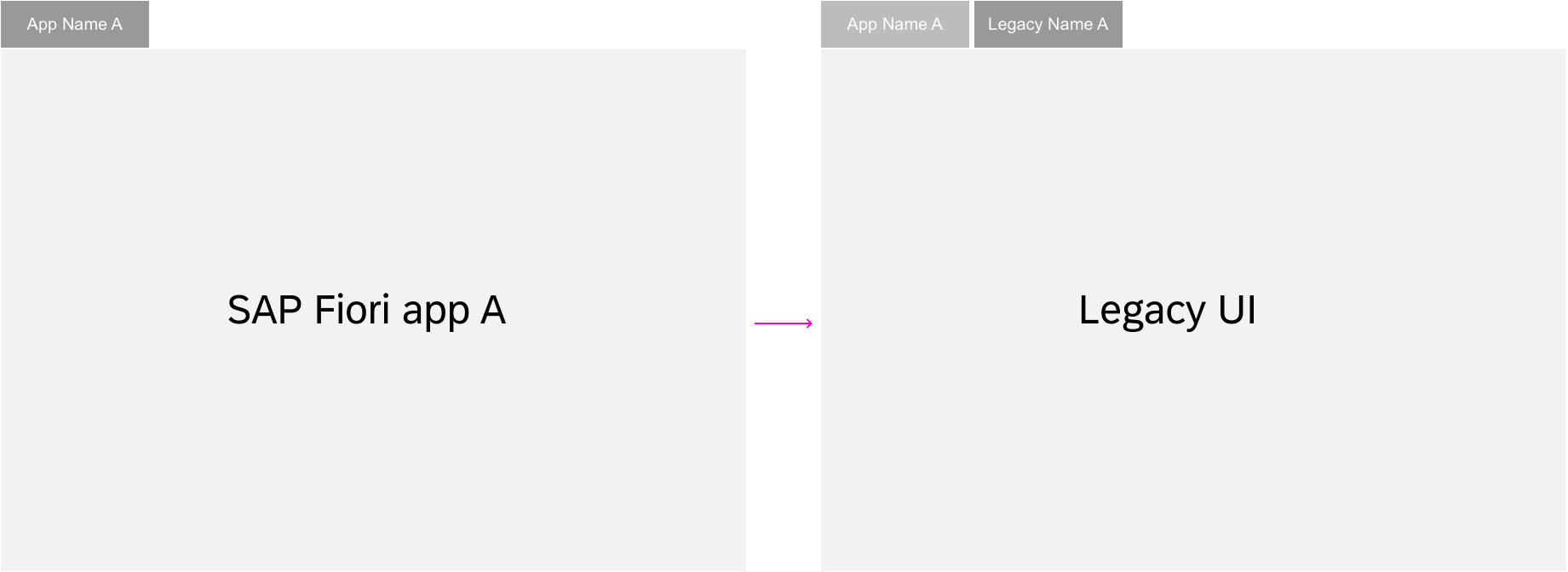
Pop-out navigation
Back Navigation
The user can always navigate back to the previous dashboard with the back button in the upper left corner of the ID2 Header. In addition, the browser’s back arrow icon (<) offers the same function. The browser history can be used to go back to previous steps. All dashboards can be bookmarked and the URL can be forwarded to give other users access to the same page.
Exceptions
Switching between display and edit mode is not a navigation step and therefore does not result in a new URL. An exception is made for the draft. Here, a unique number is added to the URL to distinguish drafts from active documents.
More information:
- Behavior in edit scenarios: (add link)
- Deep linking and bookmarking: (add link)
- Ron Oemus insert a screen which looks like this.
...
Navigation for full screen apps
!!!!!!!!!!!!!!!! t.b.c from here
Edit and Display
Switching from display mode to edit mode is not a navigation step and the URL itself should therefore not change, except for the GUID which is added to the URL. Hence, no new entry is made in the browser history.
...
