
Page History
...
The cards (insert link) on the home dashboard represent navigation anchors to the individual apps/ dashboards. By selecting a card, the user navigates to the corresponding app/ dashboard. It is also possible to integrate legacy UI technology through these cards. EdgeOne X-Series technologies open in a new tab or window (for supported desktop operating systems only).
- Ron Oemus insert a screen which looks like this.
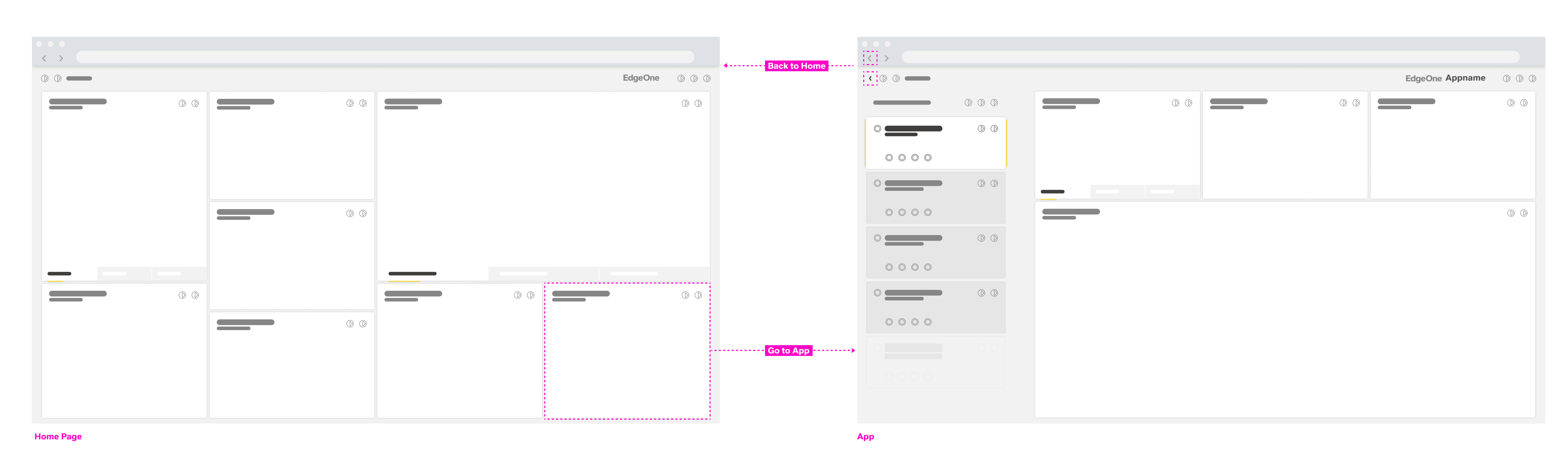

The home dashboard features cards as navigation anchors to the individual apps
...
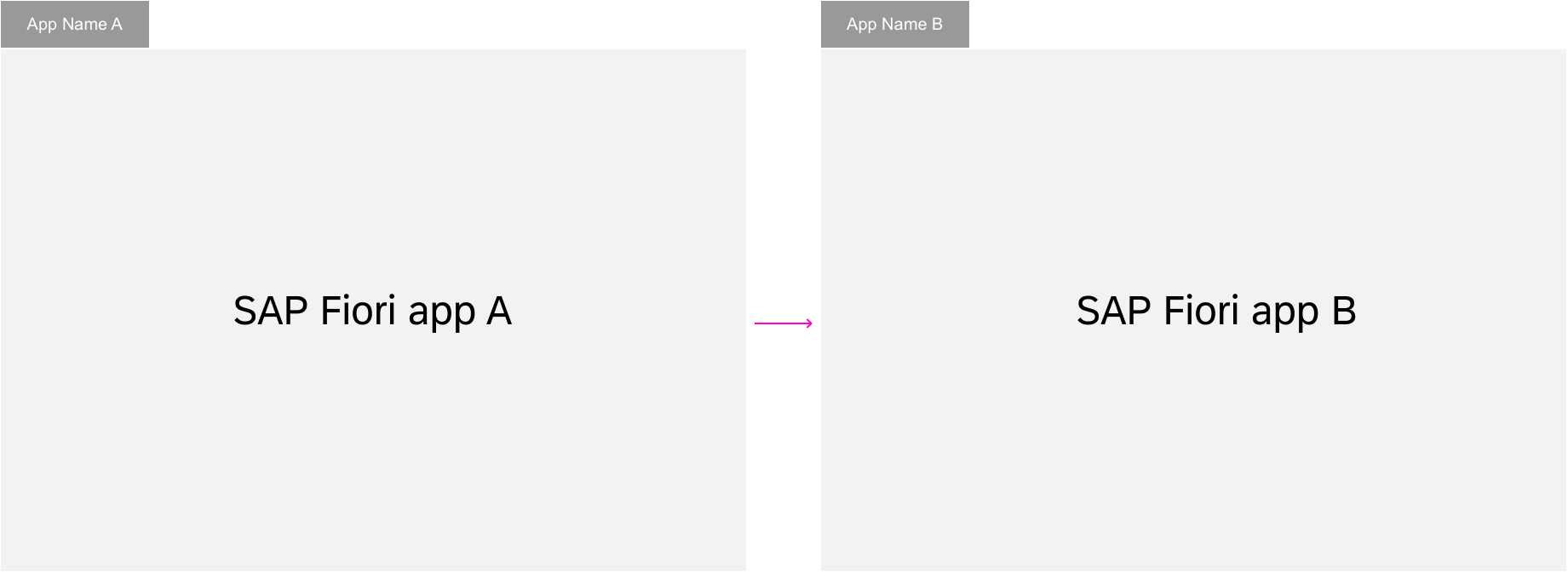
By transferring context between apps, one modular app can build on the input of the previous app(s). This way, individual apps can be reused in different contexts. More complex functionality can be combined using individual modules or apps. After each navigation step, the user can always navigate back using the browser’s back button or the back arrow icon in the header bar (insert link).
- Ron Oemus insert a screen which looks like this.
...


Forward navigation flow
Back and Home
The ID2 header is always located at the top of each app. It displays the logo, which triggers navigation to the home dashboard, and back button, which triggers navigation to the previously visited page. An exception is made when a deep link to an application is called and there are no EdgeOne Inspire entries in the browser history. No back button should be displayed.
- Ron Oemus insert a screen which looks like this. (ID2 Header)


Navigation Within Apps
Forward Navigation
...
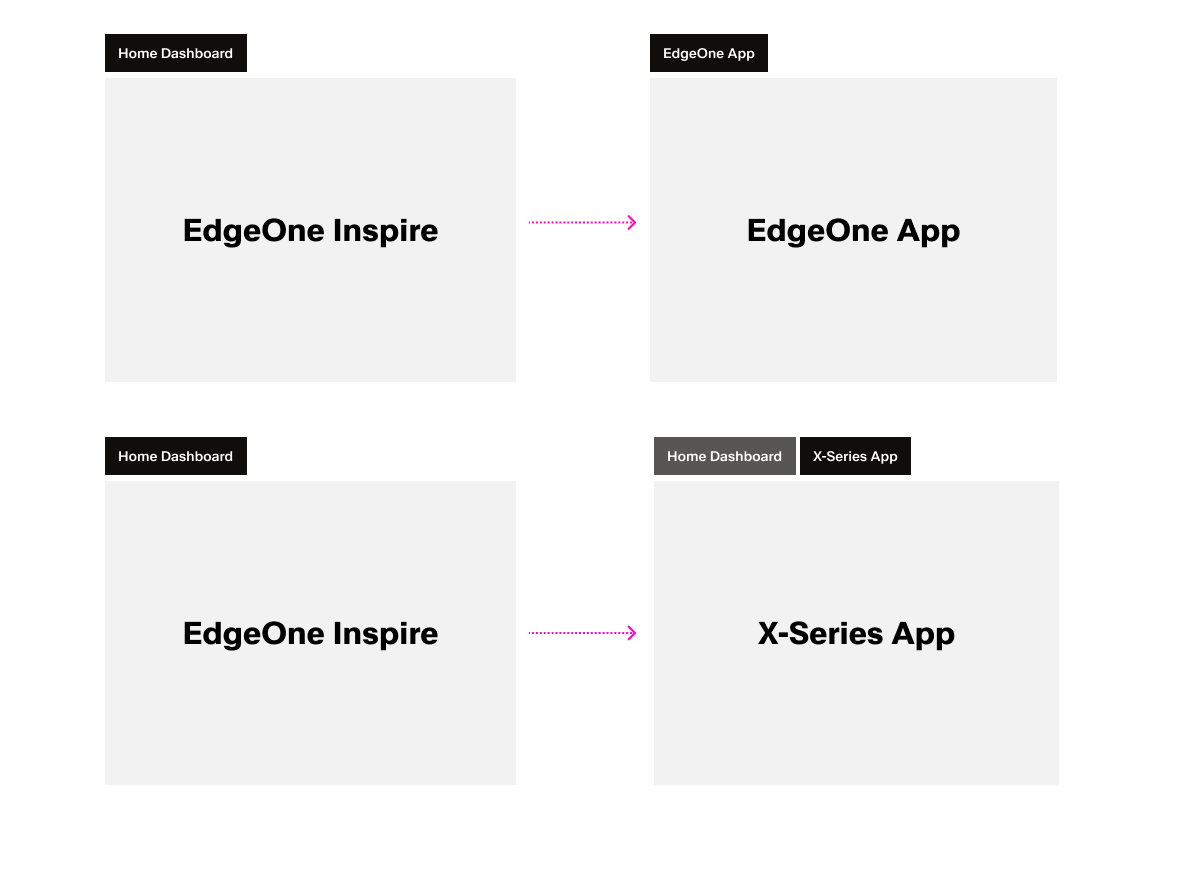
EdgeOne X-Series apps are always opened in a new tab/window from the EdgeOne Inspire home dashboard. The same applies to any URL that opens a X-Series app.
- Ron Oemus insert a screen which looks like this.
- Rename SAP Fiori → EdgeOne Inspire
- Rename Legacy UI → X-Series app
...
In-place navigation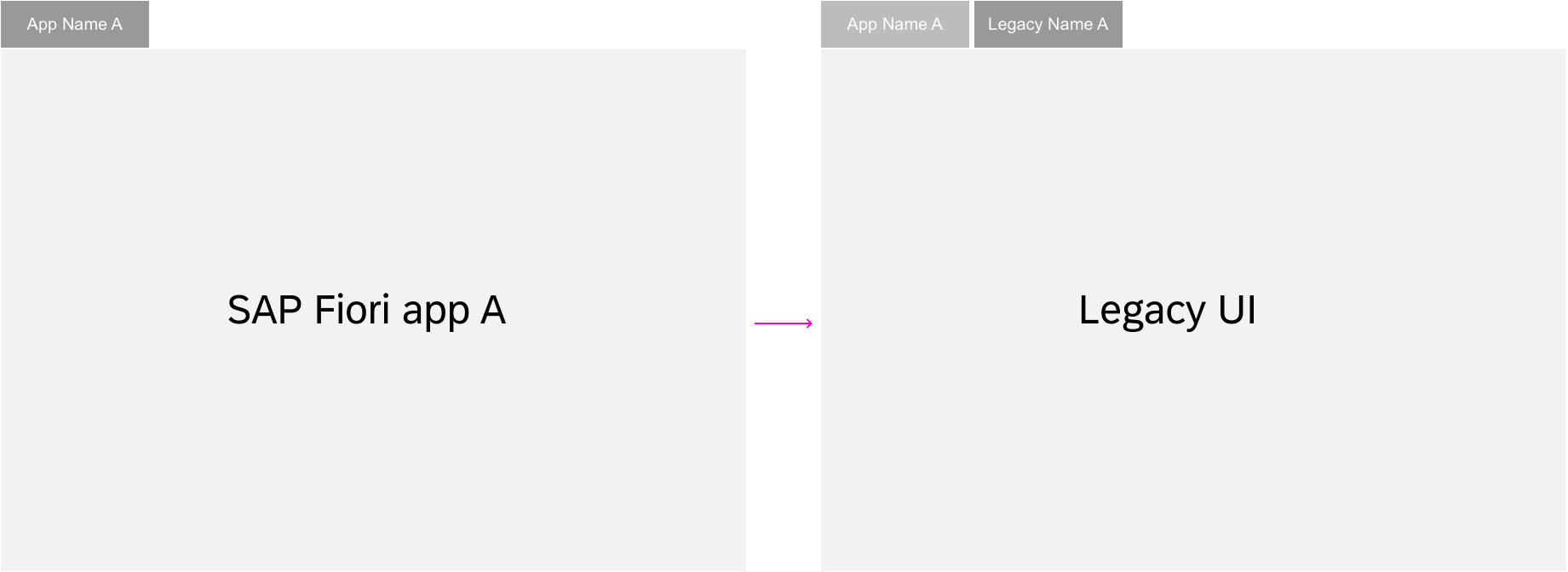
Pop-out navigation
...
