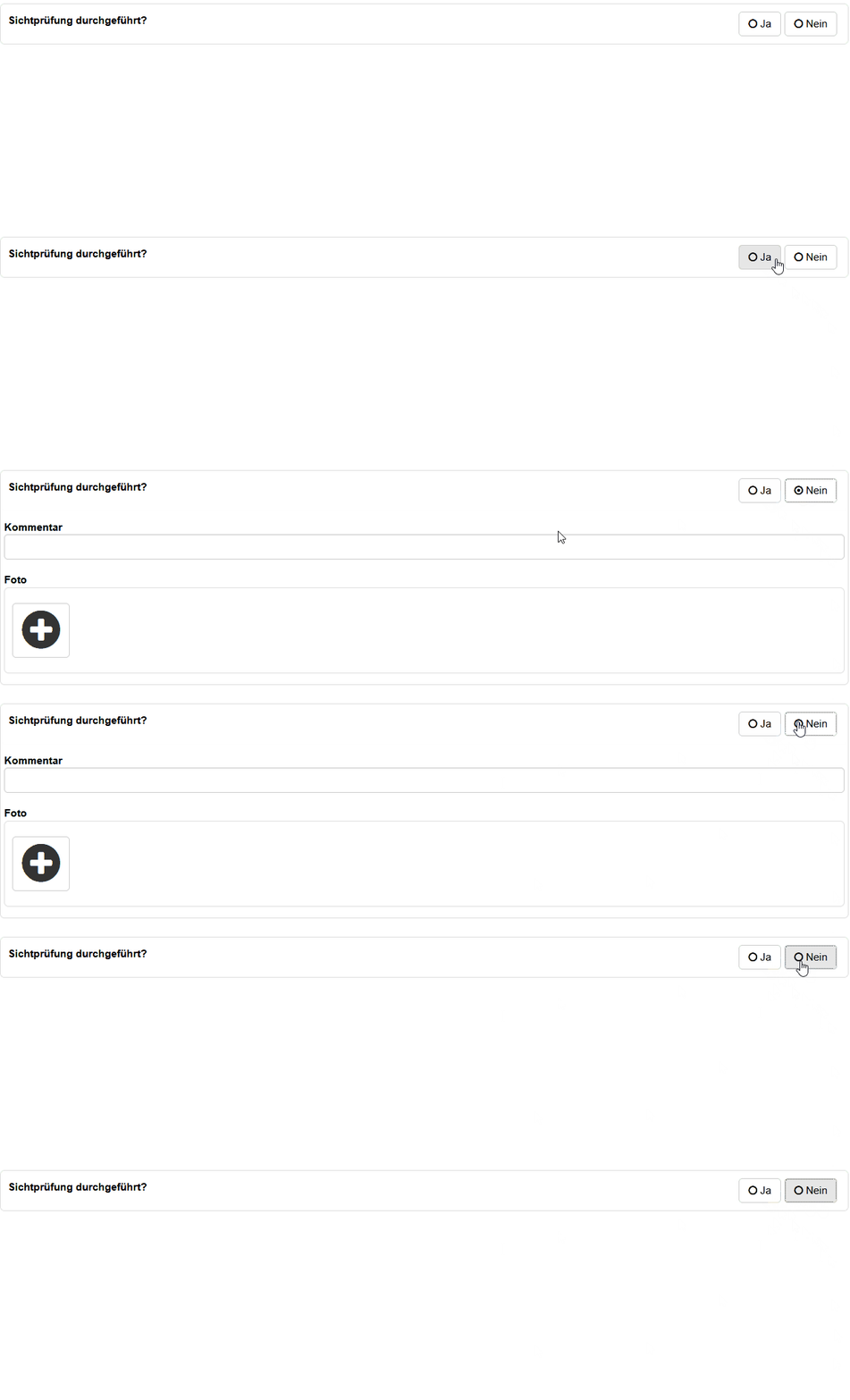
Page History
Fragentypen lassen sich aktuell noch nicht über die Webfrontends konfigurieren. Diese können aber bereits schon in der Datenbank gepflegt werden. Bei Fragen, dürfen Sie gerne Ihren Germanedge Ansprechpartner kontaktieren.
Question types:
A question consists of question types. These types describe how a question should be rendered. The description is done in JSON format and is contained in the "Json" column of the QuestionType table.
...
Currently the following input types are supported:
| Anchor | ||||
|---|---|---|---|---|
|
Number input
| number | basic | |
|---|---|---|
[ |
|
| complete | |
| [ { "inputTemplate": "", "inputs": [ { "type": "number", "variable": "targetPreasure", "label": "Druck: ", // instead of the inputTemplate a label can be set which is display above the input "decimalDigits": 2, // sets the number of decimal digits - default 0 "thousandSeperator": true, // controls if a thousand seperator should be shown - default false "style": "background-color: lightblue;" // custom style } ] } ] |
|


| Anchor | ||||
|---|---|---|---|---|
|
Text input
| text | basic | |
|---|---|---|
[ |
| |
| complete | ||
| [ { "inputTemplate": "", "inputs": [ { "type": "text", "variable": "description", "label":"Bezeichnung: ", "style":"color: red" } ] } ] |
| |


Anchor radio radio
| radio | |
| radio |
Radio input
| radio | basic | |
|---|---|---|
[ |
| |
| advanced | ||
[ |
| |


| Anchor | ||||
|---|---|---|---|---|
|
Checkbox input
| checkbox | basic | |
|---|---|---|
[ |
| |

| advanced | |
[ |
|

| Anchor | ||||
|---|---|---|---|---|
|
Date input
| date | basic | |
|---|---|---|
[ | ||
"inputTemplate": "", |
|

| advanced | |
| [ { " | |
| inputTemplate": " |
| ", "inputs": [ { "type": "date", "label": "Druckprüfung", "variable": "result", "customFormat": "YYYY/MM/DD", "useCurrent": true, "minDate": "2023/01/01", "maxDate": "2024/01/01" } ] } ] |
|

| Anchor | ||||
|---|---|---|---|---|
|
Range input
| range | basic | |
|---|---|---|
[ |
| |

| Anchor | ||||
|---|---|---|---|---|
|
Textarea input
| textarea | basic | |
|---|---|---|
[ |
| |
| advanced | ||
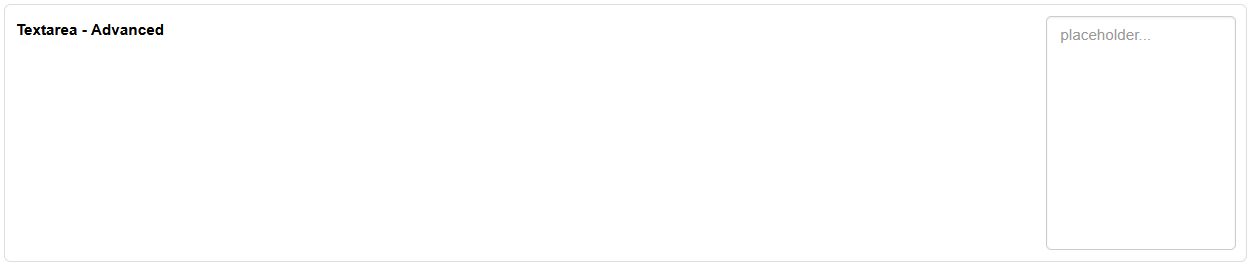
| [ { "inputTemplate": "Beschreibung", "inputs": [ { "type": "textarea", "variable": "result", "rows":10, "placeholder": "placeholder..." } ] } ] |
| |

| Anchor | ||||
|---|---|---|---|---|
|
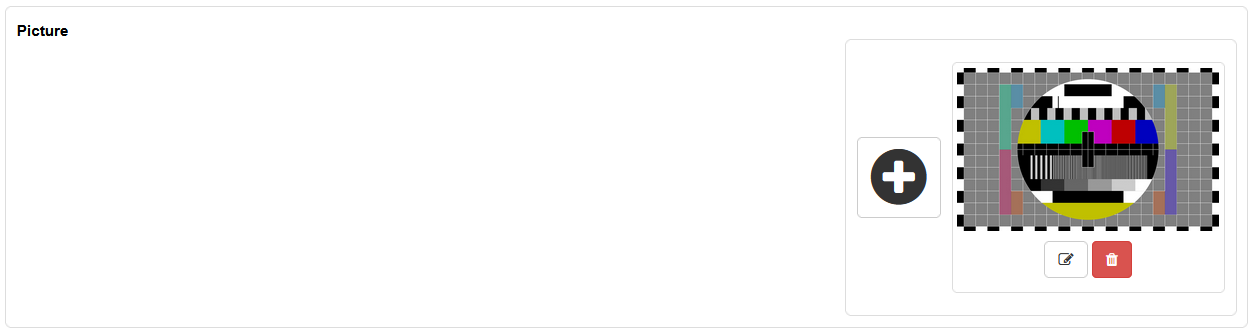
Picture input
| picture | basic | |
|---|---|---|
[ |
| |
Detailed
number
Combined inputs
A question type can not only be of one input type. You can combine them as you wish
[ |
|
[ |
"decimalDigits": 2, // sets the number of decimal digits - default 0
"Ja", |
|

Limit Values
The question types number, range, and date can be provided with limit values.
The limit values can be maintained on the question type, on the question and on the asset. If no limit value is defined in the object, the limit value of the question is used.
If none is defined in the question, the the one from the question type is used.
So the input type inside the Json of the question type contains "min_valid", "max_valid", "max_UV" and "min_UV".
If "min_valid" or "max_valid" contains a value and "min_UV"/"max_UV" is null, then values of "min_valid"/"max_valid" are used.
On the other hand if "min_UV"/"max_UV" contains values, which are names of UniversalFields, then the values of this UniversalFields are used (when it exists).
The UniversalFields can be added to the object or the question as a UniversalFieldTab. If both have the same UniversalField, the one from the object has priority.
| Examples | |
|---|---|
| [ { "inputTemplate": "Kesseldruck {druck} bar", "inputs": [ { "type": "number", "variable": "druck", "decimalDigits": 1, "thousandSeperator": true, "min_valid":100, "max_valid":300, "max_UV":null, "min_UV":null } ] } ] | "min_valid" and "max_valid" have values set and "max_UV" and "min_UV" is empty. Therefore 100 is used as the minimun limit value and 200 as the max limit value.
|
[ | In this example "min_valid" and "max_valid" are null, so it will be checked if the object or question has a UniversalFieldValue for the UniversalField "Druck-max" and "Druck-min". If yes, this values are used as limit values. |
| [ { "inputTemplate": "Kesseldruck {druck} bar", "inputs": [ { "type": "number", "variable": "druck", "decimalDigits": 1, "thousandSeperator": true, "min_valid":100, |



"style": "background-color: lightblue;" // custom style
"max_valid":200, "max_UV": "Druck-max", "min_UV": "Druck-min" } ] } ] | Both the "_valid" fields and the "_UV" fields have values stored. In this case the values from the "_UV" fields have priority, except there are no UniversalFieldValues set on the object or question then 100 and 200 are used as fallback limit values. |
| [ { "inputTemplate": "Kesseldruck {druck} bar", "inputs": [ { "type": "number", "variable": "druck", "decimalDigits": 1, "thousandSeperator": true, "min_valid":null, "max_valid":200, "max_UV":null", "min_UV": "Druck-min" } ] } ] | In this case 200 is used as max limit value and the value of the UniversalField "Druck-min" is used as min limit value. If "Druck-min" is not set, then not min limit value is used. |
Additional fields
Question types can have additional fields which will be shown if a condition is fullfilled.
The fields are stored inside the table dynamic fields:
The column Json contains the array of inputs, equals to them of the question types. In this example a input of type text for a comment and a picture input.
The conditions are stored inside of table condition and containing the condition as a "script":
Inside the script you can use any variable name defined in the question type:
[
{
"id": "radios",
"inputTemplate": "",
"inputs": [
{
"type": "radio",
"label": "Ja",
"value": true,
"variable": "result",
},
{
"type": "radio",
"label": "Nein",
"value": false,
"variable": "result"
}
]
}
]
...
The DynamicField and Condition is linked to an question type over the table QuestionTypeDynamicFieldCondition.
In this example the dynamic fields are shown if the value of the variable result is false, say if the radio "Nein" is selected: