Page History
...
This boardlet contains links to namespace-wide settings, the Application Library, and the Menus, Permissions, and Policy Sets pages.
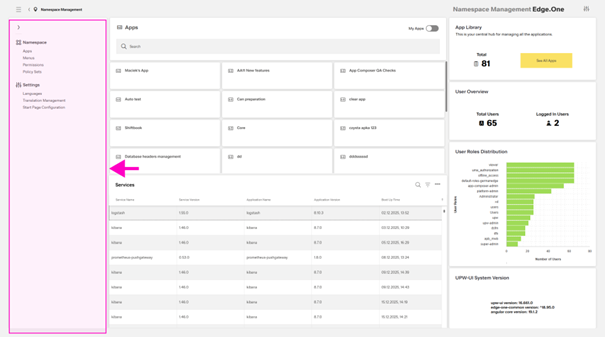
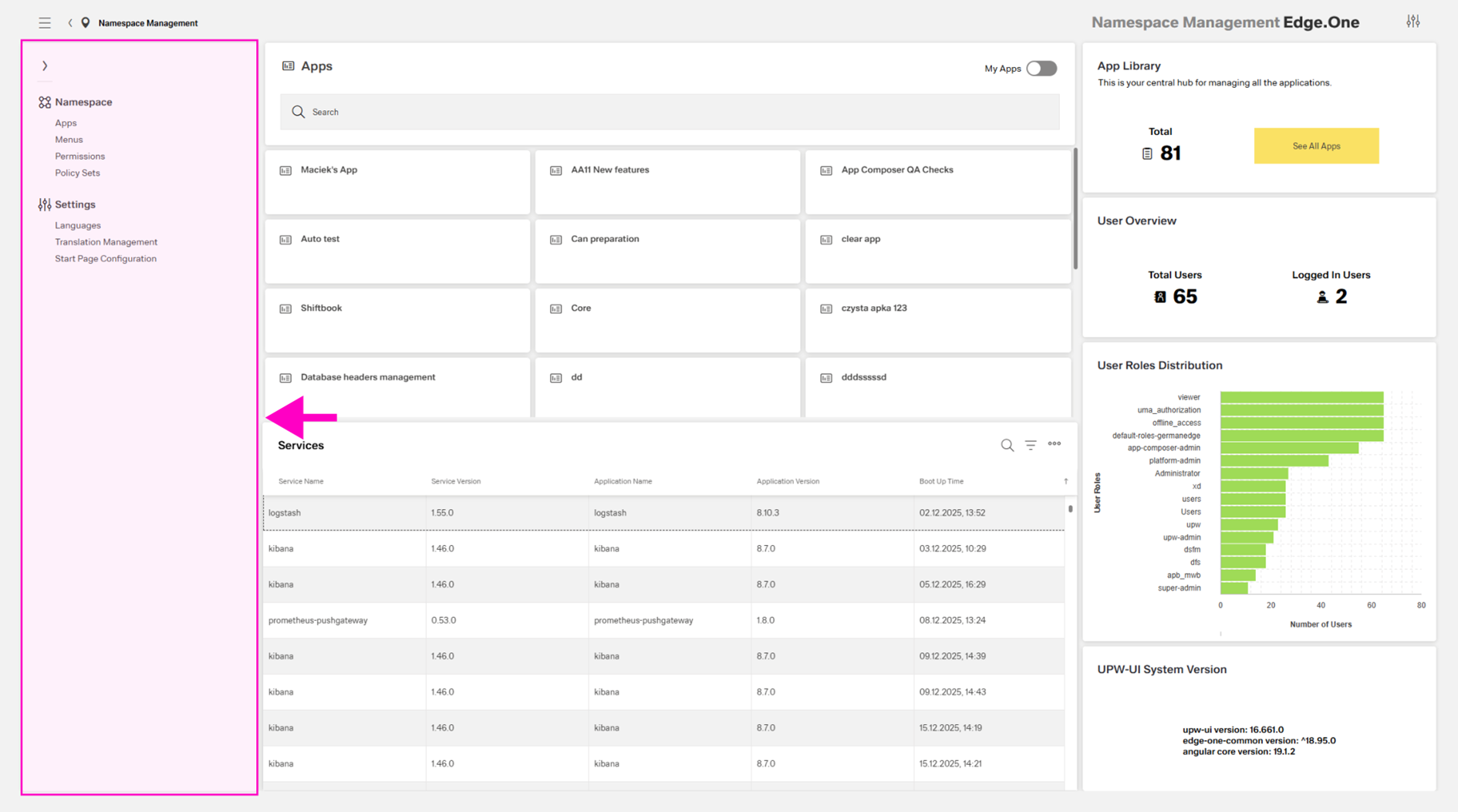
Namespace
Apps
This link opens the Application Library.
...
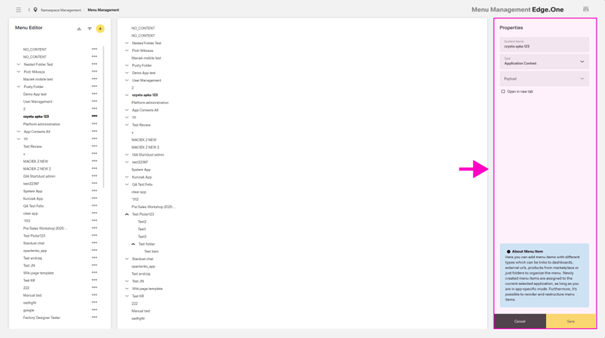
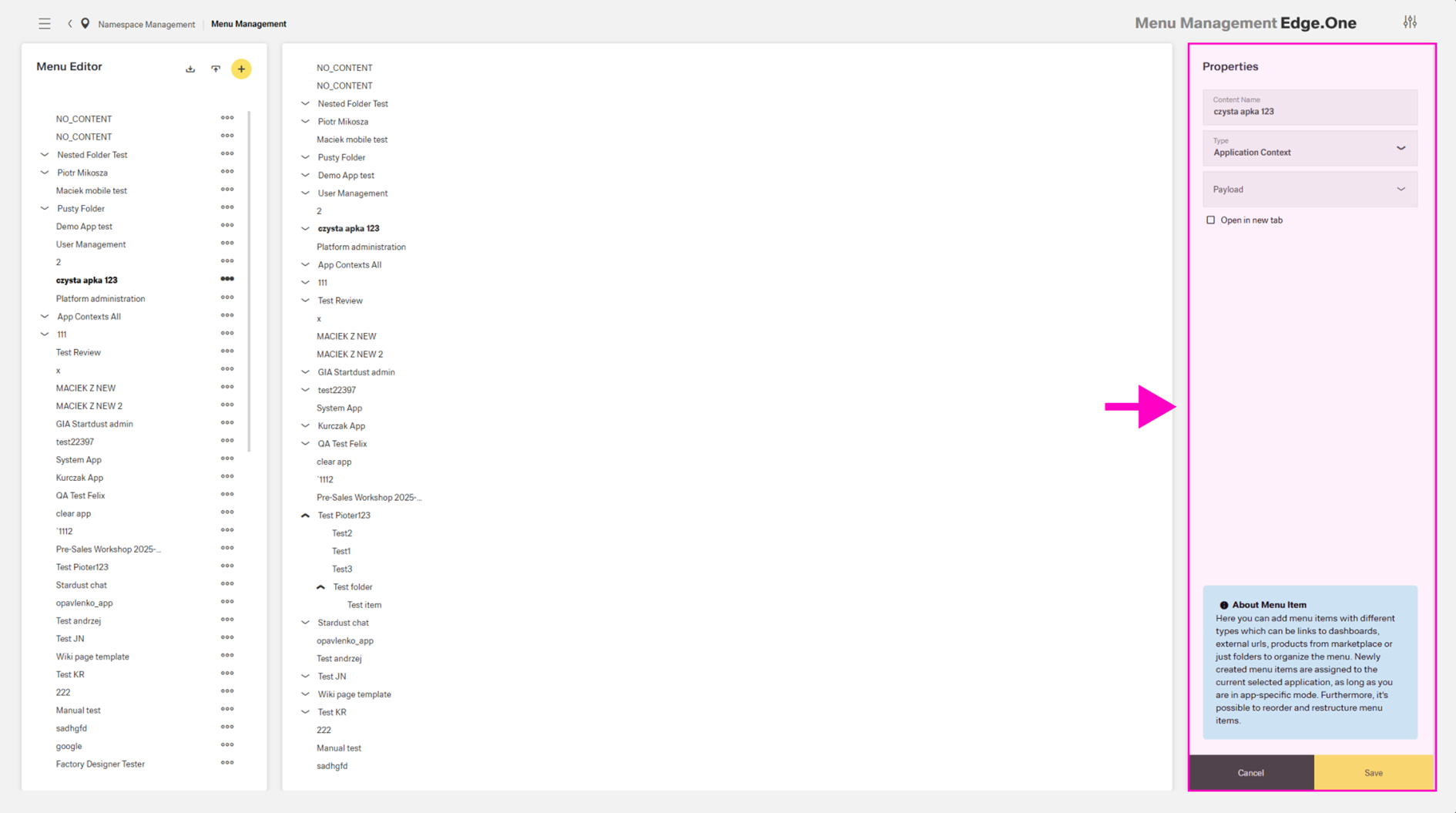
Selecting a menu item opens the menu item editor in the right boardlet, similar to Menu Settings. Deletion is available through an action in the overflow menu of the left boardlet.
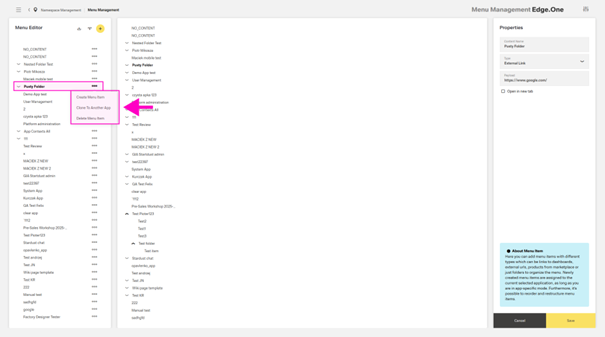
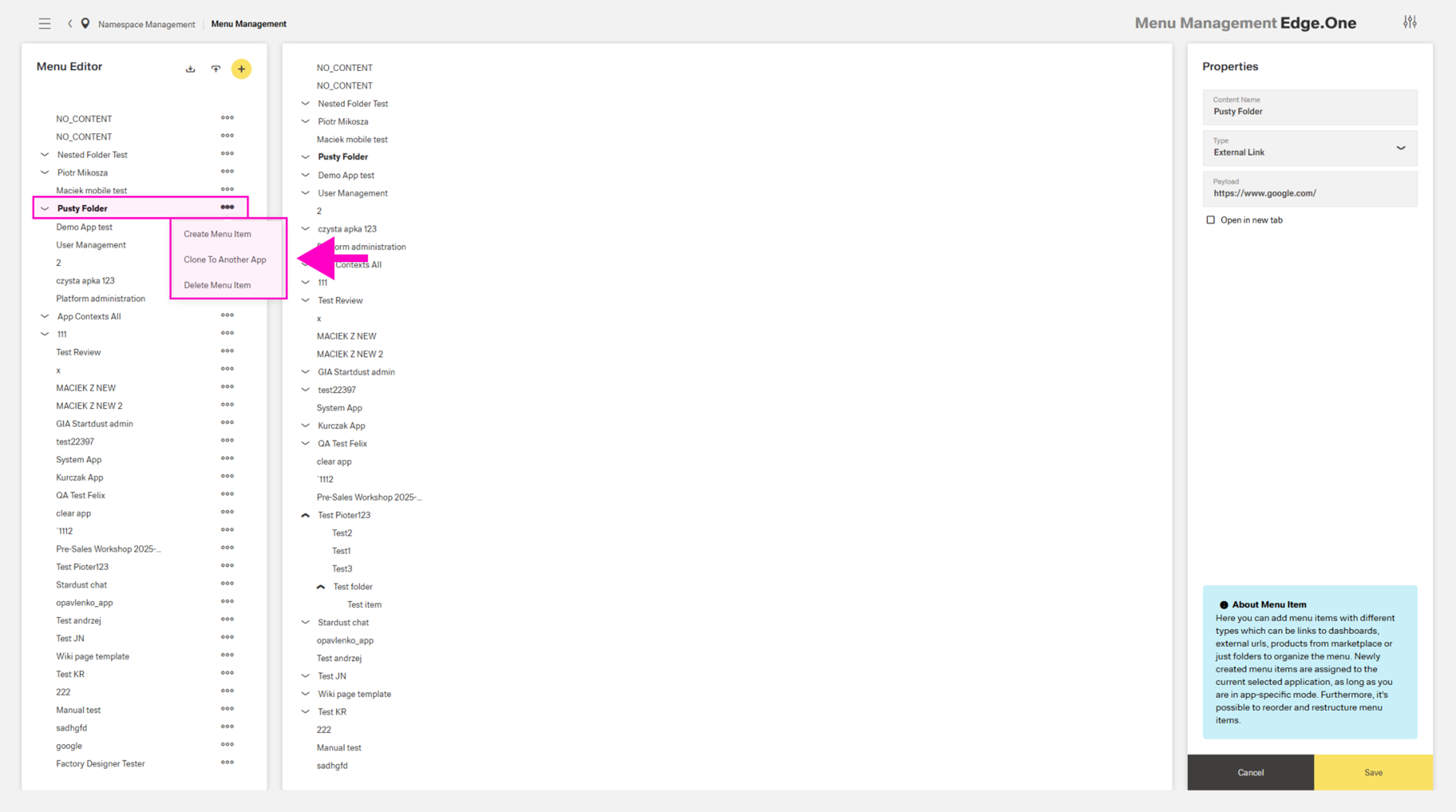
Selecting an entire application menu enables additional overflow actions, including cloning the menu to another application and creating a new menu item within the selected menu.
Permissions
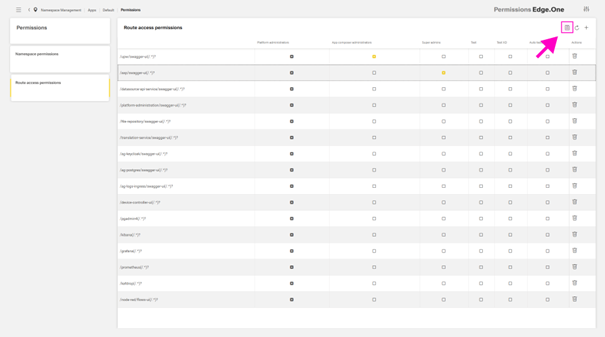
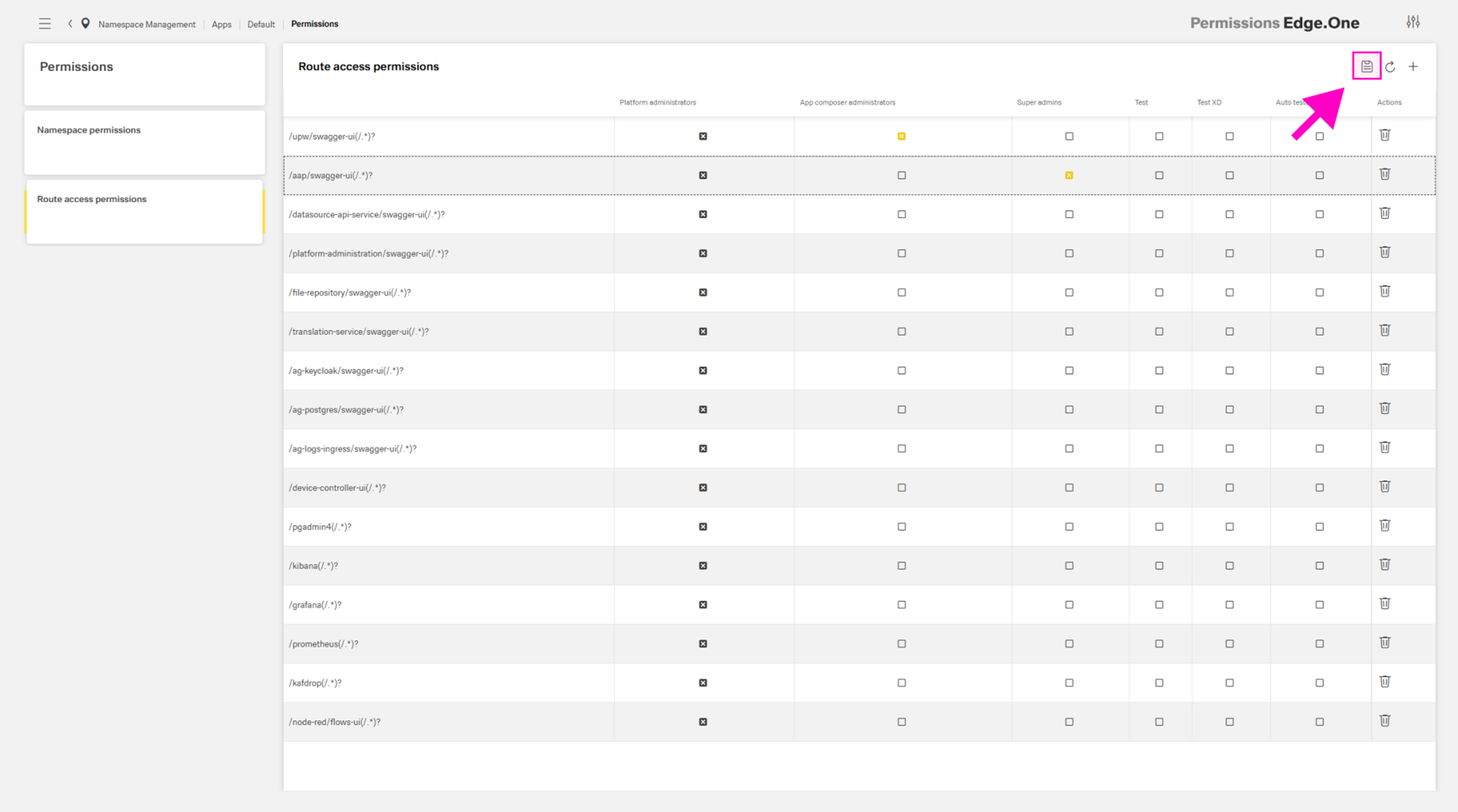
This section supports reviewing, changing, and adding namespace and route access permissions. The two permission types are shown in separate tables. Navigation between them is provided by the card collection on the left.
...
The table supports selecting permissions through checkboxes in each cell. Route access permissions also support adding a route through an action in the table header. All permission changes must be saved using the save action in the table header toolbar. The save action appears only after a change occurs.
Policy Sets
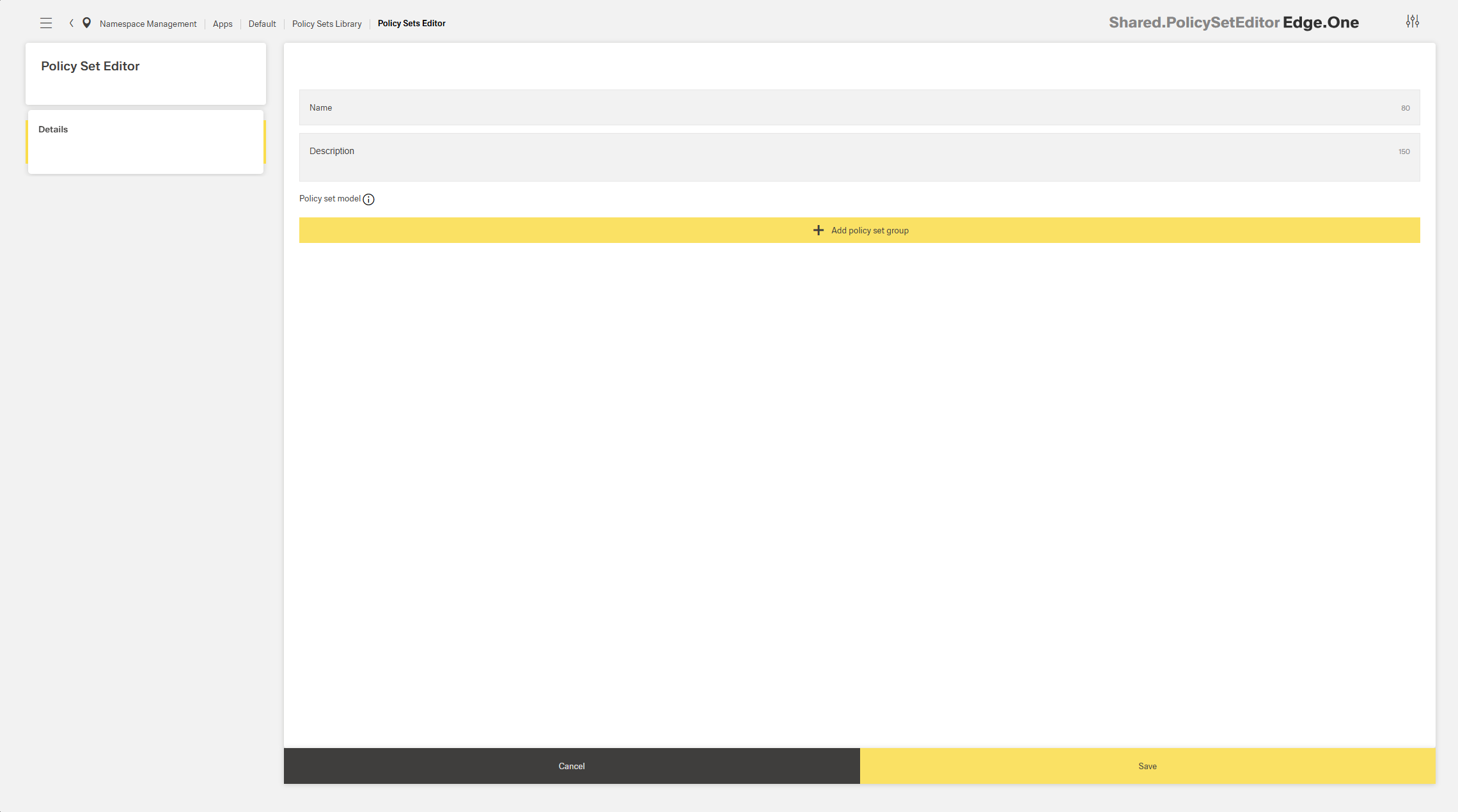
This page supports creating namespace-wide roles for policies. Roles are listed in the card collection on the left and include a name, description, and policy set model.
...
A new role can be added using the action in the card collection header. Editing and deletion are available through the overflow (“more”) menu within each card.
Settings
Languages
...
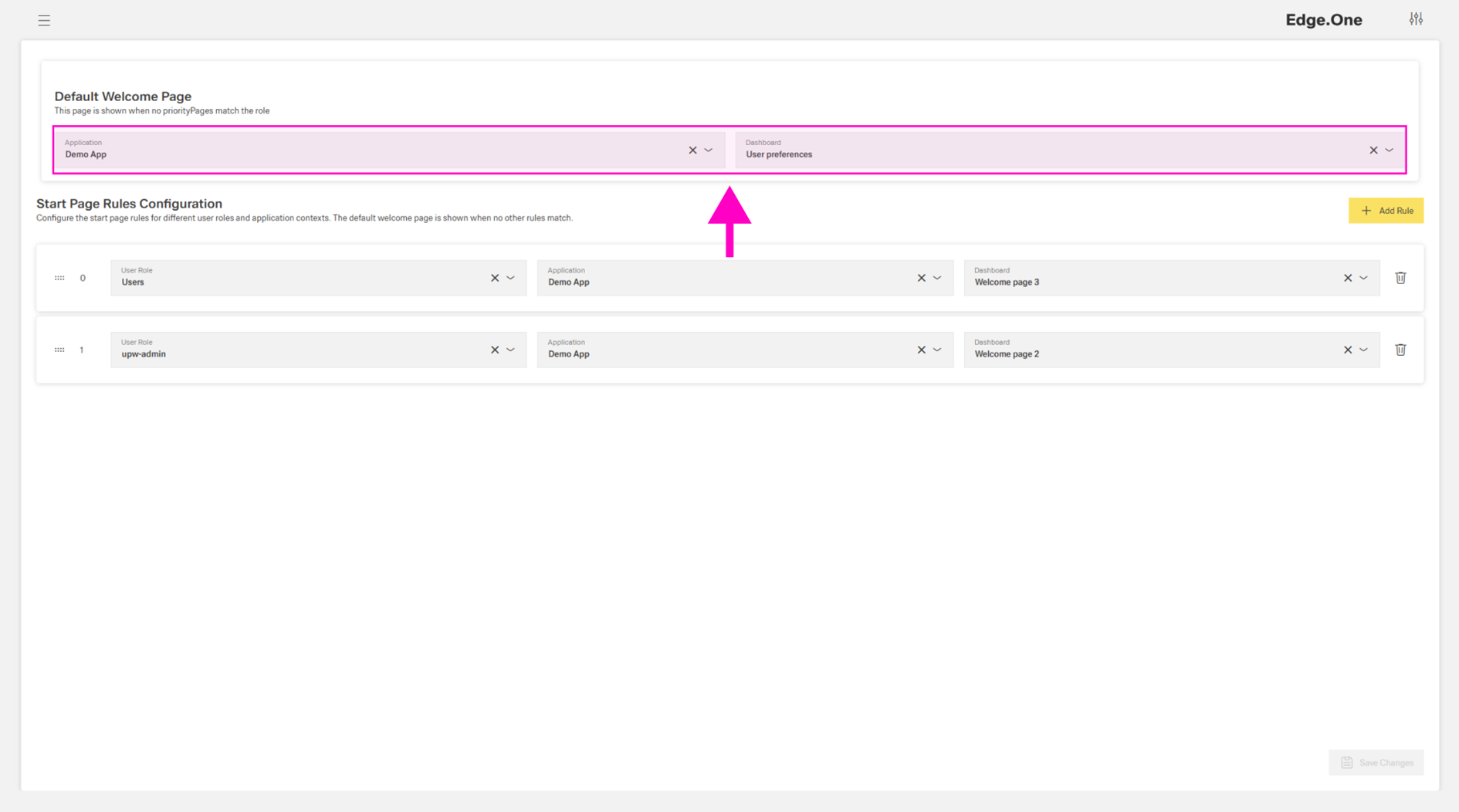
Each namespace has a default landing page. The default page can be configured in the first section of this dashboard: Select an application in the left selection input, then select a dashboard from that application in the right selection input.
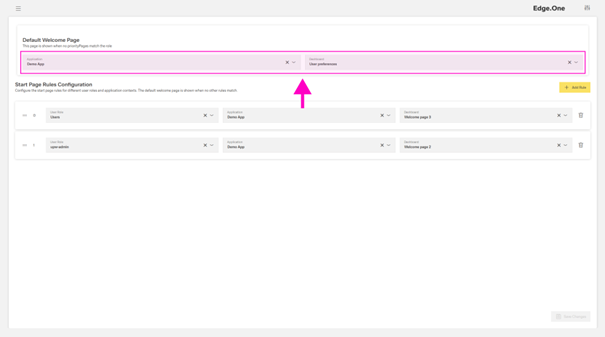
In addition to the default configuration, this page supports assigning user-specific landing pages through a prioritized list of rules. Each rule includes a user group, an application, and a dashboard within that application.
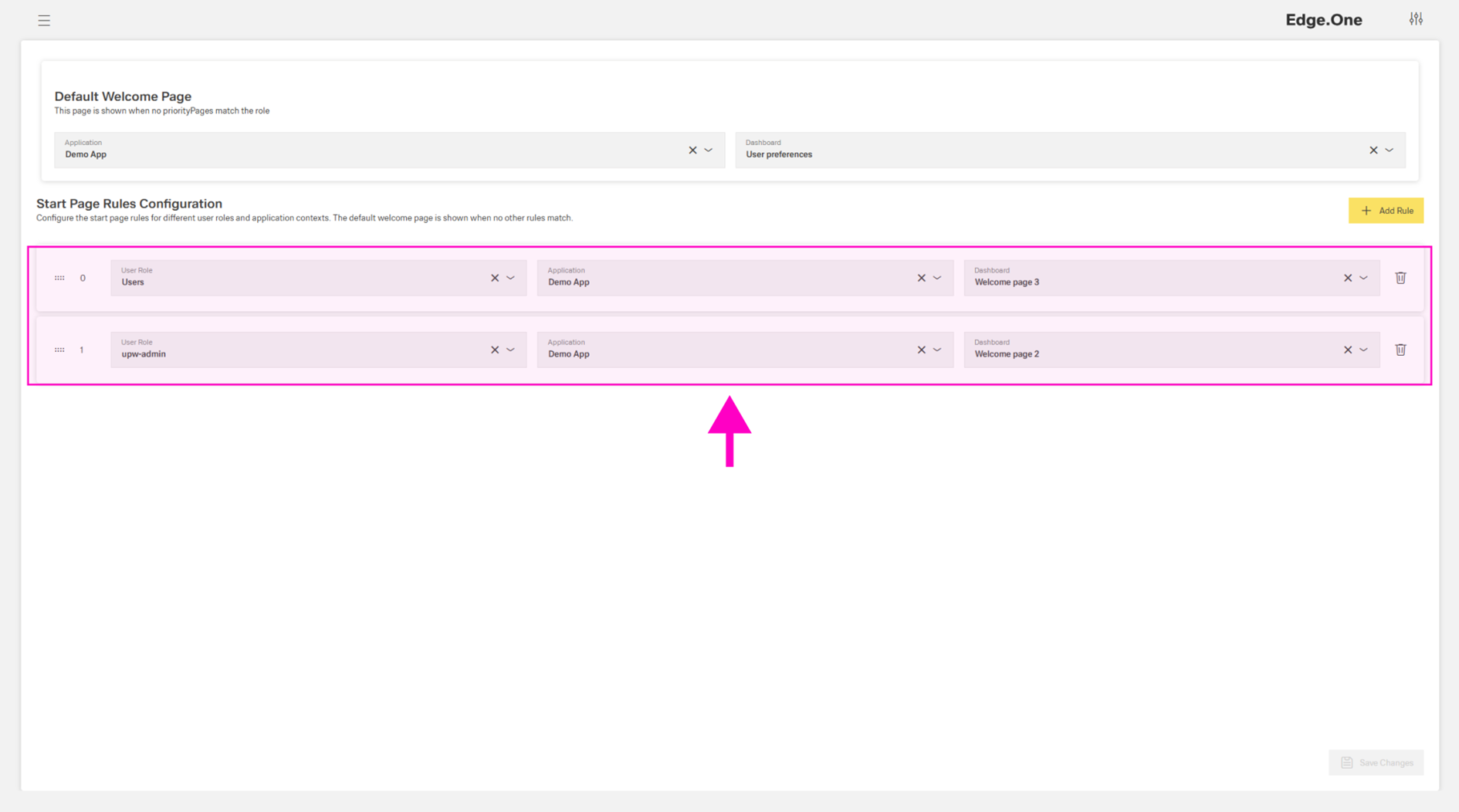
If a user belongs to multiple user groups, the rule with the highest priority applies. If no rule applies, the default page is shown. Changes must be saved using the save button in the footer.
...
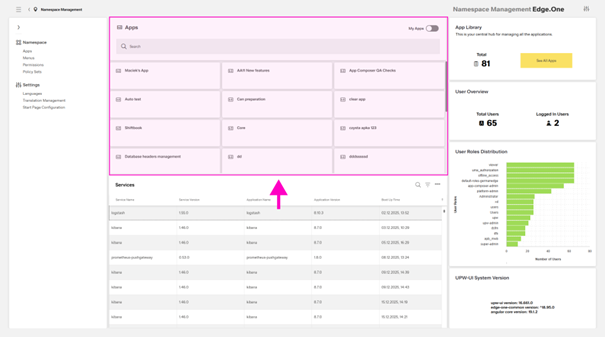
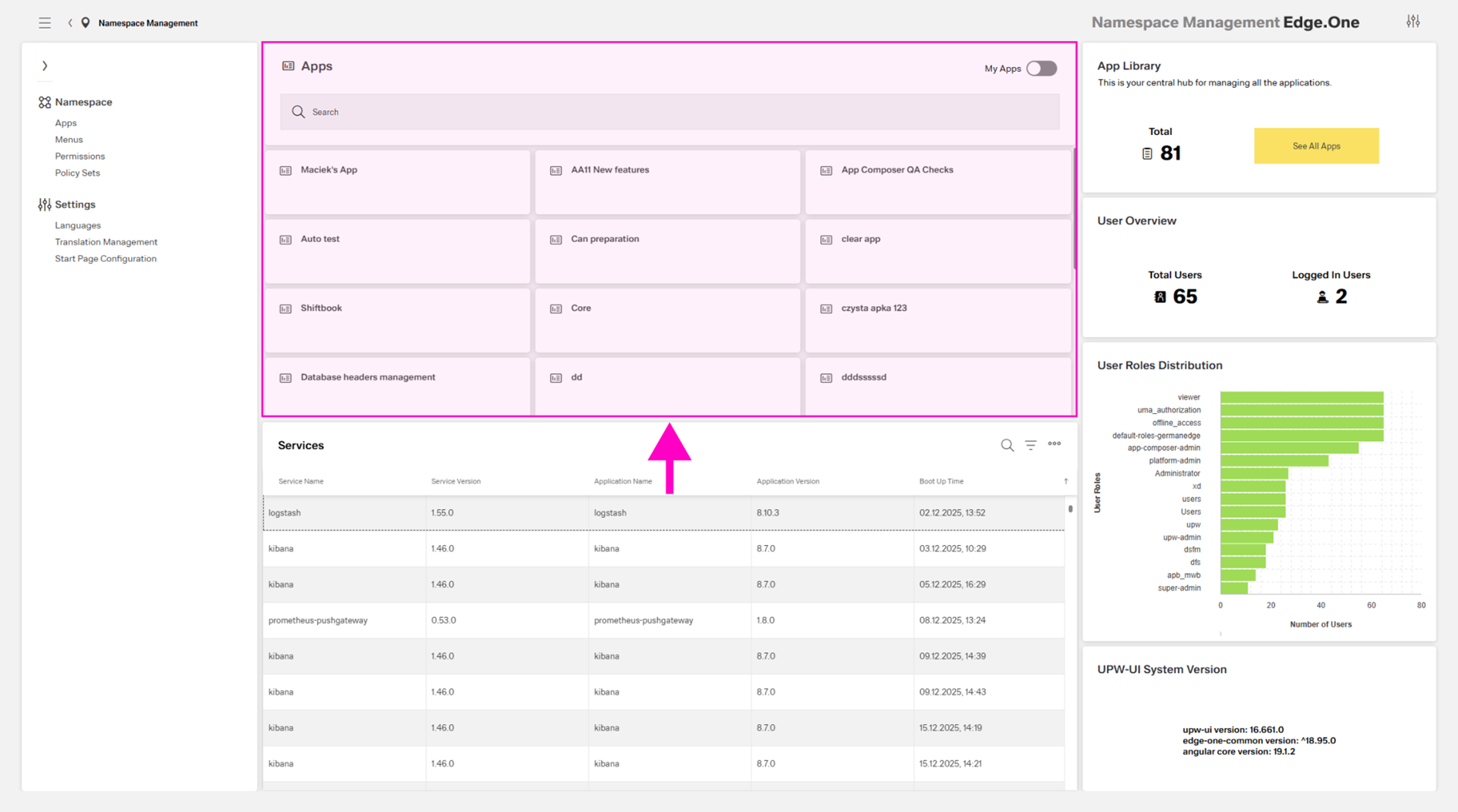
The App Collection is a Card Collection that lists every application within the namespace. The search bar at the top supports finding specific applications. A toggle at the top right filters the list to show only self-created applications. Selecting a card opens the associated application.
Services Table
The Services table lists all services connected to the namespace, including the current version and the original boot-up time. If a service is connected to an application, the table also shows the application name and current version.
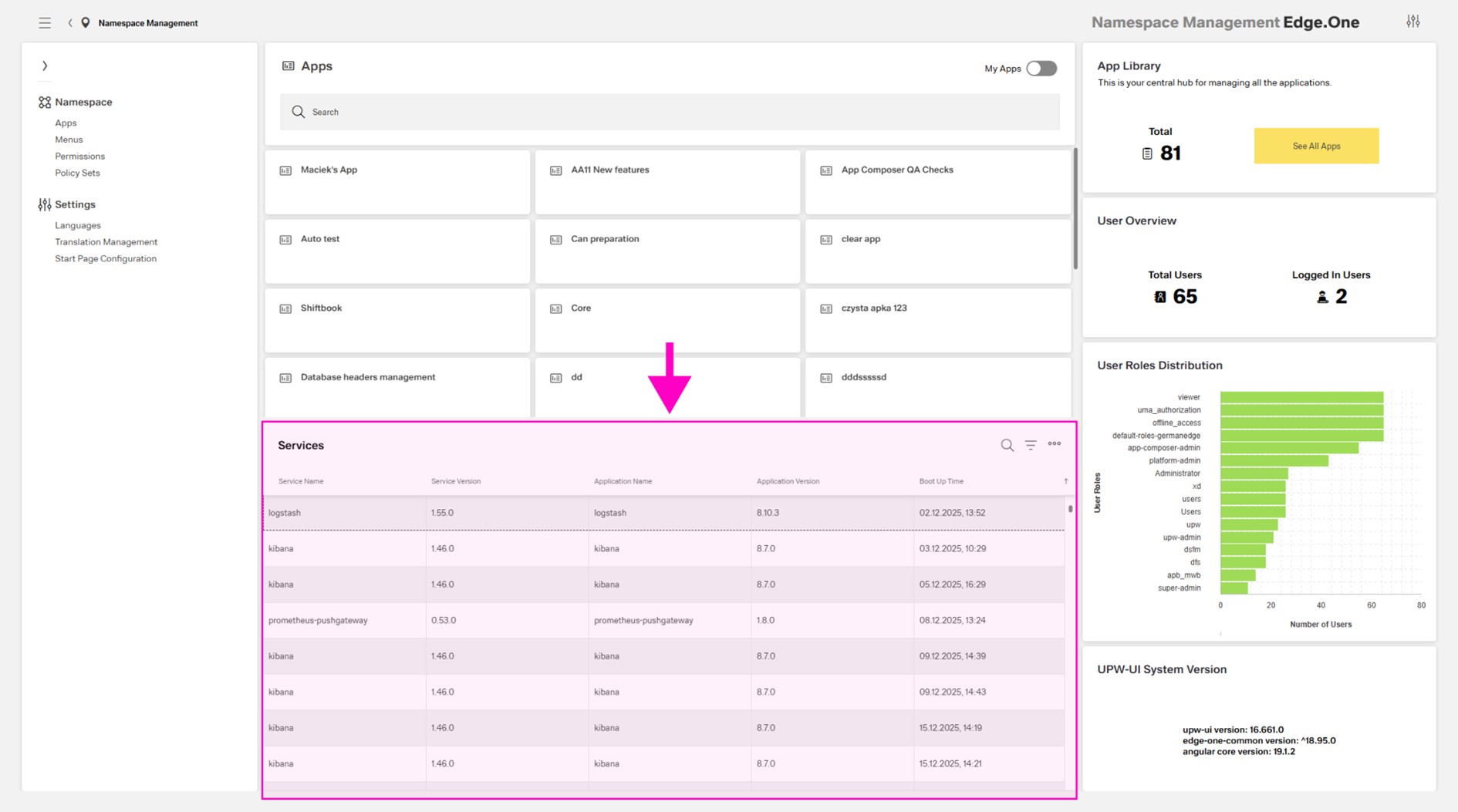
The table supports search, column-based search, and export to an Excel file.
...
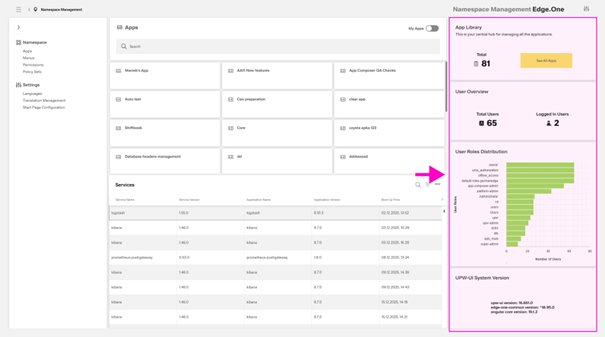
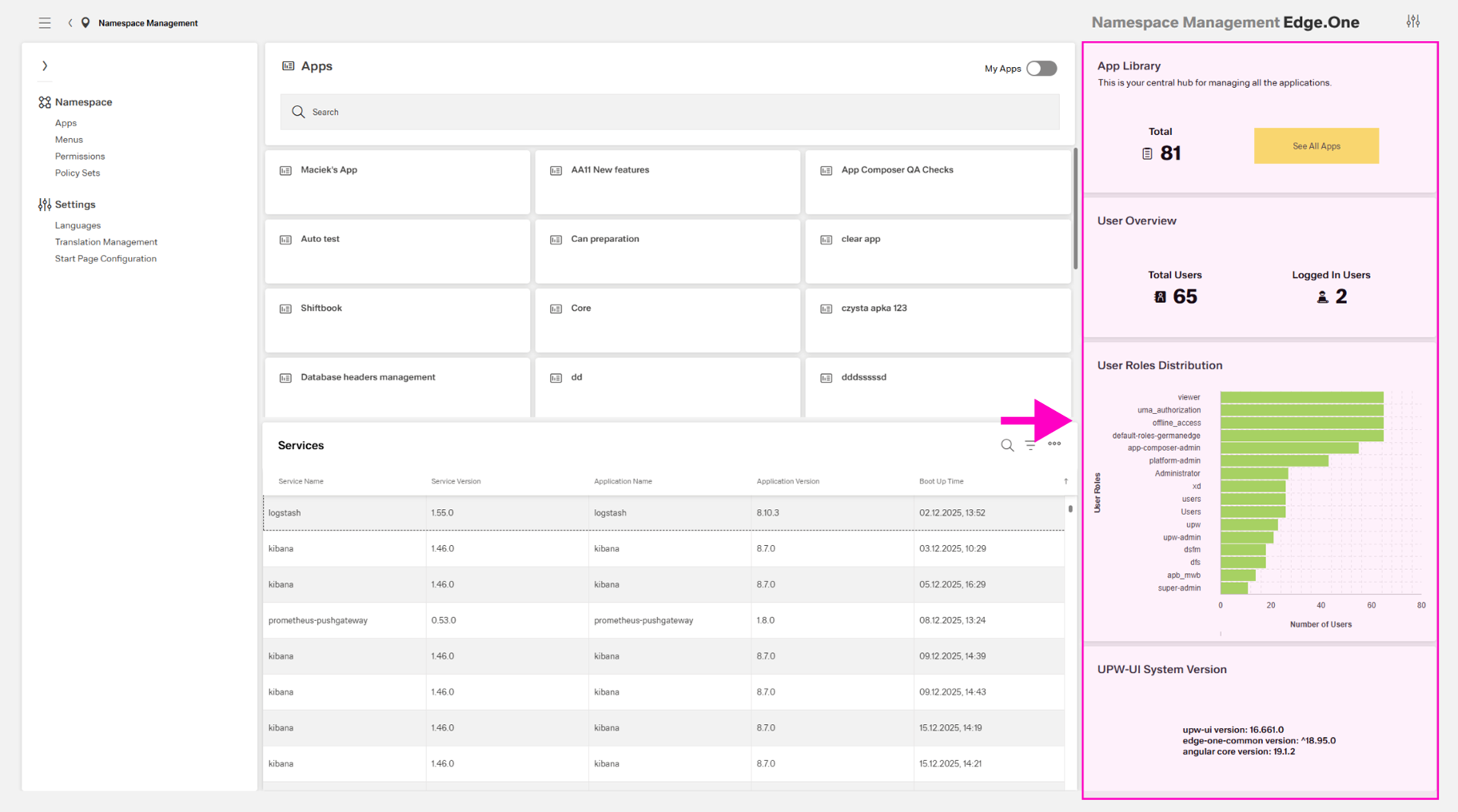
- App Library – shows the total number of applications in the namespace and includes a primary button to the Application Library.
- User Overview – shows the total number of users and the number of currently logged-in users.
- User Roles Distribution – shows the total number of users in each role. Multiple roles per user are counted once per role.
- UPW-UI System Version – shows the current uwp-ui, edge-one-common, and Angular core versions.