
The Breakpoint animation.
in this animation we show, using the dsfm interface, how the different contents behave within the breakpionts.
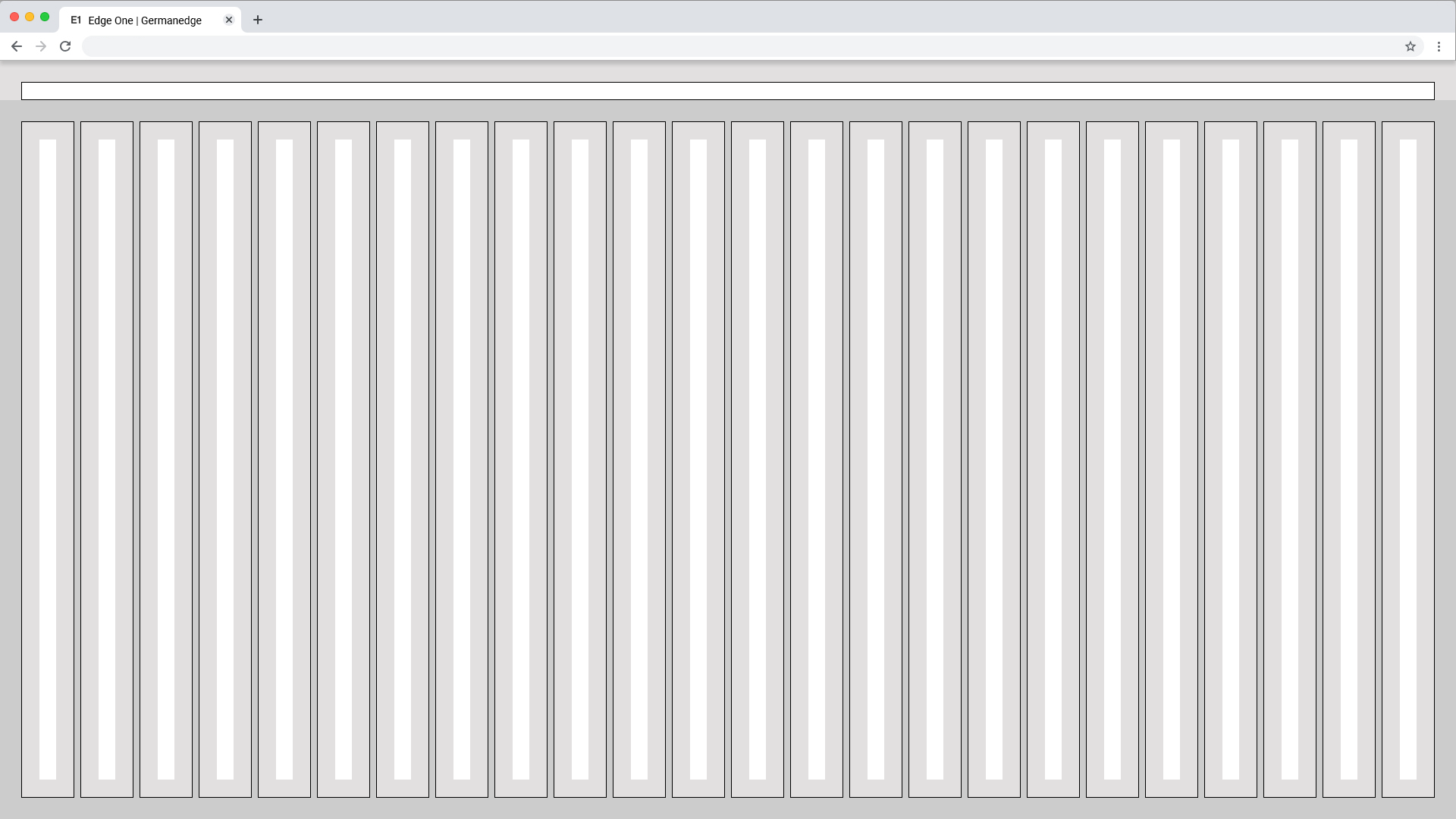
Spacing of the
web max.
Here you can find all important values for building the web max grid. the grid is divided into two main containers. the header area and the content area.
| px | rem | |
|---|---|---|
| Width | 1920 | 120 |
| Height | 1080 | 67.5 |
| Margin | 28 | 1.75 |
| Columns | 24 | - |
| Column Width | 70 | 4,375 |
| Column Space | 8 | 0,500 |
| Gutter | 24 | 1,500 |
| Header | 24 | 1,500 |
| Icon max | 24 | 1,500 |
| Icon min | 16 | 1 |
Web 1920
Columns Patting
Web 1920
Gutter Patting
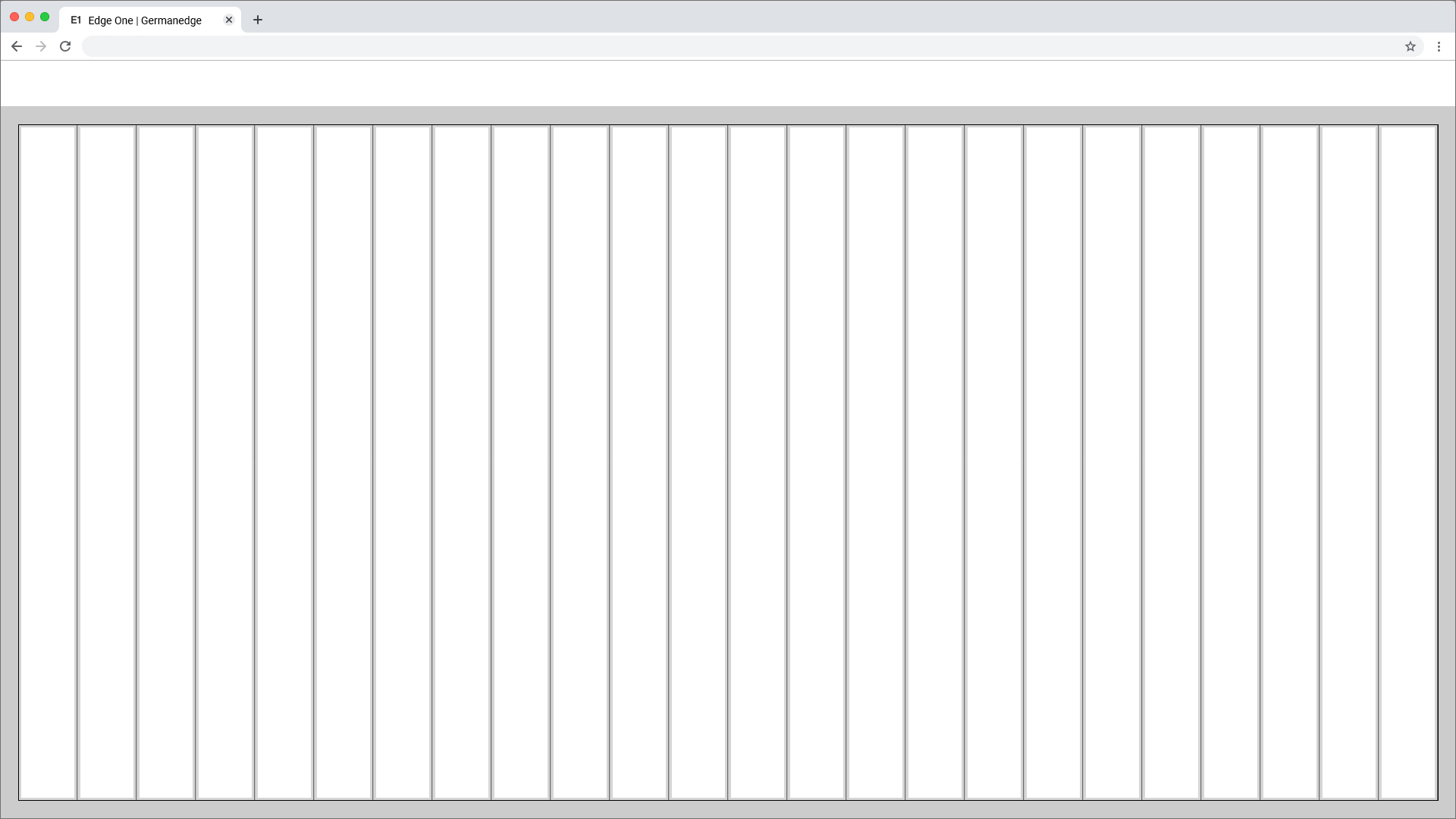
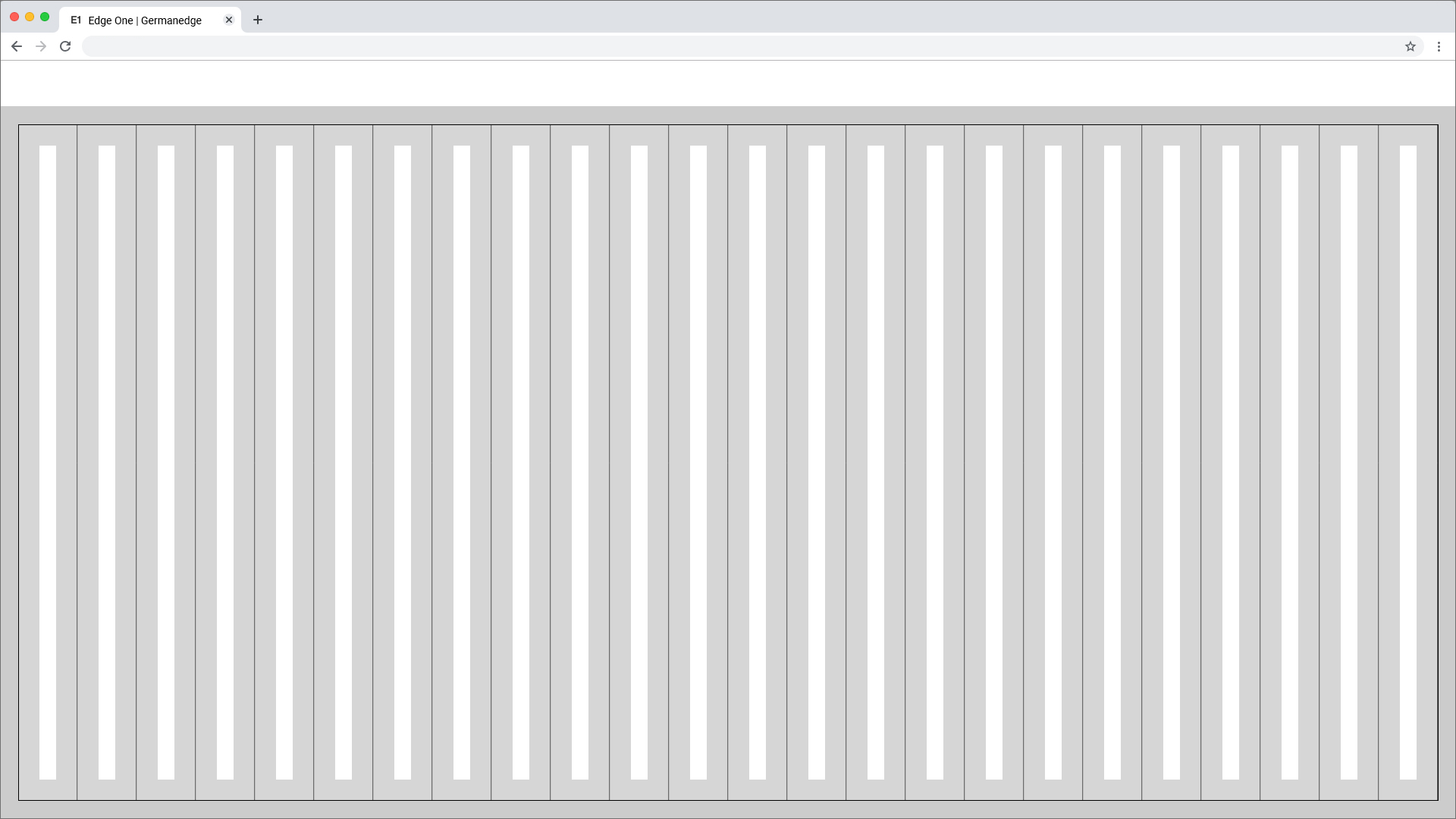
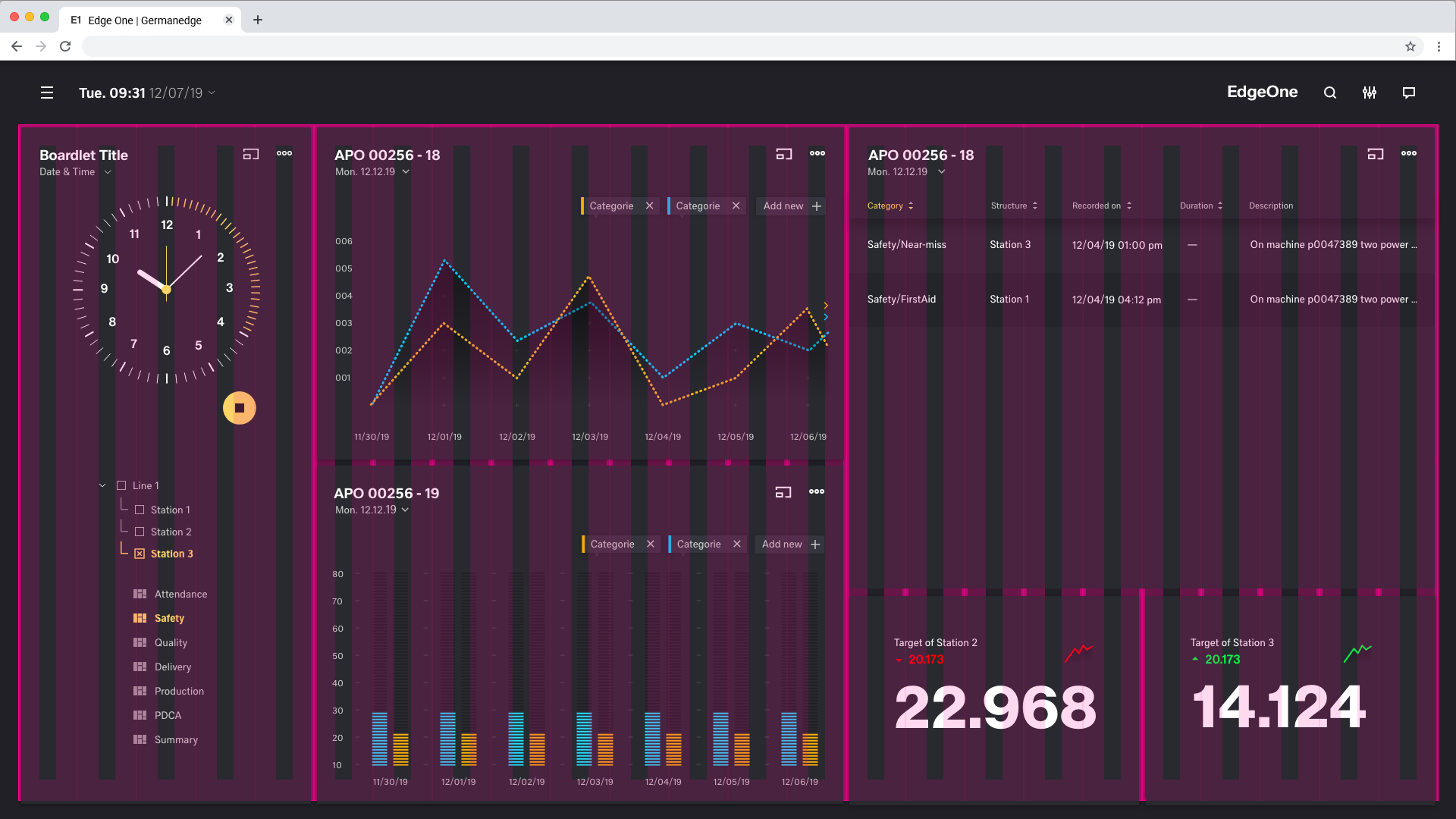
Best Practice
Dark Theme
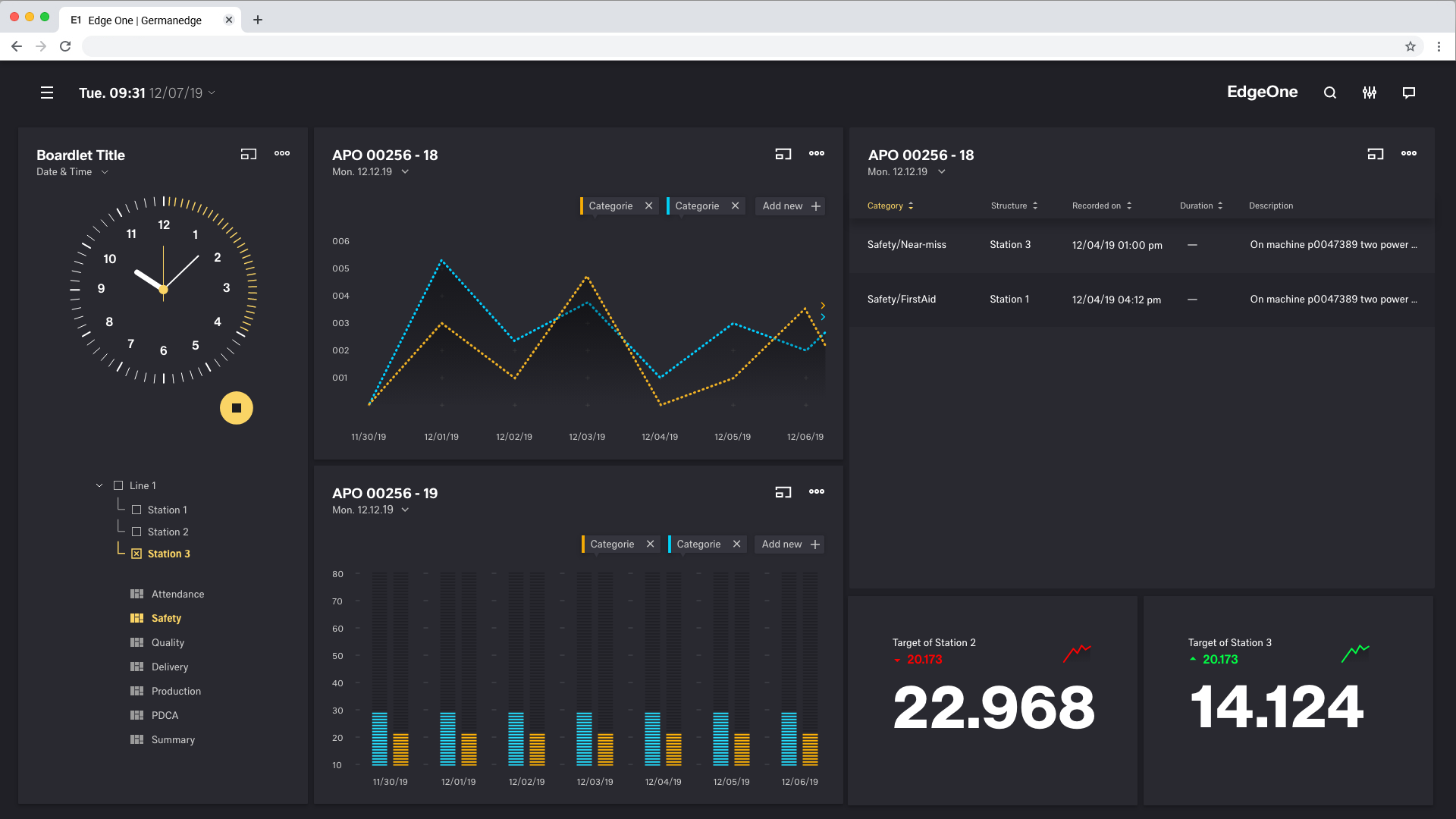
Breakpoints
Use this set of standard breakpoints to maintain layout integrity across screen sizes. For best results, test designs and code at each of these standard breakpoints.
| Breakpoints | size (px) | columns | size (%) | padding (rem) | margin (unit) | gutter (unit) |
|---|---|---|---|---|---|---|
| Small | 328 | 4 | 25% | 0,25 rem | 1,5 rem | 1,5 rem |
| Tablet upright | 720 | 8 | 12.5% | 0,25 rem | 1,5 rem | 1,5 rem |
| Tablet landscape | 984 | 12 | 8.33% | 0,25 rem | 1,25 rem | 1,5 rem |
| Web 1280 | 1224 | 12 | 8.33% | 0,25 rem | 1,75 rem | 1,5 rem |
| Web 1920 | 1873 | 24 | 4,16% | 0,25 rem | 1,5 rem | 1,5 rem |
Web 1280
Columns Patting
Web 1280
Gutter Patting
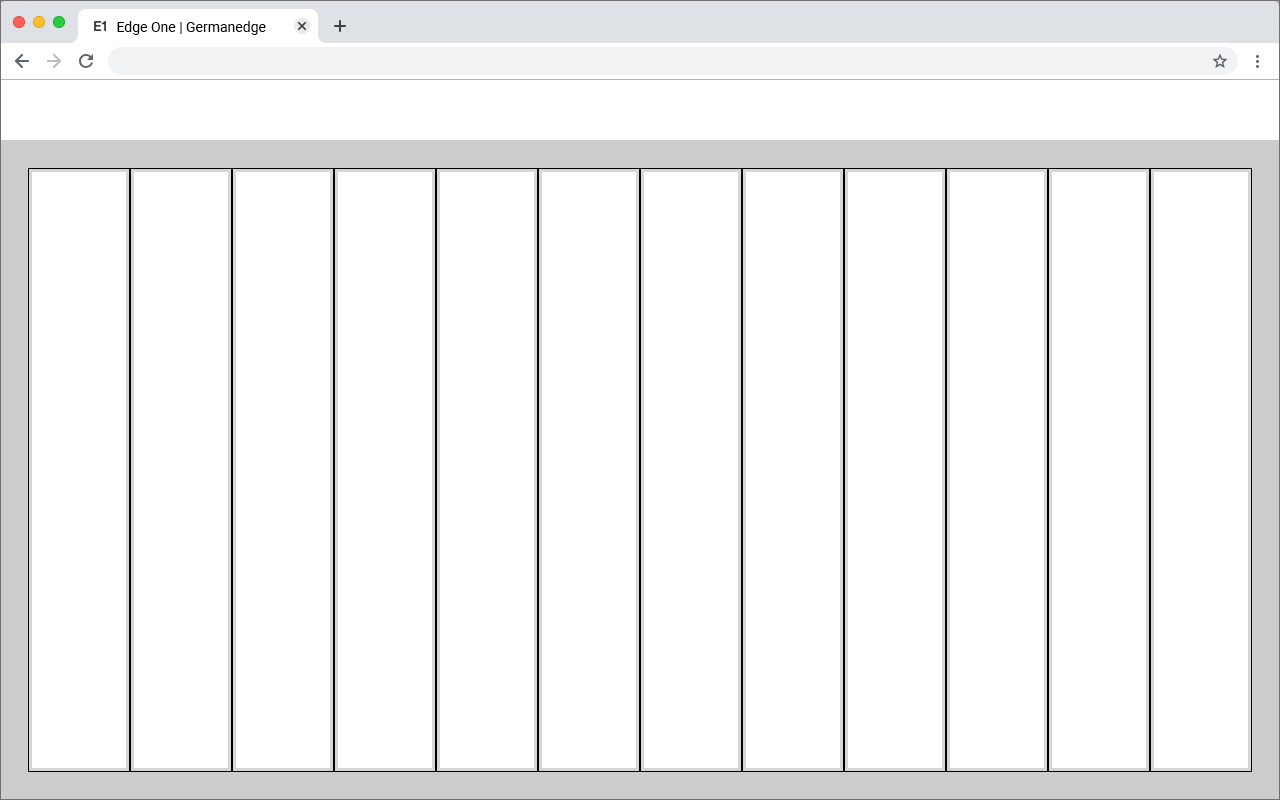
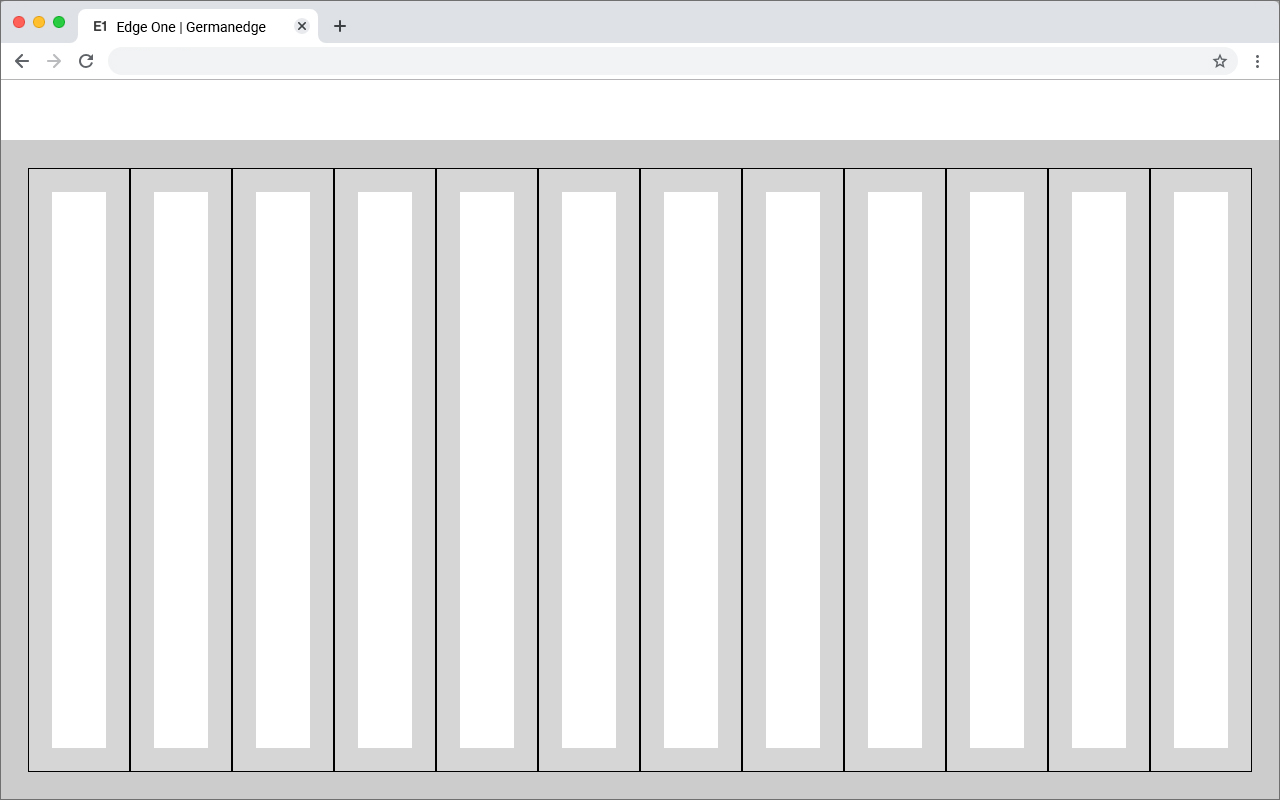
Best Practice
Dark Theme
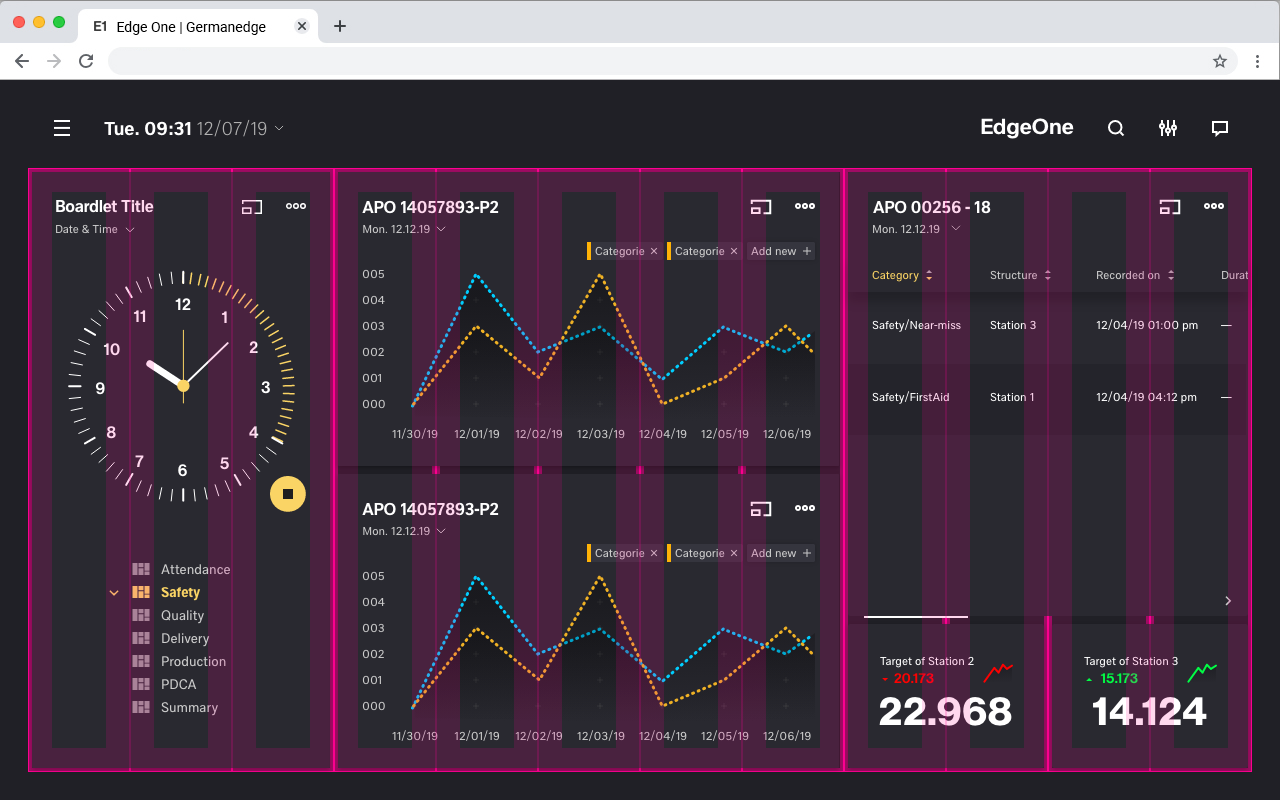
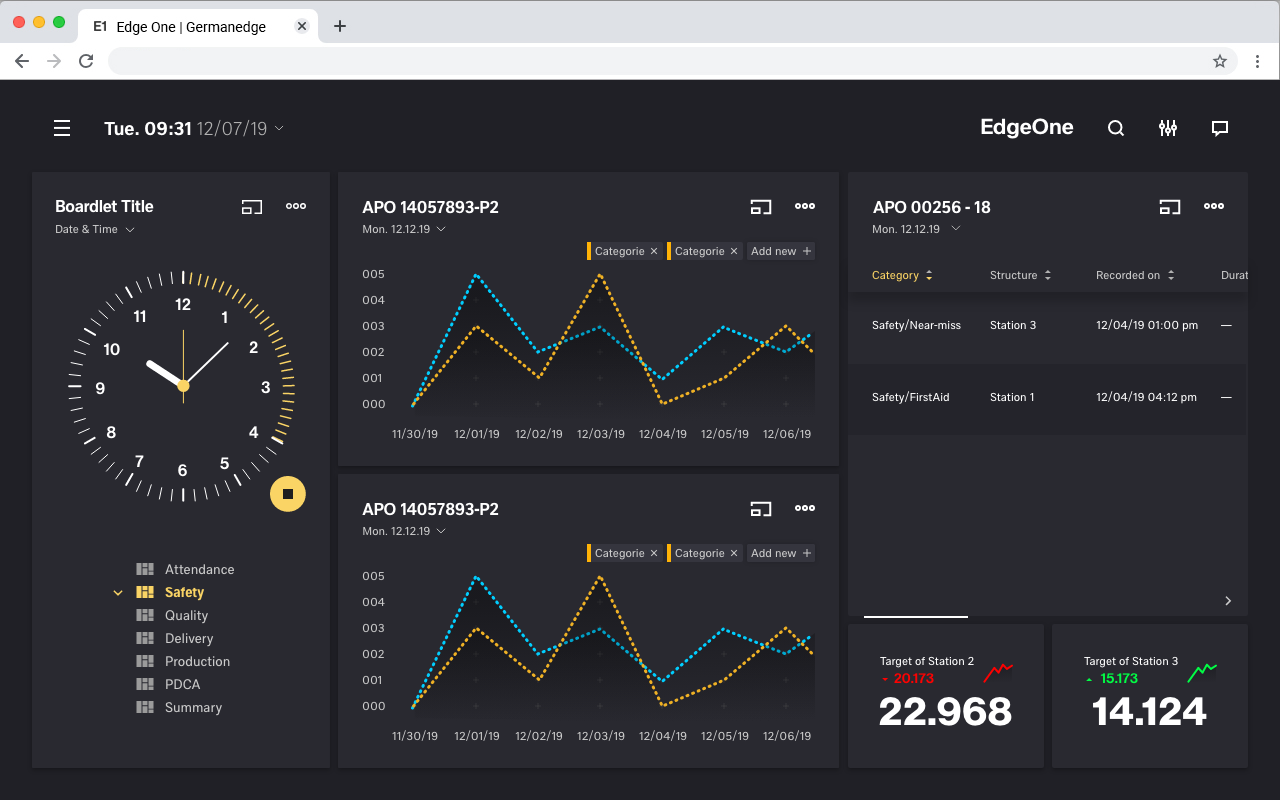
Grid examples
Tablet_Landscape


Grid examples
Tablet_Upright
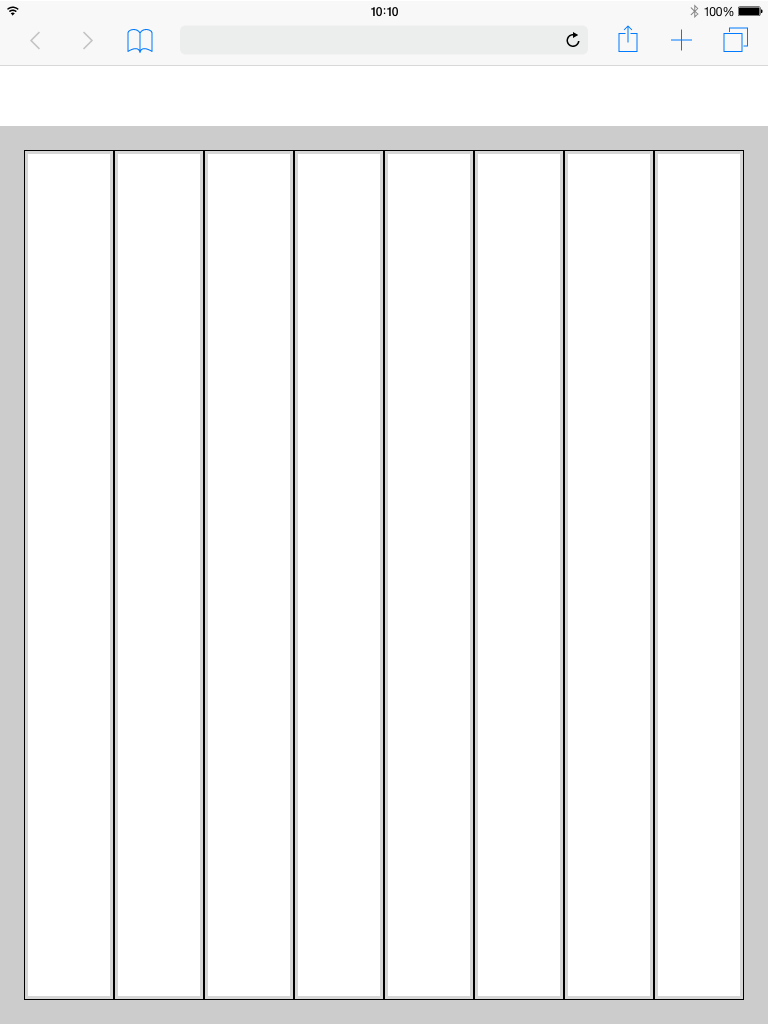
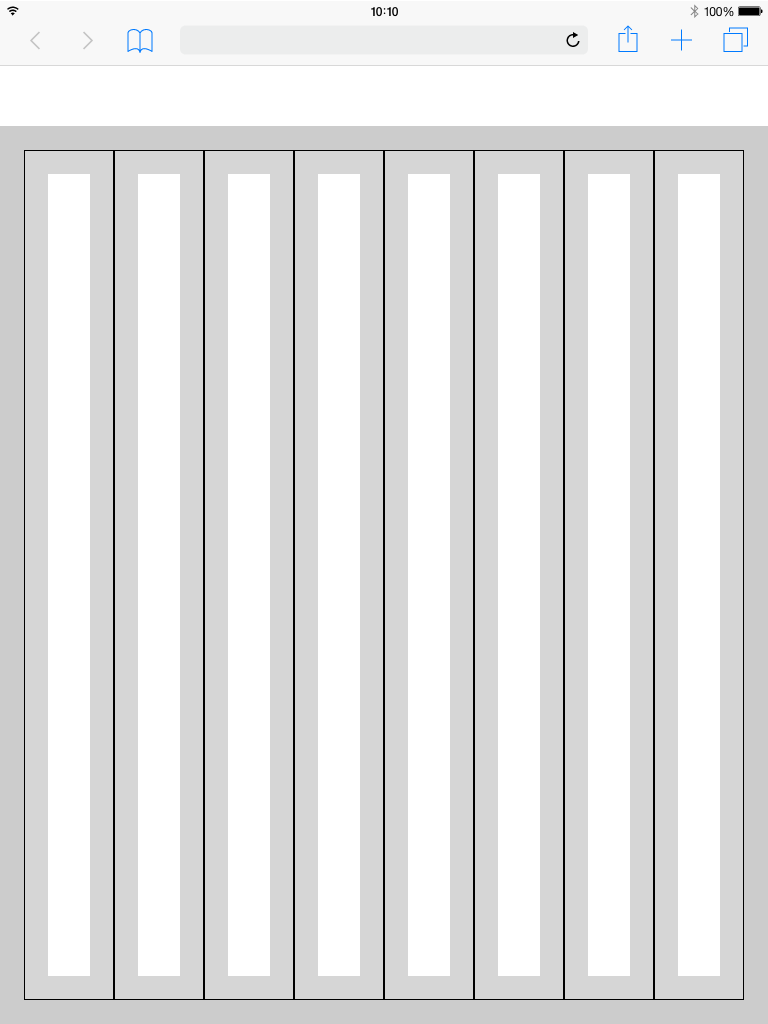
Grid examples
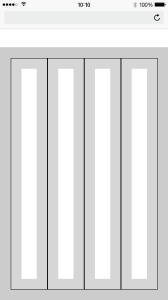
Mobile
Header
The header is the heart of the software. All buttons with global functions can be found here.
The appearance and the contents vary within the different devices. This is necessary because for example
mobile less details are necessary or the details have to be displayed in multiple levels. This also applies to the header.
More Details about the Header you will find here

