
(this page was created automatically. In case of formatting issues, please visit the official Wiki Page)
Using an Agent
Edge.One has been expanded with the introduction of AI assitents, from here on called (AI) agents, with the release of the Indore version. This article goes into detail on how to use these agents. To learn more on how to connect these agents into a new namespace, please go here.
Basic Usage
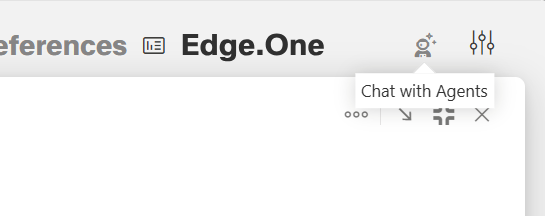
Clicking on the Astronaut Icon icon in the top right corner will activate the chat window in fullscreen mode. The start screen of this window allows users to chose an agent to chat with inside a new dialog. Users can also select an already existing chat inside the chat history on the left or search for an existing session via search bar above.
After selecting or creating a chat, the agent is ready to answer questions inside a chat window. If you are unsure about the agents knowledge and capabilities, ask the agent directly.
For a short visual introduction, please watch the video below:
New Sessions and New Chat
New session new_session_and_new_chat.mp4
Chat History
History chat_history.mp4
Manageing Agents
Managing agents managing_agent.mp4
Resize Options
The window can be resized to a smaller, freely sizable window or minimized into a hoverung button. More information on resizing can be found in the section "Resize Options" below
Chat window resize capabality chat_window_resize.mp4
To close it, click the close action in the top right corner or the small "x" on the hovering button.
