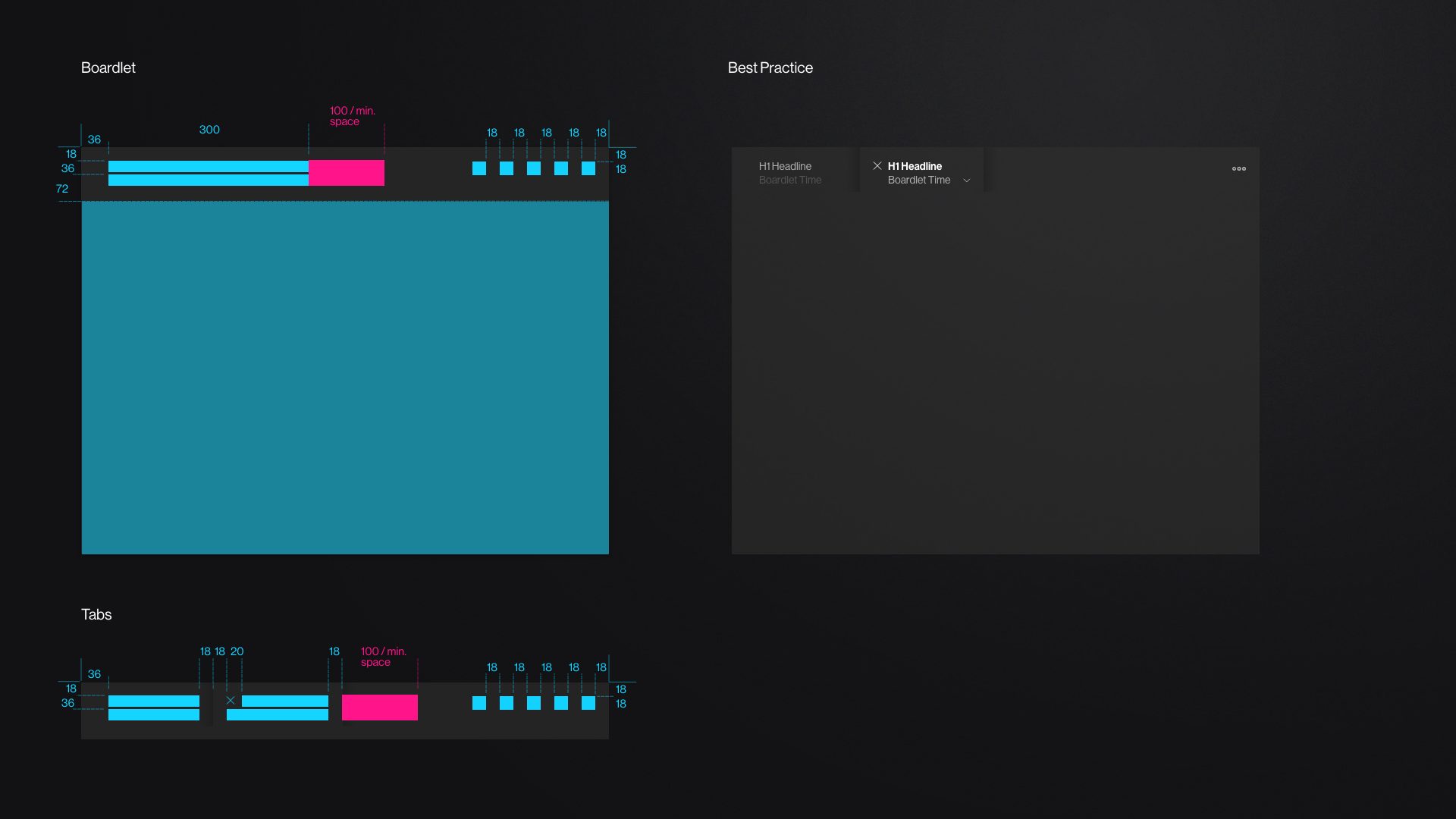
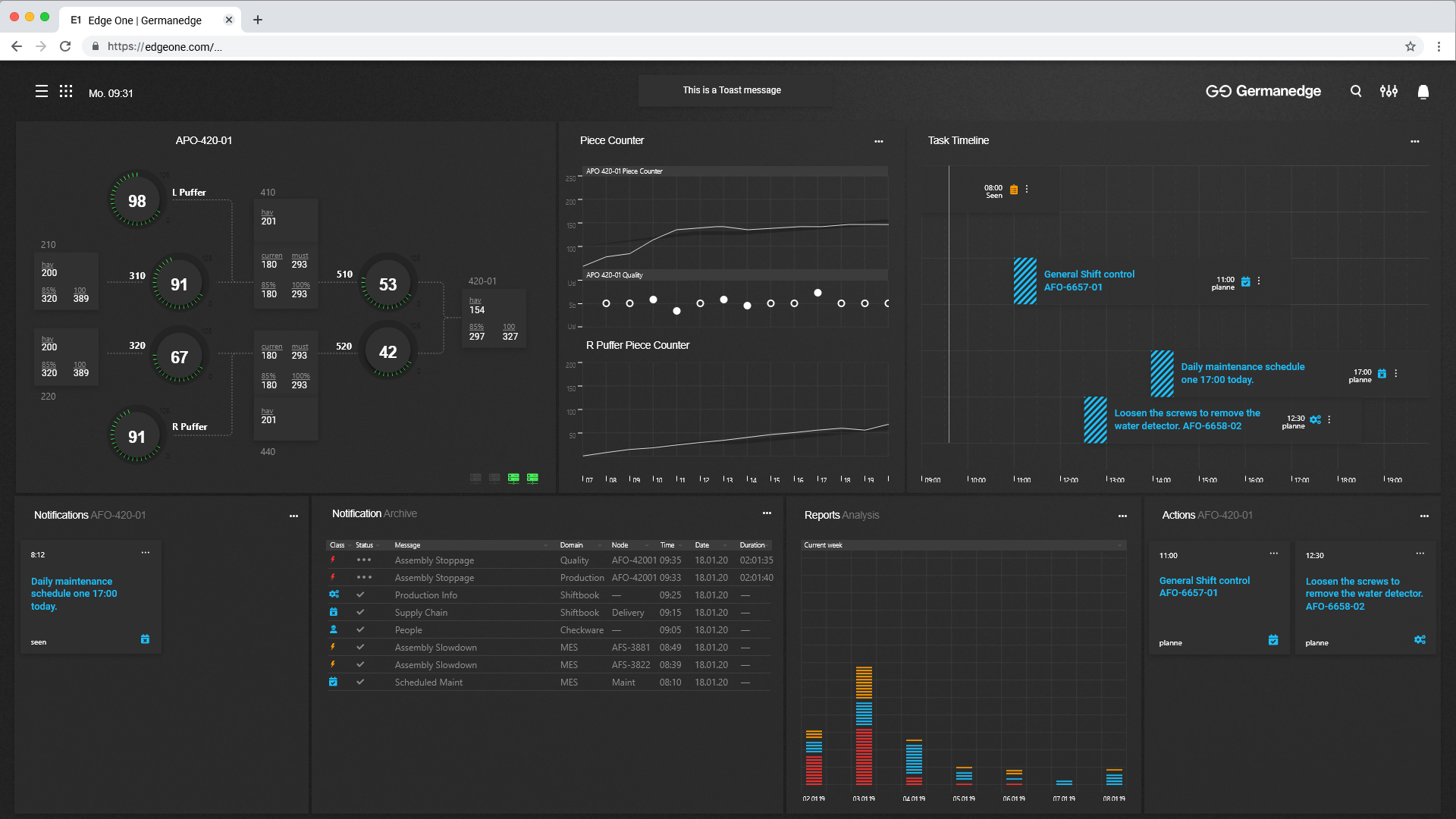
A boardlet is a segment of a dashboard that is used to group together matching content and show it to the user. For example, a boardlet can contain tables with information, diagrams, kpi's, or graphics.
A boardlet is somehow comparable with an app in the smartphone world. The functionality can be very simple or complex, depending on the use case.
Boardlets are sicked together by authorized users to define a dashboard.
Modifiers
Notifications
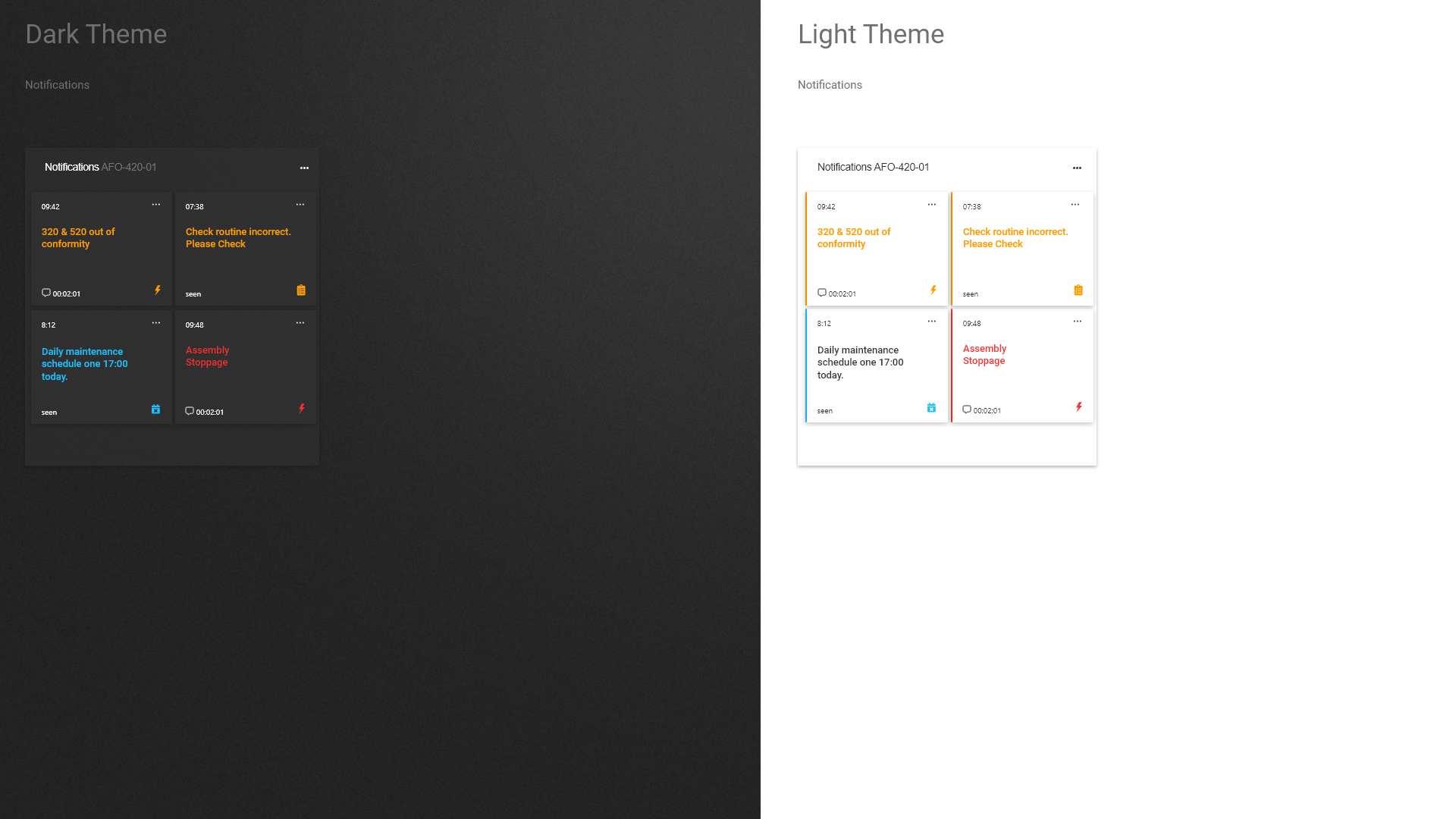
A notification is a message that appears in the Edge One context. For example, it may contain error messages, reminders, messages from other people, or other current information from the production environment. Incoming notifications are displayed via an icon in the header.
Toast
A toast gives a simple feedback to a process in a small pop-up window. It only takes up so much space that the current activity remains visible and interactive. Toasts disappear automatically after a certain time. A Toast appears animated, so that the user recognizes a movement. The animation is discreet.
Boardlets with tabs
Tabs within a boardlet are set to the bottom of the boardlet. Tabs can help to cluster information in a proper way and to reduce the amount of space which would be necessary without tabs.
For Style see also: https://app.zeplin.io/project/5e9dacd70b95bc52259f2f94/styleguide/components?seid=5ec2e220e16994494ce3acca