Manufacturers and Manufacturer Types are part of Finito’s asset management structure.
They help classify objects based on their producer, model family, software version, or other sub-categories that are relevant for lifecycle management, documentation, and maintenance.
These definitions ensure consistency across all assets and enable powerful filtering, reporting, and linking inside tasks, checklists, and audits.
A Manufacturer represents the company, brand, or entity that produces the asset.
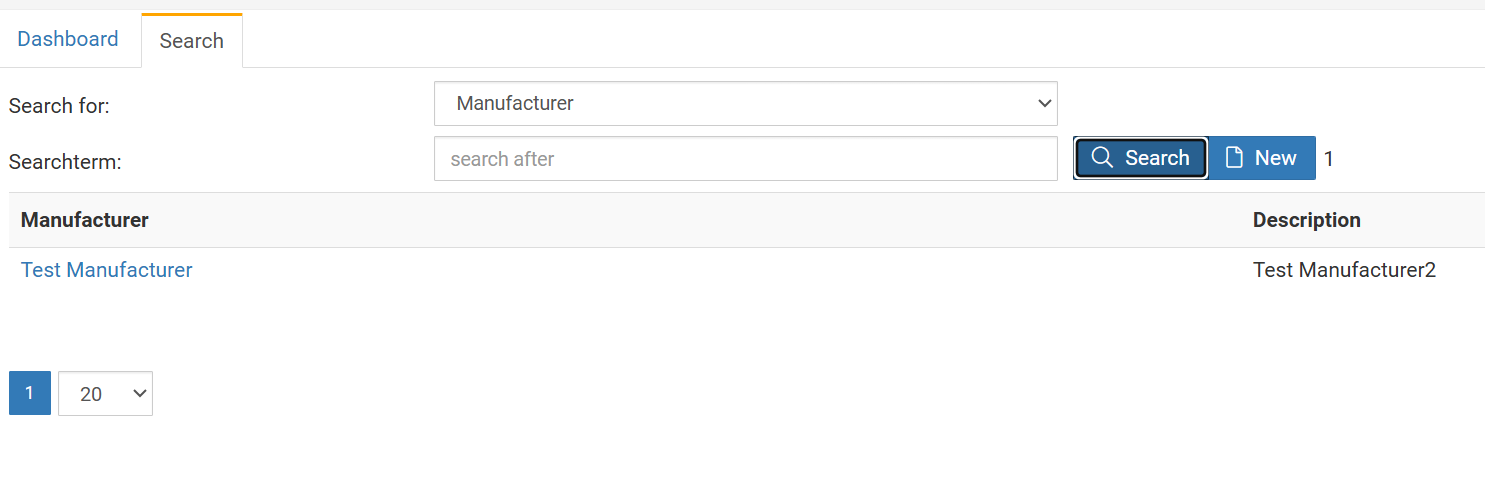
Manufacturers can be created via:
Search → Manufacturer → New
Each manufacturer consists of two fields:
The primary identifier.
Always displayed in object headers and lists.
Must be unique and clearly recognizable (e.g., Siemens, Endress+Hauser, HP, Bosch Rexroth).
Optional explanatory text.
Used to document additional information about the manufacturer (e.g., scope, technology domain, brand notes).
Not shown prominently in most views — purely informational.
After creation, a manufacturer must be assigned to one or more Object Types to appear as a selectable option inside objects.
To use a Manufacturer for specific asset categories, it must be linked to the Object Type.
This is done via:
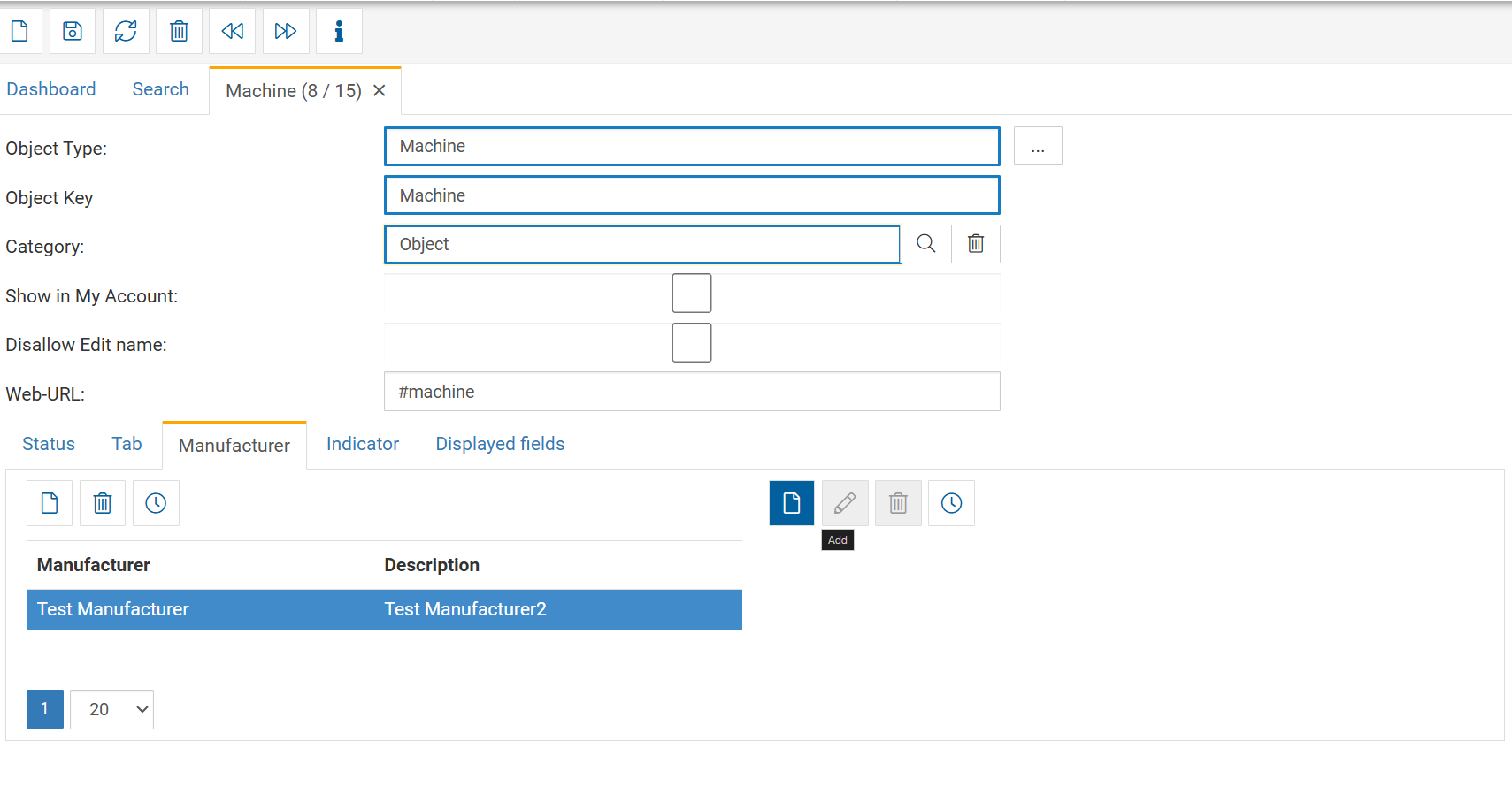
Search → Object Type → open Object Type → Manufacturer tab
Steps:
Open the desired Object Type.
Navigate to the Manufacturer tab.
Click New.
Select one or multiple manufacturers from the list.
Once assigned:
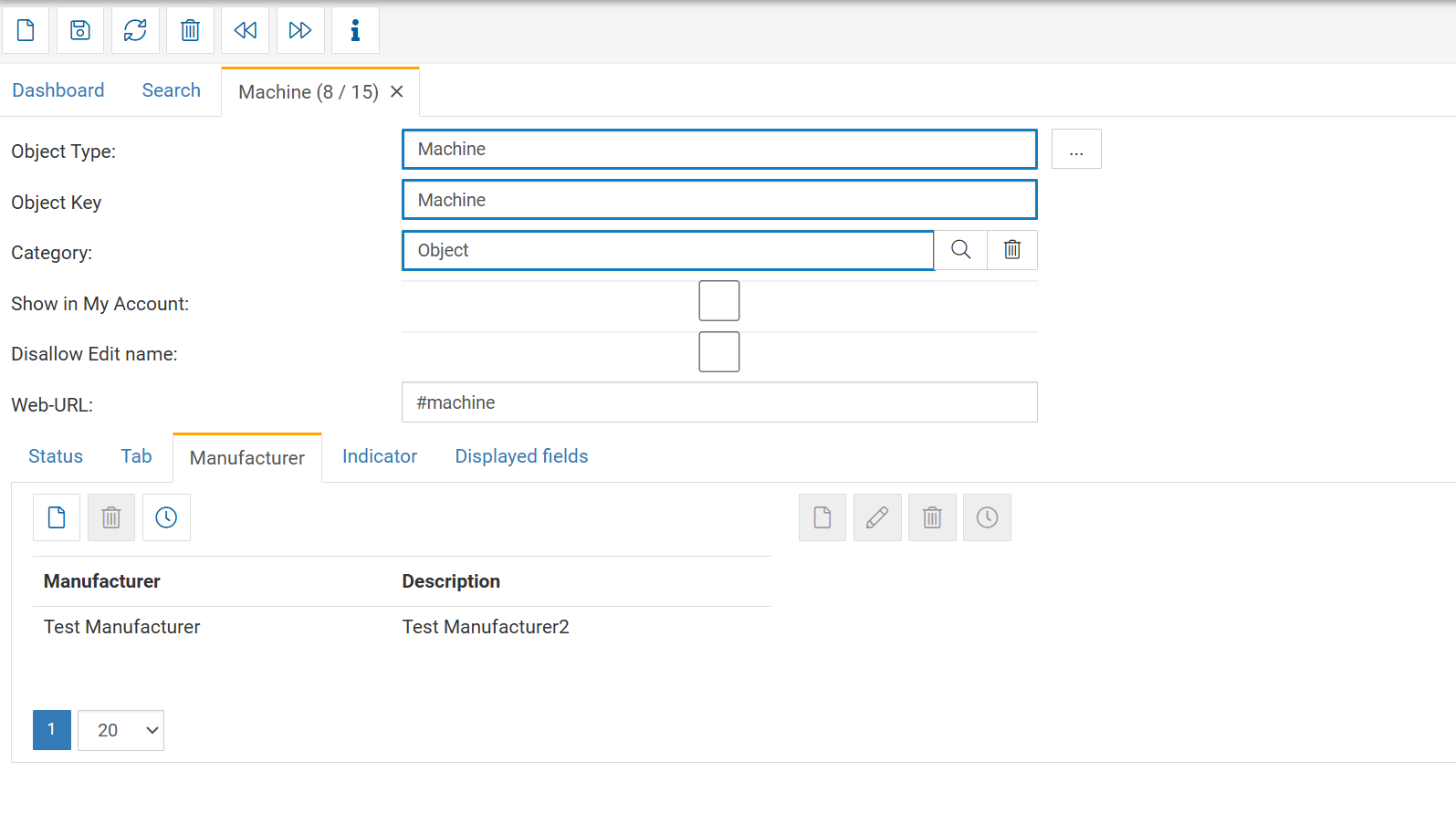
All objects of that Object Type can select the manufacturer in their header.
Only manufacturers linked to the Object Type will appear in the dropdown.
A Manufacturer Type extends a Manufacturer with sub-categories.
This is highly flexible and can be used for:
Product families
Model series
Firmware or software versions
Tool variants
Machine generations
End-of-life classifications
Certification groups
Sub-brands
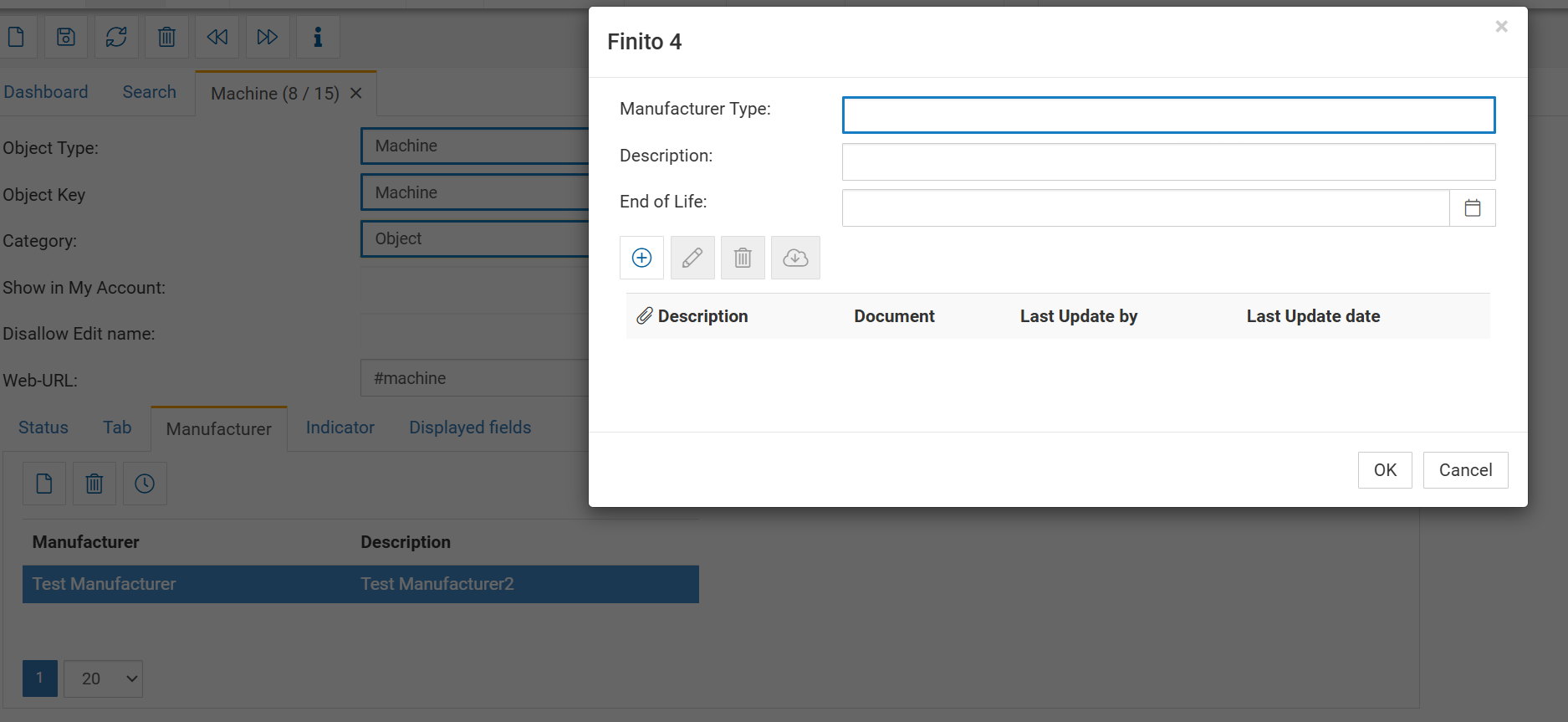
Each Manufacturer Type contains:
The name of the subtype, e.g.:
S7-1200
Eaton XEasy Series
Windows Server 2022
Bosch GWS 18V
Fire pump model FP-400
This is what will later appear in the object.
Additional information or internal notes describing this subtype.
Useful examples:
"Used for all PLC lines since 2019"
"Firmware version 3.x is deprecated"
"New generation with improved thermal protection"
A date or marker indicating when this subtype is no longer supported.
Typical use cases:
Software versions reaching EOL
Hardware reaching end of support
Deprecated product families
Replacement cycles
Attach files relevant to the Manufacturer Type:
Datasheets
Manuals
EOL announcements
Certificates
Firmware notes
This creates a central reference point for all objects using this subtype.
To create Manufacturer Types for a given Manufacturer:
Go to Search → Object type
Open the desired Object type with the manufacturer
In the right-side action area, click Add Manufacturer Type
Fill in:
Manufacturer Type
Description
End of Life (optional)
Upload relevant documents
All Manufacturer Types are listed under the Manufacturer and can be managed there.