Table of contents

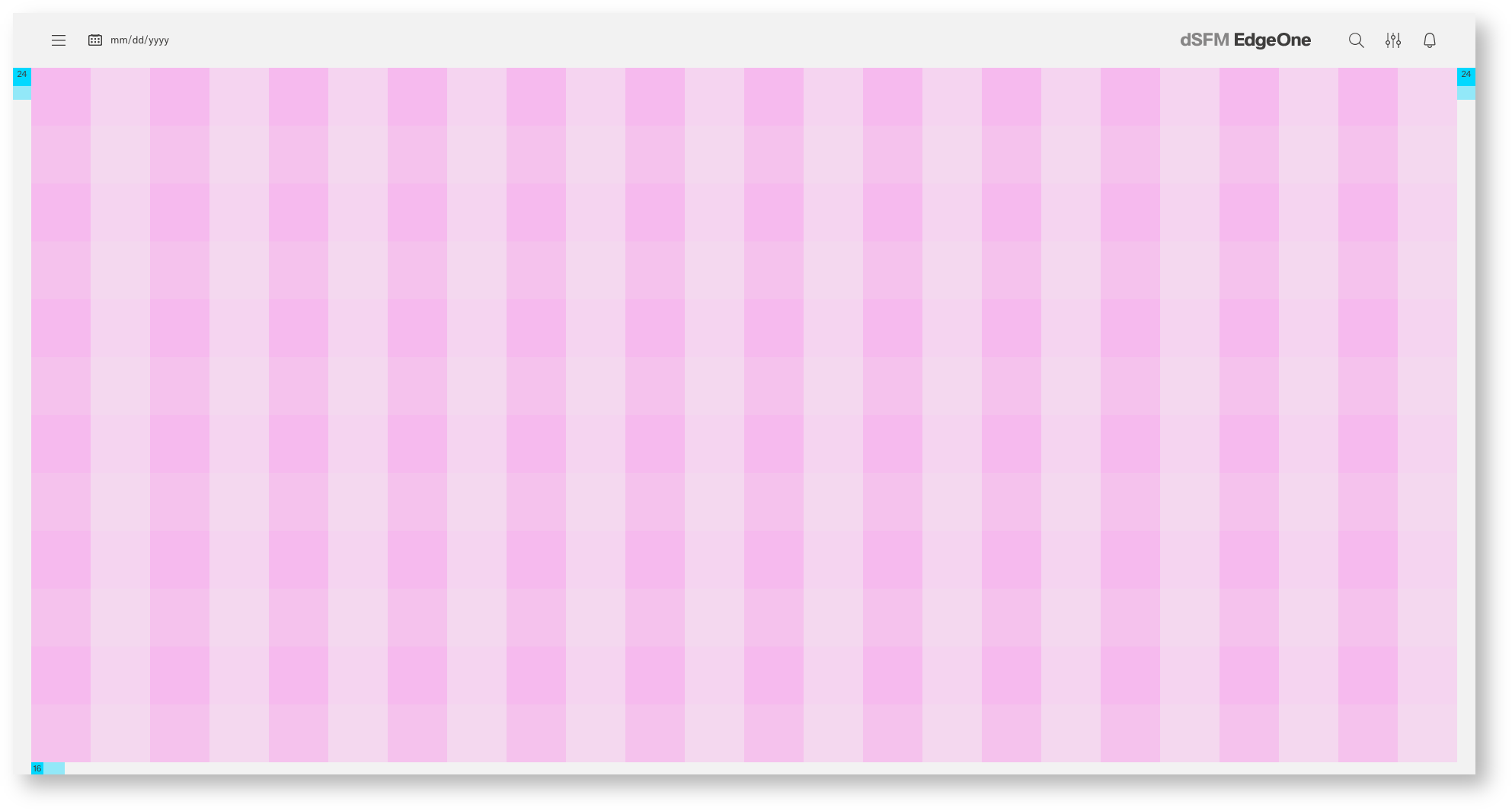
| Base | px | rem |
|---|---|---|
| Breakpoint | ≥1800px | n.n |
| Width | 1920 | 120 |
| Height | 928 | 58 |
| Content Area | ||
| Columns | 24 | - |
| Column Width | 78 | 4.875 |
| Margin left | 24 | 1,5 |
| Margin right | 24 | 1,5 |
| Marin bottom | 16 | 1 |
| Header Area | ||
| Header | 72 | 9 |
| Icon max | 24 | 1,5 |
The 24 Columns Gutter.
Gutters may be missing as shown above or present as shown below. For closely related content, you should consider an Gutters free layout. Use the gutter if the content requires more separation.

| px | rem | |
|---|---|---|
| Columns | 24 | - |
| Indent left | 24 | 1,5 |
| Indent right | 24 | 1,5 |
| Margin left | 24 | 1,5 |
| Margin right | 24 | 1,5 |
| Marin bottom | 16 | 1 |
| px | rem | |
|---|---|---|
| rows | 12 | - |

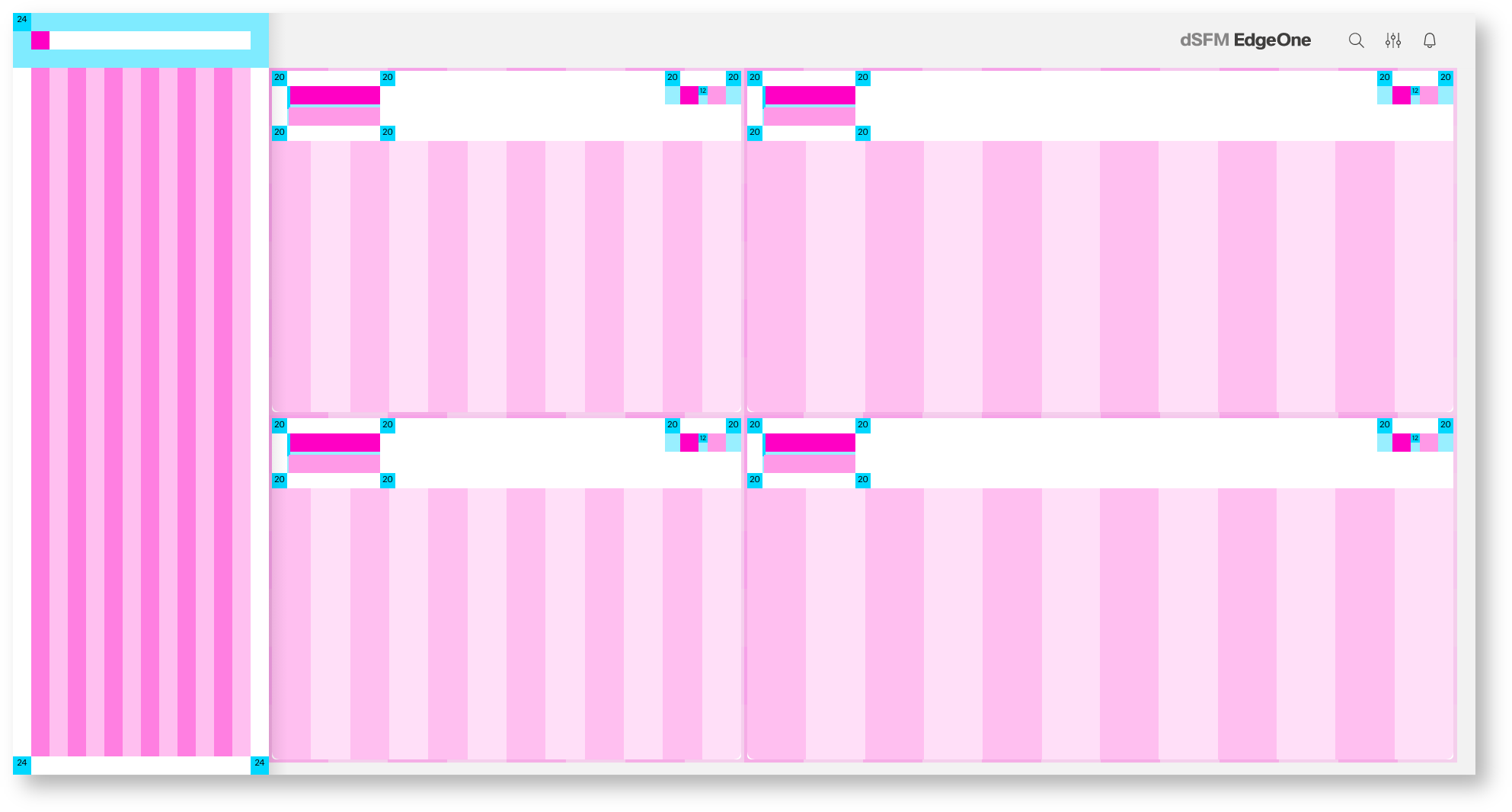
Common dashboard with 4 Boardlets aligned to the 24 columns grid/12 rows

Common dashboard with 10 Boardlets aligned to the 24 columns grid/ 12 rows

Common dashboard with Boardlets, Cards and Free-standing-content (aligned to the gutter)