
The boardlet is the heart of the interface. On the boardlet all the different information is aggregated and displayed. Currently the boardlet is available in 2 states, with and without Tabs. In the next subpoints you will find all information about the boardlets.
The Basics.
A boardlet always consists of a title, the toolbar and a content area. In mobile breakpoints the boardlets transform into multilevel cards. These cards serve as a summary or status of the data in the boardlet. The cards can be opened and thus all data from the boardlet can be made visible in compressed form.
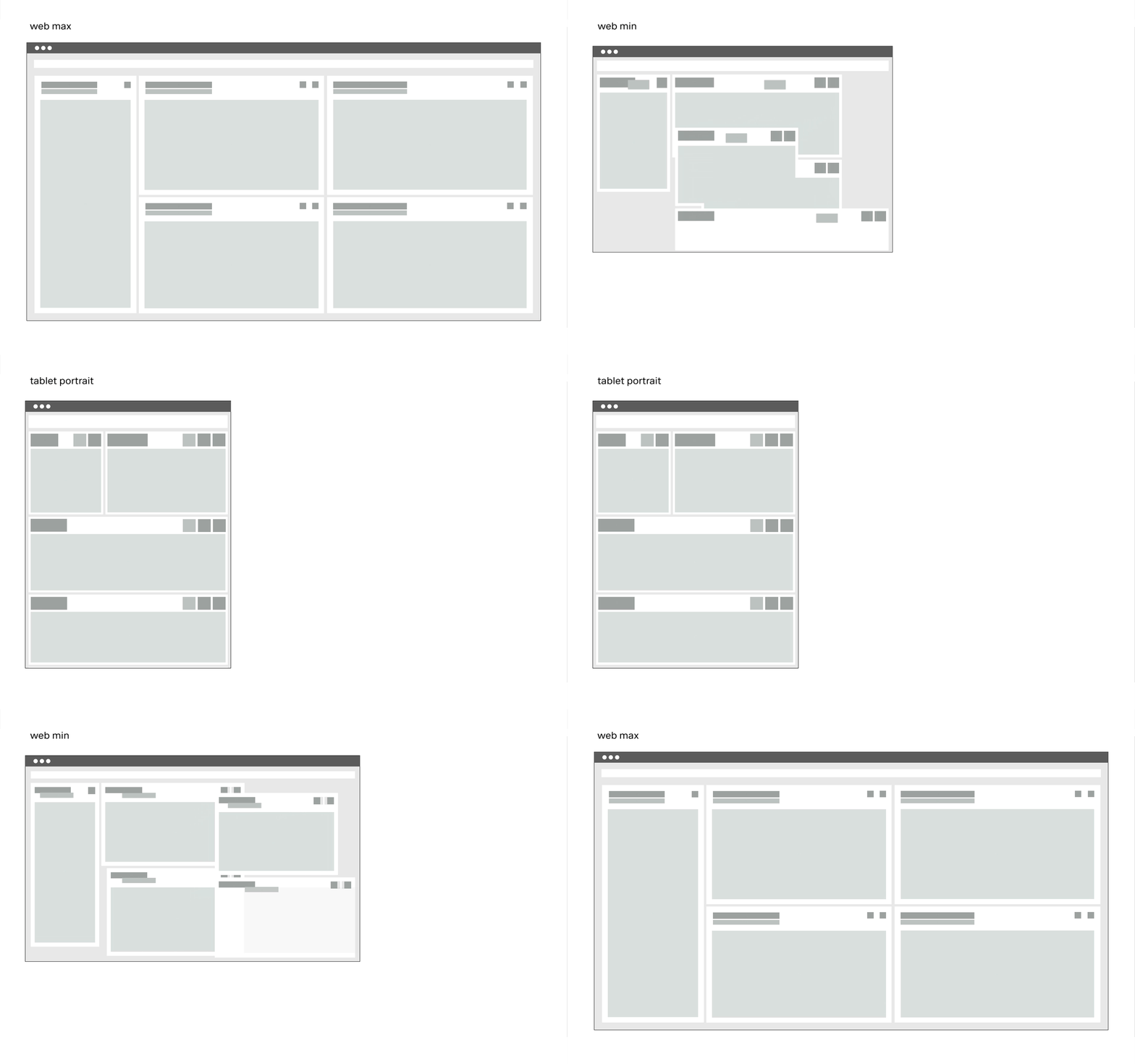
Breakpoints
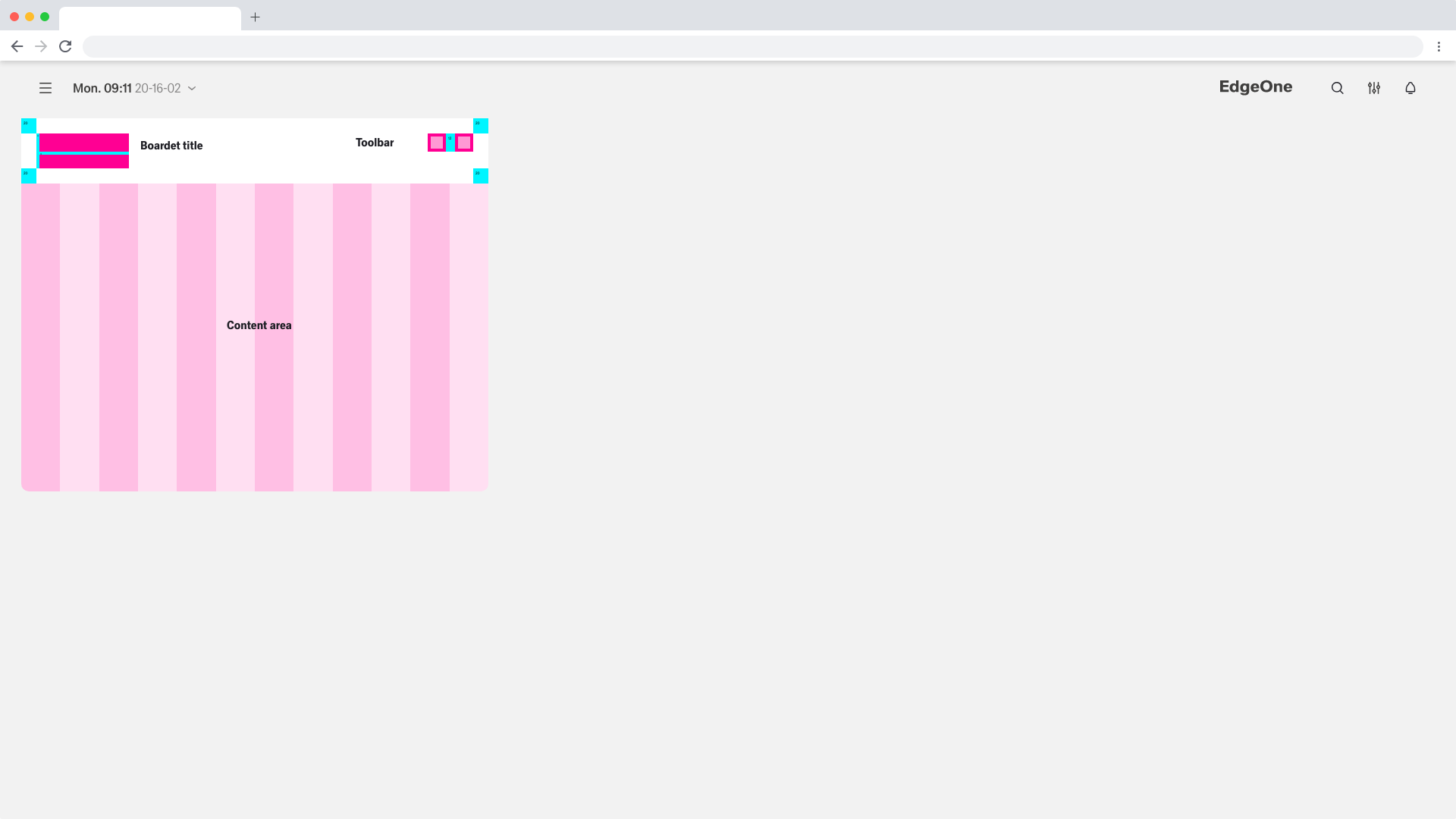
1920 Default Boardlet definition
The Sizes.
All boardlets are based on the column grid of the dashboard. The minimum size of a boardlet within the Web Max Breakpoint is 4 columns. A boardlet must never be smaller than 4 columns. Each boardlet is variable in width, and the maximum is 24 columns. The boardlets must never overlap the column grid.
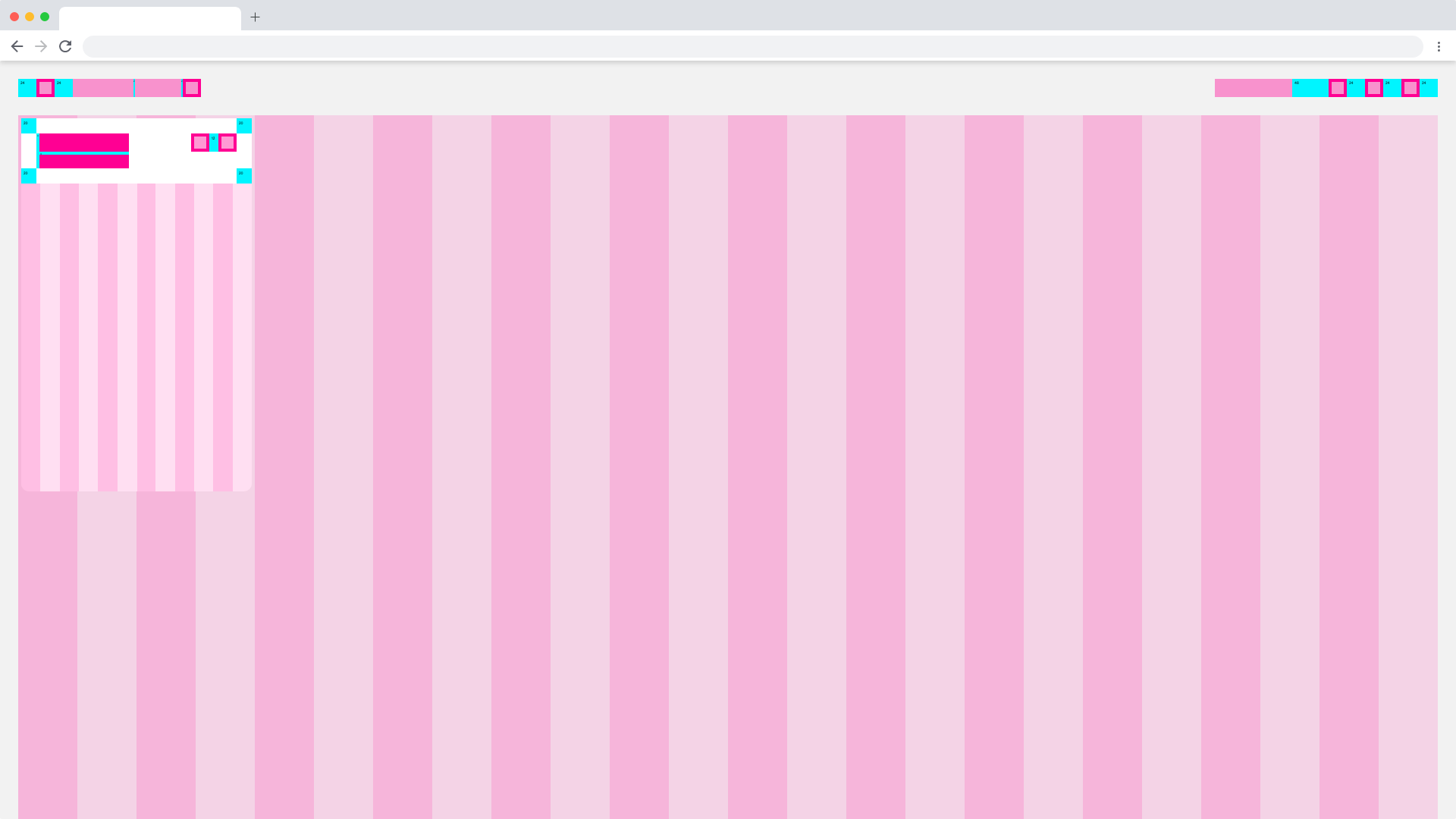
1920 Default min Boardlet
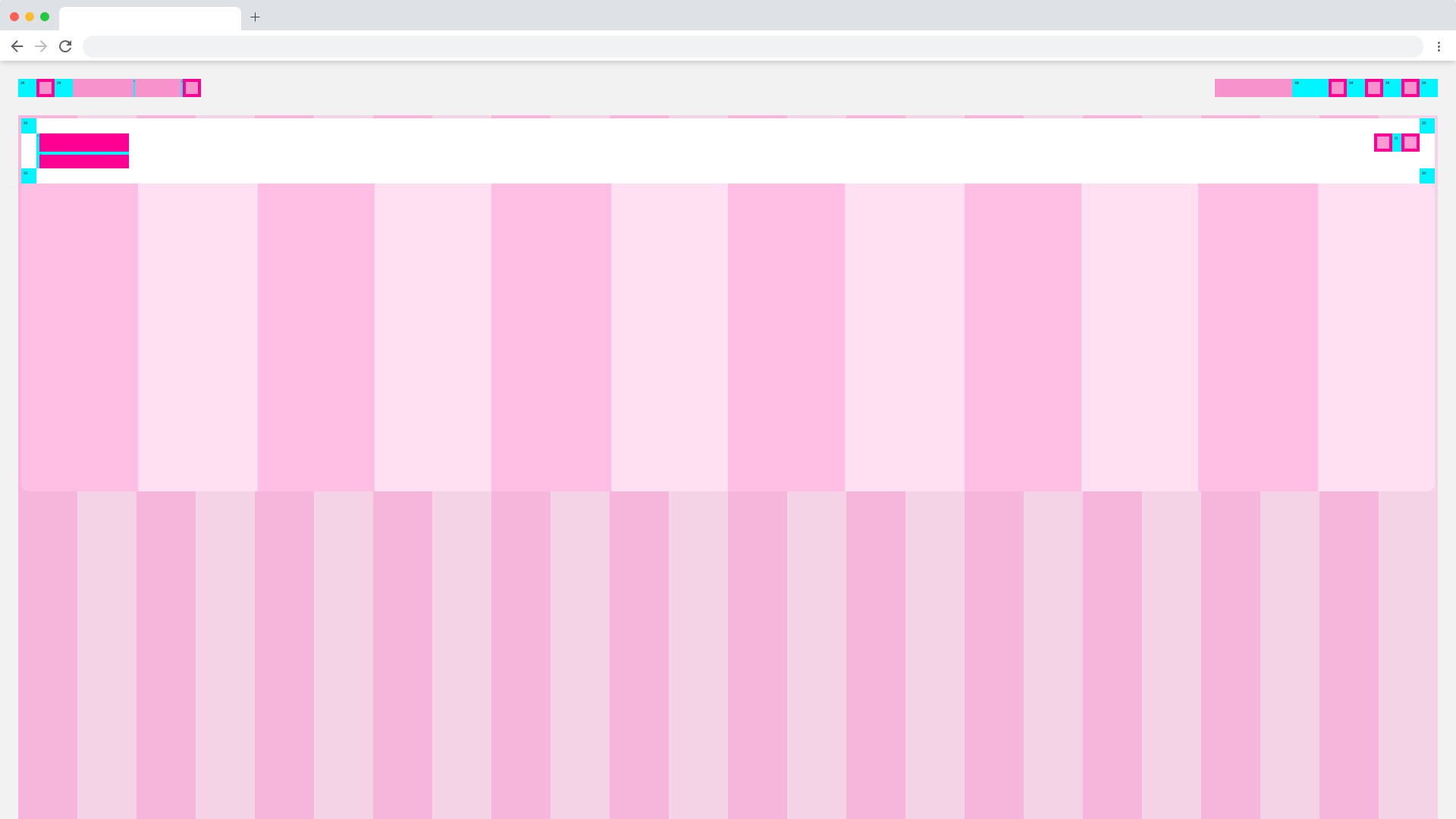
1920 Default max Boardlet
The Tabs.
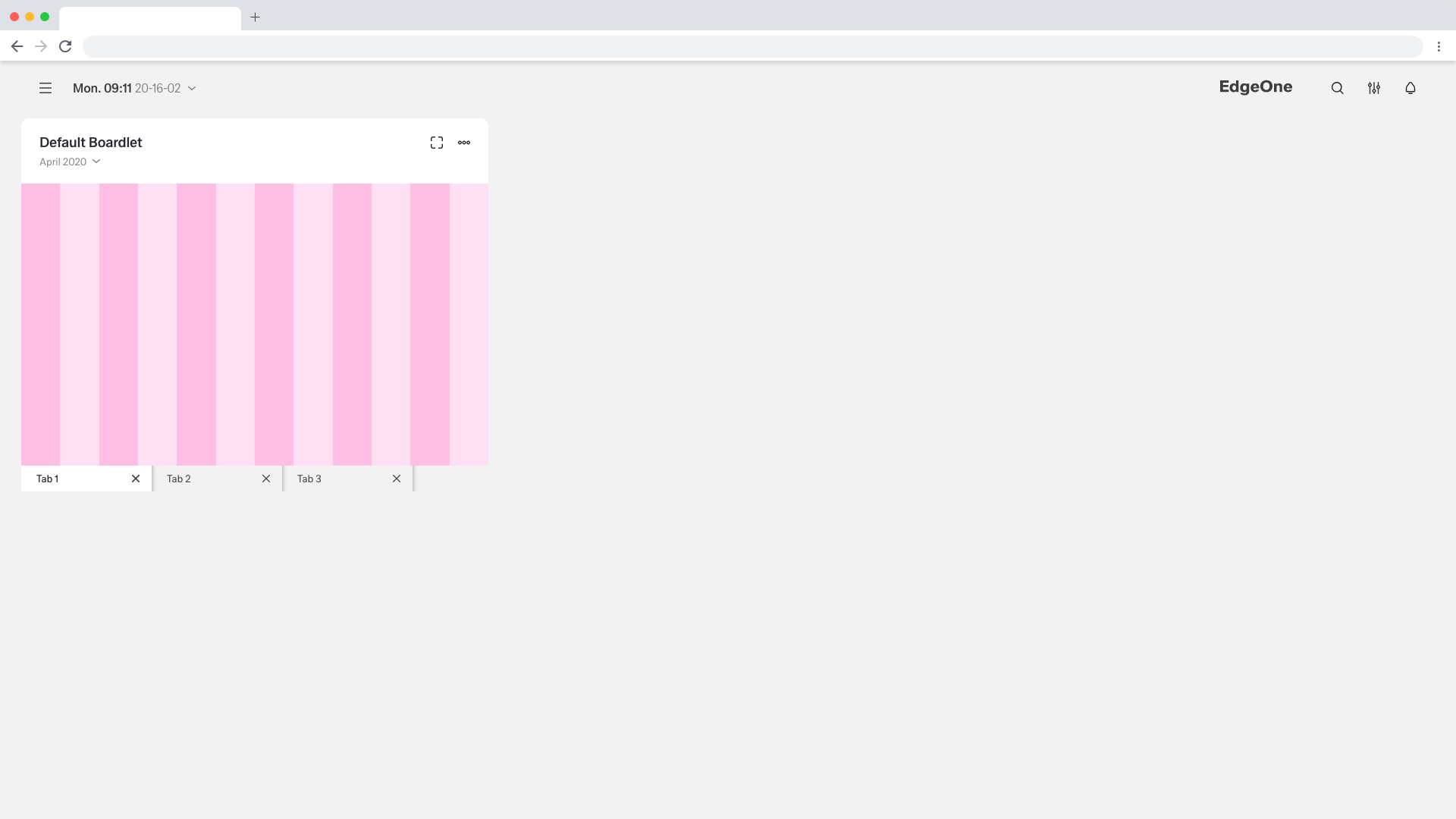
1920 Default Boardlet with Tabs
1920 Default Boardlet with Tabs
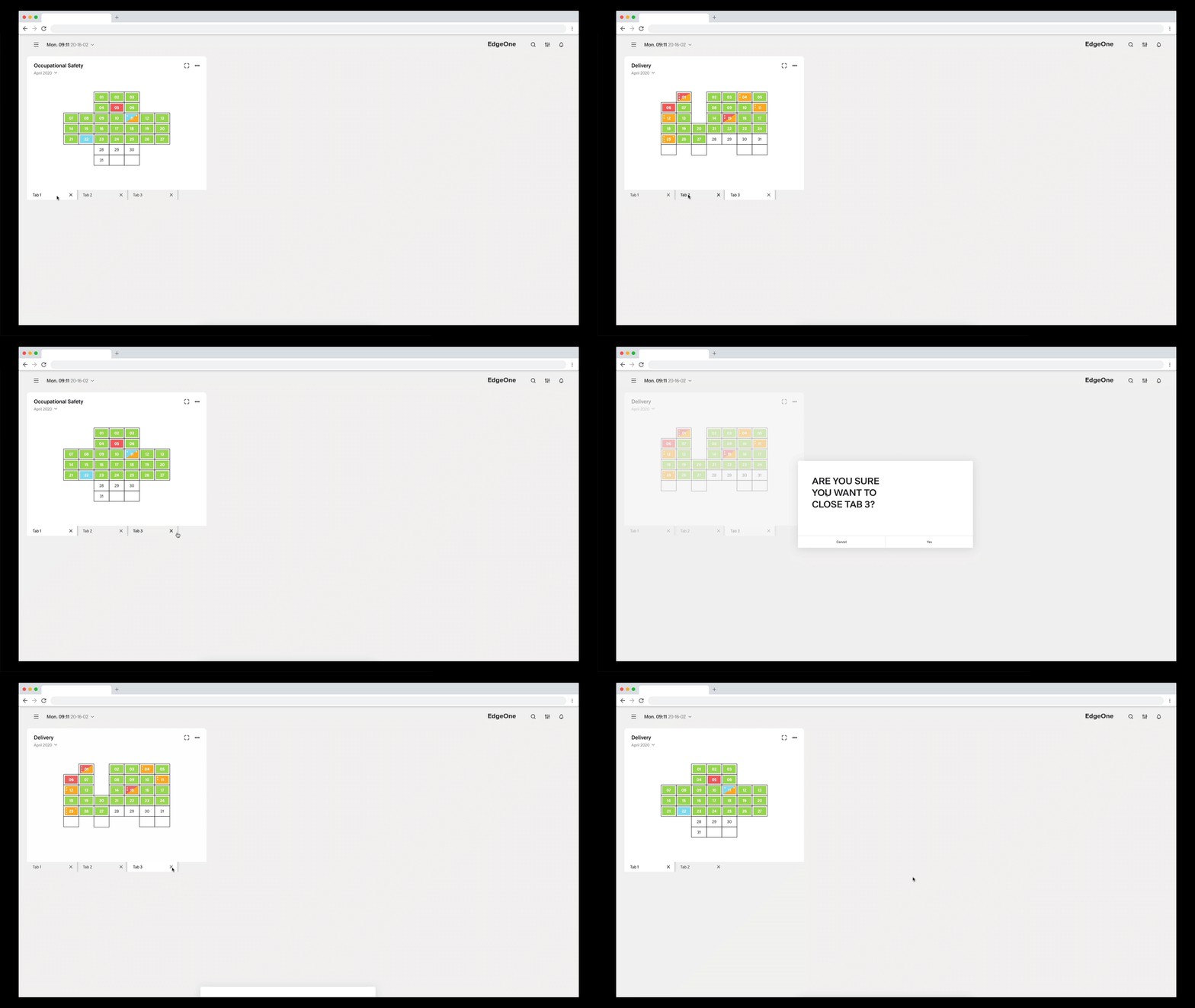
Boardlet wit Tabs Flow-Animation
