
Page History
| Table of Contents | ||||
|---|---|---|---|---|
|
| Breakpoint | ≥1800px | - |
| Width | 1920 | 120 |
| Height | - | - |
| Content Area | ||
|---|---|---|
| Column Width | 78 | 4.875 |
| Gutter | 26 | 1.625 |
| Content-Area Margin | 24 | 1,5 |
| Header Area | ||
| Header-Area | 24 | 1,5 |
| Icon max | 24 | 1,5 |
| Icon min | 18 | 1,125 |
| Scrollable | yes | |
| Navi and Toolbar | ||
| Height | - | - |
More details you will find here.
| Table of Contents | ||||
|---|---|---|---|---|
|
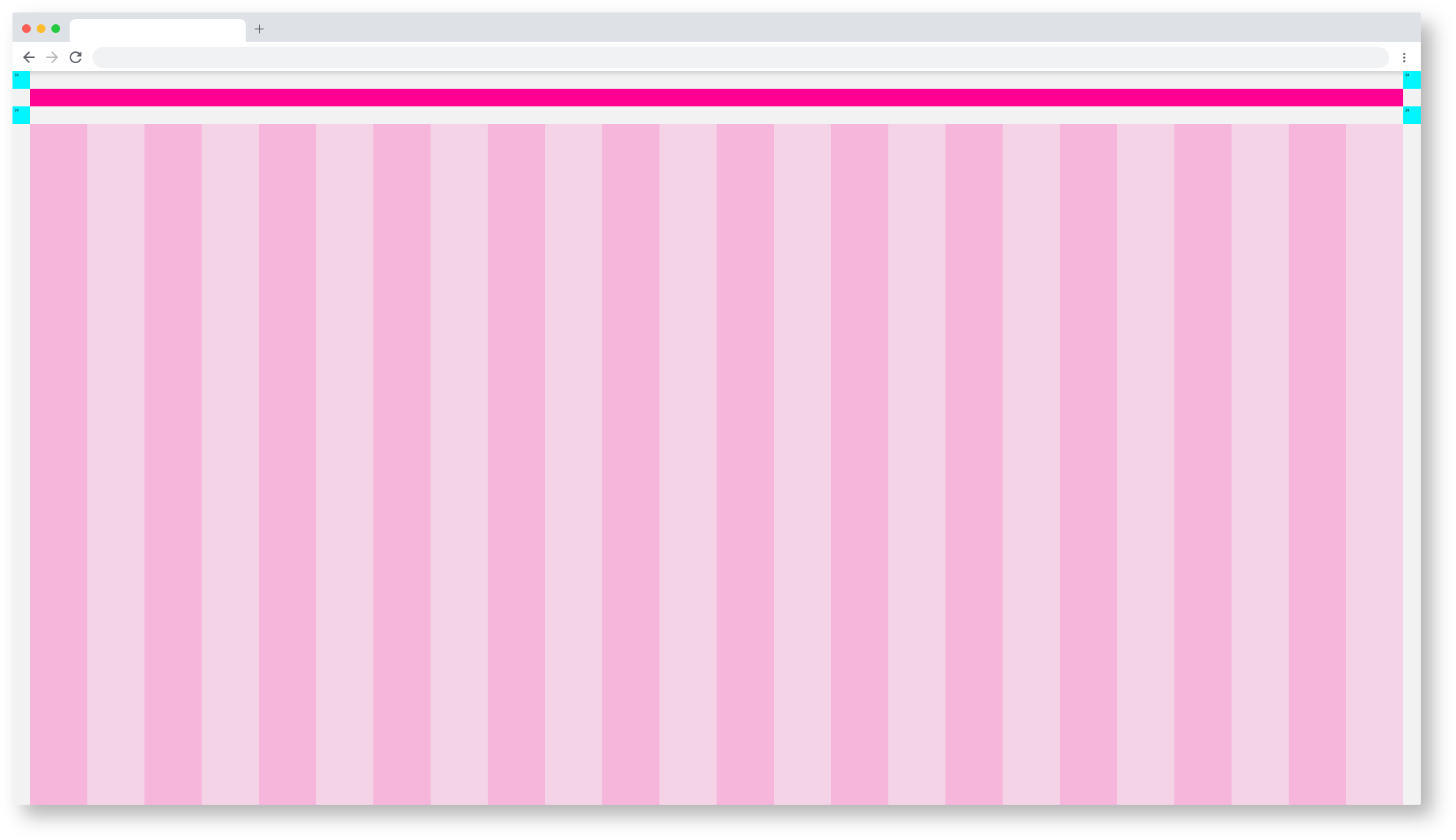
Web_Max/Dashboard_Spacing
Web_max Dashboard Spacing
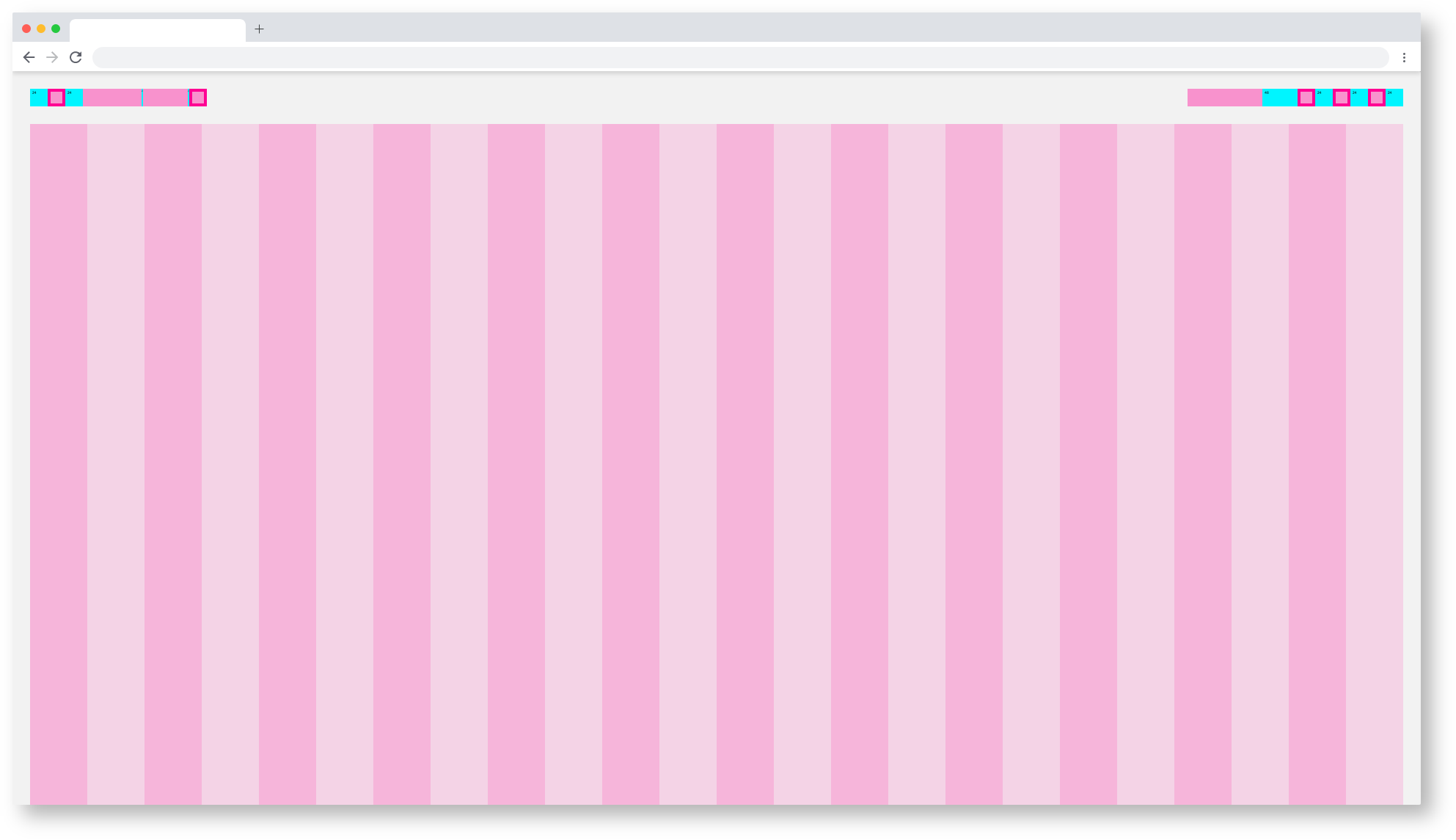
Web_Max/Component_Spacing
Web_Max Dashboard Themes
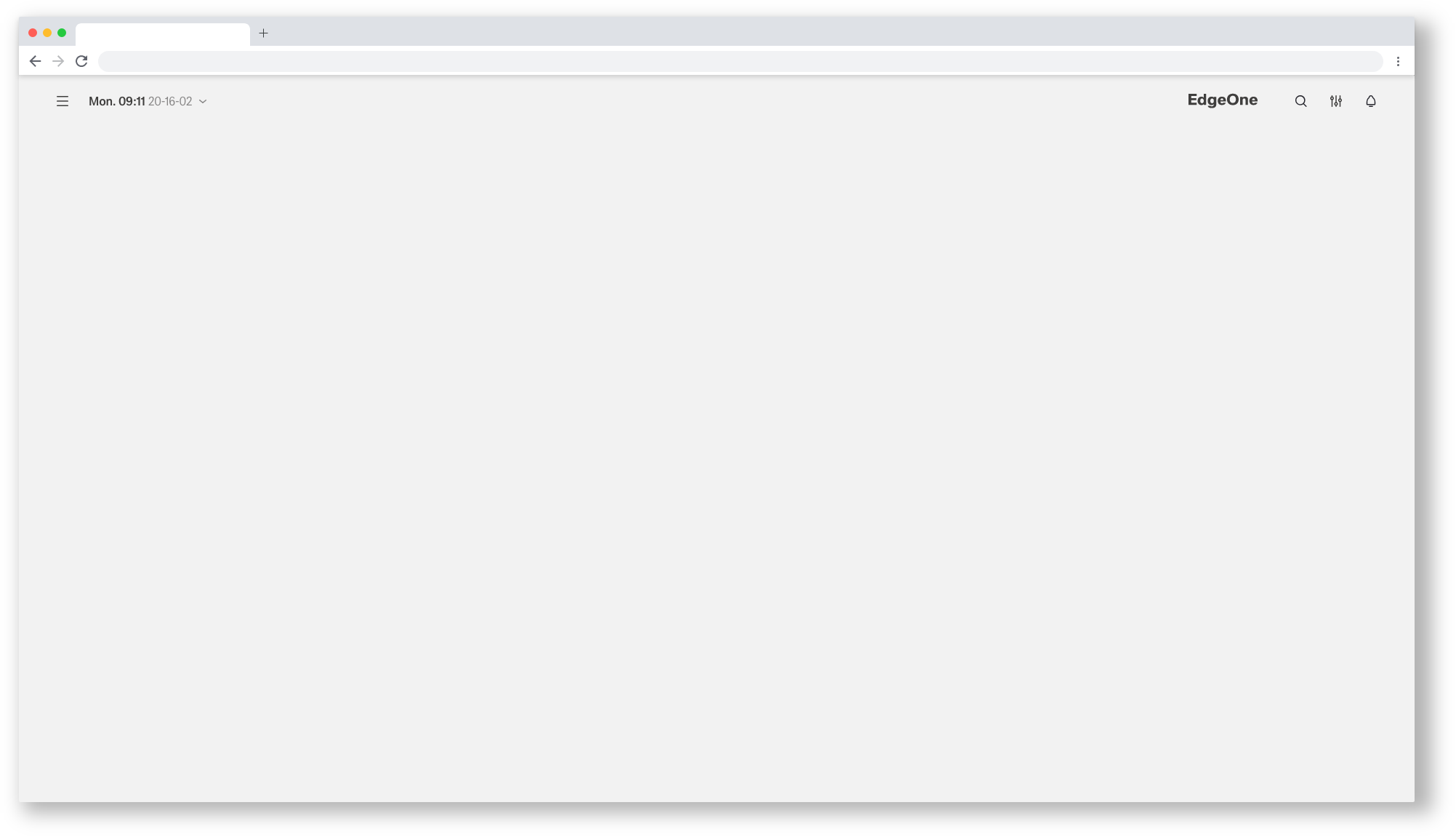 Web_Max/Dashboard_Astronaut
| Info | ||||
|---|---|---|---|---|
| ||||
here you will find the handover and the Styleguide of this componente: |
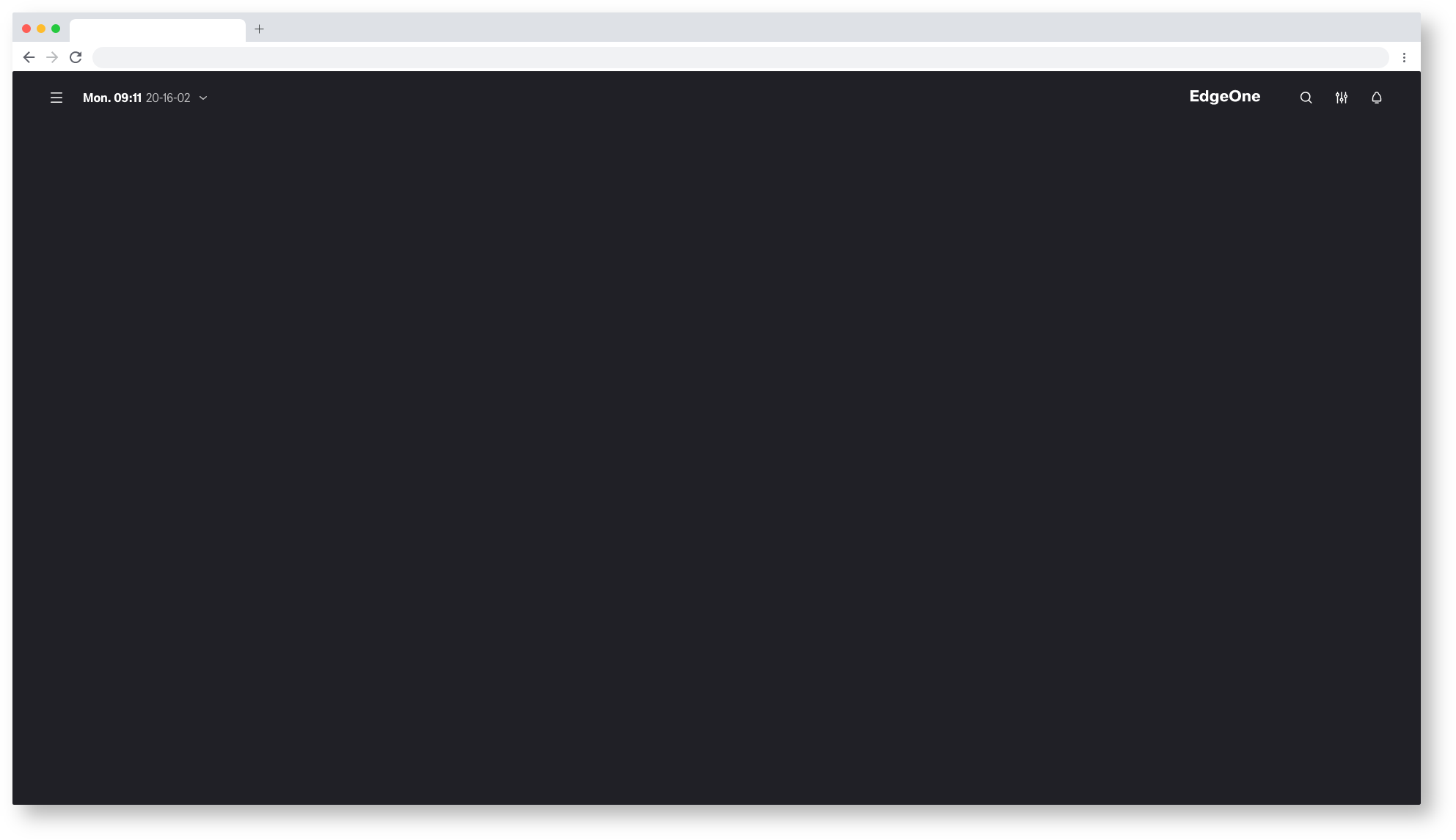
Web_Max/Dashboard_Tokyo-at-Night
| Info | ||||
|---|---|---|---|---|
| ||||
here you will find the handover and the Styleguide of this componente: |
