
Page History
Web_Max Basics
The Dashboard always consists of a header and the content area. The content area can be freely designed, all content must adhere to the 24 column-grid. The content may not be freely positioned within the column-grid. Overlay must be used for this. All contents, in the best case boardlets start at the top left. They must be placed next to each other and below each other within the column-grid. In the header, burgers, datepicker, logo and setting are obligatory. More information about the header can be found here: ID2 - Header
More details you will find here.
| Table of Contents | ||||
|---|---|---|---|---|
|
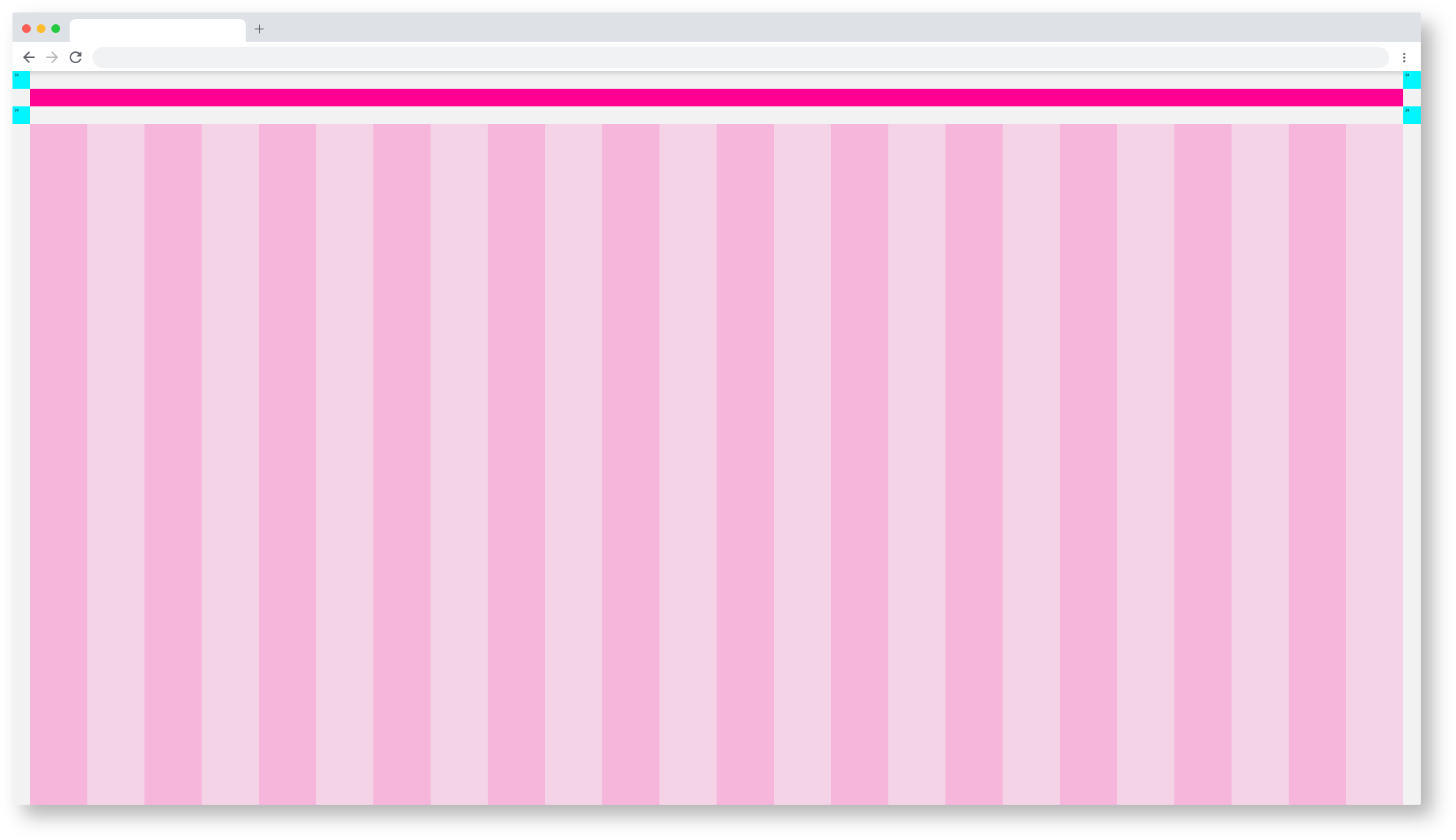
Web_Max/Dashboard_Spacing
Web_max Dashboard Spacing
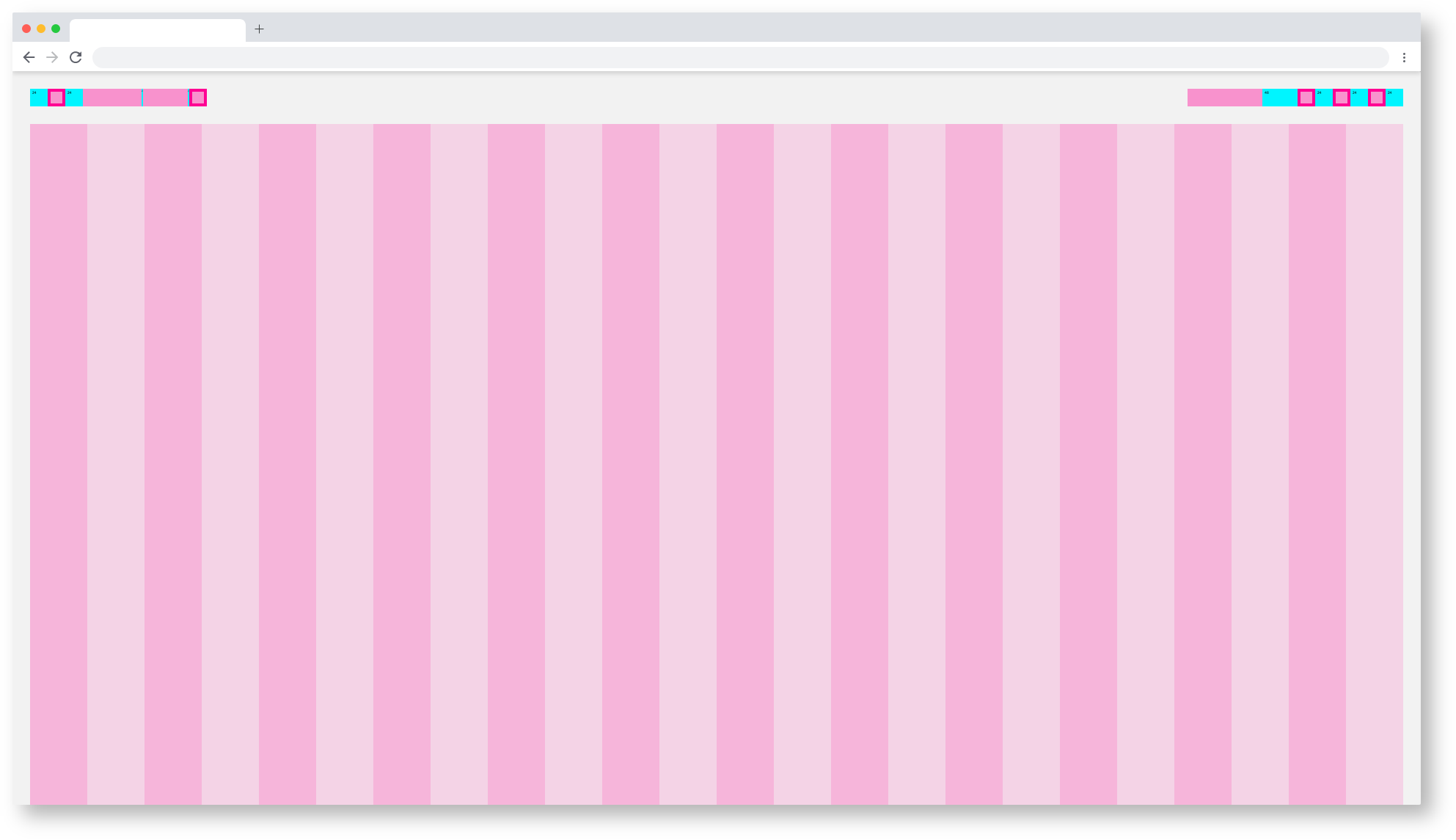
Web_Max/Component_Spacing
Web_Max Dashboard Themes
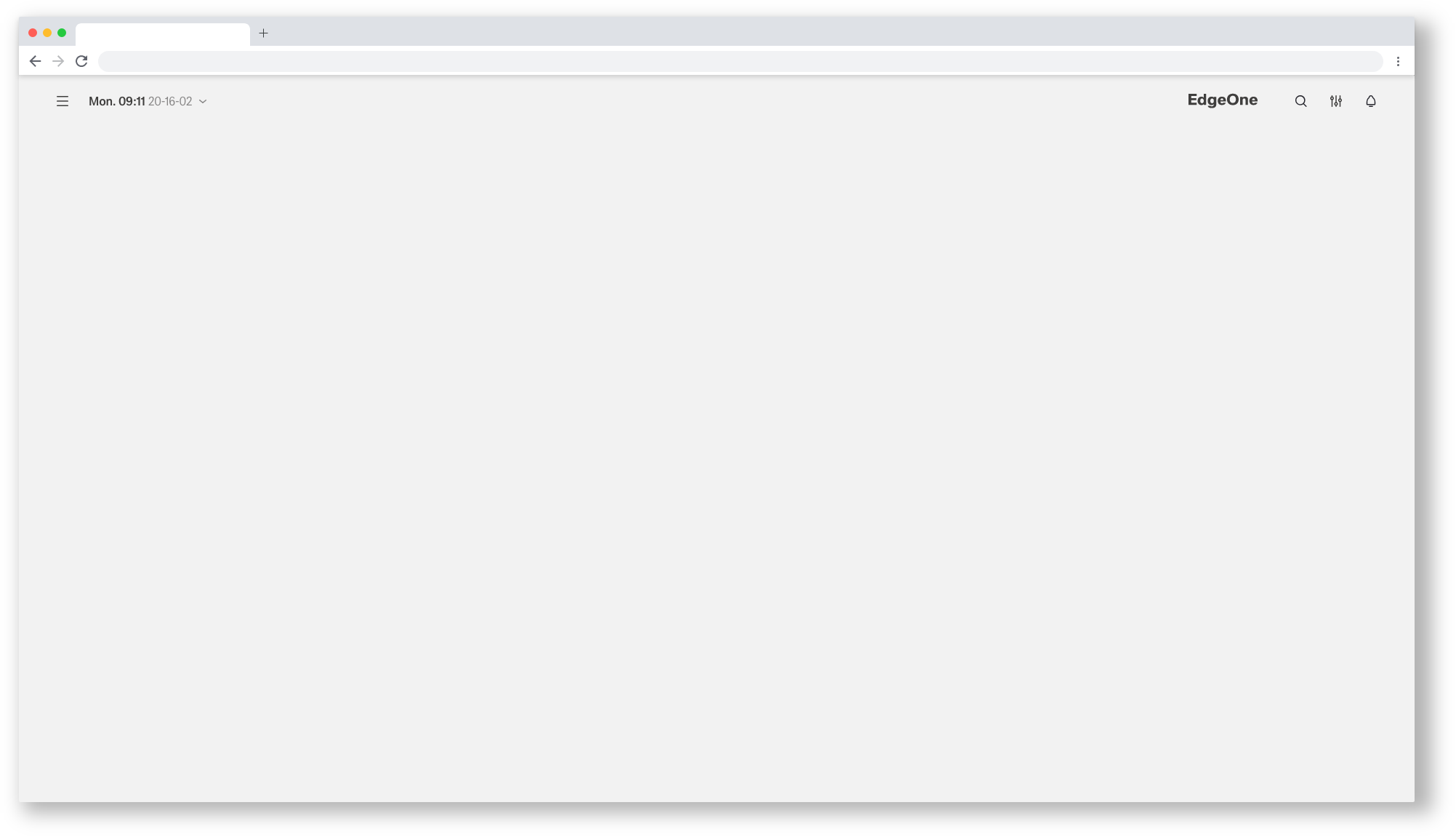 Web_Max/Dashboard_Astronaut
| Info | ||||
|---|---|---|---|---|
| ||||
here you will find the handover and the Styleguide of this componente: |
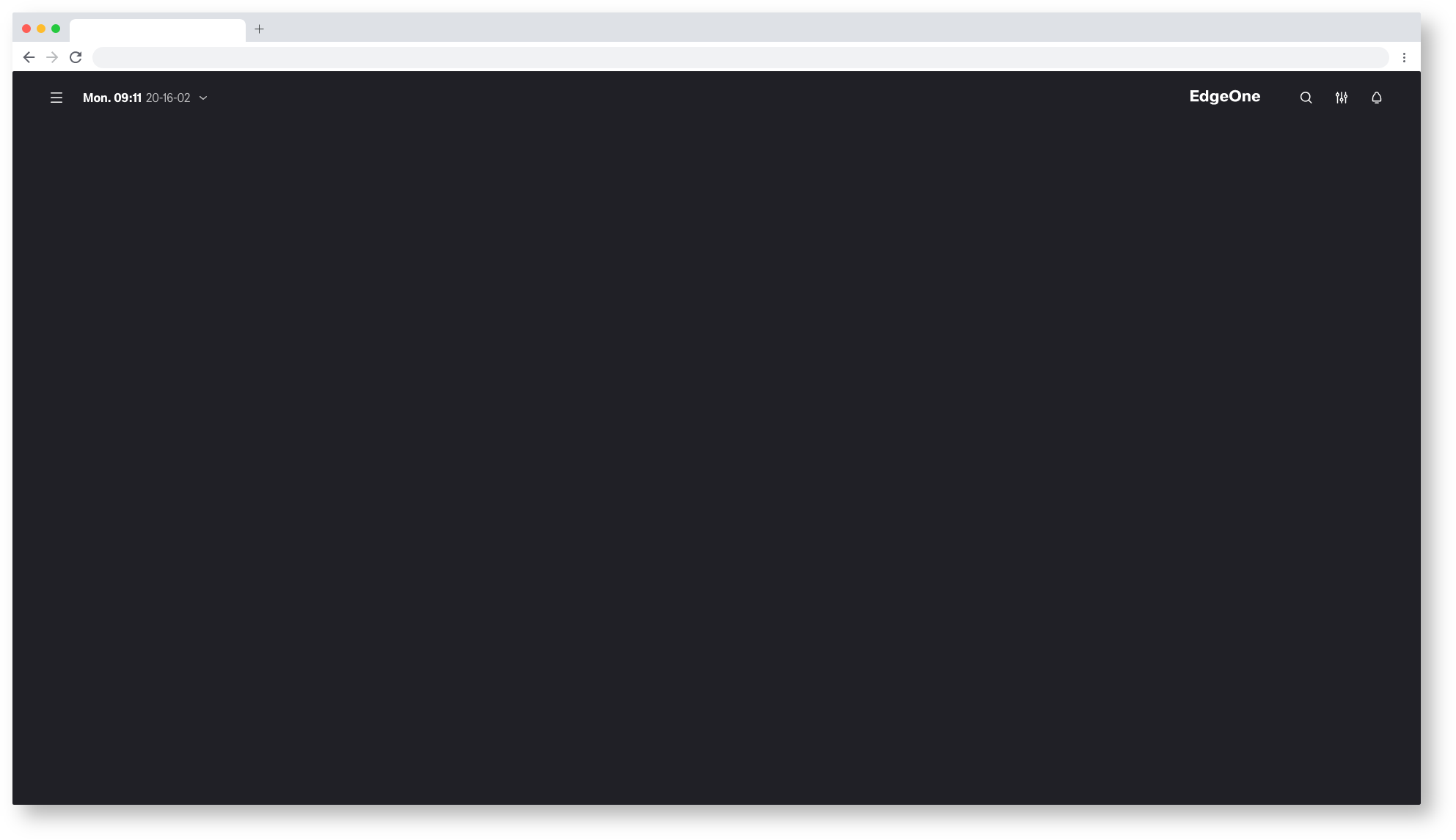
Web_Max/Dashboard_Tokyo-at-Night
| Info | ||||
|---|---|---|---|---|
| ||||
here you will find the handover and the Styleguide of this componente: |
