
Page History
...
Modal Notification
The Modal Notification is a varriation of the Dialog and appears as a centered passive modal above a dimmed background. It contains a critical message and can only be closed with the close action in the header toolba. It blocks interaction with the dashboard until it is closed.
wip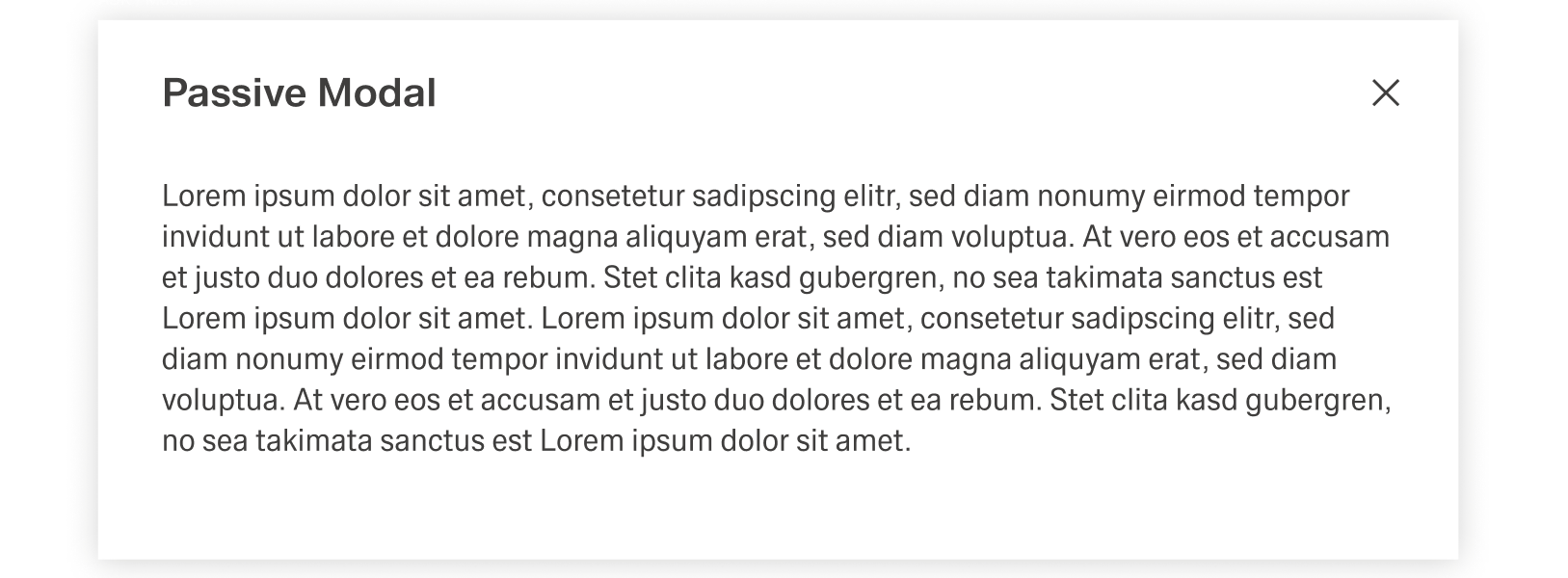
Best Practices
...
Toast Notifications are the only permanent form of notifications, being stored inside the Notification Panel. To not clutter the Notification Panel, the number of Toast Notifications sent should be no more than necessary.
Modal Notification
Modal notification is a consequence of direct user action. The trigger for the Modal Notification should be communicated clearly to the user with the use of the title or text. It is highly disruptive and therefore should only be used for critical information.
The text inside the modal notification can be longer than in other forms of notification. Despite this, it should be concise and to the point, since any type of user interaction is blocked by the overlay.
Text
Texts inside should be concise concrete, using active verbs and simple language whenever possible. They should avoid complicated or foreign words and abbreviation. Inline and Global Notifications should never have a message with multiple rows and Toast Notifications should avoid messages longer than three rows.
