
Page History
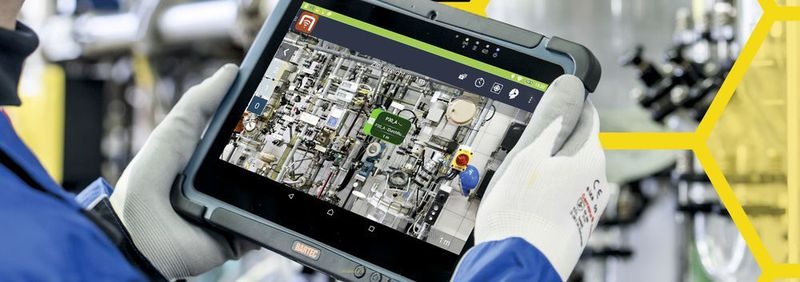
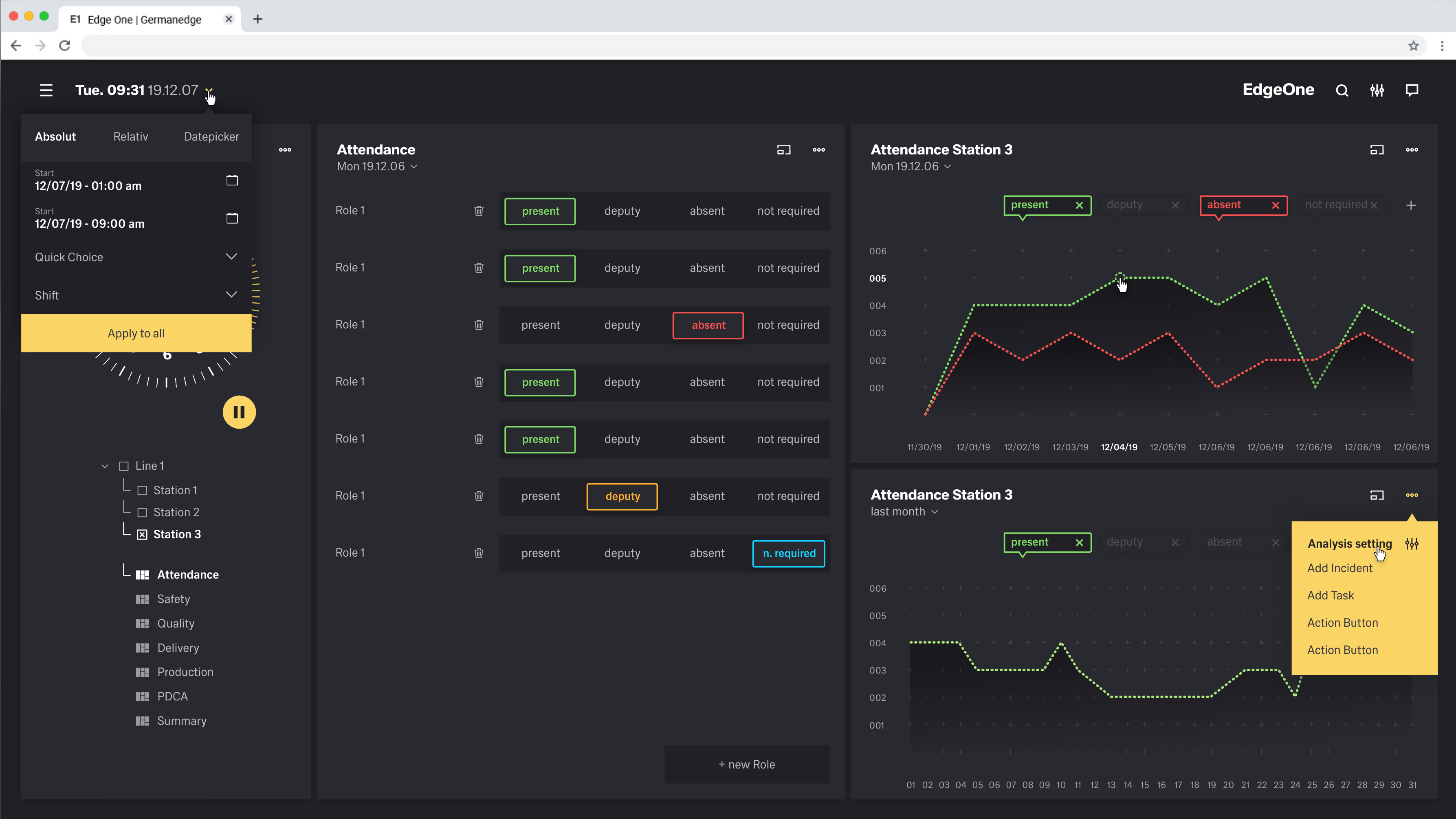
For the development of the design kit it is essential to know which users and how the users use the kit. Here it is important to know which end devices they use, how the lighting conditions are during use and how the input is made.
In this section we analyse these situations and make recommendations for the use of the Design Kit.
1. The Devices
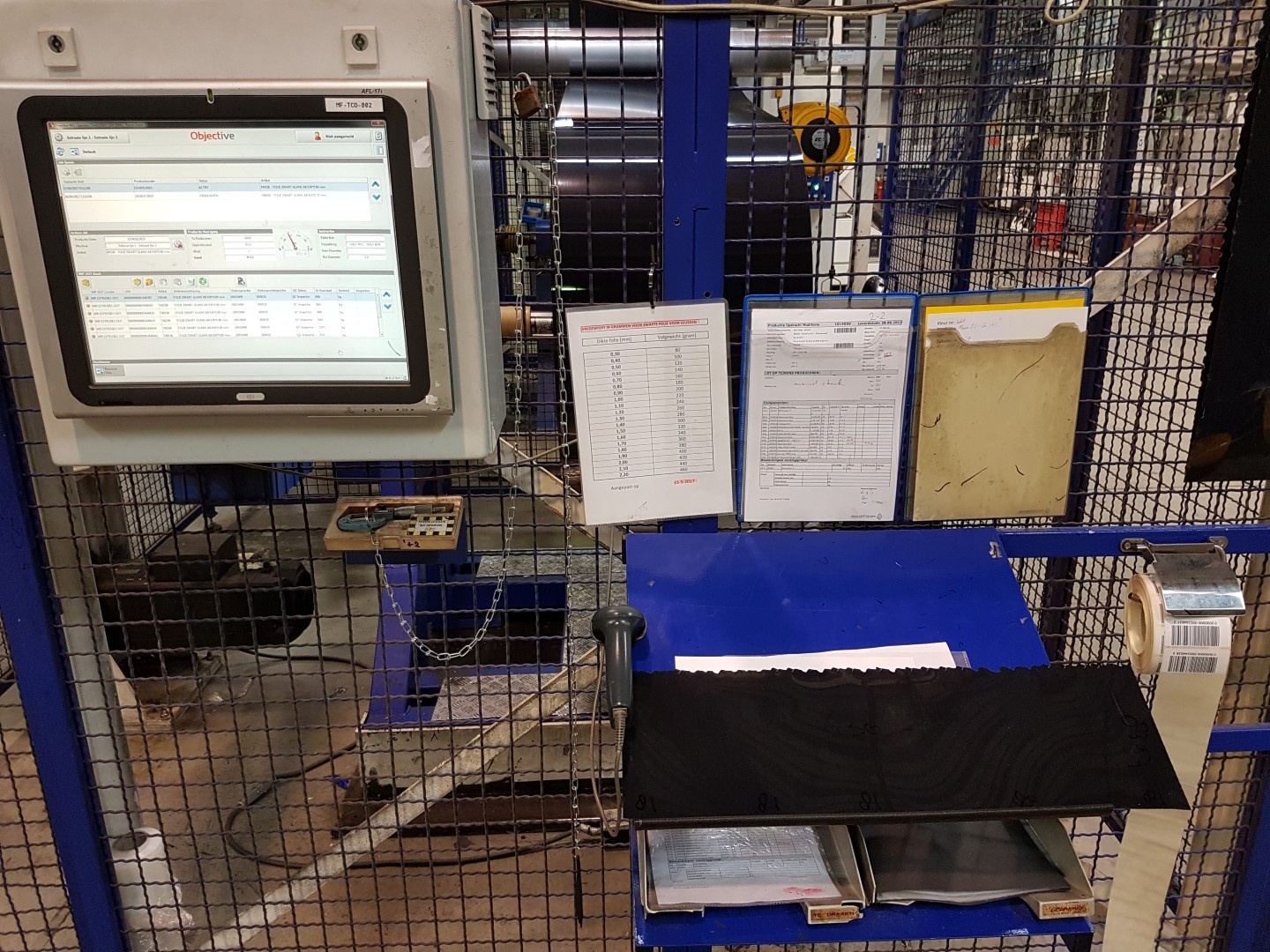
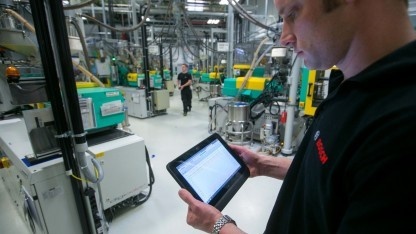
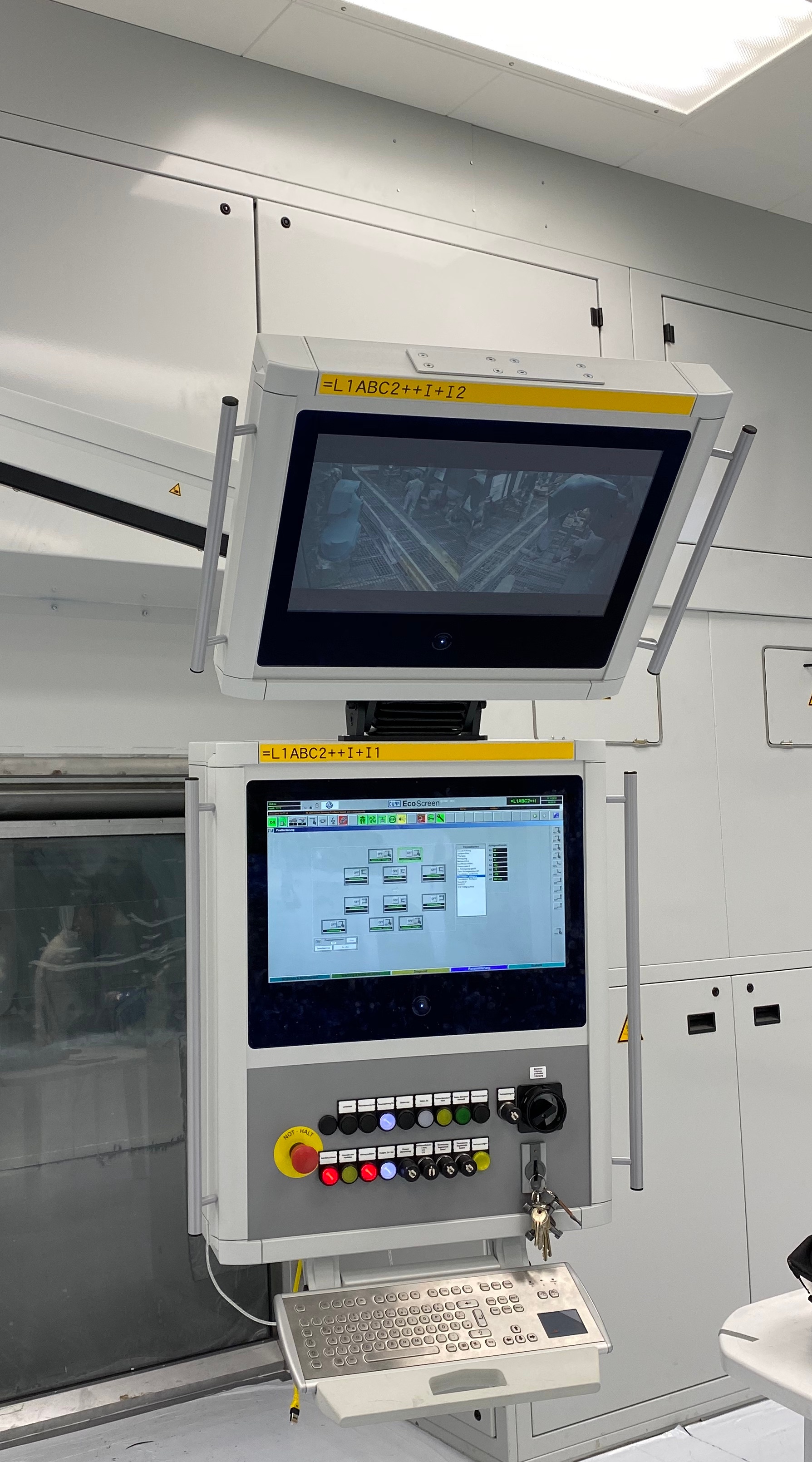
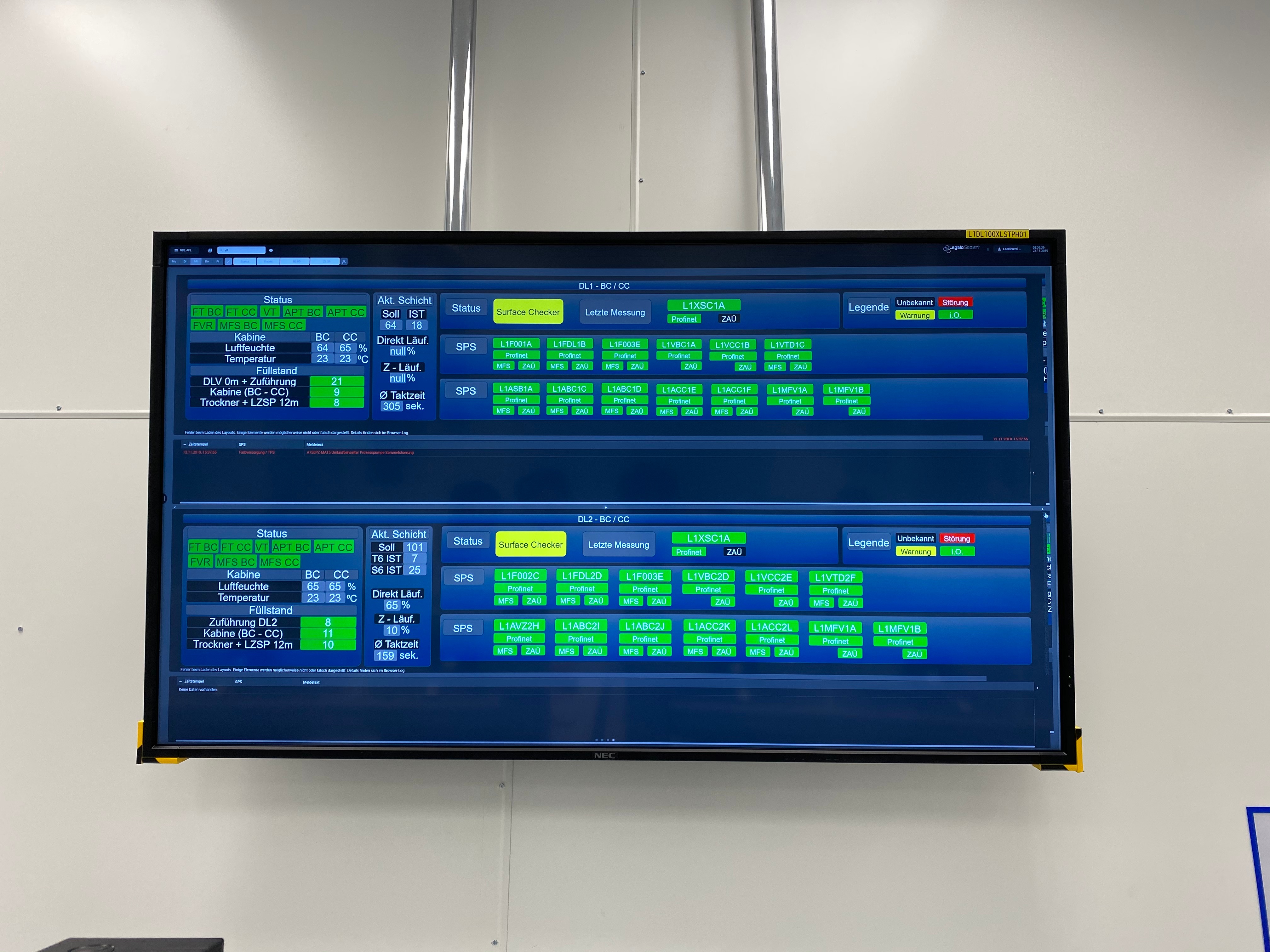
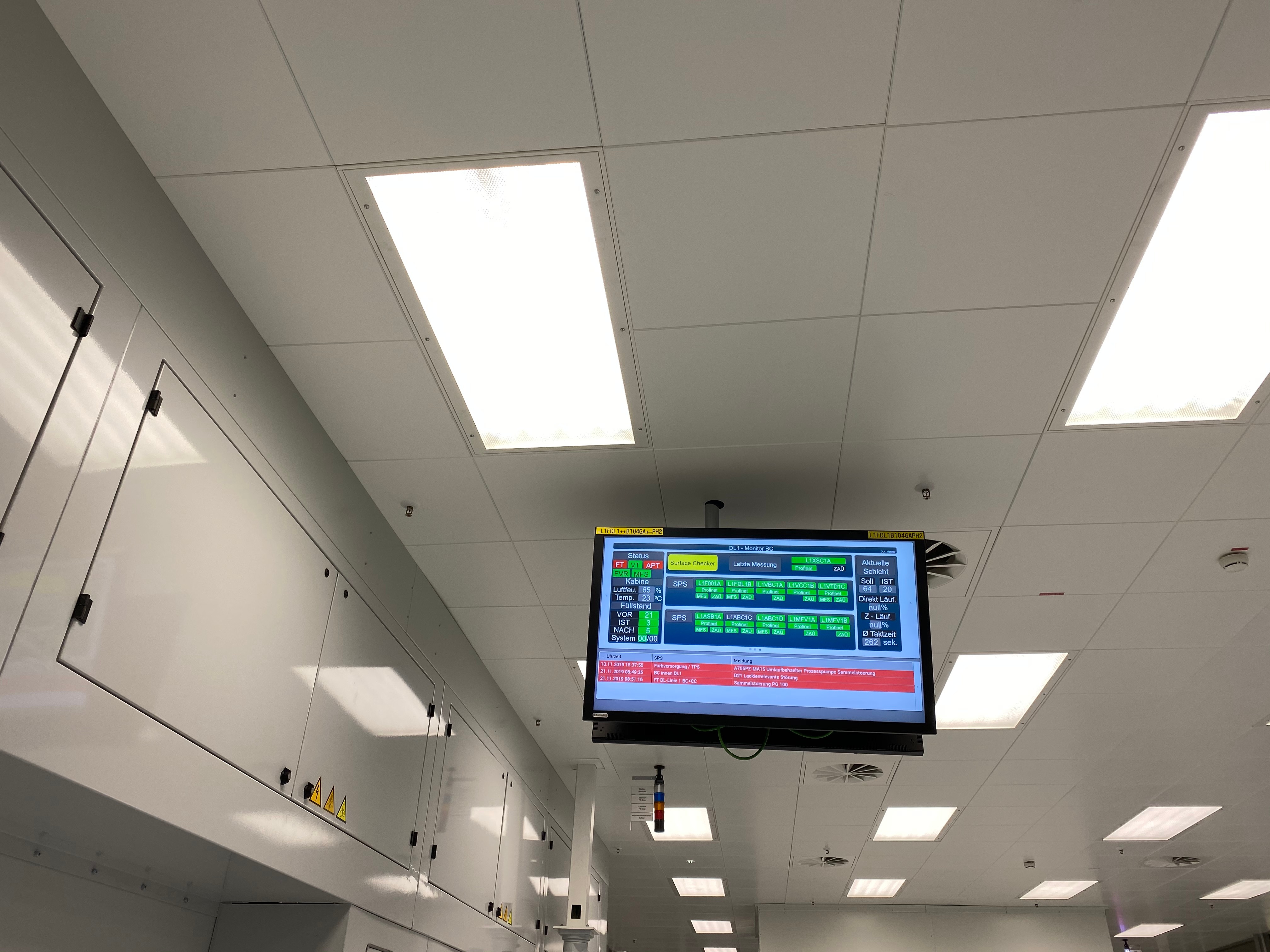
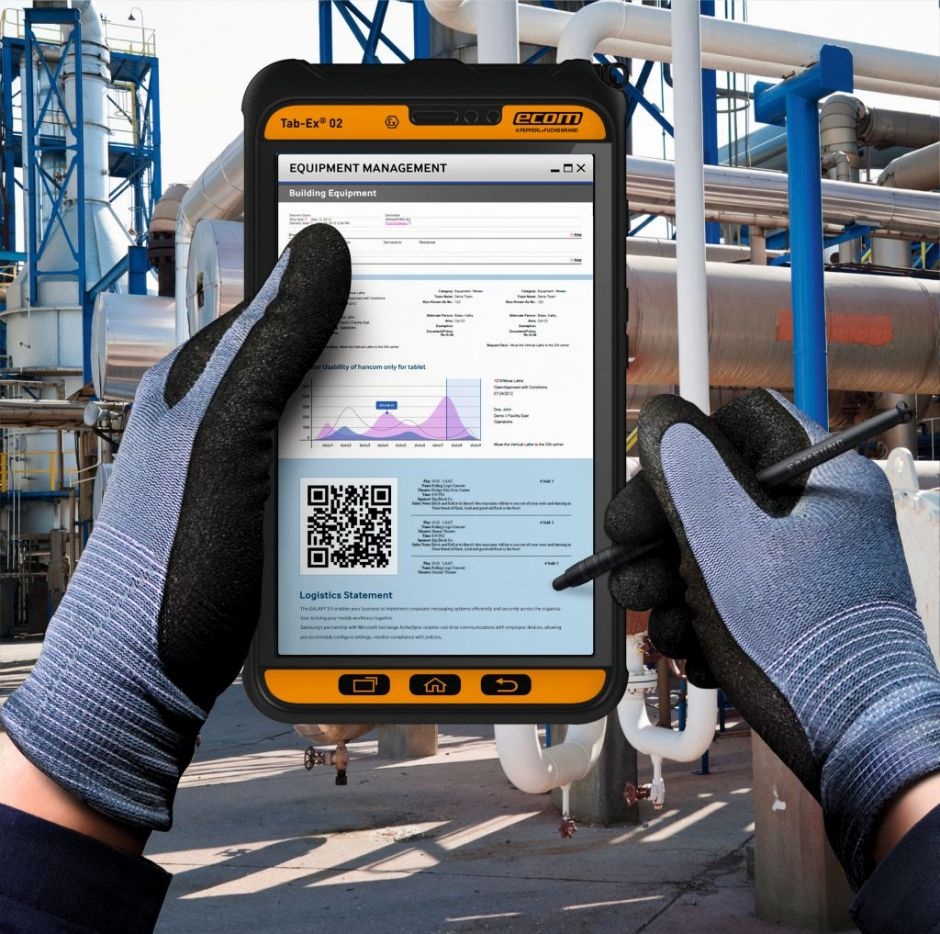
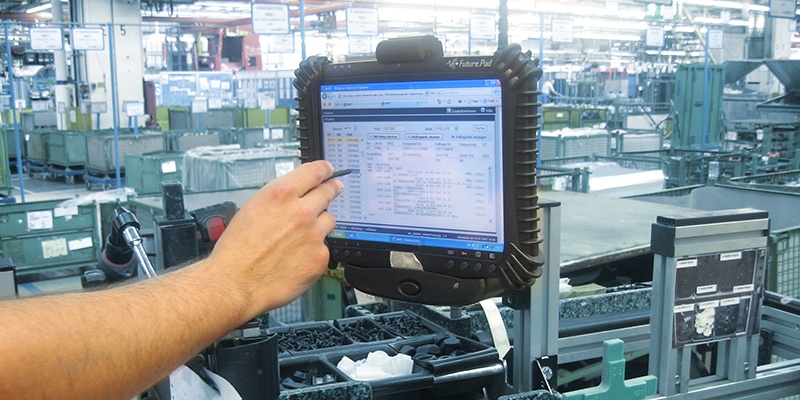
The formats vary strongly in the ratio. we have partly 5:4, 4:3, 16:9, 21:9 or special formats from the industry. In our design kit we focus exclusively on the width. The height may be variable as the boardlets are arranged "fluid" within the dashboard. We currently assume that there are 6 different screens(devices) within the application of our design kits. These differences are called breakpoints.






2.Lighting conditions
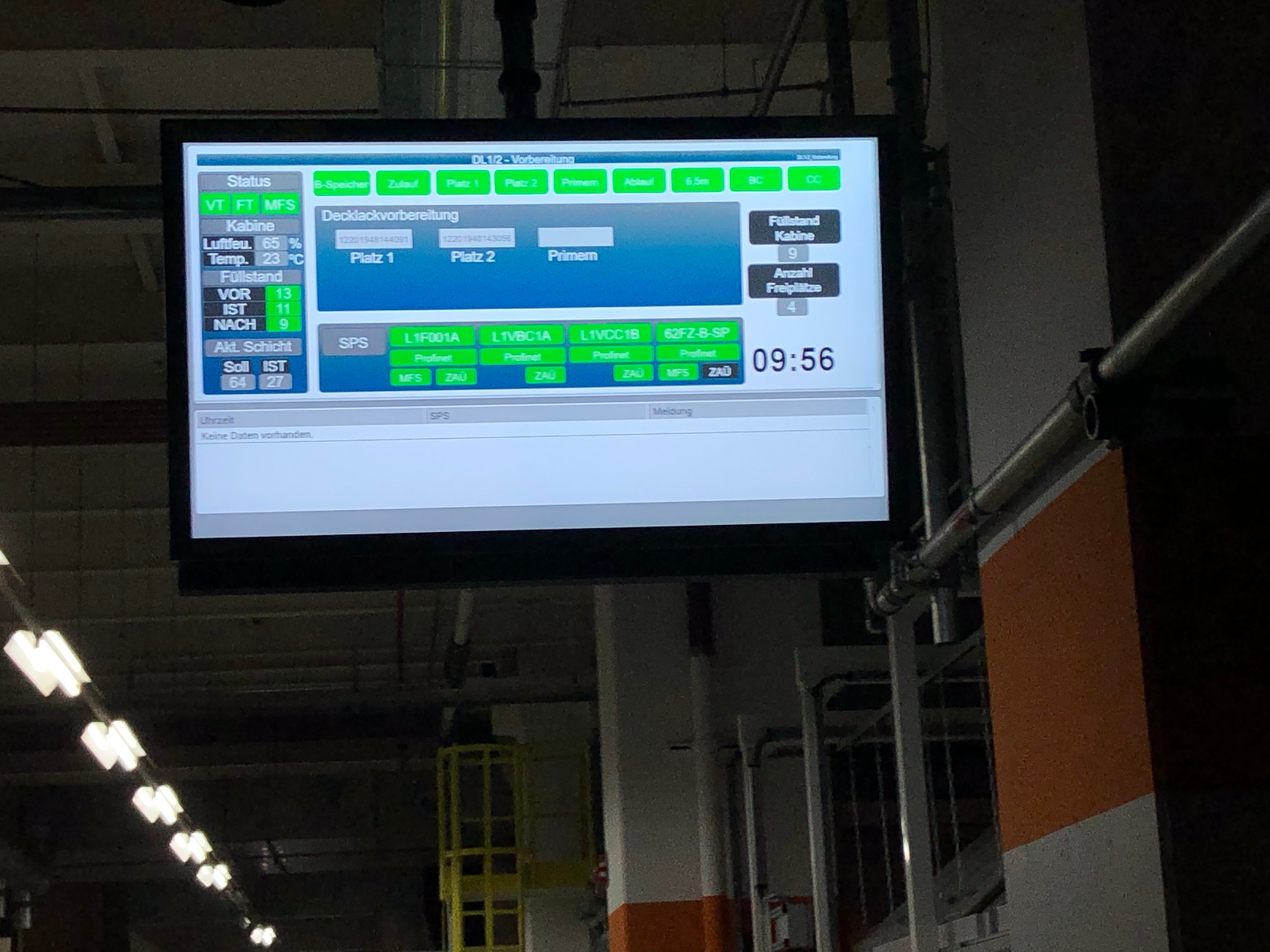
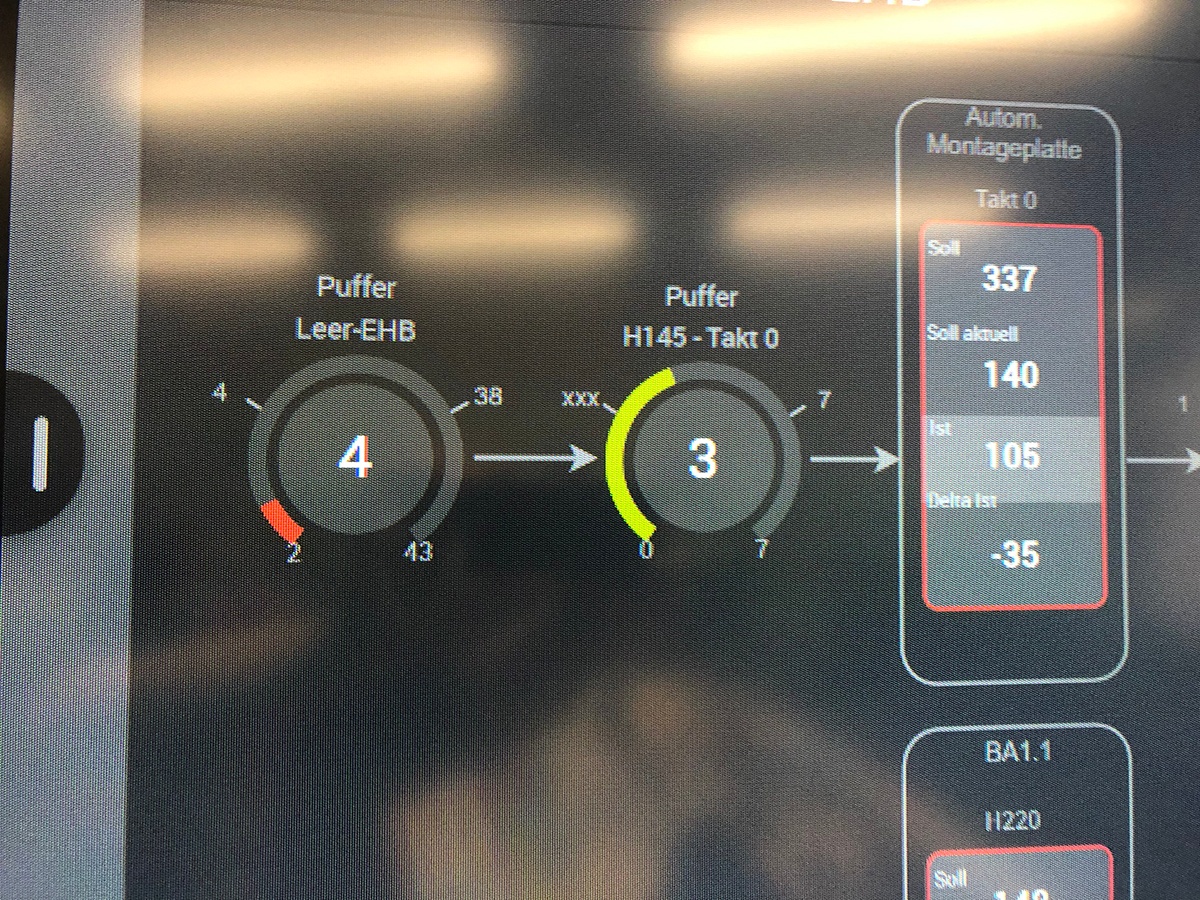
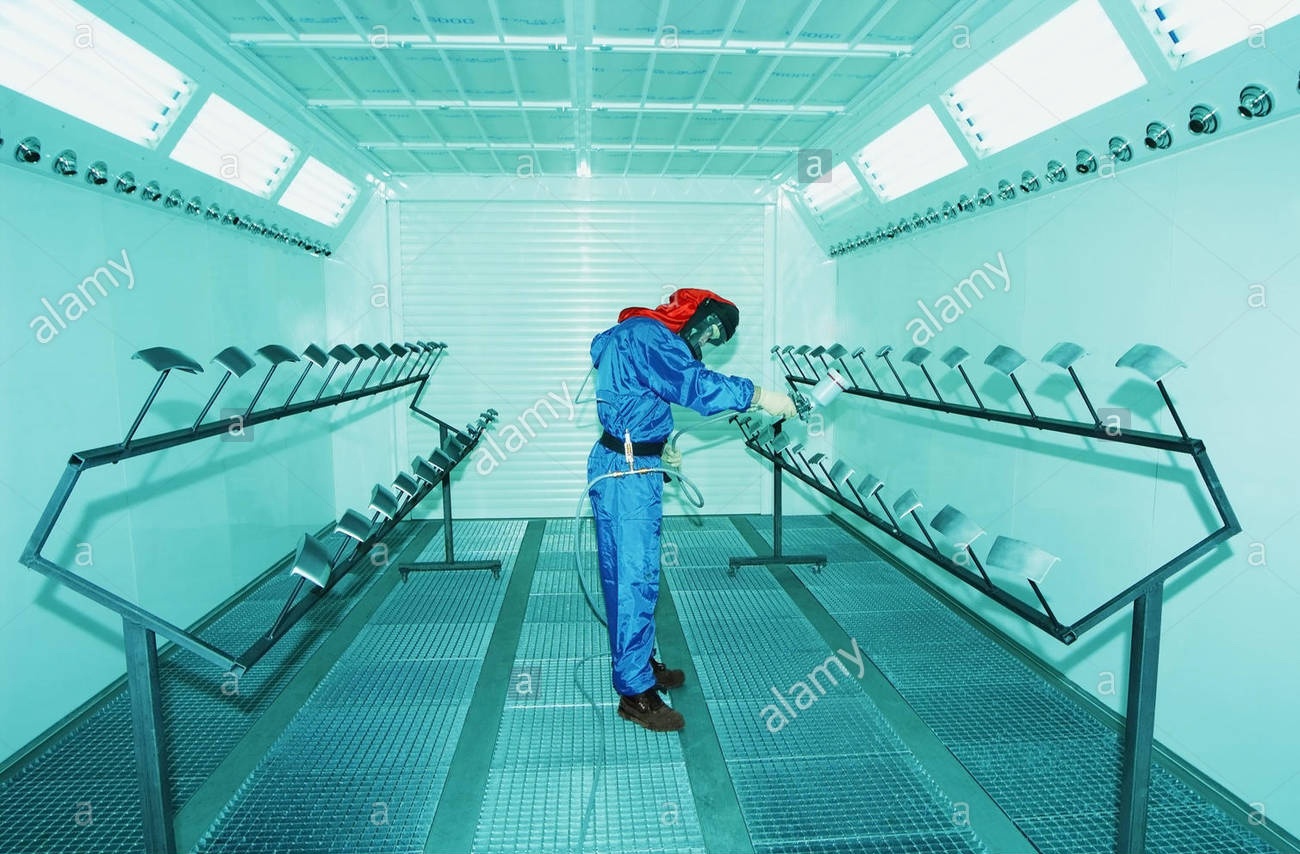
Lighting conditions vary widely within factories. Added to this are different light intensities of the displays. This can lead to the interface not being displayed correctly. It can even lead to the contrast being too high or too low, both of which are very bad for readability. Colours can also be perceived as too light or too dark.
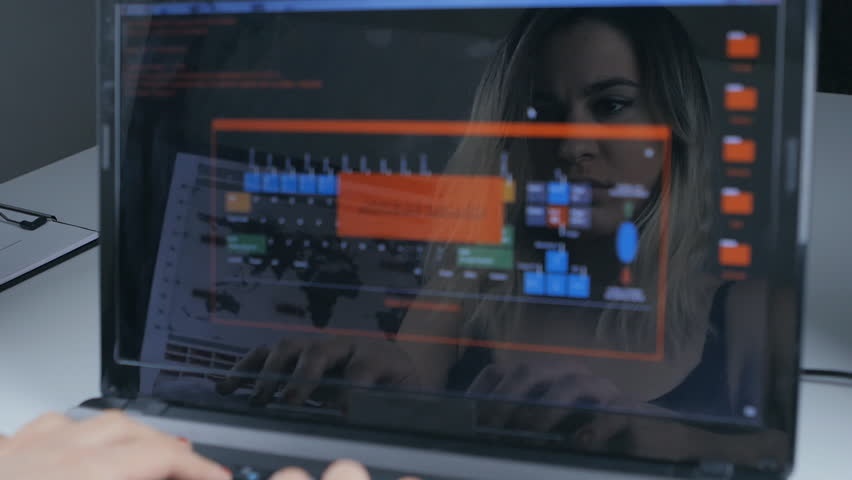
Poor light conditions also cause unpleasant reflections on the screen. In this case the use of different themes is essential.



3.Filter, Protective Filter, Anti-reflection filter
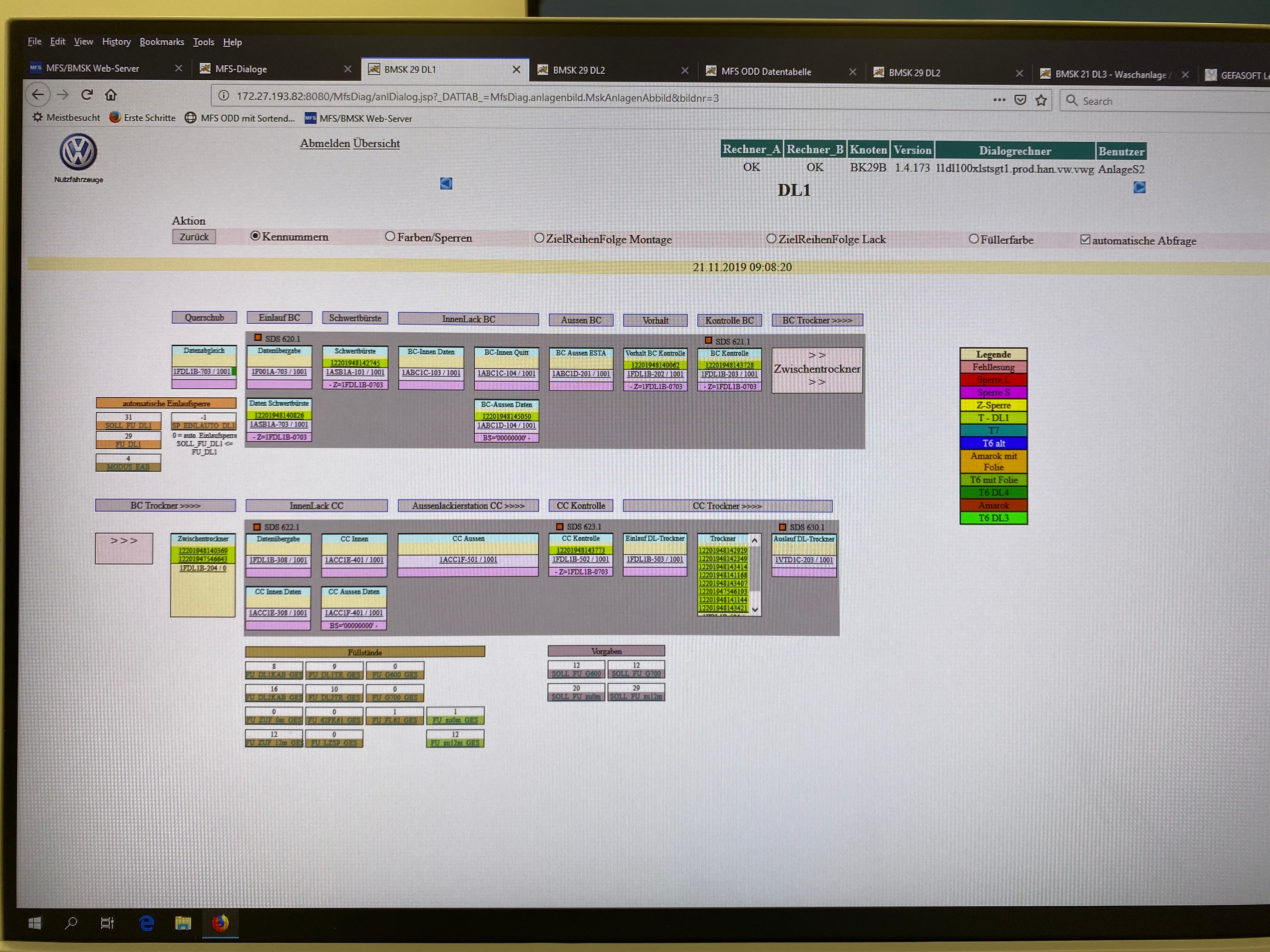
Within the industry different types of protection filters are often used. These filters protect very effectively the different end devices. The disadvantage of these filters is that they distort the readability, colors and contrasts. They are often perceived as unpleasant but necessary evil.
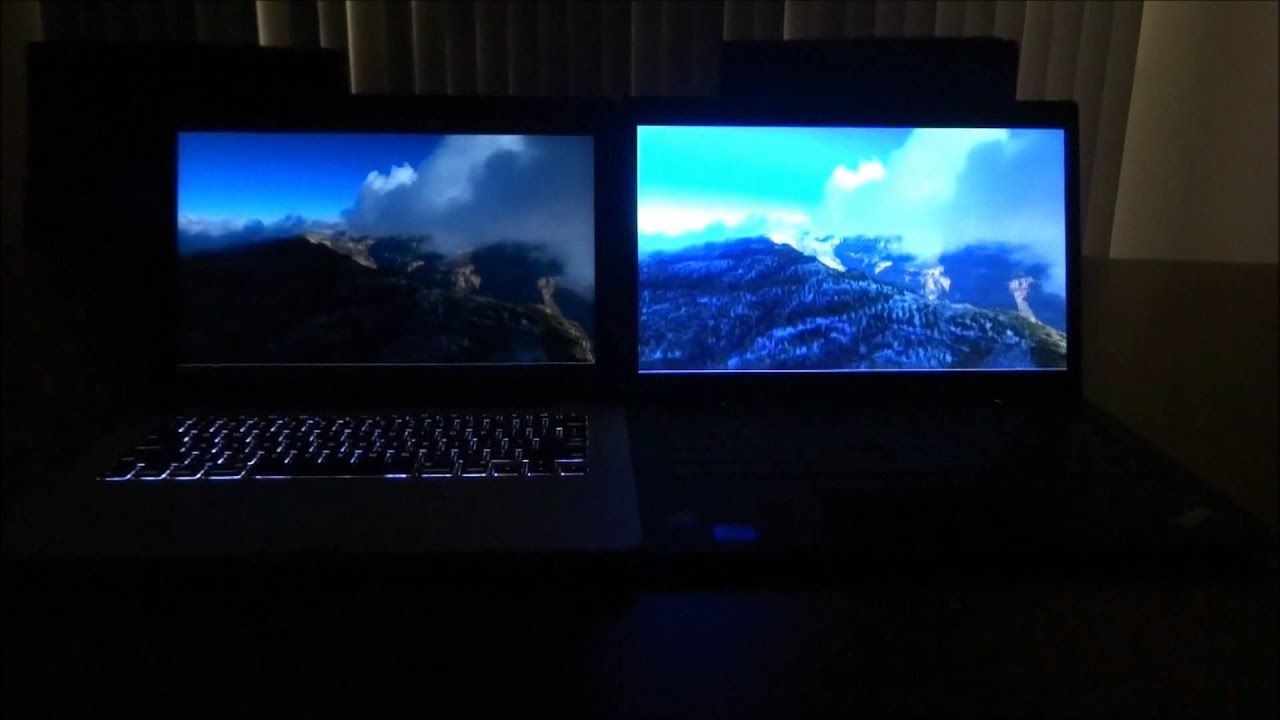
Matte Vs. Glossy Screen
4.Input
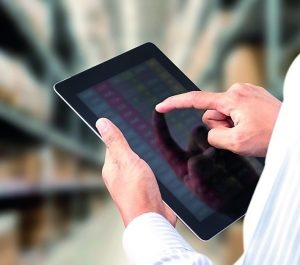
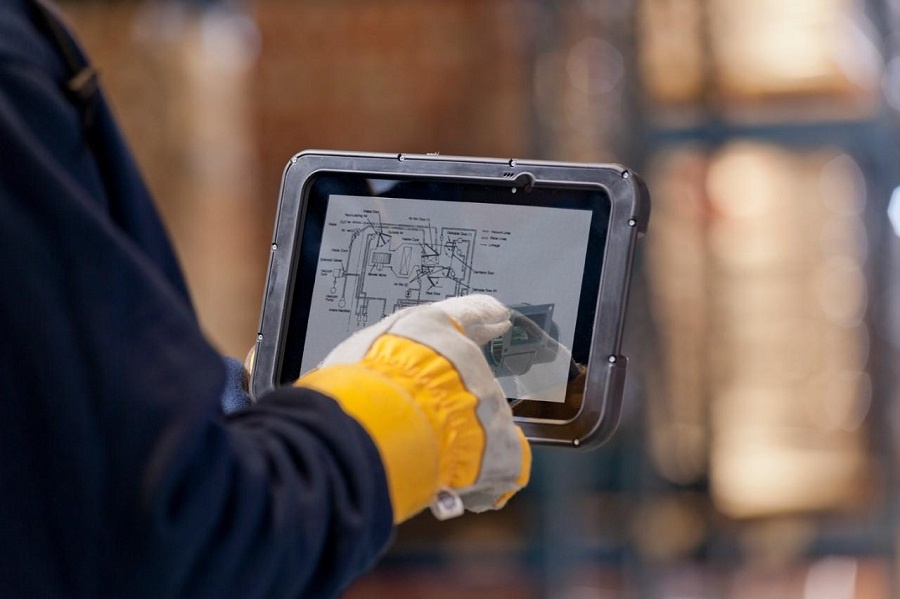
The input within the equipment used by the industry varies according to the situation and business field. The user can wear gloves of different thicknesses during input. Input can also be made using a pen, a touchpad, a keyboard with integrated mouse or directly on the screen. Voice control is also conceivable, but cannot be regarded as a general rule, as noise levels vary from factory to factory.
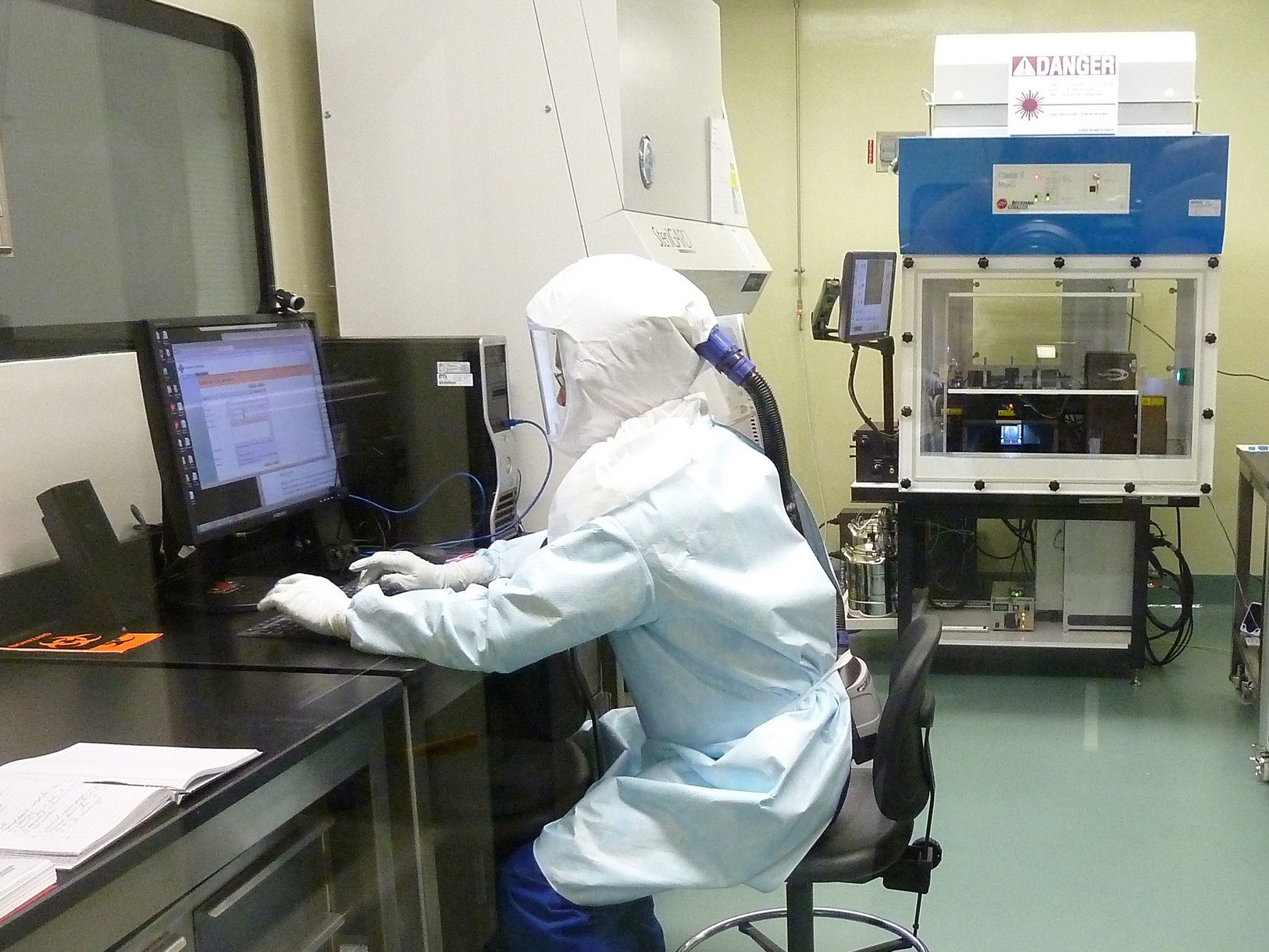
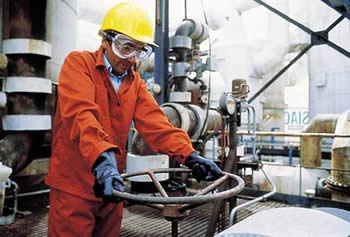
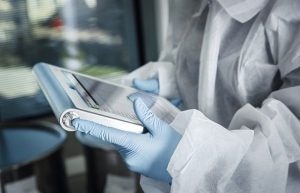
Protective clothing can also affect the visual result of our interface.
This situation makes the design of a general interface difficult or almost impossible. here you have the choice between "design first" or "usability first".


5.Different requirements
Within such an extensive software there are different requirements, which also influence the visualization.
There are personas such as the Assembly line Manager, for example. for him, the following applies in part: "The faster the employee can complete the input of data, the sooner he can concentrate on his primary work. It must be possible to enter data with just a few clicks and intuitively. Other personas such as the Plant Manager, Quality Manager need a large overview and nested, multi-level information.
In the next table you will find most of the different personas. You will find the personas in their usual working environment and the design class they belong to. This class is used to find synagies in the design requirements. All modules within the interface are divided into these classes. By dividing the interface into classes, the interface will always provide the right modules for the right user.
Assembly Line Manager| Info | ||
|---|---|---|
| ||
THIS IS THE FIRST DRAW. MORE INFOS AND COWORKING WITH THE PM OF THE PRODUCTS NEEDED. |
| Persona (see UX: Identified User Personas) | Display & Device Szenario | Visual Requirements | Style Class | |||||
|---|---|---|---|---|---|---|---|---|
| Assembly Line Manager | Regularly 4:3/Normal or High Resolution with or without Anti-Reflection filter, Tablet or Mobil. The Imput can vary by Keyboard and mouse or finger or pen. Work gloves possible, noisy environment possible. | -Analyses and Understanding quota demands for the shift, the day, the week and the month. | 1 | Continuous Improvement Manager | Regularly 4:3/Normal or High Resolution with or without Anti-Reflection filter, Tablet or Mobil. The Imput can vary by Keyboard and mouse or finger. | -Monitor and improve organizational processes
| Research and analysis to map out all workflowsmultilevel, many tabs presentation a lot of data | 1 |
| Continuous Improvement Manager | Regularly 4:3/Normal or High Resolution with or without Anti-Reflection filter, Tablet or Mobil. The Imput can vary by Keyboard and mouse or finger. | -Monitor and improve organizational processes -multilevel, many tabs presentation a lot of data | 1 | |||||
| Regularly 4:3/16:9 Normal or High Resolution with or without Anti-Reflection filter, Tablet or Mobil. The Imput can vary by Keyboard and mouse or finger. | -Requesting, monitor and preparing Memos and Reports and Research to present to Executives | 1 | ||||||
| Shift Leader | Regularly 4:3/16:9 Normal or High Resolution with or without Anti-Reflection filter, Tablet or Mobil. The Imput can vary by Keyboard and mouse(touchpad with mouse) or finger/pen. | -Requesting, monitor and preparing quota -multilevel Forms and tables, many tabs presentation a lot of data, E-Mails, Countboard, , Communication | 1 | |||||
| Personnel Manager | Regularly 4:3 Desktop Station, Normal or High Resolution with or without Anti-Reflection filter. The Imput by Keyboard and mouse. | -Planning and implement inside a office -Graphic Charts, E-Mails, Multilevel Forms and Inputs, Many Tabs, Communication | 2 | |||||
| Supply Chain Manager | Regularly 4:3 Desktop Station, Normal or High Resolution with or without Anti-Reflection filter. The Imput Input by Keyboard keyboard and mouse. | -Planning and implement inside a office -Graphic Charts, E-Mails, Multilevel Forms and Inputs, Many Tabs, Communication | 2 | |||||
| Supply Chain Planner | Regularly 4:3/ 16:9 Desktop Station, Normal or High Resolution with or without Anti-Reflection filter. The ImputInput by Keyboardkeyboard and mouse. dual-monitor setups are frequent, multi-monitor setups (even including vertically aligned monitors) possible | -Works permanently with local production and logistics departments to manage delays, possible outages, etc,. -Graphic Charts, E-Mails, Multilevel Forms and Inputs, Many Tabs, Communication | 2 | |||||
| Assembly Worker Station Mode | Regularly a 5:4/4:3 screen with poor resolution and protection/anti-reflection filter. The type of input can vary. Working gloves very most probably, Noisy environment very most probablprobable | -Very fast input of data, switch between imput and primary work | 3a | |||||
Assembly Worker Line Presentation Mode (Kiosk) | 16:9 Flatscreen, High Resolution, No Imput, Noisy environment very most probablprobable | -global Overview about the Line | 3b | |||||
| Production Engineer | Mix of 4:3 Laptop/Normal or High Resolution and Tablet or Mobil. The Imput can vary by Keyboard and mouse(touchpad with mouse) or finger/pen. Work gloves possible, Noisy environment possible | -Analysing and creating Memos, Reports and Graphics -Multilevel Forms, many tabs presentation a lot of data, Graphics, E-Mails, Pictures with scanner, Imagebrowser, Communication -the main working device could be the tablet | 4 | |||||
| Quality Manager | Mix of 4:3 Laptop/Normal or High Resolution and Tablet or Mobil. The Imput can vary by Keyboard and mouse or finger/pen. Work gloves possible, Noisy environment possible | -Analysing and creating Memos, Reports and Graphics -the main working device could be the tablet | 4 | |||||
| Station Manager | Mix of 4:3 Laptop/Desktop Station, Normal or High Resolution and Tablet or Mobil. The Imput can vary by Keyboard and mouse or finger/pen. Work gloves possible, Noisy environment possible | -Analysing and creating Memos, Reports and Graphics -the main working device could be the tablet | 4 |
6.Accessibility
As our interface is used within large global factories, many different users come into contact with it. These global factories also include many different types of disabled people. The design kit must take these disabilities very seriously and provide solutions.
Color blindness
Color blindness involves difficulty in perceiving or distinguishing between colors, as well as sensitivity to color brightness. It affects approximately one in twelve men and one in two hundred women worldwide.
| Type | Color deficiency |
|---|---|
| Protanopia | Red/green |
| Tritanopia | Blue |
| Deuteranopia | Green |
| Monochromacy | All colors |
Regular View
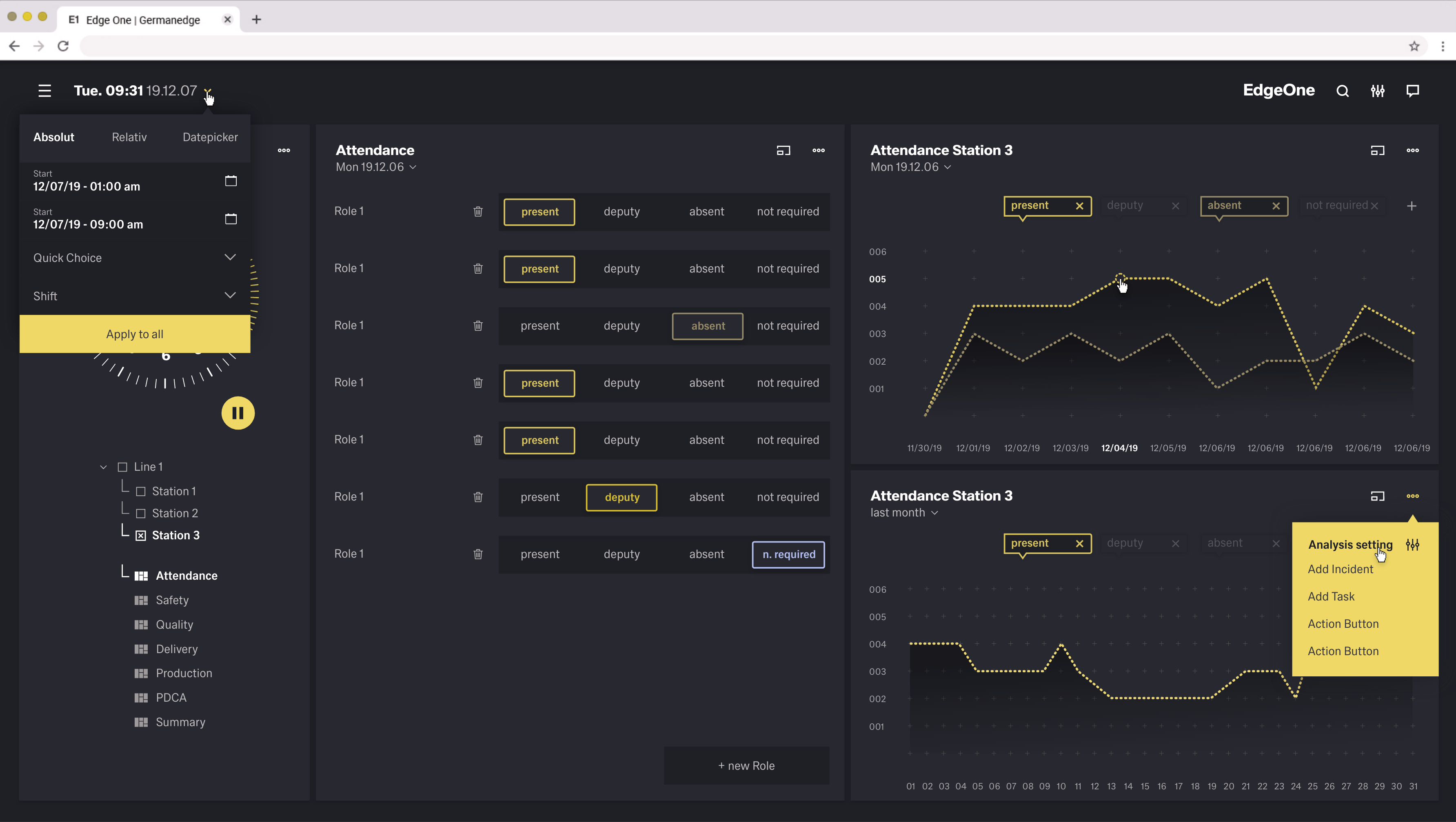
Protanopia View
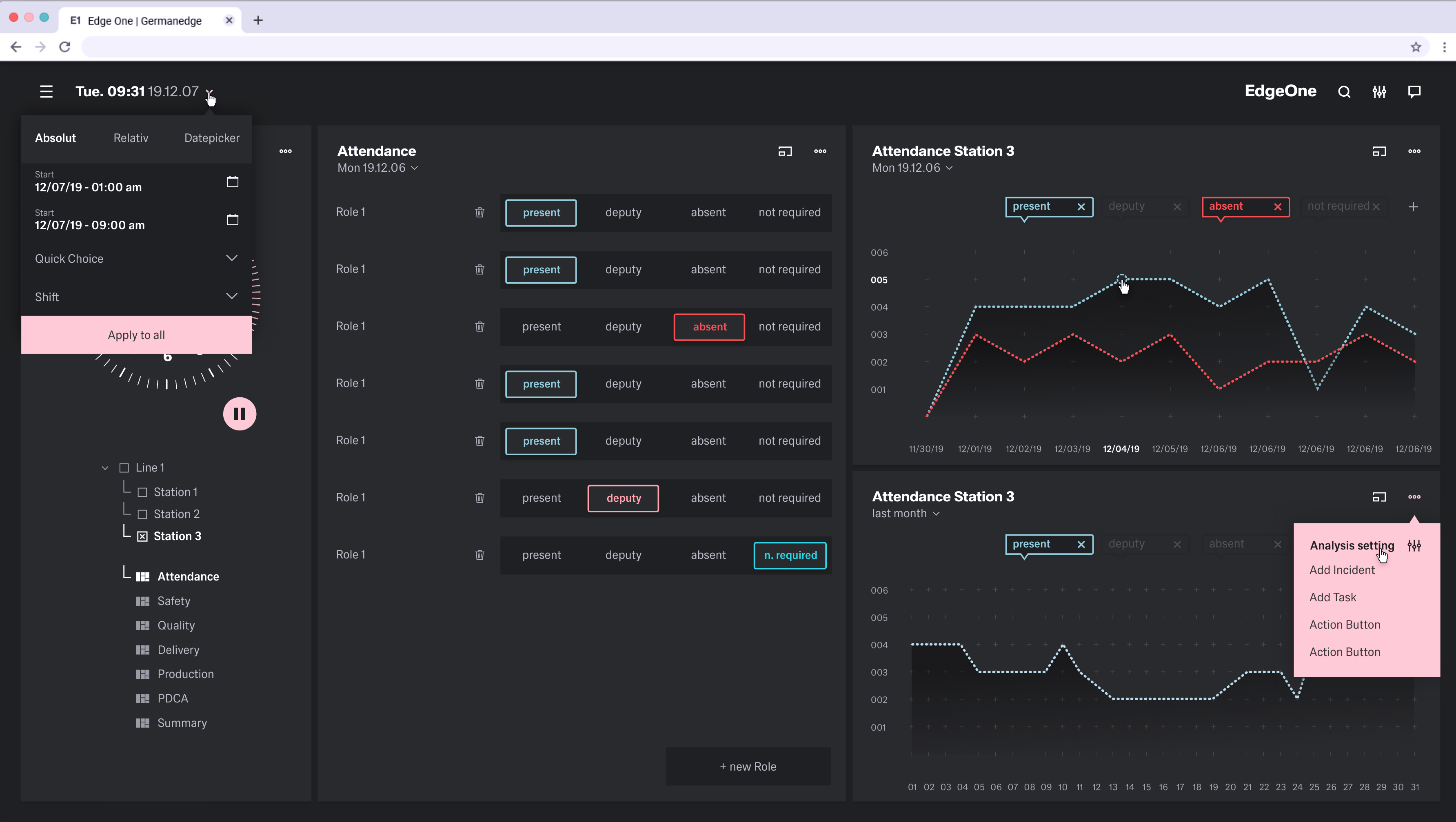
Tritanopia View
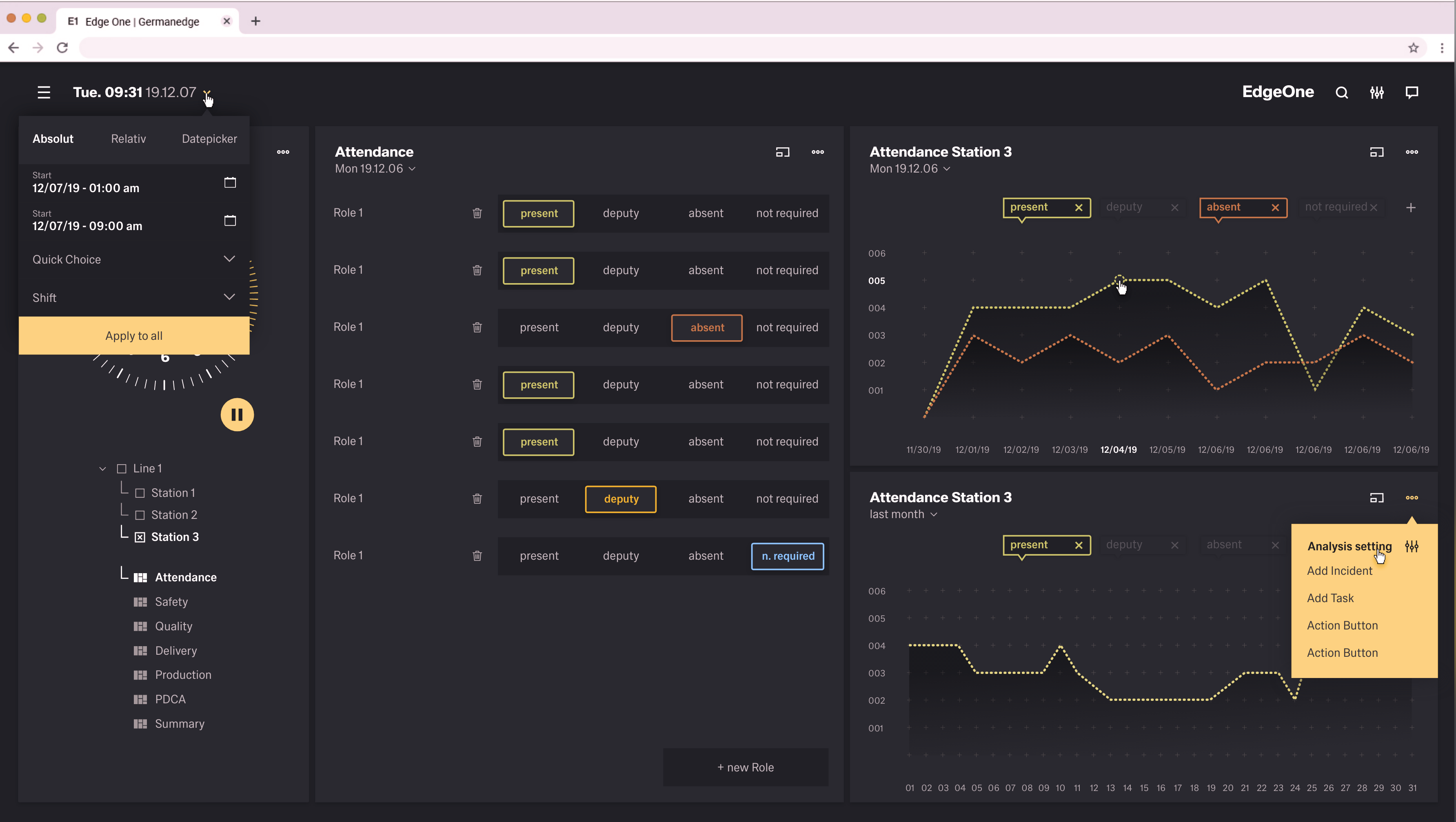
Deuteranopia Vision
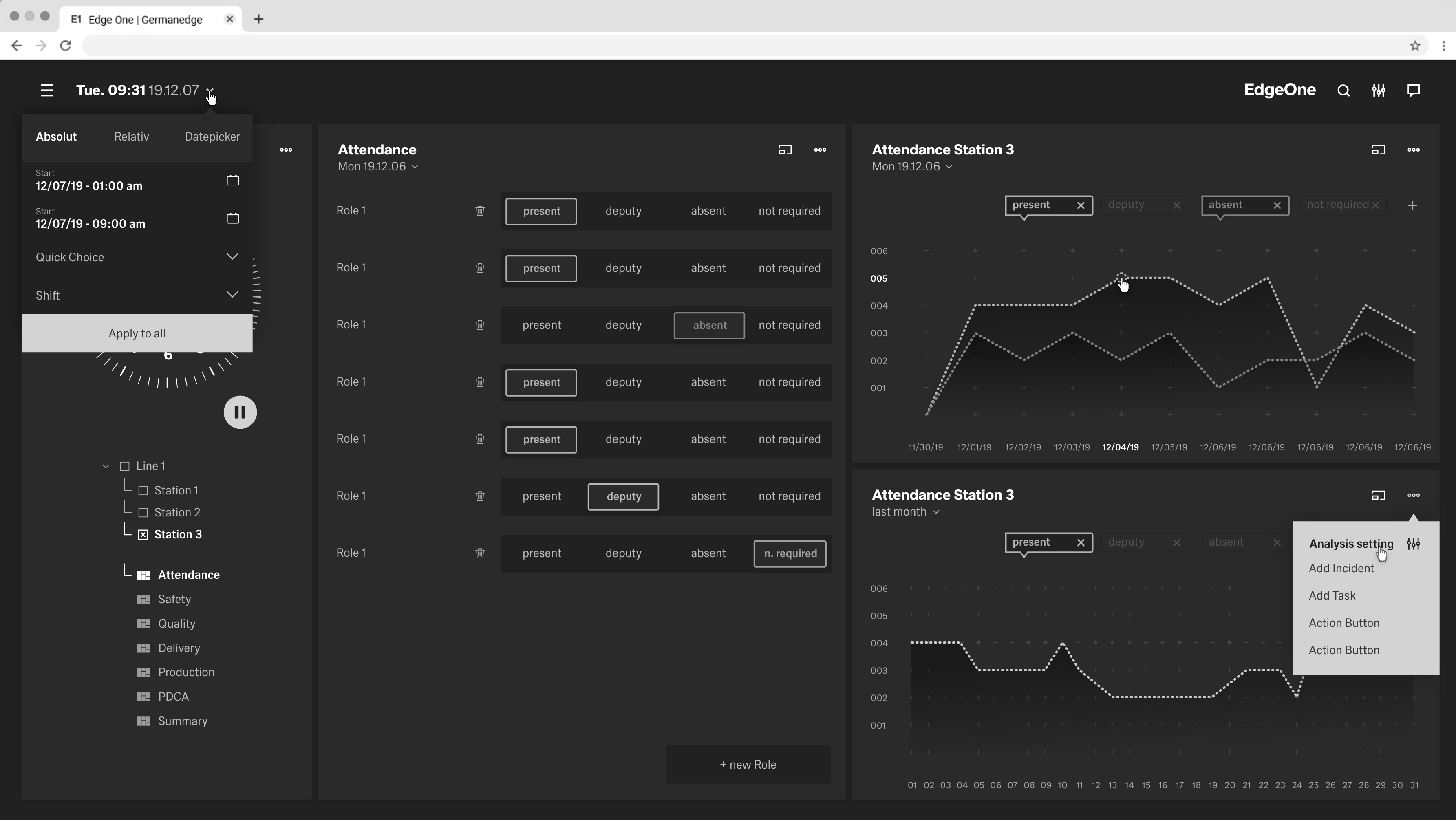
Monochromacy View
Low vision
Low vision can include partial sight in one or both eyes and can range from mild to severe. It affects about 4% of the world’s population.
| Type | Visual deficiency |
|---|---|
| Low acuity | Also known as “blurred vision.” Can make text difficult to read, since it appears fuzzy. |
| Low-contrast sensitivity | Decreased ability to determine fine detail and distinguish one object from another |
| Obstructed visual field | The user’s view is partially obstructed. Can include central vision and spotty vision. |
| Retinitis Pigmentosa | Also known as “tunnel vision.” The user is only able to see central elements. |
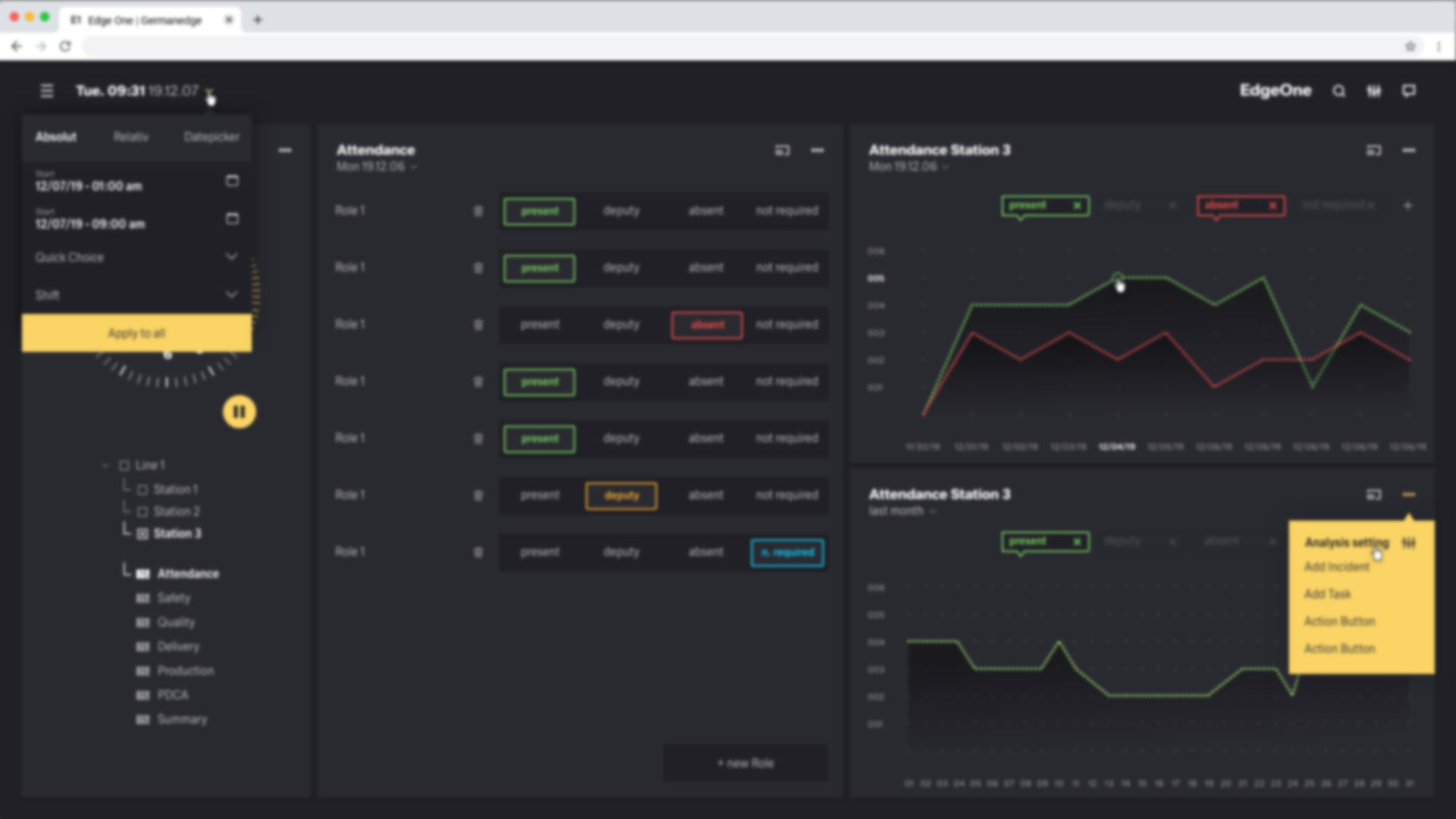
Blurred View

Tunnel View
