
Page History
| Table of Contents | ||||
|---|---|---|---|---|
|
Web_max Dashboard Spacing
| Info | ||||
|---|---|---|---|---|
| ||||
here you will find the handover and the Styleguide of this componente: |
Web_Max Dont's
More details you will find here.

Basic Templates of the Dashboard
Dashboard Spacing
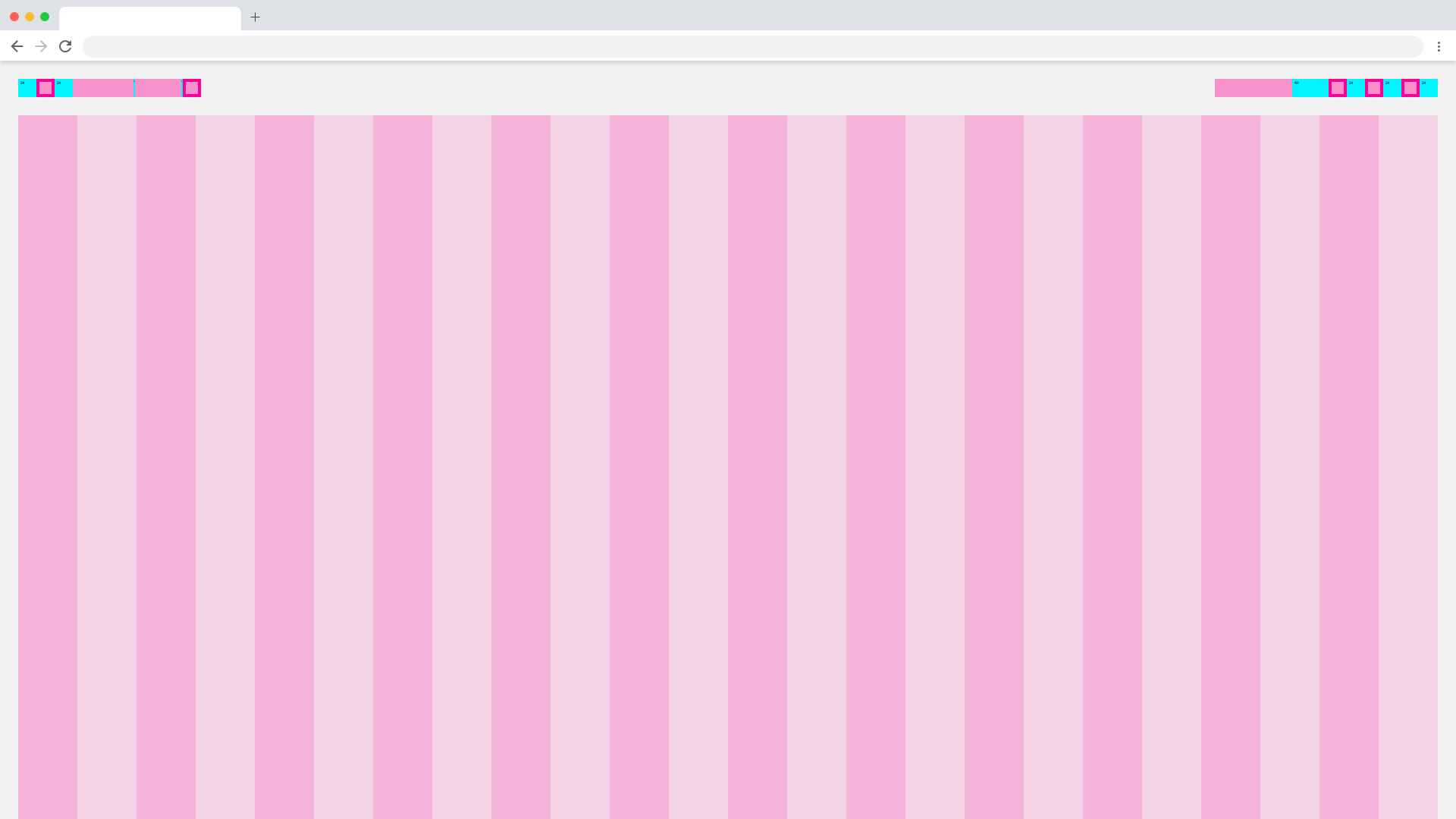
All molecules and the atoms within them have a fixed spacing. This spacing is to place the molecules more precisely within the organism. Within the molecule the atoms also have a fixed spacing to each other. The spacing within the atoms is always the same, it varies only slightly from breakpoint to breakpoint. The spacing of the molecules is flexible. You only have to make sure that it is in the range from Spacing_1 to Whitespacing_7. This gives the design of the software an independent, visually attractive and continuous appearance.
| Base | web_max | web_max (rem) |
|---|---|---|
| Breakpoint | ≥1800px | - |
| Width | 1920 | 120 |
| Height | - | - |
| Column Width | 78 | 4.875 |
| Content-Area Margin | 24 | 1,5 |
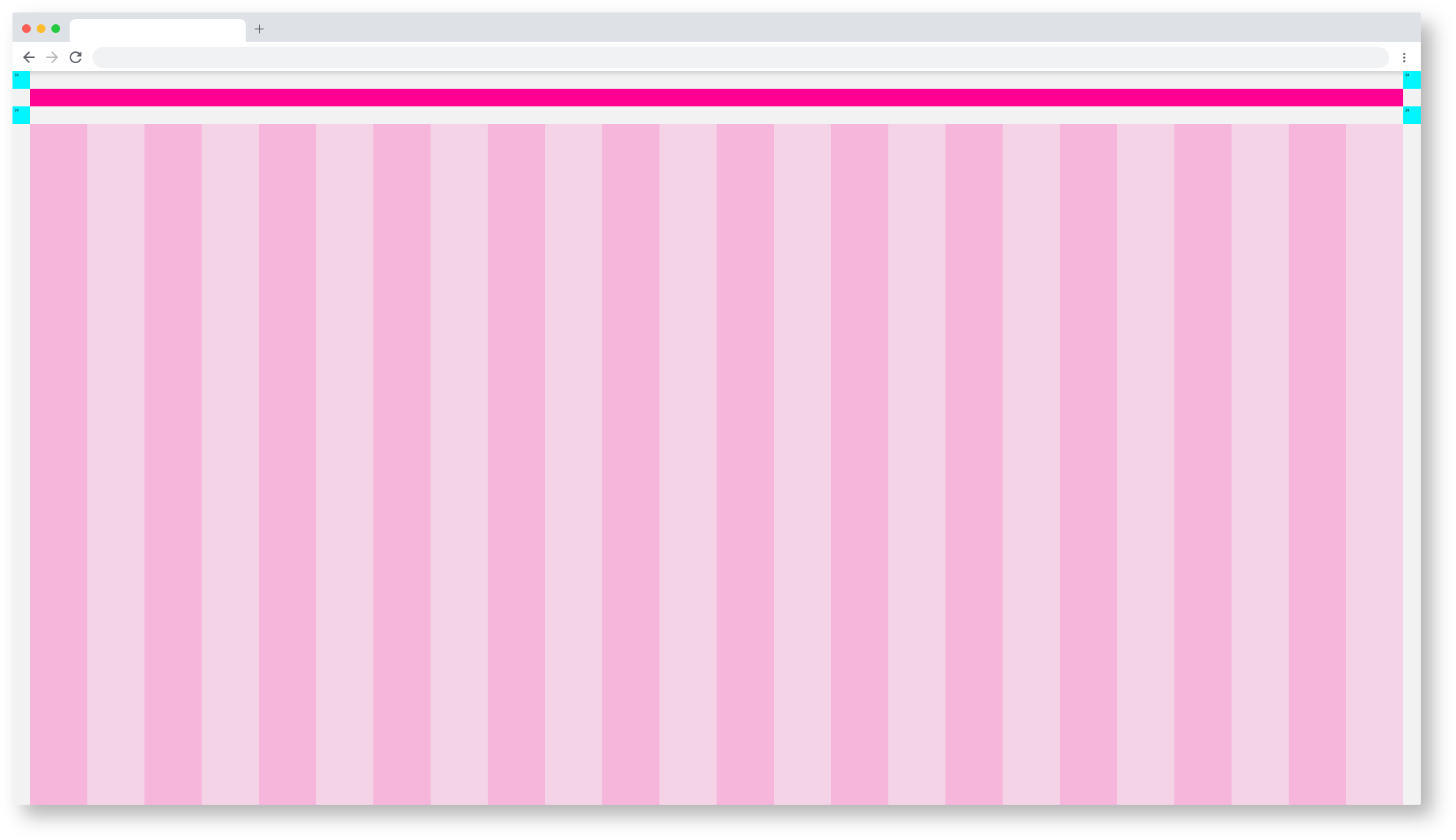
Web_Max/Molecules_Spacing
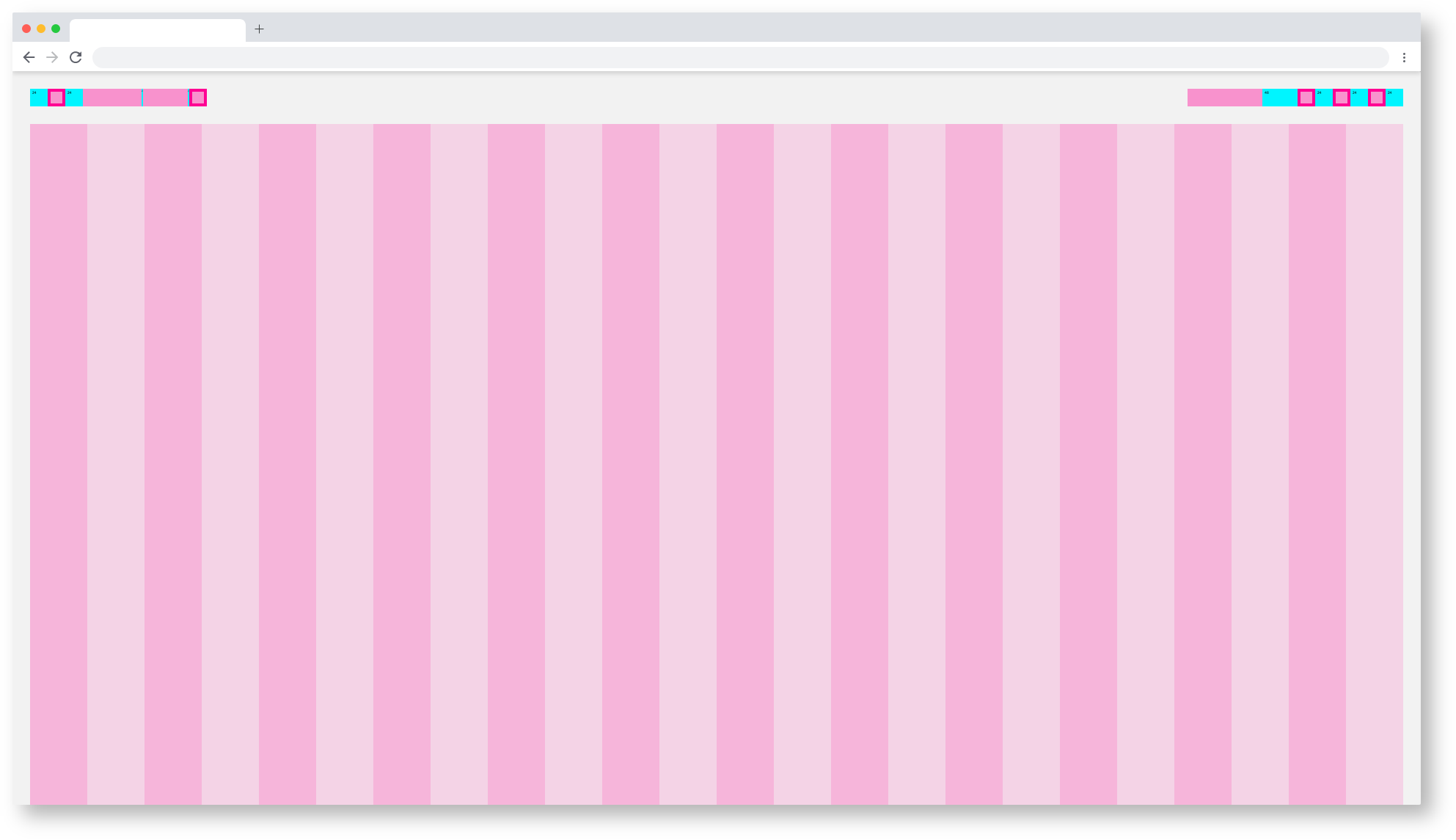 Web_Max/Atomic_Spacing
Web_Max Dashboard Themes
All templates and pages exist in two themes, the Astronaut(light) and the Tokyo at Night Theme(dark).
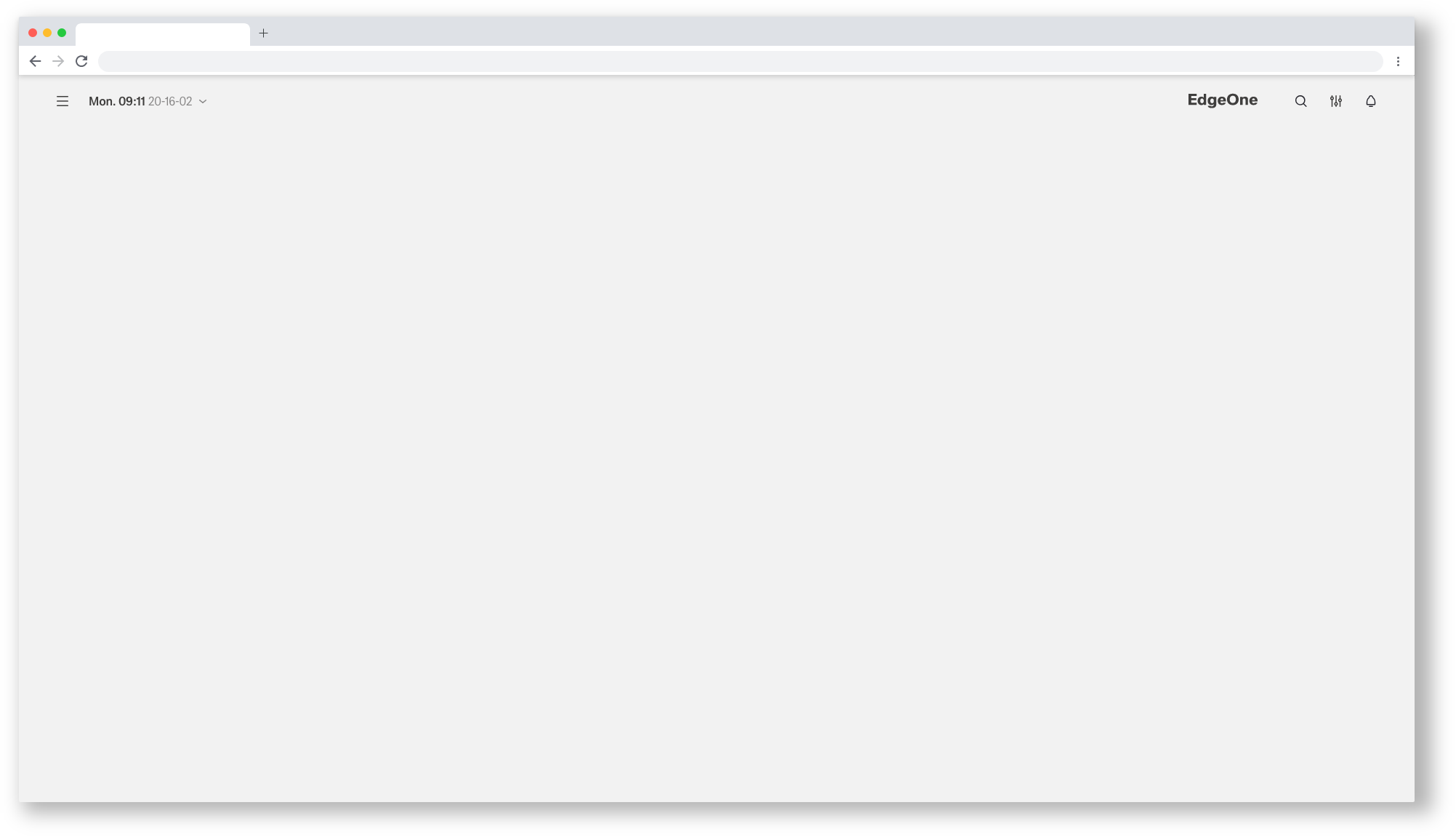 Web_Max/Dashboard
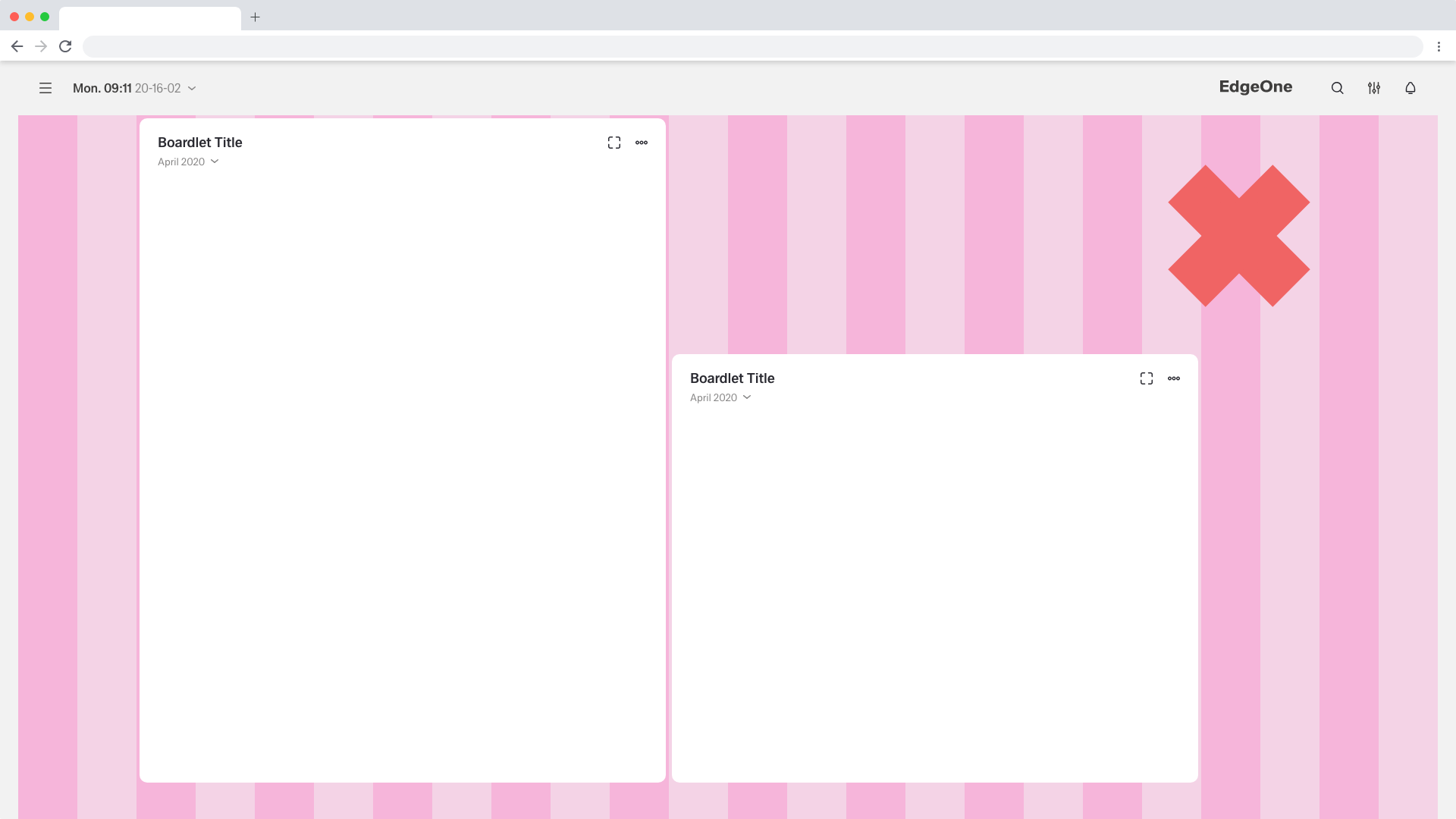
Place the boardlets freely on the grid
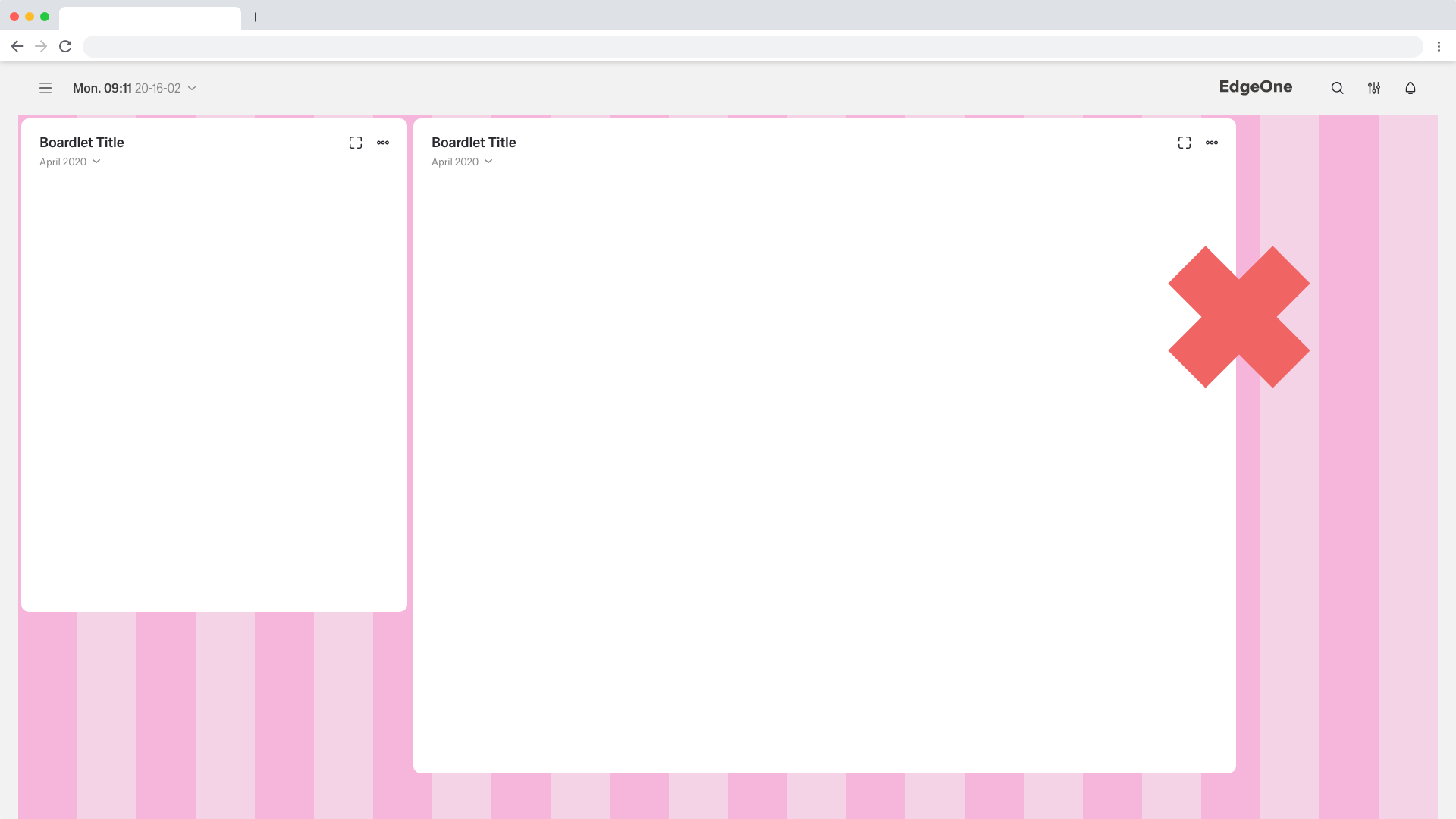
The boardlets must never be placed outside of the column-grid
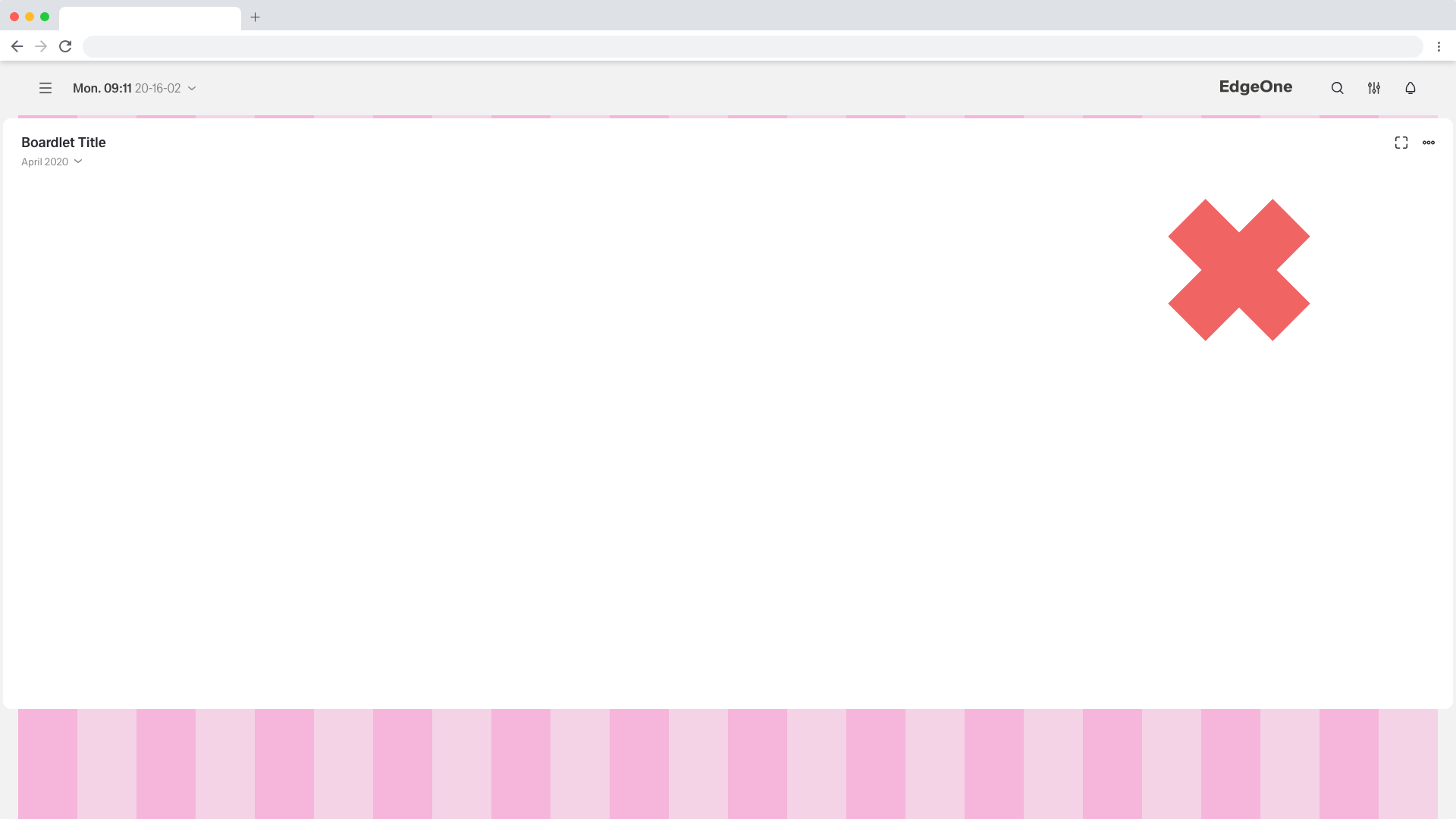
Boardlets must never cross the column grid left and right
Web_Max EdgeOne-Dashboard
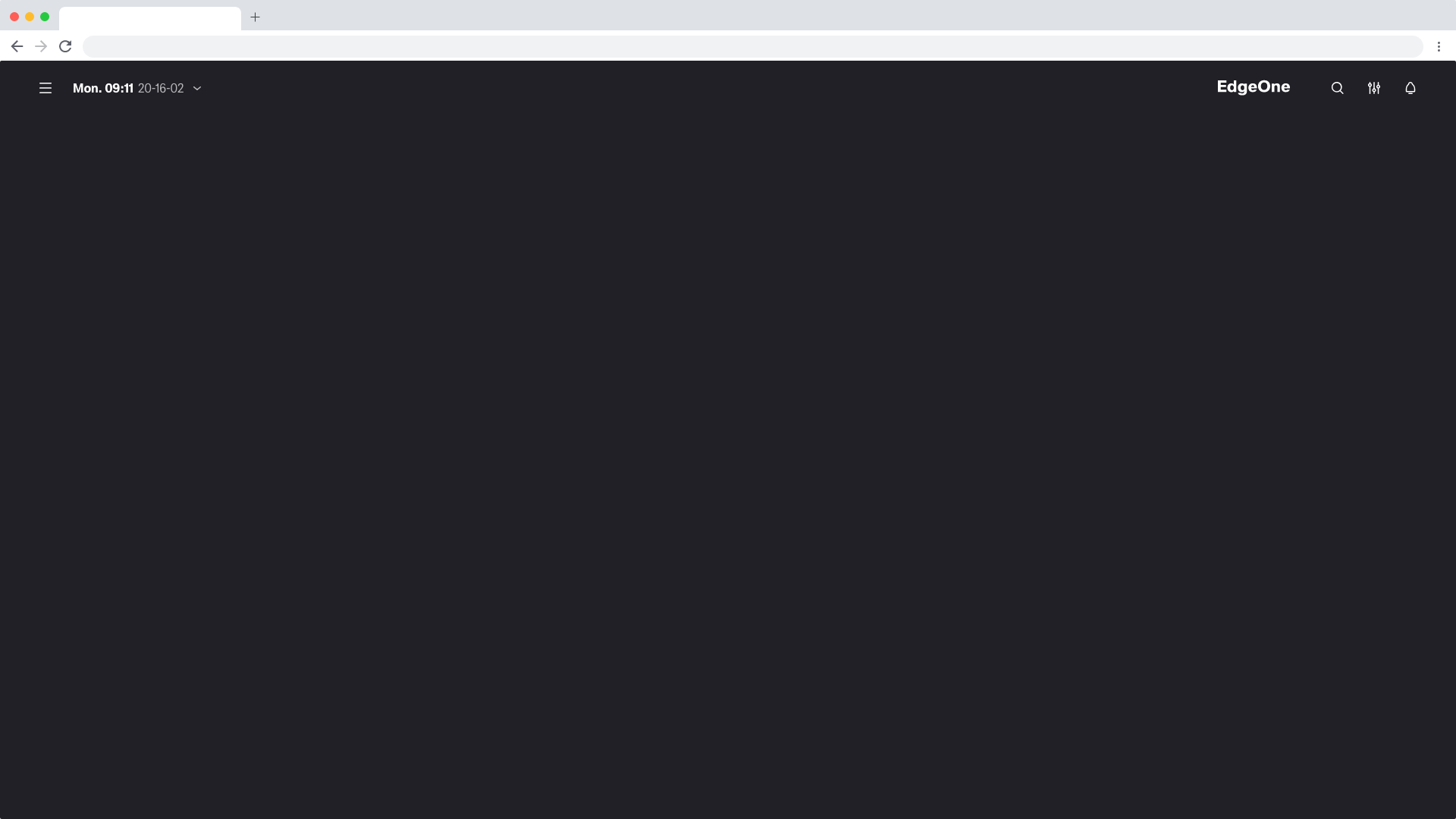 Web_Max/Dashboard_EdgeOne of this componente
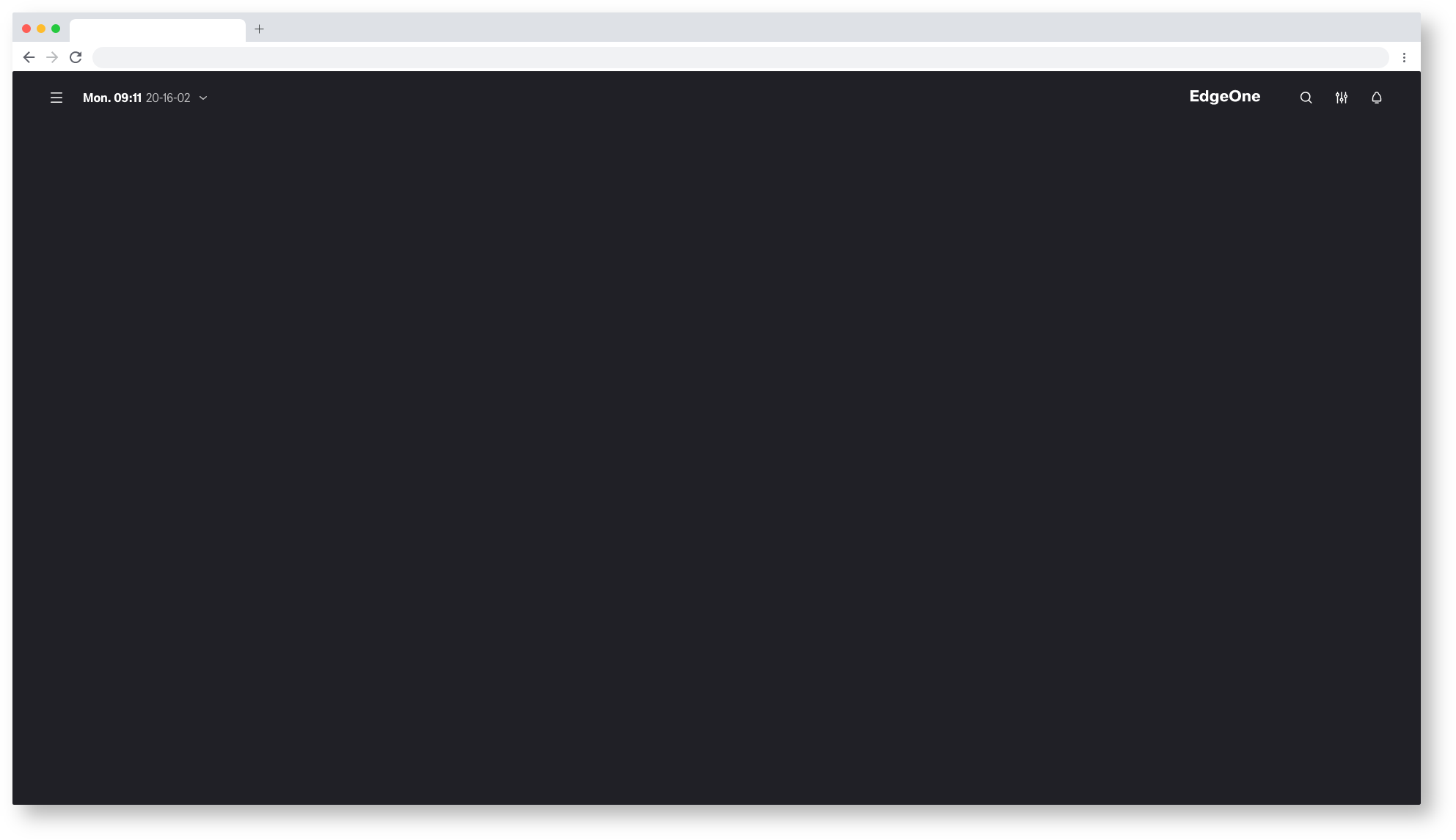
Web_Max/Dashboard
Web_Max/Dashboard_X-Series_Astronaut
Web_Max X-Series-Dashboard
coming soon
Web_Max/Dashboard_X-Series_Tokyo-at-Night
