Basic
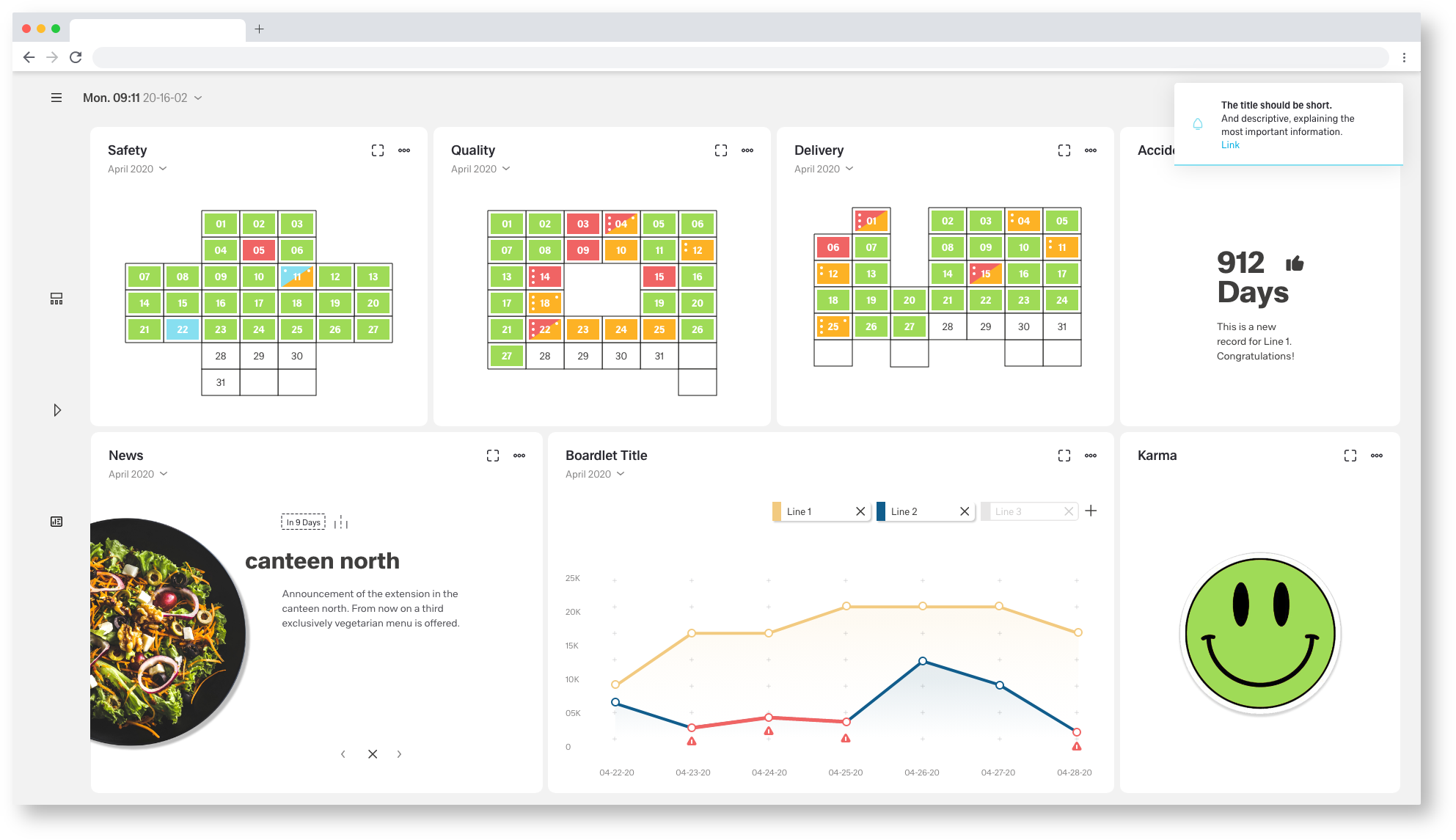
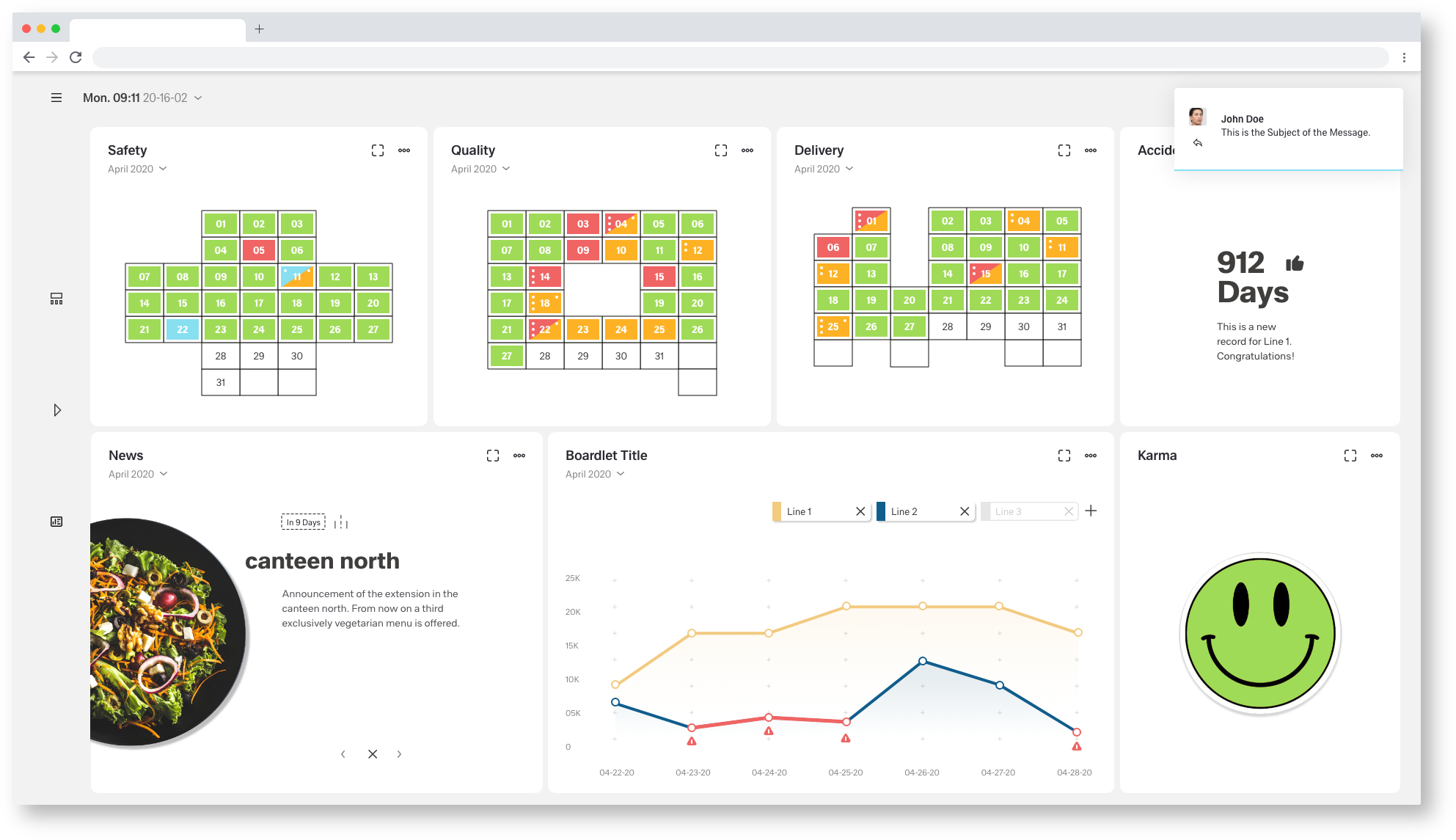
Use notifications to inform users about updates or changes to the system status. Communicating with users and providing immediate feedback is important for building trust. Although notifications are an effective way to communicate with users, they are disruptive and should be used sparingly. There are two standard notifications:
Overview
System information and notifications offer only limited space for content, so the content must be short and concise. A user should be able to quickly understand the notification, be informed about the situation and know what to do next.
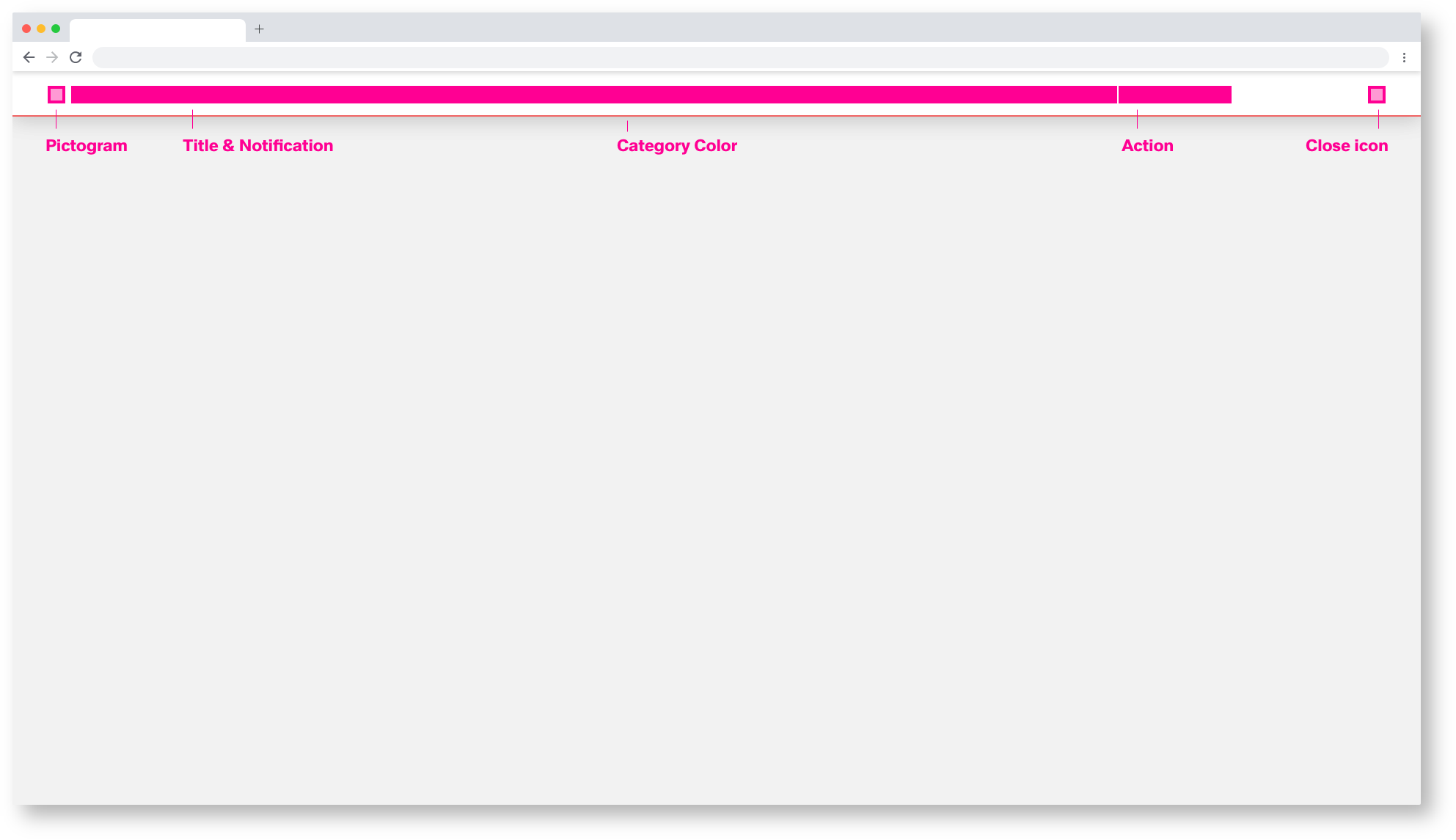
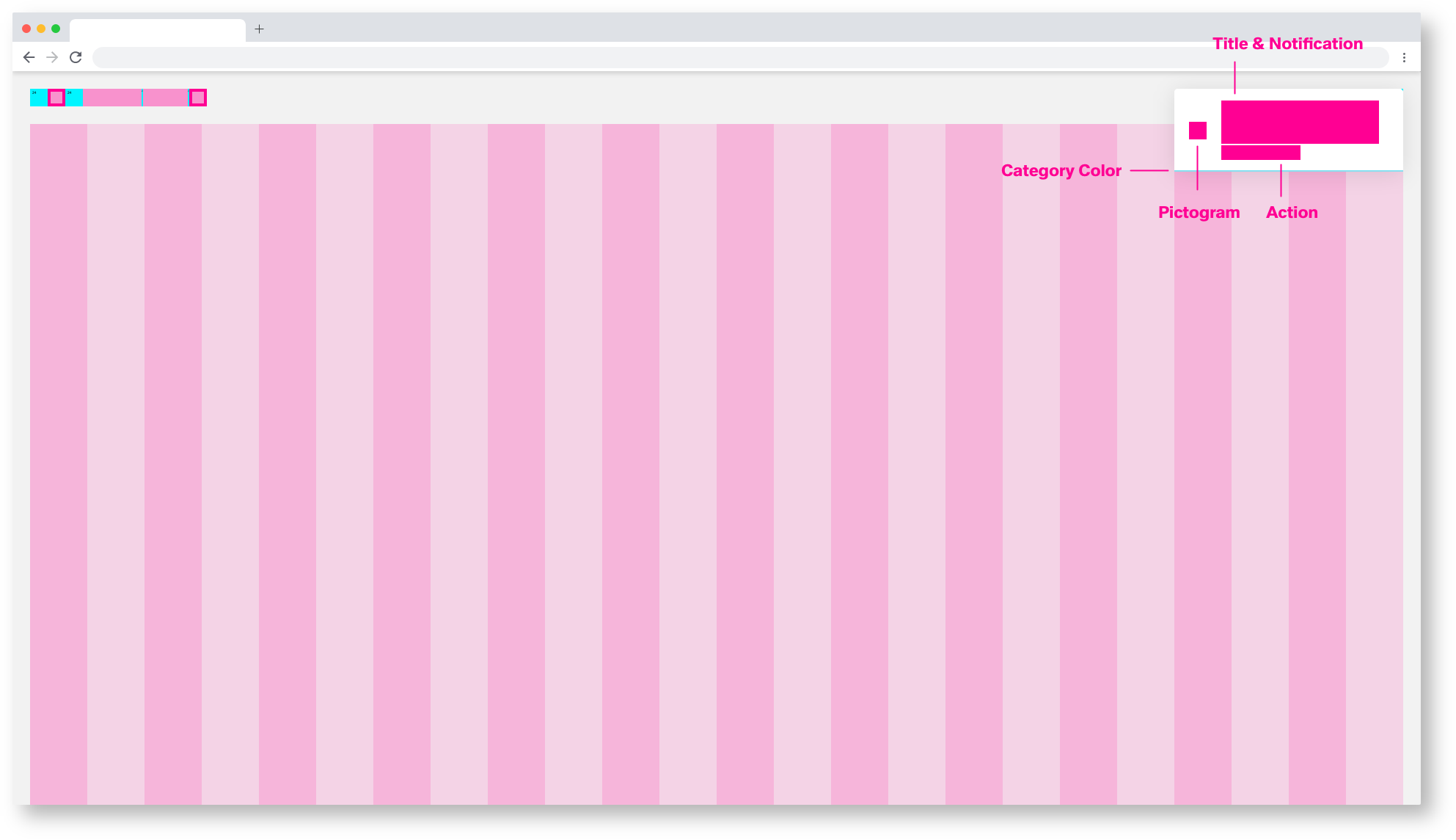
Pictogram
The pictogram should visually support the title and content of the notification. The pictogram replaces the category colour within the barrier-free presentation. For more information, see the section on accessibility.
Titel & Notification
The title should be short and descriptive, explaining the most important information. If possible, communicate the main message by the title alone. Limit the content to one or two short sentences. Explain how the problem can be solved by stating any troubleshooting actions or next steps.
If a system information or notification requires a message that is longer than two lines, add a "Show more" link that takes the user to a view of the full notification message.
Action Link
You can insert links within the notification body to direct the user to the next steps. Do not confuse the user with too many possibilities. Two actions, perform action and do not perform action, are sufficient.
Category Color
The category colour gives an indication of the type and importance of the notification. Here it is possible to color the pictogram, the action link and the lower category color bar in the respective color.
Inline notification
Toast notification
Formatierung
The notifications use a fixed width and their height depends on the length of the message. As mentioned in the overview, the notifications are limited to a maximum of two lines of text.
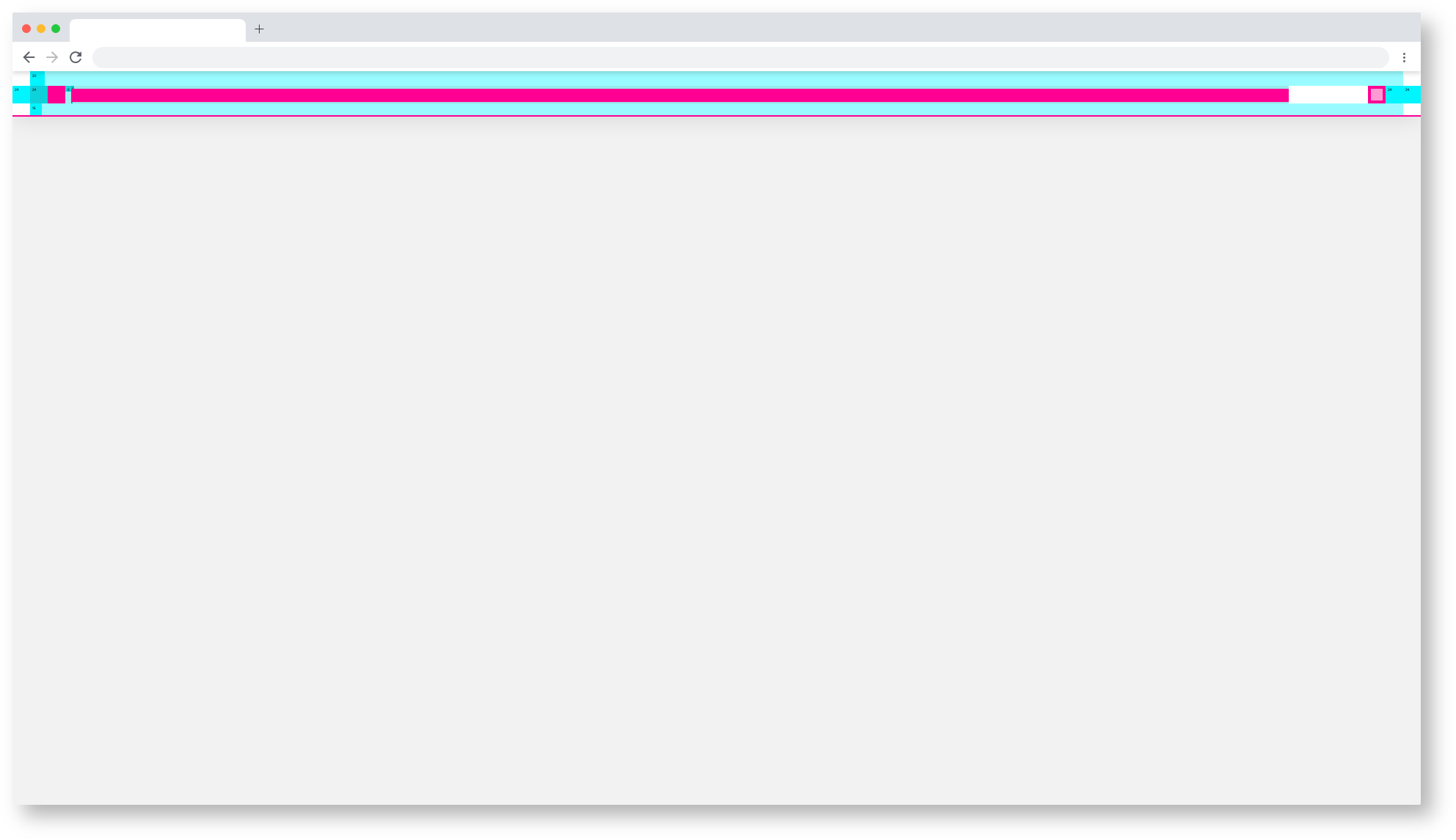
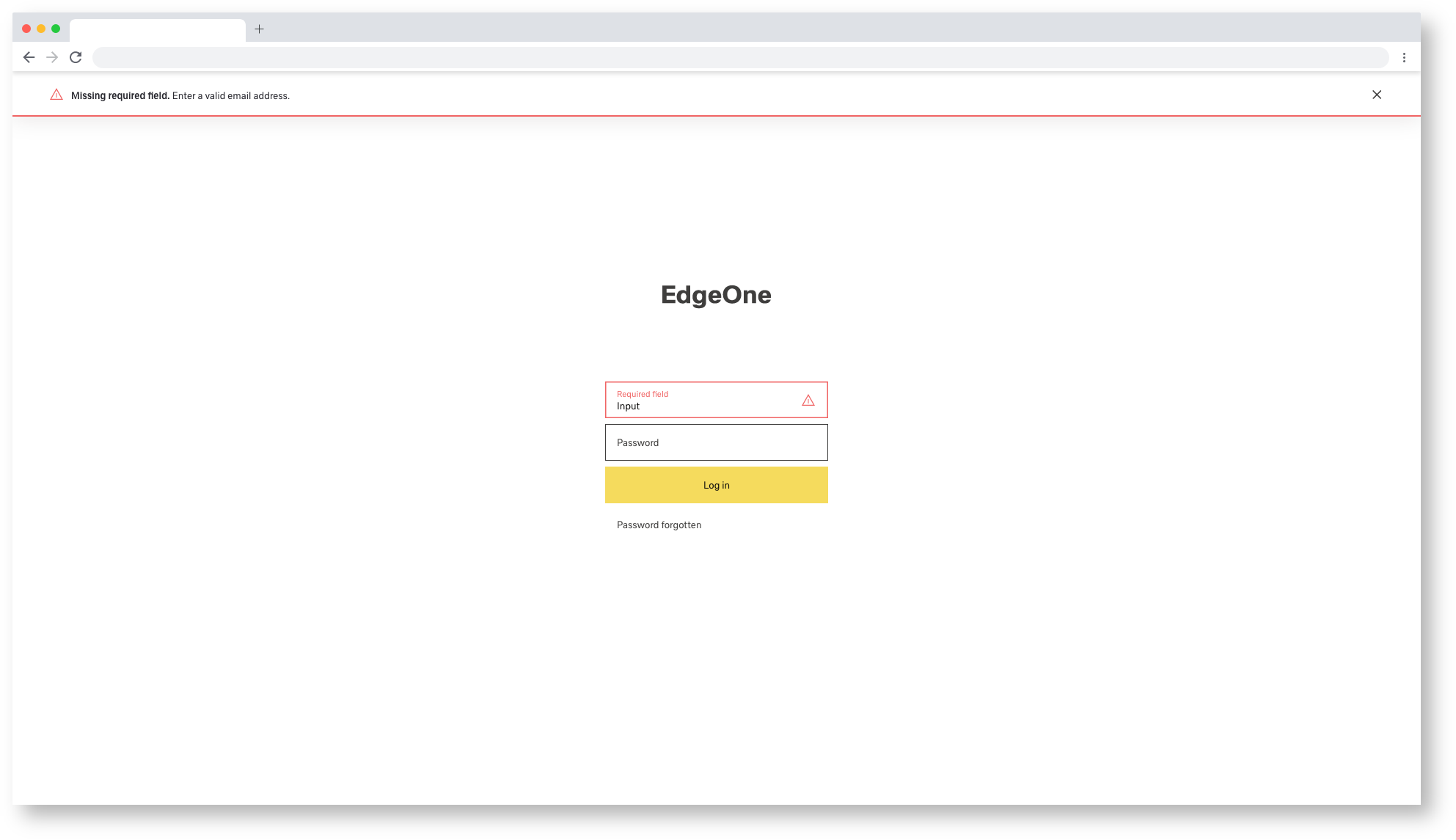
Inline notification
Inline notifications appear below the browser header. A later application of flexible inline notifications is not excluded but currently not planned.
Toast notification
Toast notifications appear in the upper right part.