User overview
This menu shows a table giving information only. The information shown is entered automatically by the system.
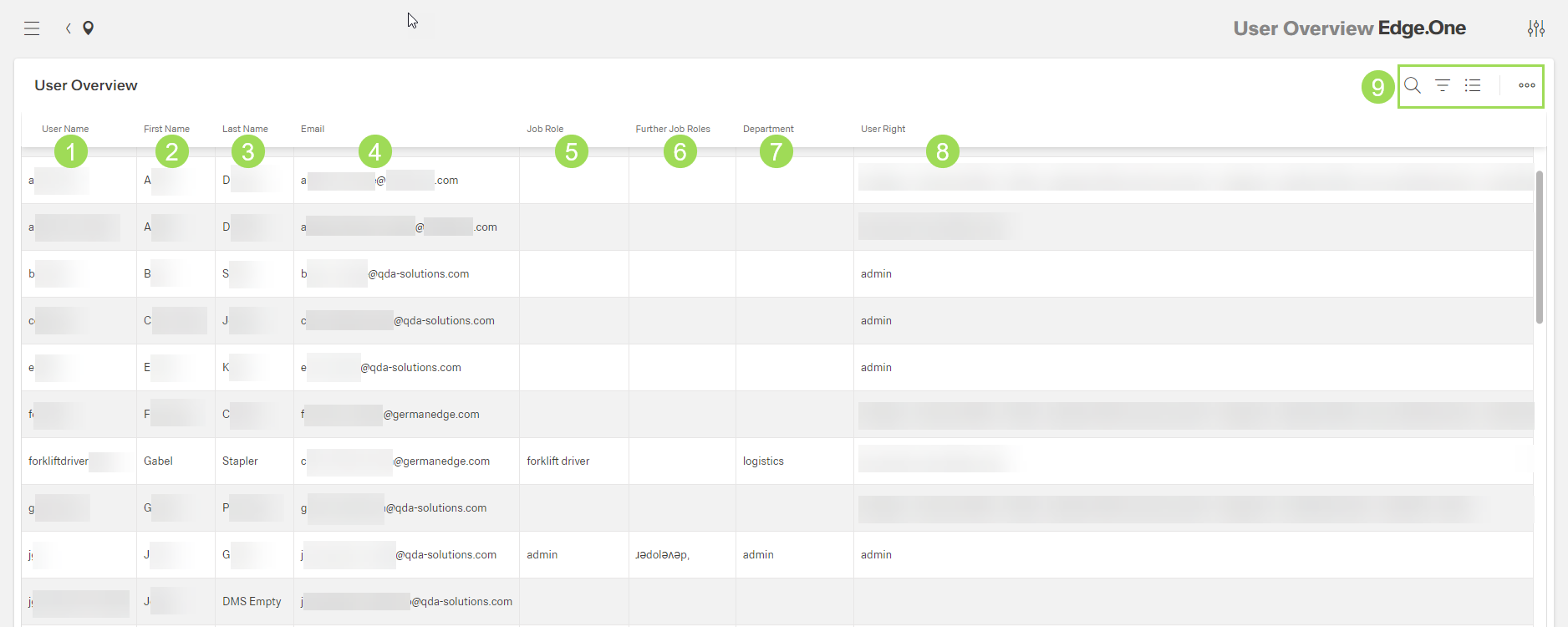
The illustration shows the table with information on the users: (1) column "User Name", (2) column "First Name", (3) column "Last Name", (4) column "Email", (5) column "Job Role", (6) column "Further Job Roles", (7) column "Department", (8) column "User Right" for the different modules, (9) standard action buttons to sort and group the table