Delete a catalog in DMS (step by step)
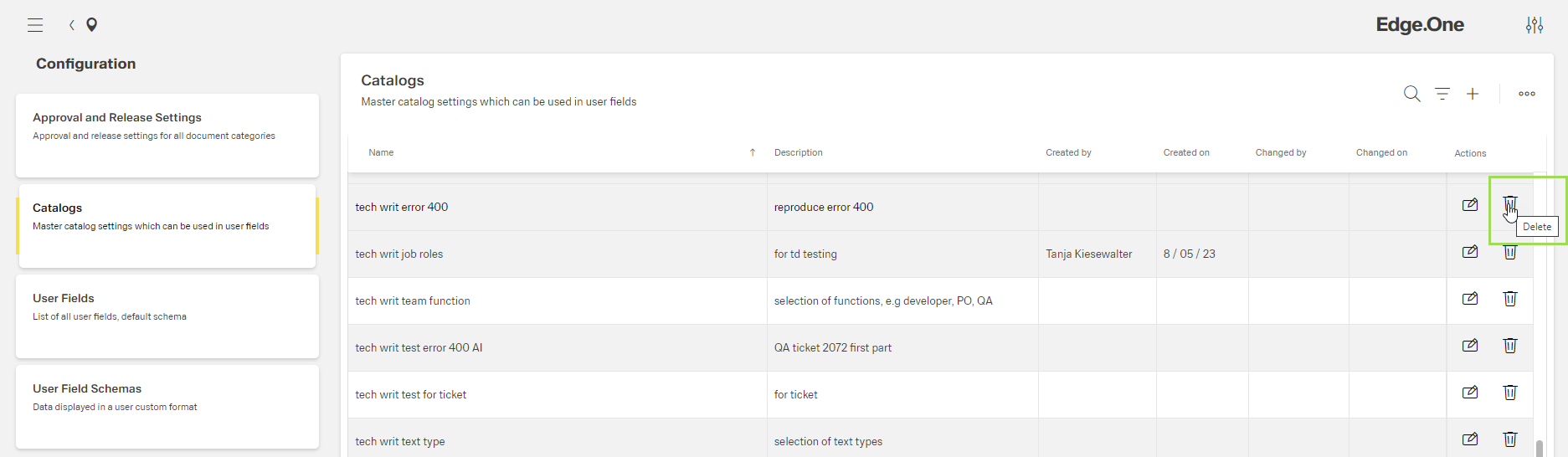
Select the catalog to be deleted and click the button [ ].
].
The following window appears:
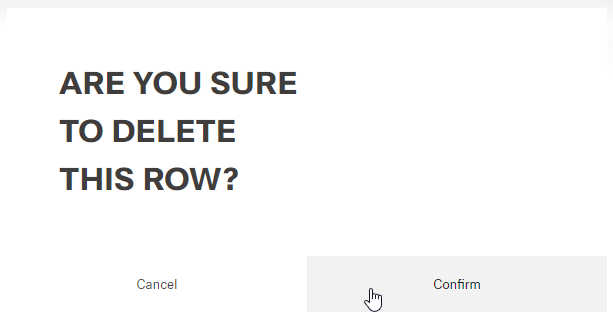
Click the button Confirm (or Cancel)
A message about the successful action appears at the top of the screen.
Select the catalog to be deleted and click the button [].
The following window appears:
Click the button Confirm (or Cancel)
A message about the successful action appears at the top of the screen.