Delete a folder in DMS (step by step)
There are two delete options for a folder containing documents:
- delete the folder (including its content)
- delete the folder and move the documents to another folder
Delete the folder completely including its content
Select folder to be deleted:
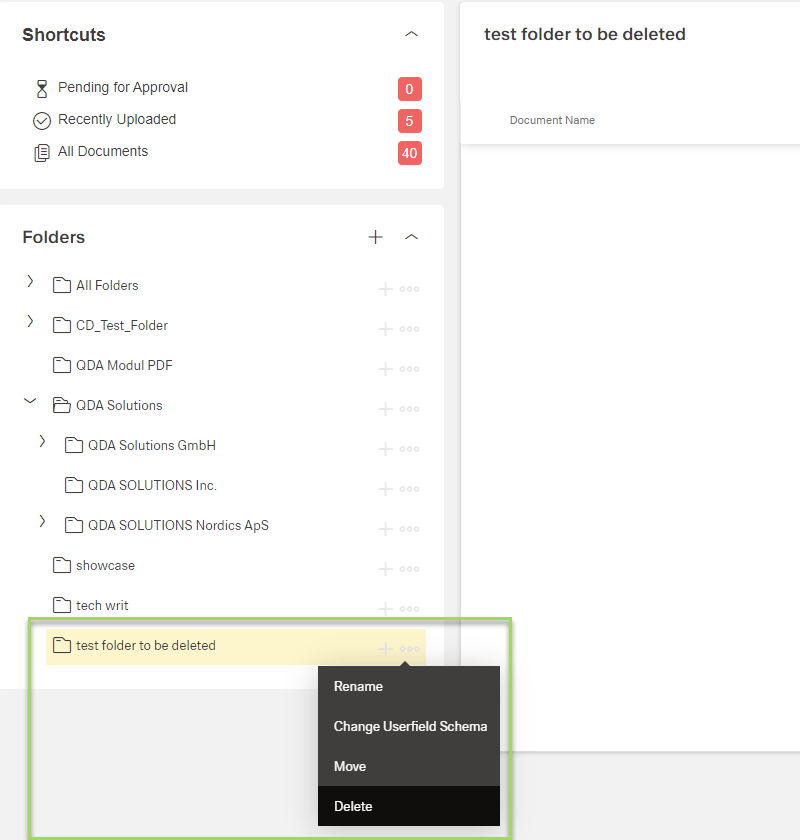
Click the button [ ] and select "Delete"
This window appears:
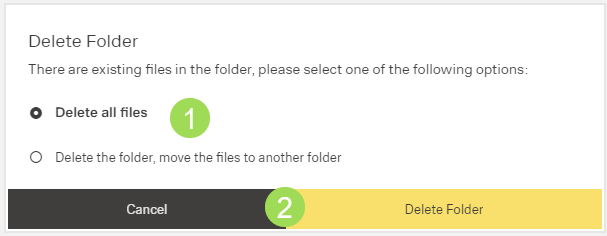
Select the first option and click the button Delete Folder <2>
Delete the folder after moving its content to another folder
Select folder to be deleted:
Click the button [] and select "Delete"
This window appears:
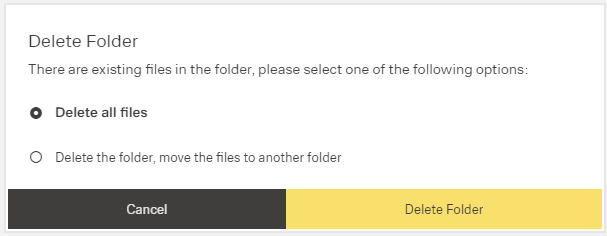
Select "Delete the folder, move document ..."
This window appears:
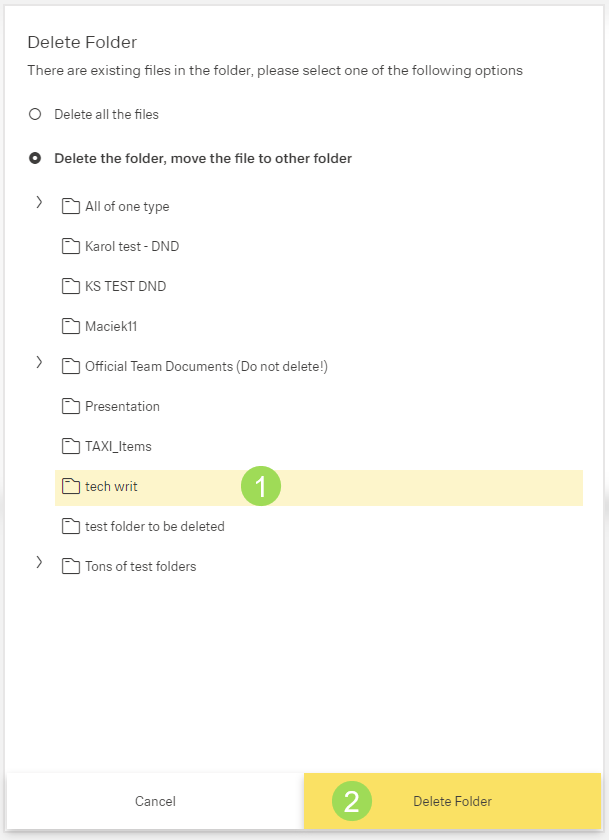
Select folder <1> and click the button Delete Folder <2>