Delete a qualification test (step by step)
Depending on the test status, the button [ ] either deletes the test or archives it:
| Action | Test status | |
|---|---|---|
| delete completely | new editing unpublished published, so far no user took the test |
| archive | published, one or more users took the test |
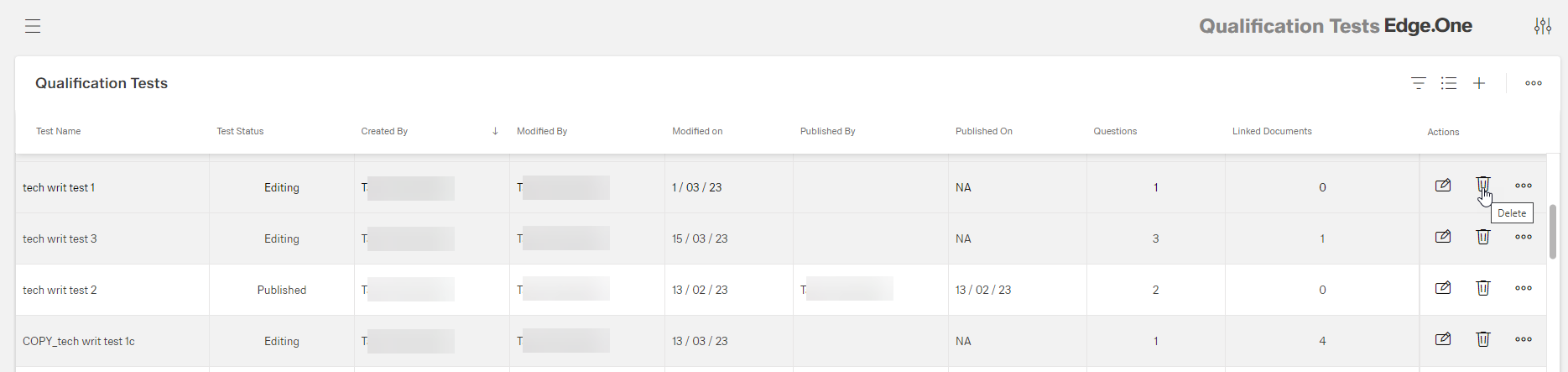
Click the button [] of the test to be deleted
The confirm dialog appears:
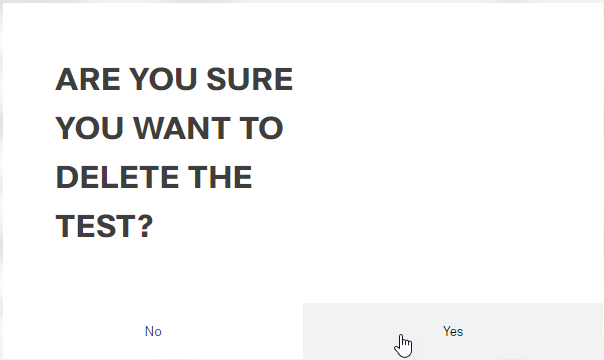
Click the button Yes (or No)
A message about the successful action appears at the top of the screen.
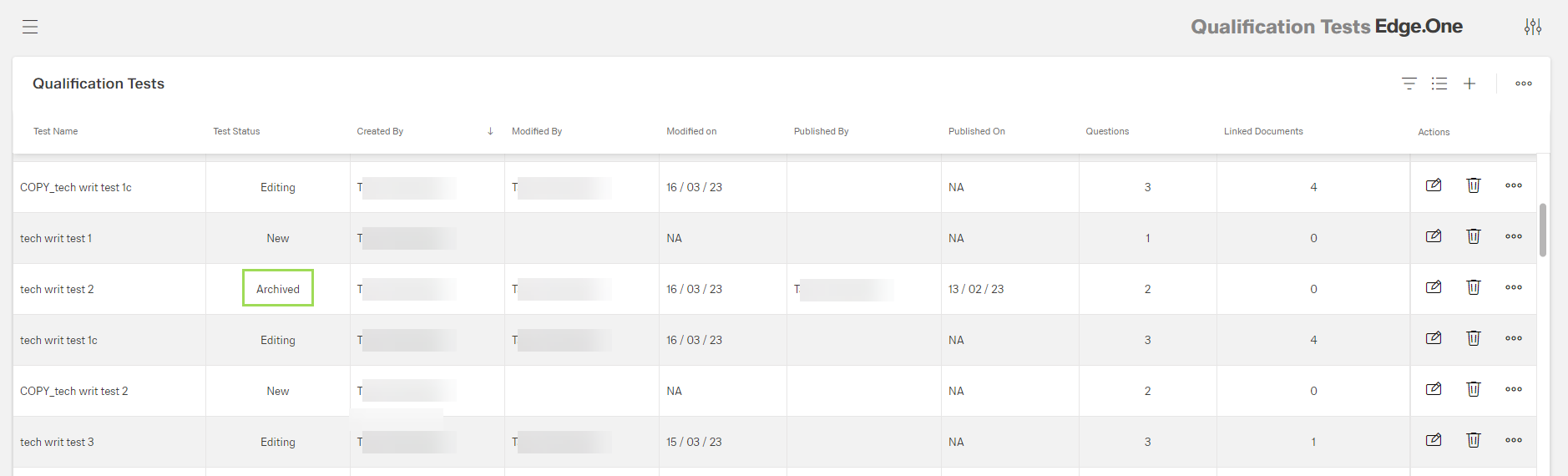
If the test to be deleted was published including test results, the test status changes to "archived":