Duplicate a test in DMS (step by step)
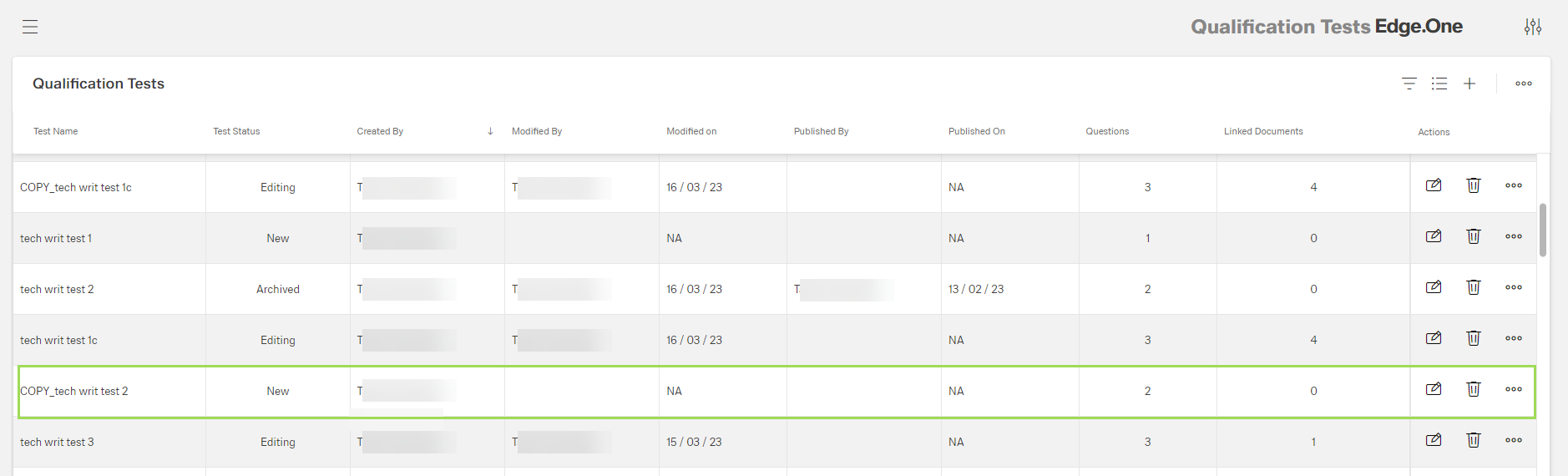
Any test can be duplicated. Duplicated tests get the status "New".
In the qualification test table, click the button [ ] of the test to be duplicated
The following selection appears:
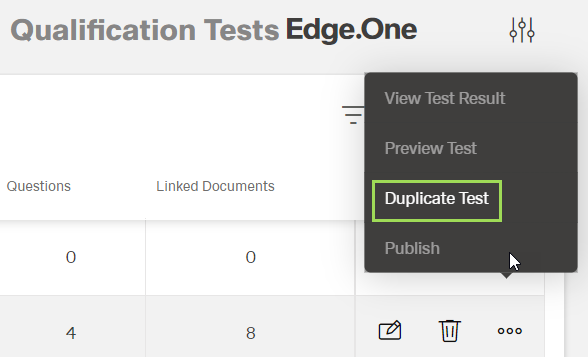
Select "Duplicate Test"
The following window appears:
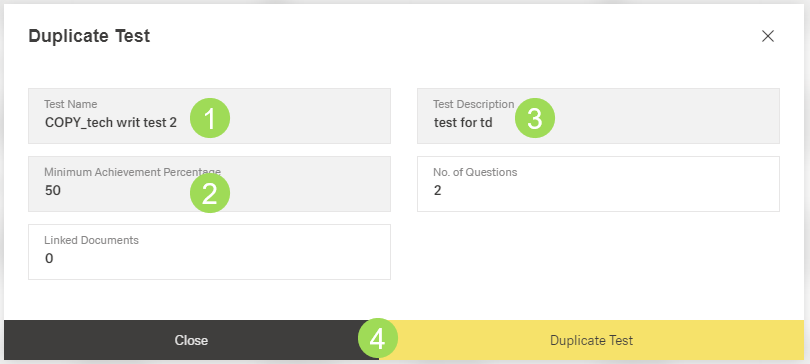
Edit the fields <1>, <2>, and <3> as needed
Field <1> is automatically filled to have a test name different from the just duplicated original test
Fields <2> and <3> are copied from the original test
Click the button Duplicate Test <4> (or Cancel)
A message about the successful action appears at the top of the screen. The window returns to the qualification tests table.
The duplicated test is marked with the green frame: