Move a folder in DMS (step by step)
It is possbile to move a folder via drag&drop or via the button [ ] next to the folder.
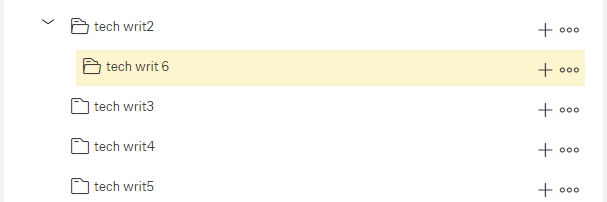
Drag & drop a folder
Select the folder and drag it to the target folder
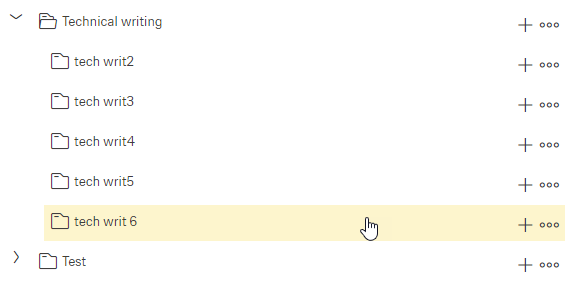
Drop the folder to be moved to the target folder
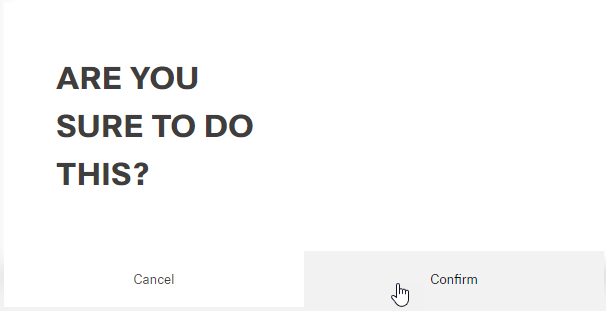
The following message appears. Click the button Confirm (or Cancel).
Result of the finished move:
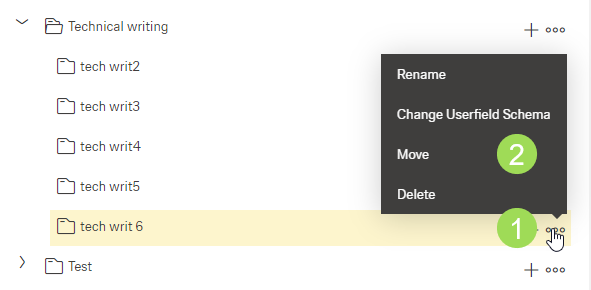
Move a folder using the button []
Click the button [] <1> and select "Move" <2>
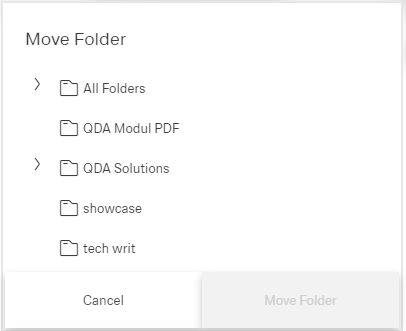
The following windows appears:
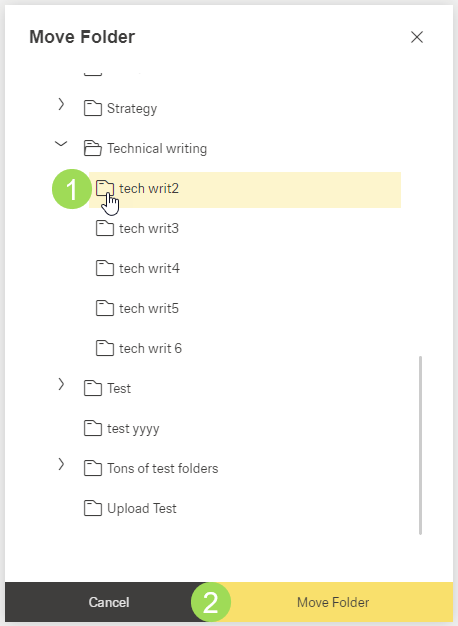
Select the target folder <1> and click the button Move Folder <2>
The following message appears:
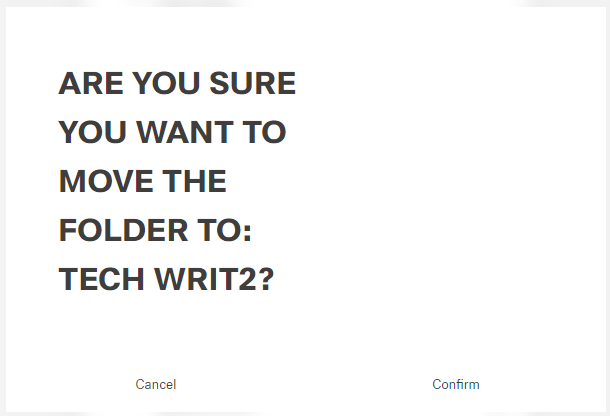
Click the button Confirm (or Cancel)
A message about the successful action appears at the top of the screen.
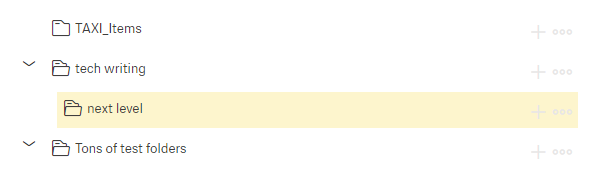
Result of the finished move: