Assign all users with a defined job role (step by step)
Click the button [ ]
]
The following window appears:
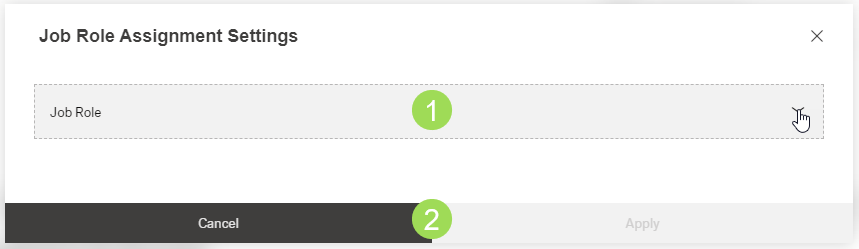
Select the job role <1>
Job role is a mandatory field / selection.
Click the button Apply (or Cancel)
A message about the successful action appears at the top of the screen.
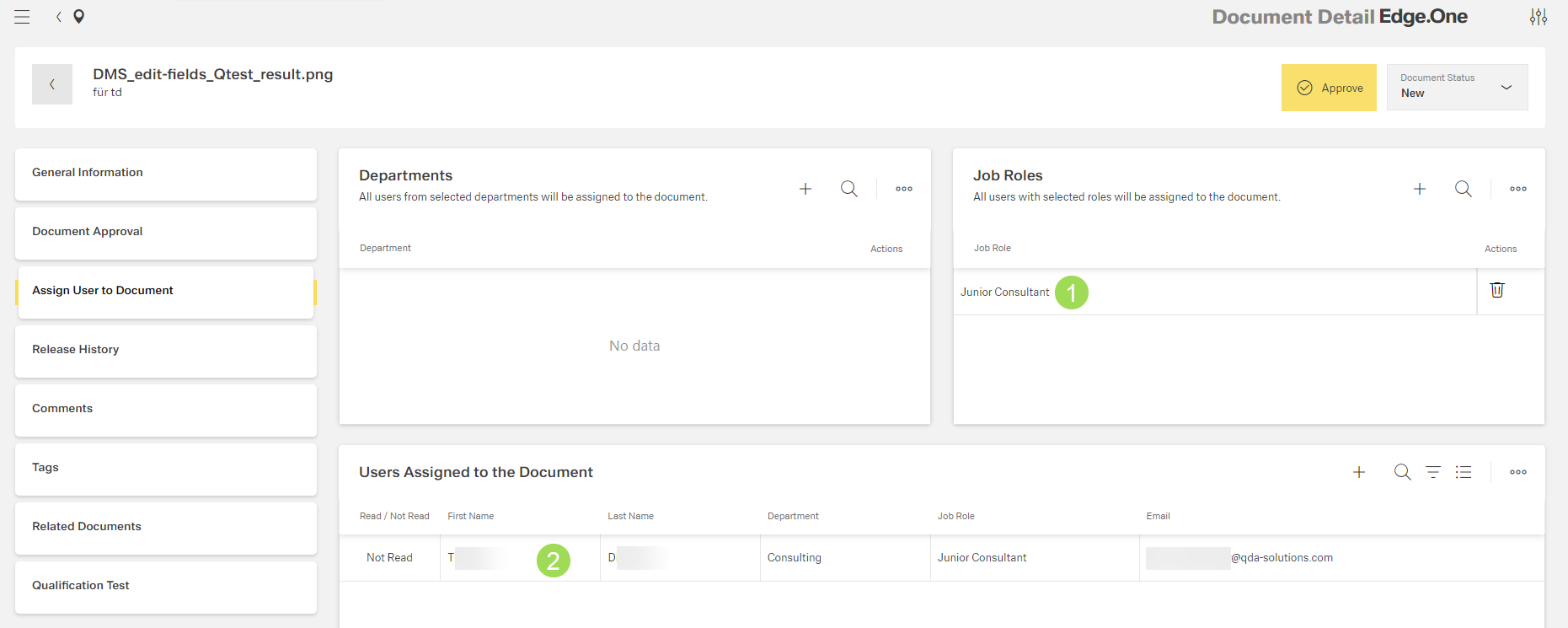
All users with this job role <1> are added to the list "Users assigned to the document" <2>:
Please note: the general user management as adding users, assign them to job roles and departments is described here.