Edit document fields
After clicking the button [ ] of a document, the following screen appears:
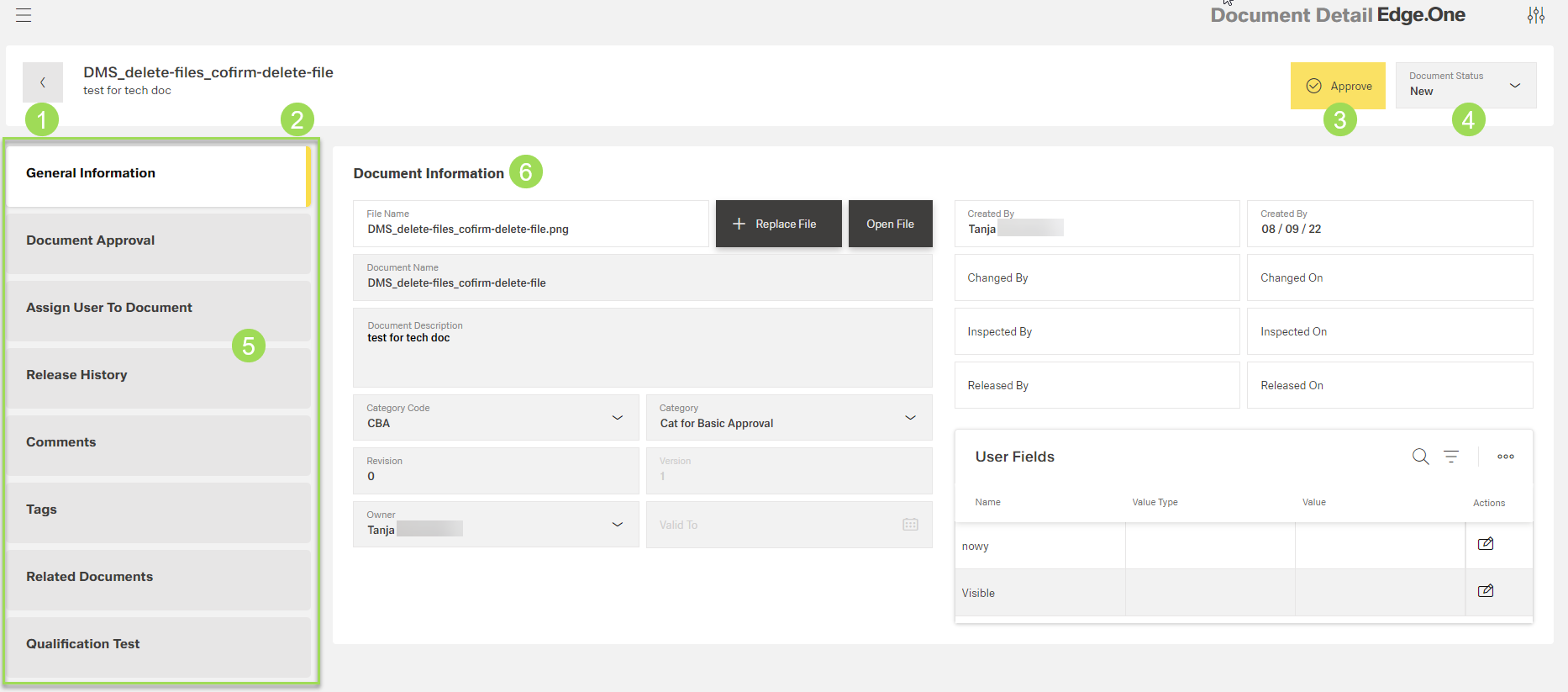
The illstration shows the general information screen and its main elements: (1) button to return to the document list, (2) document name and description, (3) button
Approve, (4) information on document status, (5) main navigation, (6) edit fields (general information)
The information given in the top frame (<1>...<4>) is used as a header for all menus included here.
Main navigation
This boardlet is used to switch between menus available for document management.
The available menus are:
- general information
- document approval
- assign user to document
- release history
- comments
- tags
- related documents
- qualification test
Button Approve
Depending on the document status, button(s) concerning the approval process can be shown here. The button Approve <3> is only visible when a document with basic approval waits to be approved. For the document status "Under Approval", the following buttons are visible:
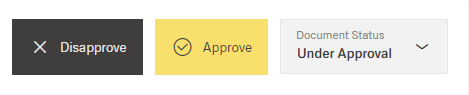
The approval steps according to the different settings are described here.
Document status
The dropdown menu enables to change the document status:
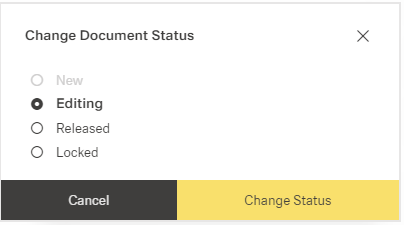
Further information on changing the status can be found here.