Evaluate a qualification test (step by step)
In the qualification test table, click the button [ ] of the test result to be evaluated
The following selection appears:
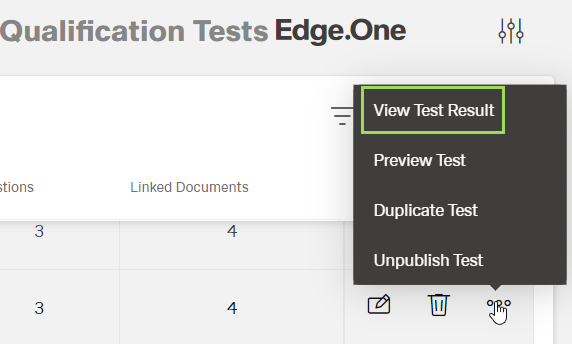
Select "View Test Result"
The following window appears:
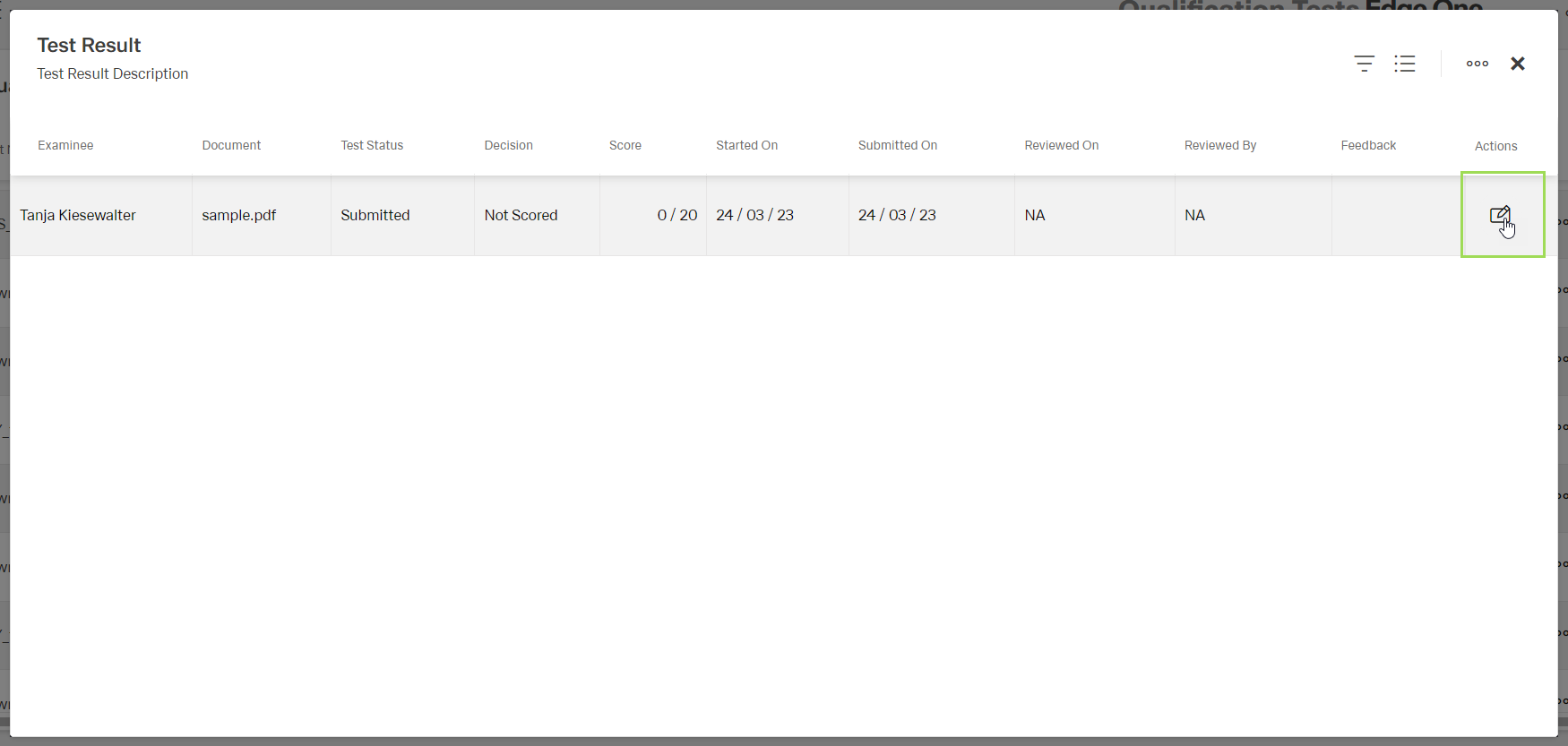
Click the button [ ] to evaluate a test
Please note: only submitted tests can be evaluated
The following window appears:
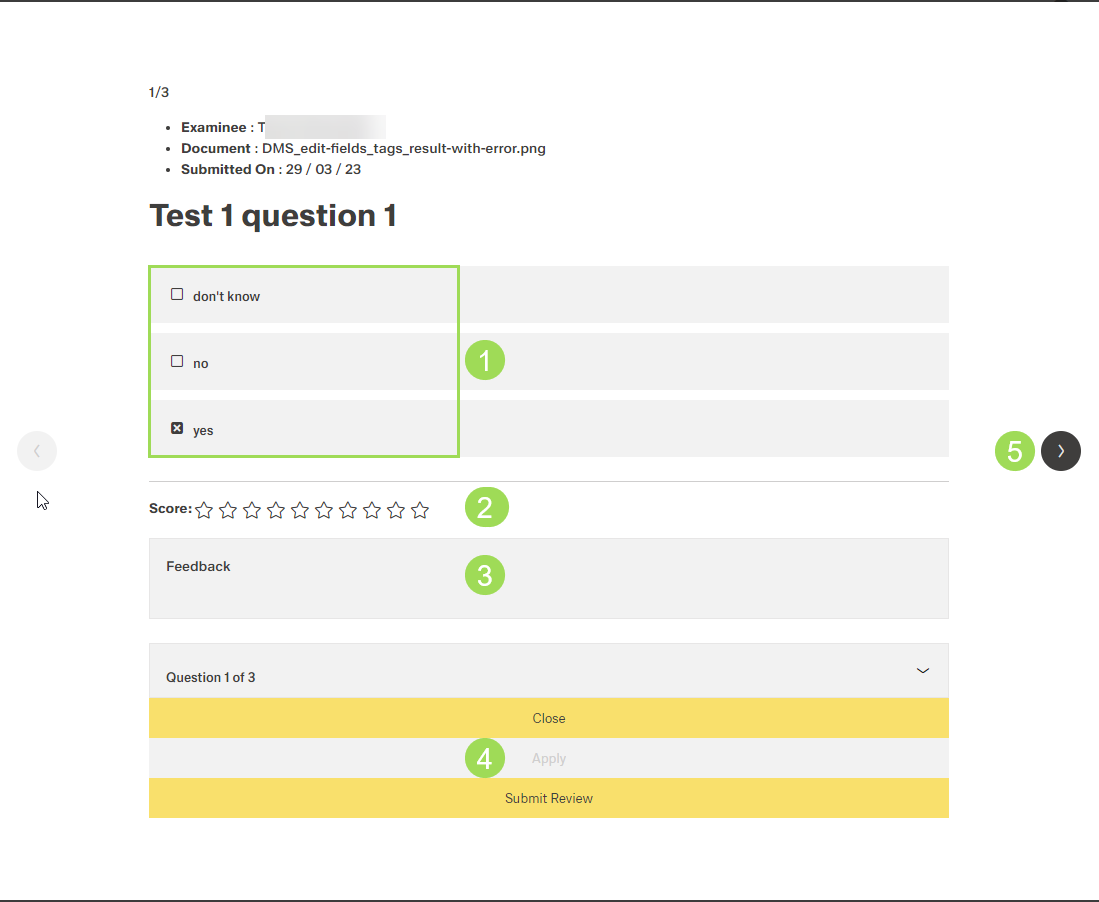
(1) answer(s) given by the examinee, (2) score for the answer(s): all stars white = fail, all stars black = correct, (3) optional individual feedback to this question, (4) buttons - button
Applyis only active when a feedback was entered, (5) buttonNext [>]
| Button | Action |
|---|---|
| Close | cancels the evaluation and closes the window |
| Apply | saves edited feedback |
| Submit Review | continues to the next step |
Optionally: Enter a feedback to this question and click the button Apply to save the feedback
Click the button Next [>] and repeat the last step for all questions
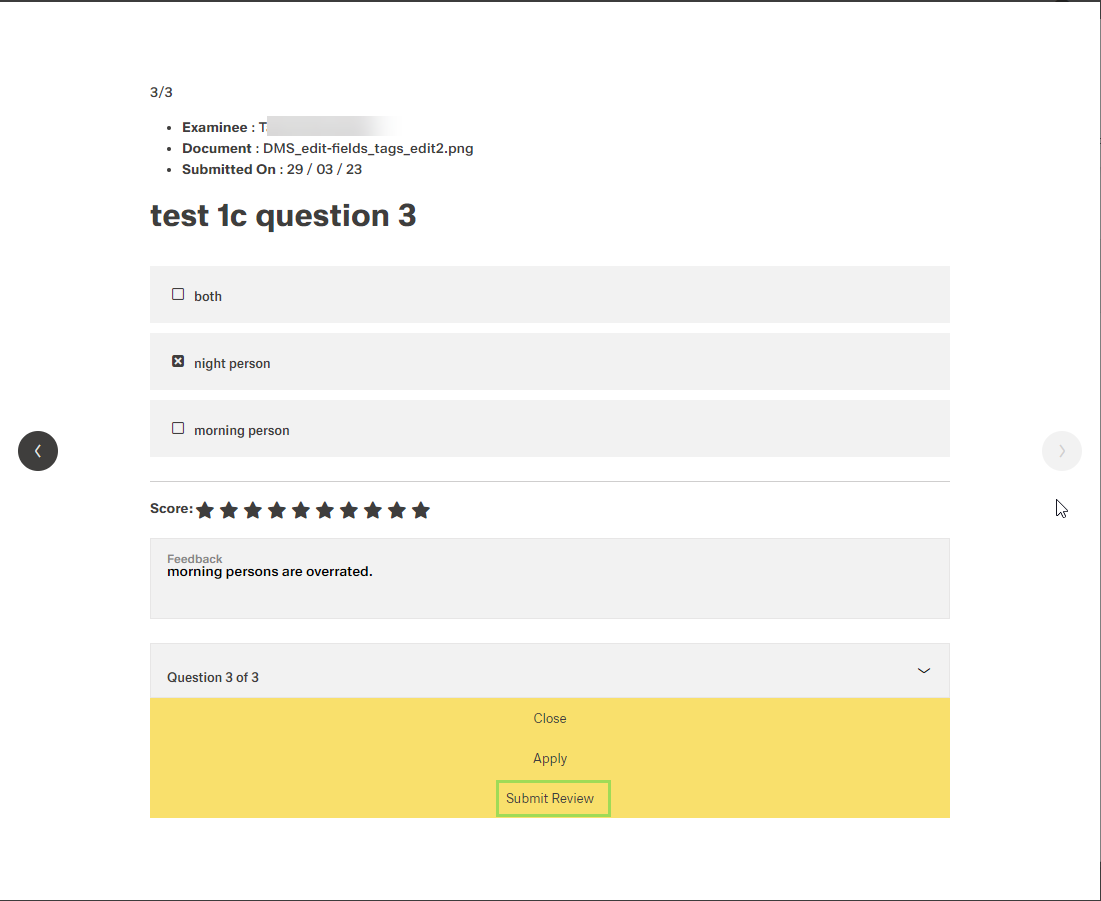
Click the button Submit Review
The following window appears:
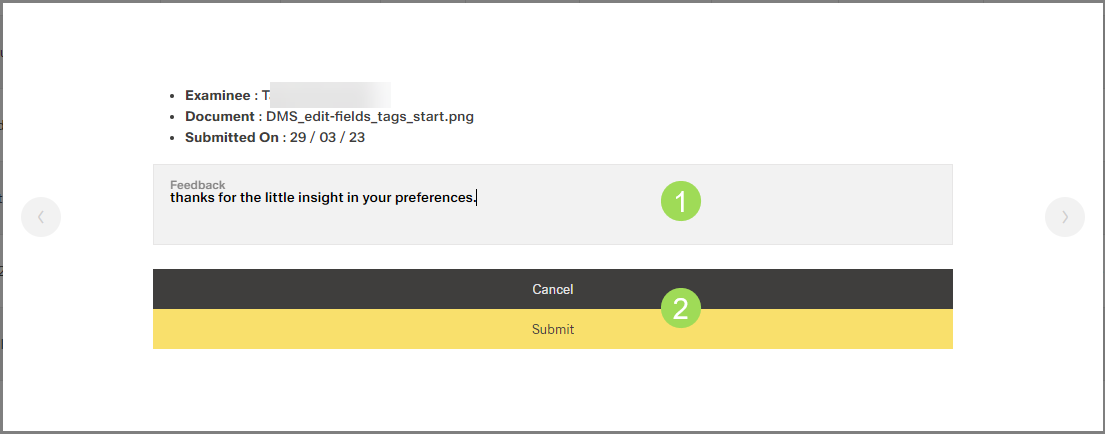
Optionally: Enter a general test feedback <1>
Click the button Submit <2> (or Cancel)
The window returns to the test result table.
Click the button [X] to the right of the standard action buttons to close the table
The window returns to the qualification test table.