Preview test (step by step)
In the qualification test table, click the button [ ] of the test to be previewed
The following selection appears:
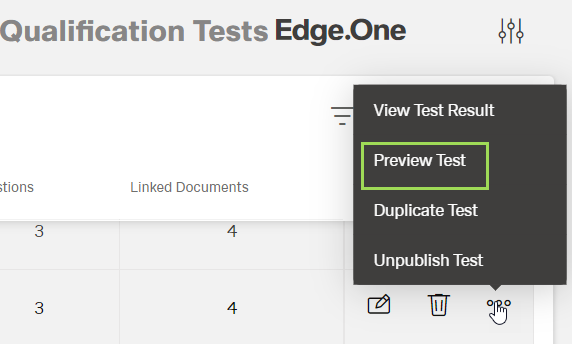
Select "Preview Test"
The following window appears:
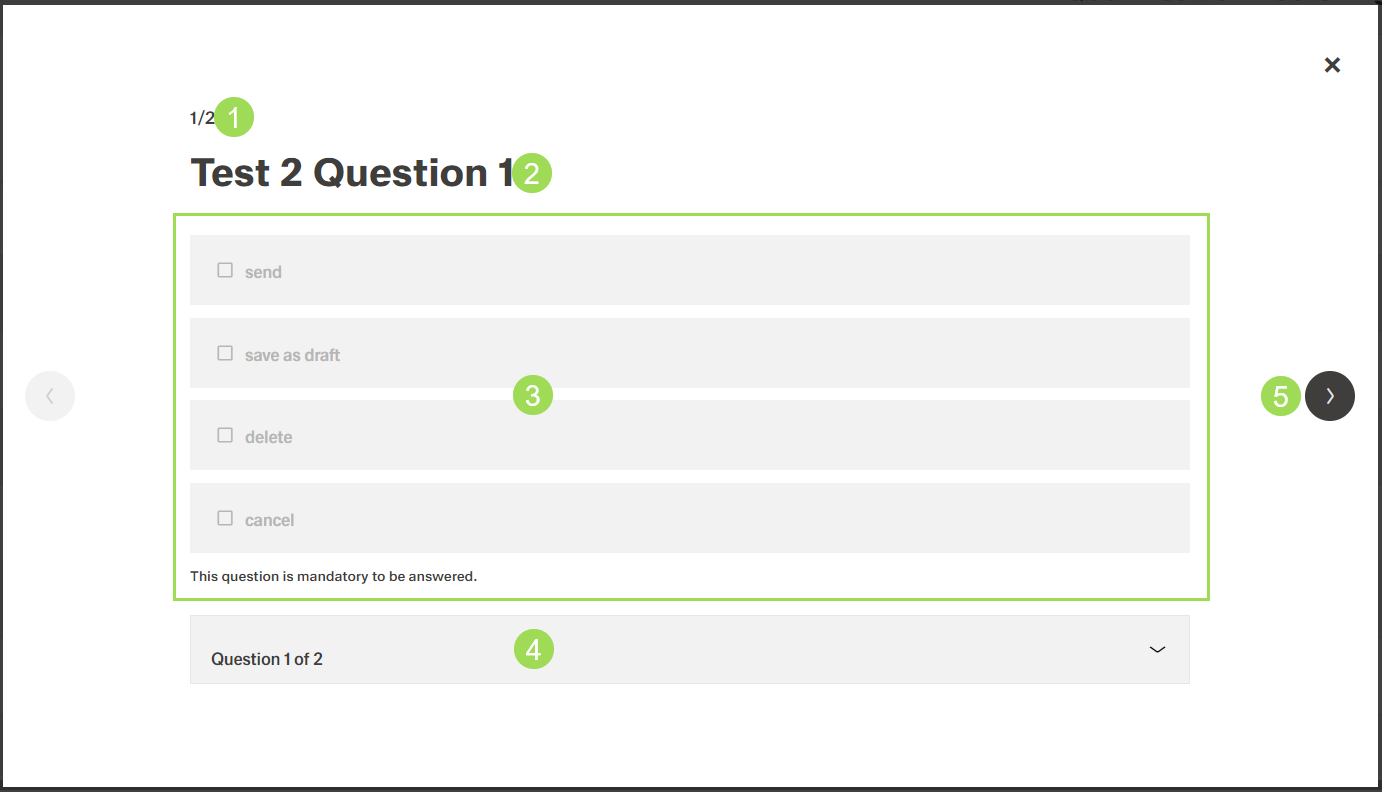
The illustration shows a preview: (1) information about current question of total no. of questions, (2) question name, (3) all available answers, (4) dropdown to directly select any question of the test, (5) next (and back on the other side)
To see other questions, click either the button [>] (5) or select a question from the dropdown (4)
Click the button [X] in the upper right corner to close the preview
The window returns to the qualification test table