Add a folder to DMS (step by step)
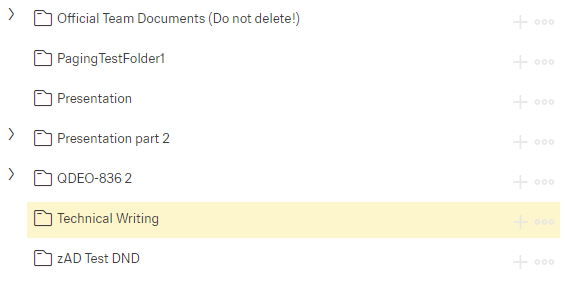
A new folder is always added on the main folder level to the list in alphabetical order.
Click the button [ ]
]
This window appears:
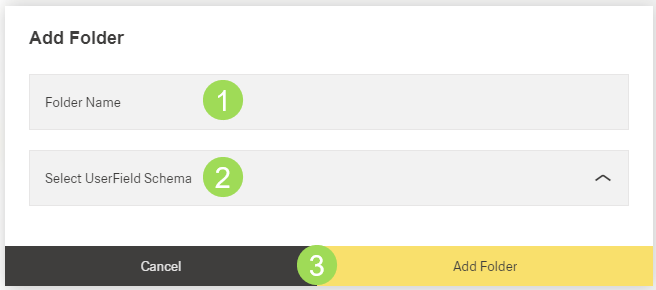
Enter the "Folder Name" <1>. This field is mandatory.
Select a "User Field Schema" from the dropdown list <2>
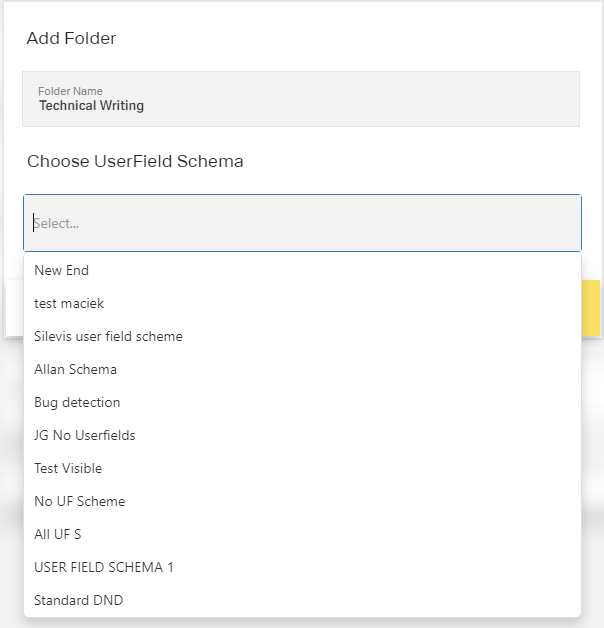
User field schema configuration is done here.
Click the button Add Folder (or Cancel)
A message about the successful action appears at the top of the screen.
The new folder appears in the left menu bar
Further options (button [ ]):
]):