Delete a document in DMS (step by step)
It is possible to delete a single document or several selected documents at once.
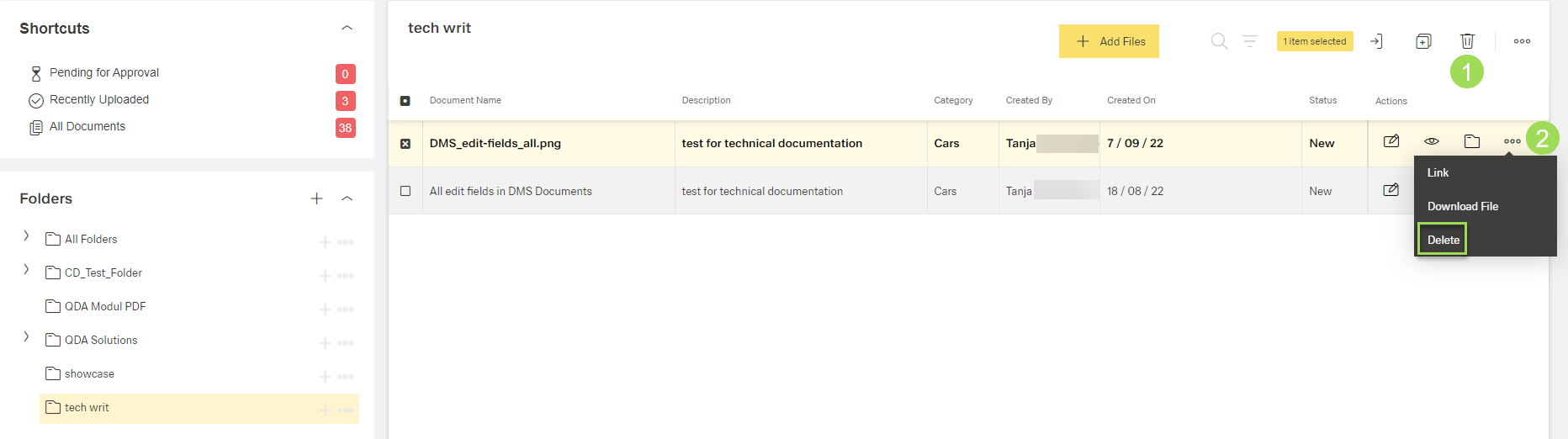
The illustration shows the 2 delete options: (1) delete one or several documents at once, (2) delete one document
Warning: Deleting a document means to delete it from the system and all folders it was attached to. It can't be restored and needs to be uploaded again if deleted by accident.
Delete a document
Select document to be removed
Click the button [ ] and select "Delete"
This window appears:
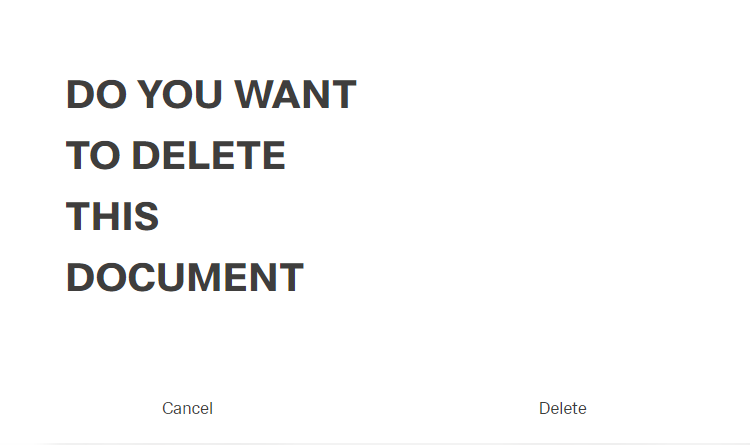
Click the button Delete (or Cancel)
A message about the successful action appears at the top of the screen.
Delete several documents at once
Select document(s) to be removed
Click the button [ ]
]
This window appears:
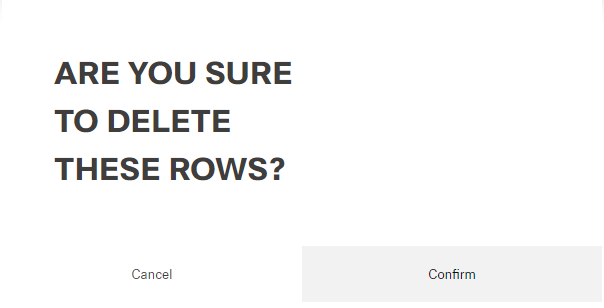
Click the button Confirm (or Cancel)
A message about the successful action appears at the top of the screen.