Edit a comment to a document (step by step)
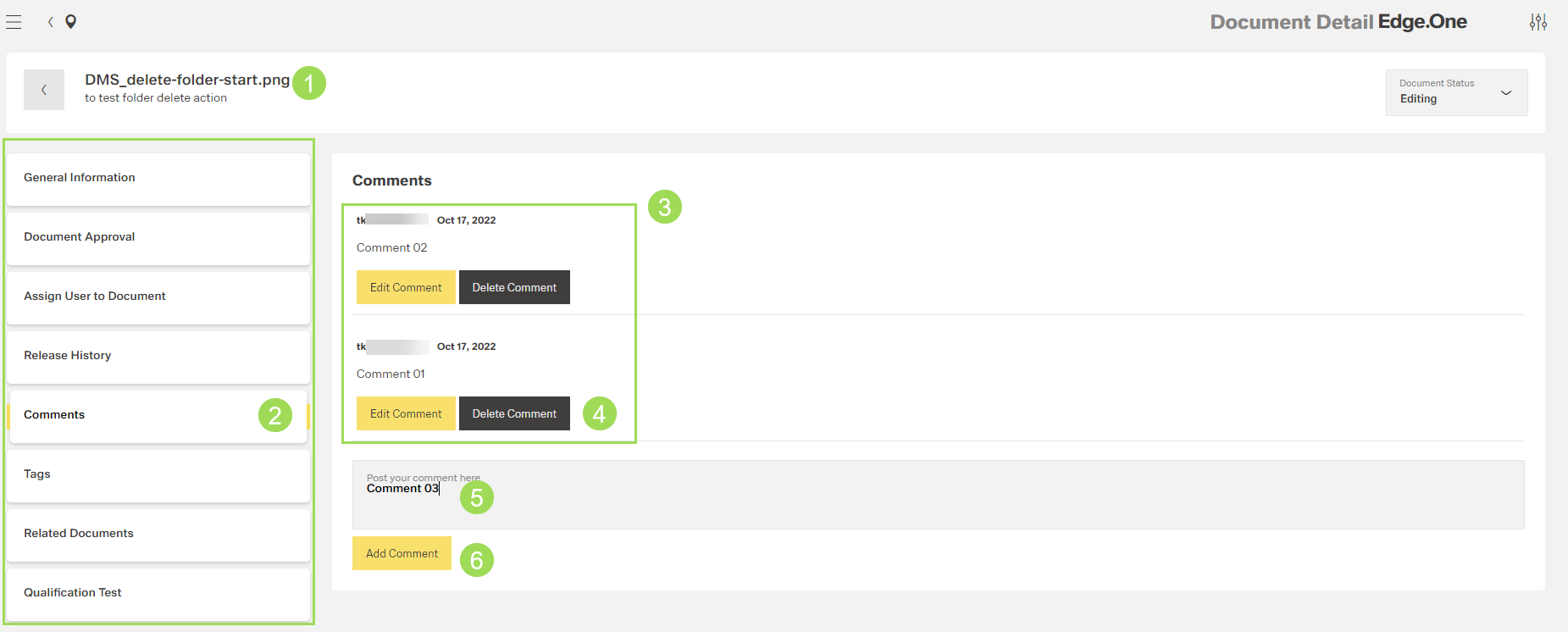
The illustration shows the start screen of the document comments with comments: (1) header with document name and information, (2) main submenu bar, (3) comments with information, (4) action buttons for already existing comments, (5) editing a new comment, (6) button to add a new comment
Click the button Edit Comment of the comment to be edited
The following window appears: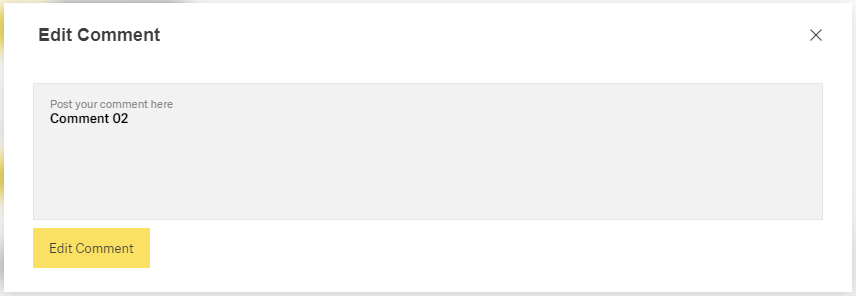
Edit comment field
Click the button Edit Comment
A message about the successful action appears at the top of the screen.