Move a document in DMS (step by step)
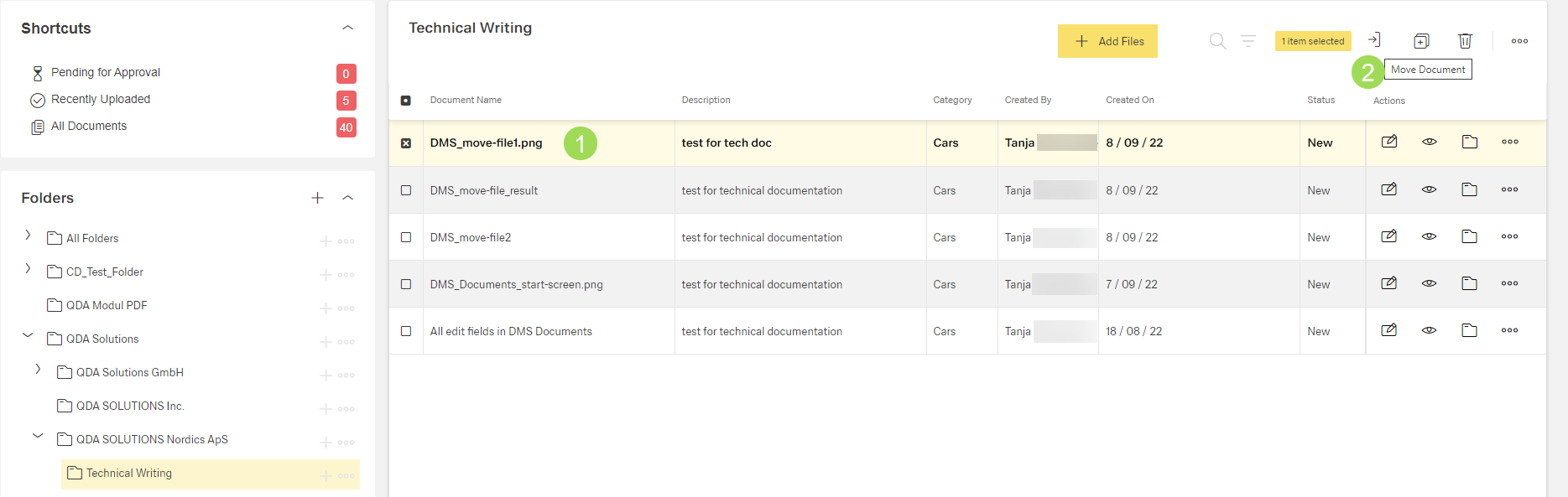
Select document <1> and click the button [ ] <2>
] <2>
The following windows appears:
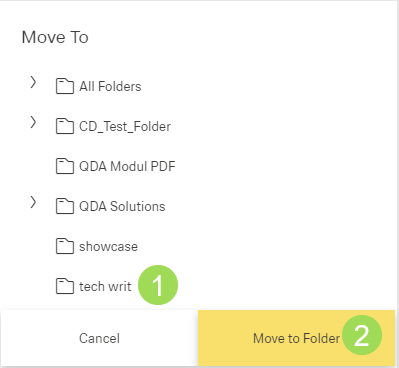
Move to Folder <2>
The following windows appears:
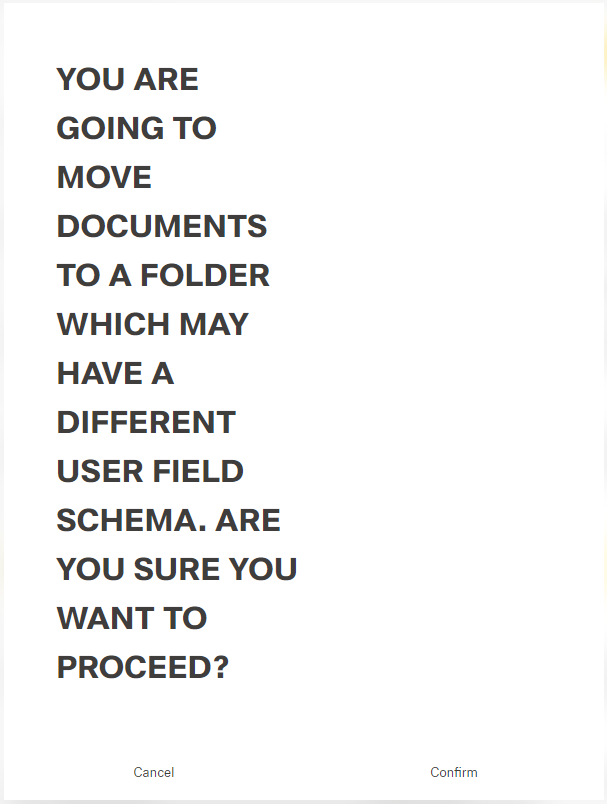
Click the button Confirm (or Cancel)
A message about the successful action appears at the top of the screen.