Remove a qualification test from a document (step by step)
After clicking the button [ ] of a document and clicking the button
 Qualification Test, a table with all qualification tests assigned to this document appears.
Click the button [ ] in the qualification test table under document edit fields to remove the test from this document
The following window appears:
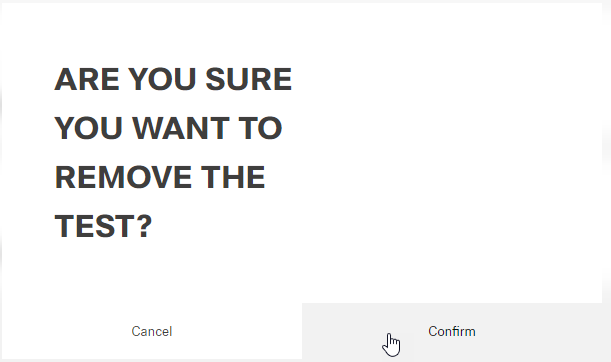
Click the button Delete (or Cancel)
A message about the successful action appears at the top of the screen.