Tags
After clicking the button [ ] of a document and clicking the button
 Tags, the following screen appears:
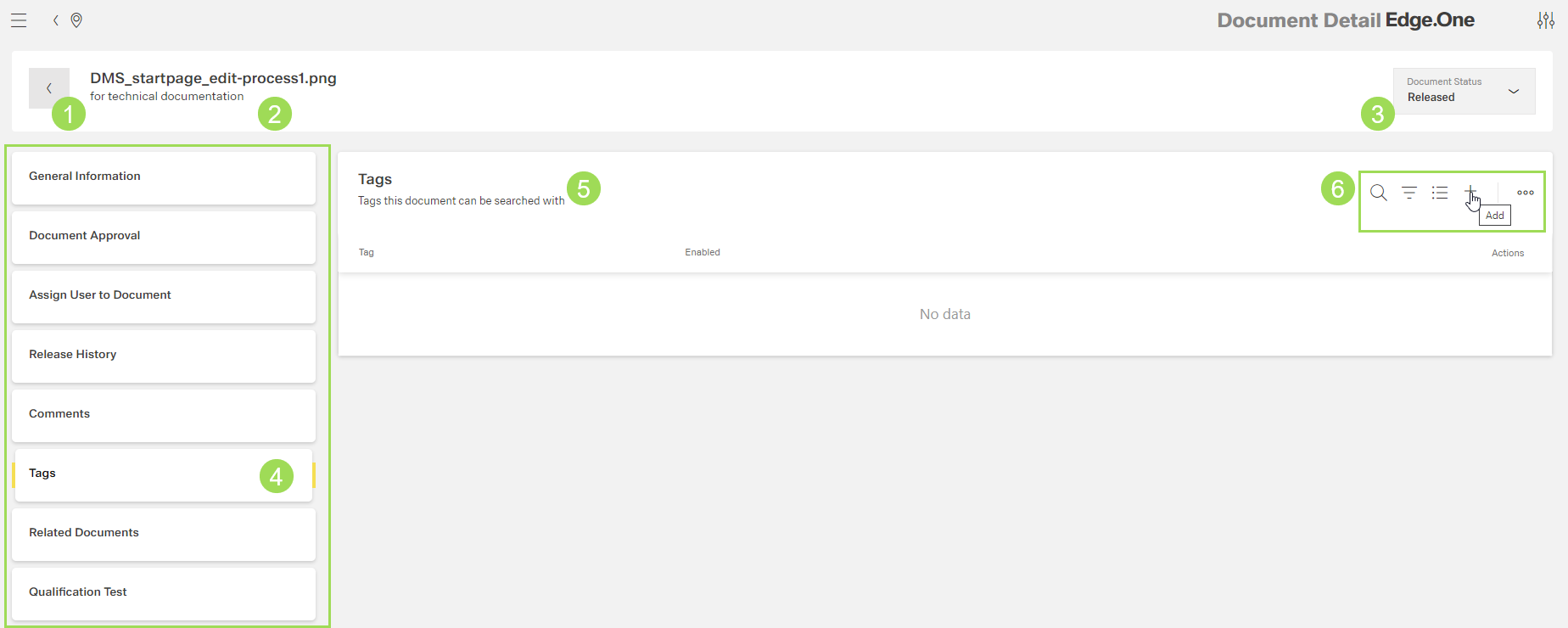
The illstration shows the general screen and its main elements: (1) button to return to the document list, (2) document name and description, (3) information on document status, (4) main navigation, (5) tags assigned to this document, (6) standard action buttons to sort and group the table
Tags are used as search key words in addition to the full text search. They can be